

Most teams think about backups only after something painful has happened. A file gets deleted, a plugin update breaks the site, or a server fails on a busy sales day.
Backups are essential, but they are only one part of how your business survives problems. If your website, online store or internal tools are important to revenue or reputation, you need a simple but realistic plan for how you will recover and keep working when something goes wrong.
This article walks through how to move from “we have backups somewhere” to a practical disaster recovery and business continuity plan that you can agree with your hosting provider.
Why Backups Are Not the Same as a Disaster Recovery Plan
Plain English: backups vs disaster recovery vs business continuity
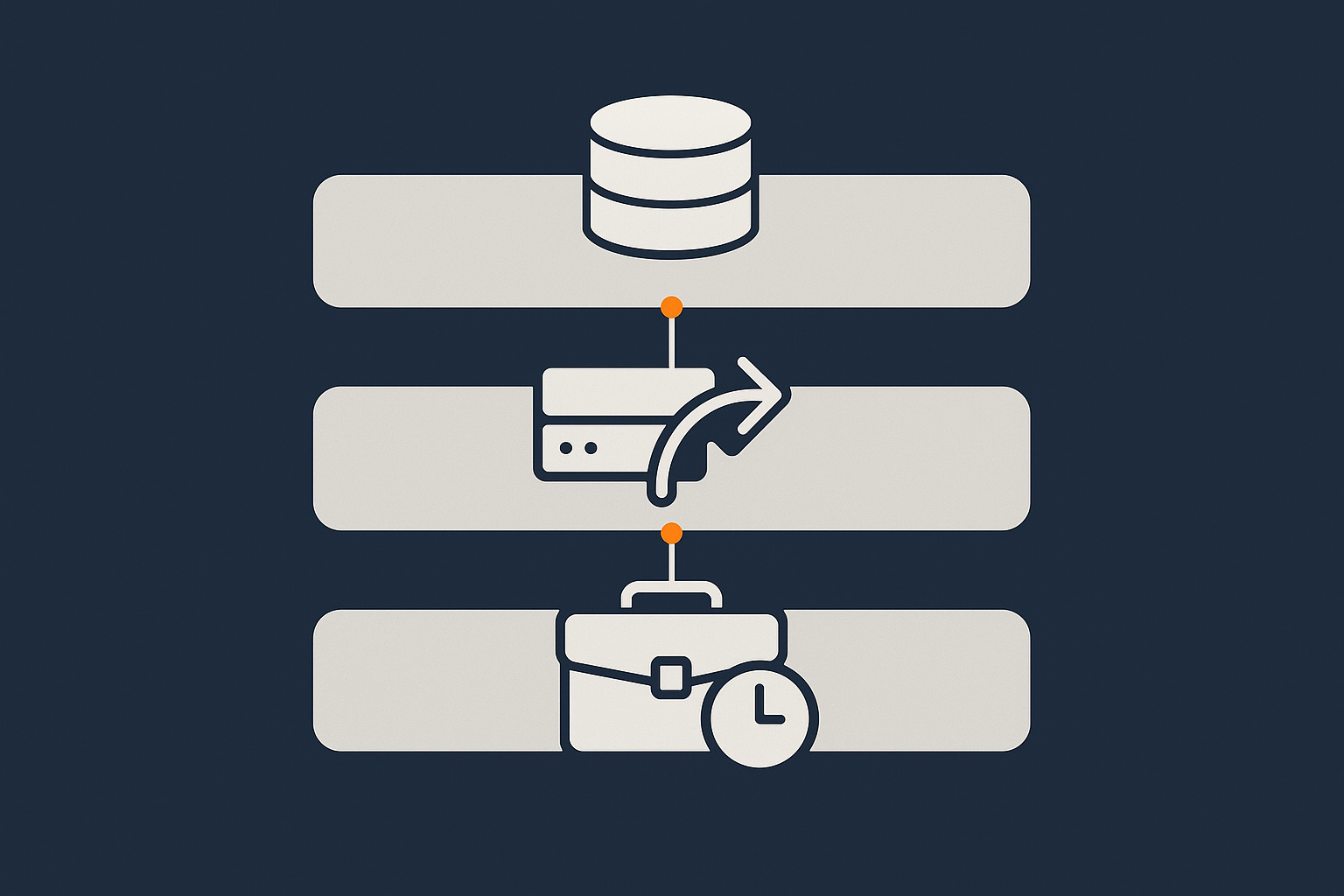
It helps to separate three ideas:
- Backups are copies of your data and configuration. They answer the question: “If we lose this, can we get it back?”
- Disaster recovery (DR) is the plan and capability to bring systems back into service after a serious problem. It answers: “How quickly can we be running again, and from what point?”
- Business continuity (BC) looks at your wider business. It asks: “If our primary systems are unavailable, how do we keep serving customers and operating at a basic level?”
A backup is a snapshot. Disaster recovery is a process. Business continuity is a way of working.
Our related article Backups vs Redundancy: What Actually Protects Your Website goes into more technical detail on the backup side.
Real world examples where backups were not enough
A few typical situations illustrate the gap:
- Slow restore on a busy WooCommerce store. A retailer’s database was corrupted by a faulty plugin update. They had daily backups, but restoring the large database took several hours. Orders during that period failed or were duplicated, leading to manual clean up and lost revenue. The backups existed, but there was no plan for how to handle the gap.
- Static brochure site, fragile email. A small firm’s website was easy to restore from backup, but their email configuration was undocumented. After a DNS misconfiguration, their website was back in an hour, but email was unreliable for days. The backup did not cover everything they actually relied on.
- Single data centre dependency. A SaaS tool was hosted on a single virtual server in a single data centre. The host had good backups, which were also stored in that same facility. When the data centre had a prolonged power incident, there was nothing to restore to, and no offsite copy. Backups did not help with a location wide event.
In each case, the question is not “do backups exist” but “how do we keep working while we restore, and how much pain is acceptable.”
The hidden assumptions many teams make about their host
Many businesses assume their hosting provider will “take care of it” in a disaster. In reality, responsibilities are shared.
Common assumptions that often turn out to be incorrect:
- “My host backs everything up forever.” In reality, retention periods are limited and may not match your regulatory or business needs.
- “If the server fails, they will move our site somewhere else instantly.” Migration to new hardware or a new platform usually takes time, and may require your input.
- “High uptime guarantees mean no major outages.” Uptime SLAs reduce the financial impact of downtime, but they do not remove the need for a recovery plan. Our article What Uptime Guarantees Really Mean in Real World Hosting explores this in more detail.
- “If backups exist, they have been tested.” Many organisations discover during a crisis that backups were misconfigured, incomplete or slow to restore.
The rest of this article is about making those assumptions explicit, clarifying who does what, and turning that into a plan you and your provider both understand.
Step 1: Decide What You Actually Need to Protect
Identify business critical systems, not just servers
Start from the business, not the infrastructure. List the things your organisation depends on, such as:
- Public website and landing pages
- Online shop or booking system
- Customer portals or internal tools
- Payment processing flows
- Support channels such as live chat or helpdesk
The same physical server might run several of these, but each has different importance. For example, a brochure site might be less critical than the admin panel where staff fulfil orders.
A good disaster recovery plan focuses on the services and user journeys that matter most, then maps them to servers and applications. Your hosting provider can help you translate “we must keep taking orders” into actual infrastructure requirements.
Understanding RTO and RPO in practical terms
Two simple concepts are used to describe recovery expectations:
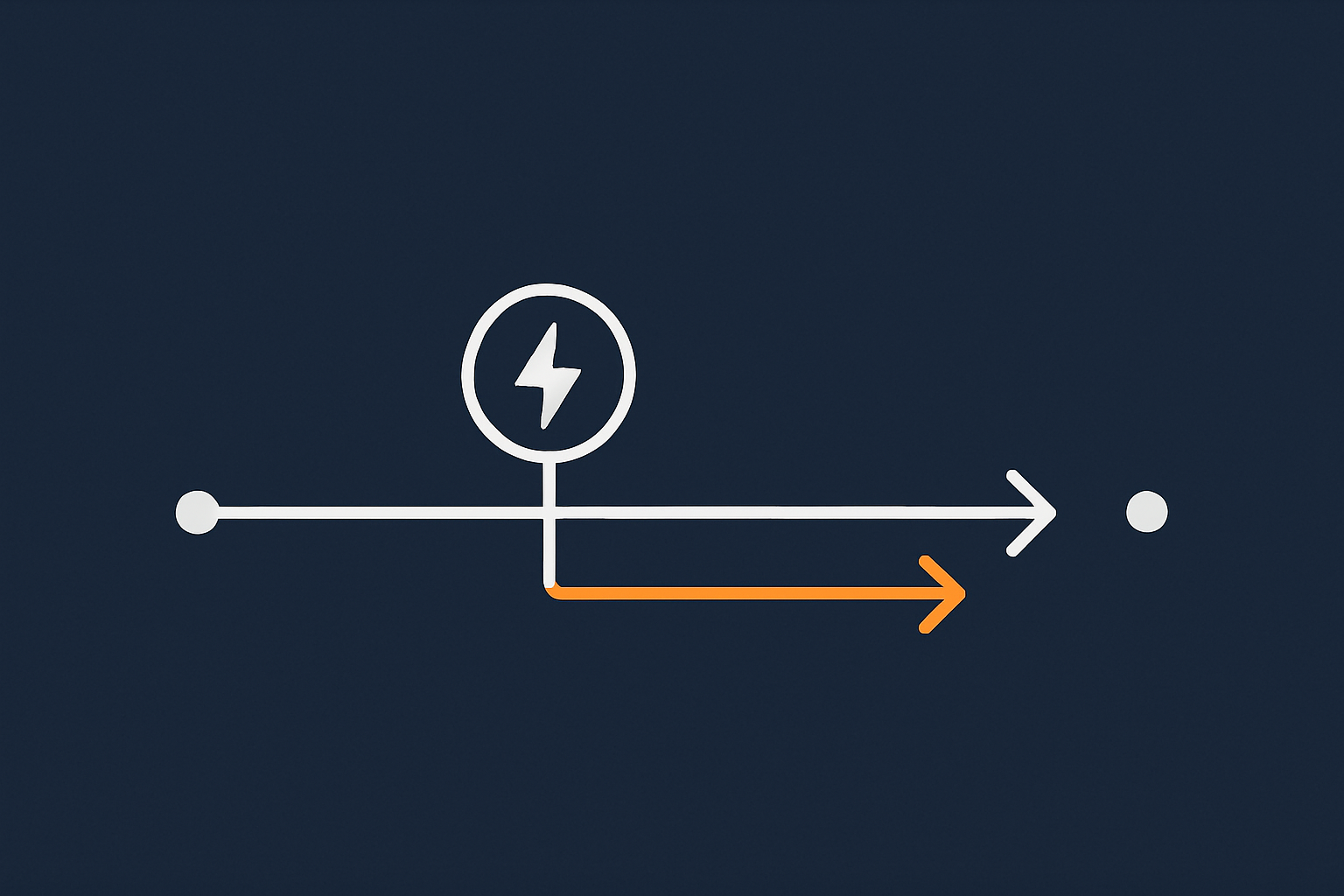
- Recovery Time Objective (RTO) is how long you can tolerate a service being unavailable. It is the target time to restore service.
- Recovery Point Objective (RPO) is how much data you can afford to lose, measured as time. It is the point in time your data will be restored to.
Some examples:
- A brochure site might have an RTO of 8 hours and an RPO of 24 hours. Being offline for half a day is inconvenient but tolerable, and losing a day of form submissions might be acceptable.
- A busy WooCommerce store might have an RTO of 1 hour and an RPO of 15 minutes. Longer outages or more data loss would lead to lost sales, chargebacks and support overhead.
- An internal reporting tool might have an RTO of 24 hours and an RPO of 24 hours. Staff can work manually or with cached reports for a day.
When you discuss RTO and RPO with your host, try to keep them grounded in reality. Shorter RTO and RPO usually mean higher cost and more complexity, because they require more automation, redundancy and storage.
Different expectations for brochure sites, WordPress, WooCommerce and internal tools
The type of application significantly affects what is reasonable:
- Brochure and marketing sites. Often WordPress based, focused on content and forms. Outage impact is mainly reputational, and recovery can be relatively simple, especially with Managed WordPress hosting. Daily backups with modest RTO and RPO may be enough.
- Transactional sites and WooCommerce stores. These handle orders, stock and payments, often via WooCommerce hosting. They need more frequent backups, careful database handling, and a plan for abandoned baskets or payment reconciliation after an incident.
- Internal tools and portals. If these support operations, logistics or compliance, restore speed matters for staff productivity. You may decide that staff can switch to a manual workaround, so continuity planning is as important as the technical recovery.
By setting expectations per system, you avoid over-engineering simple sites and under-protecting your core revenue systems.
Step 2: Understand Your Current Hosting Foundation
How shared hosting, VPS and virtual dedicated servers change your options
Your hosting model defines what is possible and who controls what.
- Shared hosting puts many customers on a single physical server with shared resources. It is cost effective, but you have limited control over the environment and disaster recovery tends to be simpler but slower.
- Virtual Private Servers (VPS) provide a virtual server with guaranteed resources on shared hardware. You gain more control over software and configuration, but you also take on more operational responsibility.
- Virtual dedicated servers (VDS) offer larger, more isolated resources. They typically suit higher traffic sites or multi application setups and can be paired with more advanced disaster recovery designs, such as warm standby environments or high availability clusters.
Each step up usually brings more DR flexibility, but also more configuration work. For smaller teams, managed services can help with that trade off.
What your provider is responsible for, and what you still own
Every hosting arrangement has a shared responsibility model. In general:
- Your provider is responsible for data centre infrastructure, physical hardware, core network, hypervisor layers and usually standard backup tooling.
- You are responsible for your application code, configuration, content, user accounts, and for making sure the DR plan fits your business needs.
Our article Understanding Hosting Responsibility: What Your Provider Does and Does Not Cover goes deeper into these boundaries.
For disaster recovery, this means:
- Your host can provide backup schedules, restore tools, failover options and platform level monitoring.
- You need to decide which systems are critical, how quickly they must be restored, and how staff will work around outages.
Common weak spots: single data centre, single server, single admin
A quick review of your current setup can highlight risks:
- Single data centre. Suitable for many small sites, but vulnerable to rare facility wide events. Moving backups or standby servers to a second location improves resilience.
- Single all in one server. Running web, database, email and other services on one machine is convenient but creates a single point of failure.
- Single admin with all knowledge. If one person knows how everything fits together, your DR plan depends on their availability. Documentation and runbooks reduce this risk.
You do not have to fix all of these at once. The aim is to know where you stand, so your DR plan takes real constraints into account.
Step 3: Get Clear on Backups First, Then Build Up to Disaster Recovery
What a solid backup strategy looks like in hosting
Before designing failover or standby environments, ensure your backups are in good shape. A sound strategy generally includes:
- Regular automated backups of files and databases on a schedule that matches your RPO (for example every 15 minutes for critical databases, daily for static content).
- Retention policies that keep enough history to detect and recover from slow moving problems, such as malware or data corruption.
- Coverage for all key components, including configuration files, SSL certificates, and in some cases DNS or mail settings.
For more terminology background, the NIST guidelines on backup and recovery are a useful external reference, although they are often more detailed than small organisations require.
On server vs off server vs offsite backups
People use similar words for very different backup arrangements, so it is useful to clarify:
- On server backups are stored on the same machine as your live data. They are fast to create and restore, but they do not protect against server loss.
- Off server backups are stored on separate storage or another server within the same data centre. They protect against some hardware failures, but not against data centre wide problems.
- Offsite backups are stored in another facility or region. They protect against major incidents in one location, at the cost of more complex restore paths and sometimes higher storage costs.
For most serious DR plans, at least one tier of offsite backup is advisable, especially for customer data or financial records.
Testing restores and avoiding unpleasant surprises
A backup is only useful if it can be restored successfully, in a time frame that matches your RTO.
You can work with your provider to:
- Schedule occasional test restores of key systems into a staging environment.
- Measure how long the restore takes, and compare that to your DR assumptions.
- Check data integrity, such as recent orders, user accounts and configuration.
It is usually better to discover that a full restore takes five hours during a planned test than during a live outage.
How managed hosting and managed VDS can reduce backup risk
Running your own backup routines and test restores on unmanaged servers can be significant operational work. This is where managed services have a role.
On managed hosting platforms, including managed VPS or managed Virtual dedicated servers, the provider will typically:
- Design and maintain the backup schedule.
- Monitor backup success and storage capacity.
- Assist or fully handle restore operations during incidents.
This does not remove your responsibility to define RTO and RPO, but it reduces day to day operational risk and the chance of silent backup failures.
Designing a Practical Disaster Recovery Plan with Your Hosting Provider
Clarify realistic failure scenarios
A useful DR plan is built around a short list of realistic scenarios, such as:
- Application level failure, for example a faulty update or plugin.
- Server level failure, such as a hardware issue on your VPS or VDS.
- Data centre incident, where an entire facility is affected.
- Security incident leading to data restoration from a known safe point.
Your provider can explain which scenarios their platform already handles well, and where you may need additional measures such as offsite backups or standby servers.
Mapping each scenario to a recovery approach
For each scenario, agree:
- Which services are affected.
- What the RTO and RPO are.
- What the steps are to recover.
Examples:
- Faulty plugin breaks WordPress. Recovery might involve rolling back to a previous snapshot, or restoring files without touching the database, followed by testing. RTO might be 1 to 2 hours for a marketing site.
- Server hardware failure. Recovery might involve provisioning a new virtual server, attaching the latest backup, and switching DNS or a load balancer. RTO might be 2 to 4 hours depending on data size.
- Data centre incident. Recovery might involve promoting a warm standby in another region, or restoring from offsite backups to a pre prepared environment. RTO is likely longer and should be discussed explicitly.
Defining roles: what you do vs what your host does
When something goes wrong, clarity on roles reduces stress. Typical lines of responsibility include:
- Hosting provider: infrastructure diagnosis, provisioning replacement servers, running restore jobs, monitoring platform health.
- Your team: application level testing, final switch over decisions, communication with customers and stakeholders, changes to DNS records if these are under your control.
It is often helpful to agree a simple runbook for critical scenarios so that support teams on both sides know the sequence of steps.
How SLAs, uptime guarantees and support hours fit into DR
Service Level Agreements and uptime guarantees are tools within your wider DR strategy, not replacements for it.
When reviewing SLAs with your provider, look at:
- Support hours and response times for different severity levels.
- Guaranteed restore or provisioning times for replacement servers where available.
- Any assumptions that might affect DR, such as exclusions for customer code or configuration issues.
For a deeper look at how SLAs work in practice, see What Uptime Guarantees Really Mean in Real World Hosting.
From DR to Business Continuity: Keeping the Business Running, Not Just the Server
What happens when your primary site is unavailable
Disaster recovery focuses on restoration. Business continuity deals with the period before you are fully back online.
Questions to consider:
- How will customers know what is happening if your main site is down?
- Can you temporarily route visitors to a simple status or information page hosted elsewhere?
- Do staff know how to handle orders or support requests during an outage?
Sometimes a low tech workaround, such as a shared spreadsheet for urgent orders, is part of an effective continuity plan.
Minimal viable operation: what you really need in a crisis
Instead of trying to keep everything perfect, focus on your “minimal viable operation” during a crisis. For example:
- For a retailer: the ability to take and track orders, even manually.
- For a service company: a way for clients to contact you and request help.
- For a SaaS tool: a read only mode or status page with regular updates.
These may not all be solved by hosting changes. Some involve internal processes and communication plans, but they are vital parts of your overall resilience.
Temporary fallbacks for sales, payments and support
Consider practical fallbacks such as:
- Alternative payment links provided by your payment gateway, independent of your main site.
- Using social media or a separate status page to communicate with customers.
- Forwarding calls or support emails to a small response team with clear scripts.
Your hosting provider can assist by, for example, configuring a basic temporary site that can be switched on quickly if your main application fails.
Special considerations for ecommerce and PCI conscious environments
Ecommerce, especially card handling, adds complexity. If you are operating in a PCI conscious hosting environment or processing payments directly, you need to ensure that:
- Backups and DR setups respect data protection and PCI DSS requirements.
- Failover or standby environments are configured consistently, including security controls.
- Your continuity plan covers how to stop or limit transactions during a suspected compromise.
Your provider should be able to explain which parts of PCI DSS they support at the infrastructure level and which are your responsibility.
Architecture Options: From Simple to Advanced Recovery Designs
Single server with strong backups and fast rebuild
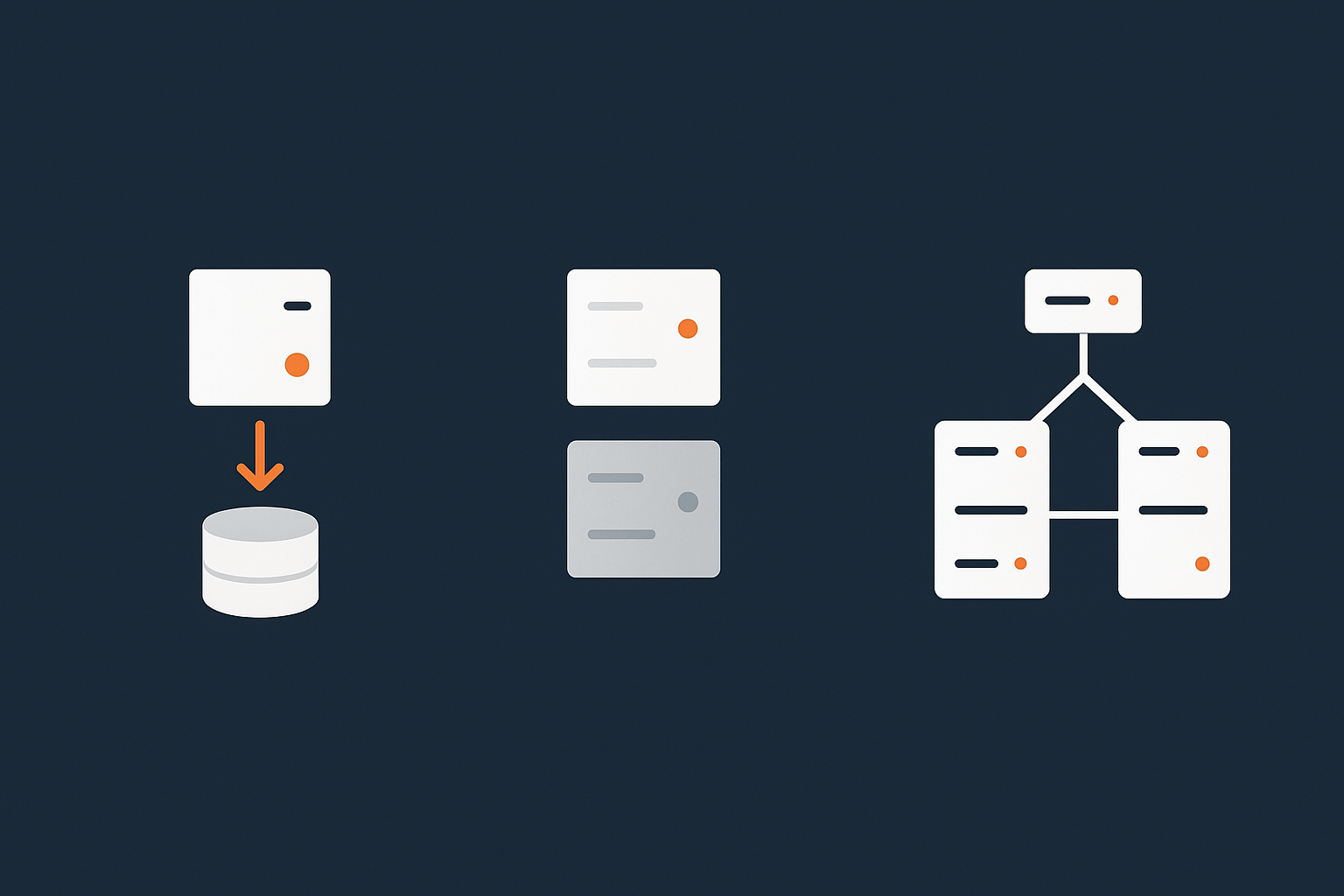
For many smaller sites and early stage businesses, a single well specified server with robust backups can be a sensible starting point.
Key elements:
- Automated backups with offsite copies and regular test restores.
- Documented steps to rebuild on a new server if required.
- Monitoring and alerts so you know when there is an issue.
This approach keeps cost and complexity low, while still providing a clear recovery path.
Cold and warm standby environments
As your reliance on online services grows, you may consider a secondary environment:
- Cold standby: Servers and configuration templates are prepared but not running. In a disaster, you restore data and bring them online. Cheaper, but slower RTO.
- Warm standby: A scaled down copy of your environment runs continuously and receives regular data syncs or restores. Faster to promote into production, but higher running cost.
Both approaches benefit from scripted deployment and configuration management to reduce manual effort during a crisis.
High availability vs disaster recovery: complementary, not identical
High availability (HA) focuses on avoiding outages by having redundant components within a location or cluster. Disaster recovery focuses on rebuilding or failing over after larger incidents.
An HA setup might use multiple web nodes behind a load balancer and a replicated database. This reduces the chance that a single hardware failure will cause downtime. However, HA alone does not protect against data corruption, security incidents or data centre wide issues.
Our article High Availability Explained for Small and Mid Sized Businesses explains how HA fits into a wider resilience strategy.
Where virtual dedicated servers and acceleration layers help
Stepping up to Virtual dedicated servers often makes DR design easier, because you can:
- Separate roles across multiple servers, for example web and database.
- Use snapshots or block level replication between environments.
- Run warm standby stacks sized for peak or reduced capacity.
Acceleration layers such as the G7 Acceleration Network can also improve resilience. By caching content and optimising images to AVIF and WebP on the fly, it reduces load on origin servers. It also filters abusive traffic before it reaches your application, lowering the risk that a traffic spike will cause an outage during recovery. If your primary server is down, a well tuned cache can keep at least part of your site serving content while you restore.
Working with Your Hosting Provider: Questions to Ask and Information to Share
Essential questions about backups, infrastructure and responsibilities
When you discuss DR with your hosting provider, questions like these are useful:
- How often are backups taken, where are they stored, and for how long are they retained?
- What is the typical restore time for a site or database of our size?
- Which components are included in your backups, and which are our responsibility?
- What options exist for offsite backups or secondary environments?
- What are your support hours, and how do you prioritise disaster incidents?
These questions help clarify both capabilities and expectations.
Information your provider needs about your business priorities
To design an effective DR approach, your provider needs more than technical details. Be ready to share:
- Which systems are critical and why.
- Your acceptable RTO and RPO targets per system.
- Any compliance, audit or reporting requirements you must meet.
- Expected traffic patterns, especially around key dates or campaigns.
This context allows your host to suggest options that match your risk tolerance and budget.
How often to review and adjust your plan
Your business changes over time, so your DR and continuity plan should not be static. A reasonable review rhythm is:
- At least annually.
- After major changes in your infrastructure, such as moving to a new platform.
- After significant incidents, as part of a postmortem.
These reviews do not have to be lengthy. A short, focused conversation with your hosting provider can be enough to keep your plan aligned with reality.
Common Mistakes and Misconceptions in Hosting Disaster Recovery
Relying on plugin backups without server level coverage
Many WordPress and WooCommerce sites use plugin based backups that store copies inside the same hosting account or on remote storage.
These can be useful, but they rarely cover:
- Server configuration.
- Other applications sharing the same environment.
- Full system restores to new hardware.
A more robust approach uses platform level backups managed by your host, with plugin backups as an additional layer if needed.
Assuming public cloud style resilience on basic plans
Adding a content delivery network or using a “cloud” branded service does not automatically provide full, multi region disaster recovery. Many shared and entry level VPS plans run in a single location, even if the underlying infrastructure is virtualised.
If you require the kind of resilience often marketed by large public cloud providers, you will usually need to design for that explicitly, along with your host, and accept the associated cost and complexity. The article Designing for Resilience: Practical Redundancy and Failover When You Are Not on Public Cloud discusses these options.
Writing a perfect document, then never testing or updating it
It is easy to produce a detailed DR document that looks impressive, then file it away. Real resilience comes from:
- Testing restores and basic failover paths.
- Keeping contact details and procedures current.
- Ensuring more than one person knows how to execute the plan.
Even a short, regularly tested plan is usually better than an elaborate but untested one.
A Simple, Actionable Checklist to Start Your DR and Business Continuity Plan
One page summary you can complete with your host
You can start with a single page covering:
- Critical systems: list your top 3 to 5 systems and their importance.
- RTO and RPO: set realistic targets for each system.
- Current hosting model: shared, VPS, VDS or managed platform.
- Backups: frequency, retention, storage location, last test restore date.
- Key scenarios: 3 to 4 realistic failure scenarios you are planning for.
- Roles: who does what during an incident (you vs your host).
- Continuity notes: how sales, payments and support operate during an outage.
- Review schedule: when you will revisit this plan.
This summary can then be expanded into more detailed runbooks if needed.
When it is time to move from shared hosting to VDS or enterprise setups
Not every business needs complex DR architecture. However, it may be time to consider more isolated or managed platforms, such as Virtual dedicated servers or enterprise setups, when:
- Downtime of more than an hour would have a clear financial or reputational impact.
- You are operating multiple critical services from a single shared environment.
- Your internal team cannot comfortably manage backups, security and failover alongside their other duties.
In those cases, moving to a platform that supports more advanced DR options, ideally with managed services, can reduce your operational risk.
Next steps
If you would like to turn “we have backups” into a clear, realistic disaster recovery and continuity plan, it can help to walk through these questions with a specialist. Talking to G7Cloud about your current hosting, risk tolerance and business priorities is a straightforward way to map out sensible options, whether that is strengthening backups on shared hosting or exploring managed VDS and enterprise architectures.