

Who This Comparison Is For (And Why “Managed vs Unmanaged” Matters Now)
Deciding between a managed or unmanaged server is rarely about technology for its own sake. It usually comes up when your current hosting is starting to creak under real business pressure.
Typical situations where this decision appears
You are likely reading this because at least one of these sounds familiar:
- Growing WordPress or WooCommerce site that has outgrown shared hosting and keeps hitting resource limits or slowdowns during busy periods.
- Agency or digital team that suddenly has several client sites to look after, and shared hosting is no longer predictable or controlled enough.
- New application or SaaS project where you have developers, but not a dedicated infrastructure engineer or SRE.
- Compliance or security pressure from customers, insurers or partners asking questions about uptime, backups and security controls.
- Cost review where you are wondering if you can save money by moving from managed to unmanaged, or vice versa.
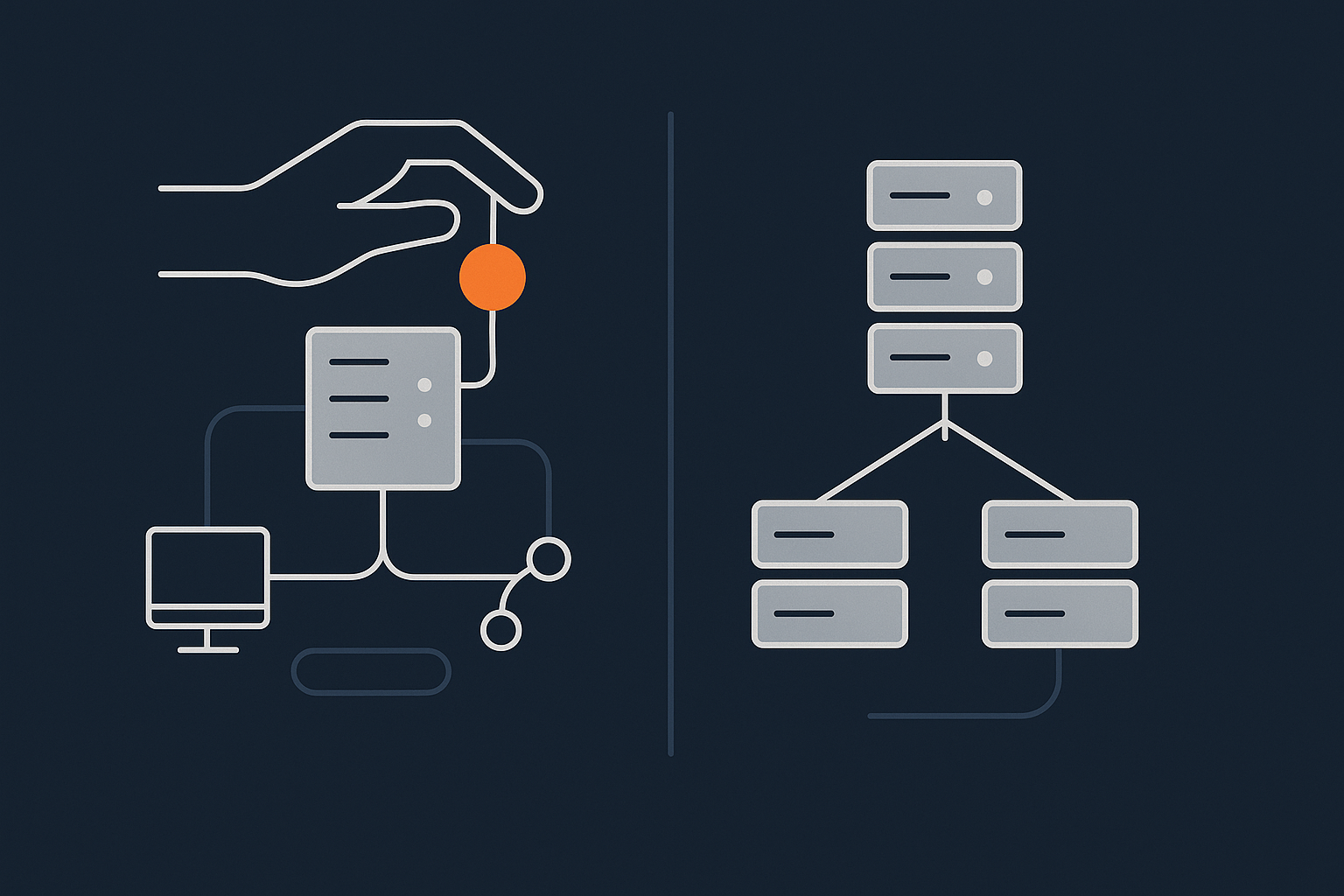
In all these cases, “managed vs unmanaged” is a shorthand for a deeper question about risk, responsibility and internal capacity.
The real question: what risk are you willing to own?
Every hosting setup has to handle:
- Keeping the operating system and software secure and up to date.
- Responding when something breaks, often outside normal working hours.
- Protecting data with backups and planning for disasters.
- Scaling for traffic, campaigns and seasonal peaks.
The core decision is simple:
- Unmanaged: you take direct responsibility for most or all of this work, with full control and lower monthly fees.
- Managed: you pay more, and the provider takes on a defined portion of this work, reducing your operational burden.
This article helps you understand what “defined portion” usually means, where the grey areas live, and what can still go wrong even when everything is “fully managed”.
If you want a deeper dive into shared responsibility beyond this comparison, see Understanding Hosting Responsibility: What Your Provider Does and Does Not Cover.
Plain English Definitions: Managed vs Unmanaged Servers
What an unmanaged server actually is
An unmanaged server is usually:
- A VPS, virtual dedicated server or dedicated machine.
- With an operating system installed, sometimes a control panel.
- With basic networking and remote access enabled.
The provider keeps the physical hardware, power and network running. They may replace failed disks or fix host node issues. Beyond that, the server is yours to build, configure and maintain.
On an unmanaged server, you (or your technical partner) are typically responsible for:
- Hardening the OS and setting up firewalls.
- Installing and tuning the web server, PHP, database and caching.
- Applying security patches and updates without breaking things.
- Configuring backups and testing restores.
- Monitoring, alerting and incident response.
You get flexibility and control, but also a steady stream of housekeeping work that does not disappear after launch.
What a managed server actually is
A managed server is usually the same underlying technology, but with a service layer on top. You pay the provider not only for the hardware and network, but also for ongoing operational tasks.
This often includes:
- Initial secure setup and configuration.
- Regular operating system and security updates.
- Management of web server, database and related services.
- Monitoring of key metrics and response to alerts.
- Provider managed backups at the server level.
Exactly what “managed” covers varies by provider. Some focus on the server only. Others provide deeper application level support. Clarifying this scope is one of the most important conversations you will have before signing a contract.
Where virtual dedicated servers and managed WordPress fit in
Managed and unmanaged can sit on top of several underlying models:
- virtual dedicated servers where you have reserved resources and strong isolation from neighbours.
- Classic VPS or cloud instances where resources are more pooled and flexible.
- Dedicated hardware for the highest level of isolation.
On top of that, you may have platform specific options like managed WordPress hosting. These are usually a form of managed server where the provider standardises the stack for a particular type of site. Themes, plugins and caching strategies are tuned for WordPress, which reduces the configuration burden on your side.
If you are unfamiliar with VPS and dedicated basics, Linux Hosting Explained for Small Businesses: VPS vs Dedicated Server is a good background read.
Responsibility Breakdown: Who Handles What On Each Type of Server

A simple shared responsibility model
It helps to think of hosting as a stack of layers:
- Physical infrastructure (power, cooling, hardware, network).
- Virtualisation layer (for VPS and virtual dedicated servers).
- Operating system and base security.
- Server software such as web server, PHP, database, control panel.
- Application code such as WordPress, WooCommerce or custom apps.
- Content, configuration, business logic and data.
On unmanaged servers, you own more of these layers. On managed servers, the provider moves the responsibility line higher up the stack. It rarely reaches all the way to your content or business rules.
Operating system, security patches and package updates
Unmanaged:
- You decide when and how to update the OS and packages.
- You need a safe process to avoid breaking sites with an update.
- You monitor security advisories and plan patch windows.
Managed:
- The provider typically handles OS level patching and core package updates.
- They may have change windows and policies to avoid peak times.
- You still need to understand when updates happen, so you can plan your own deployments around them.
If you are considering unmanaged, it is worth understanding what a safe patching process looks like in practice. How to Safely Update and Patch a Linux Server (Without Breaking Your Sites) gives a realistic picture.
Web server, PHP, database and control panels
Unmanaged:
- You choose and configure Apache, Nginx or similar, plus PHP versions, modules and database settings.
- You are responsible for performance tuning, caching and connection limits.
- If an update changes behaviour, you troubleshoot and adjust configs.
Managed:
- The provider designs and maintains a recommended stack.
- They apply security updates, tune defaults and troubleshoot service level issues.
- Changes that are specific to your application (for example, raising PHP memory limit for a heavy plugin) are usually a joint decision.
Managed environments often limit arbitrary changes for stability. This can feel restrictive if you need unusual configurations, but it is part of how they keep many servers reliable.
Application layer: WordPress, WooCommerce and custom apps
Unmanaged:
- You deploy and configure your applications yourself.
- You choose plugins, themes, libraries and frameworks.
- Application bugs and performance issues are entirely your responsibility.
Managed:
- The provider may offer best practice guidance for platforms like WordPress and WooCommerce hosting.
- They usually do not own your code quality or plugin choices.
- They may assist with debugging server related issues such as memory exhaustion or slow queries.
In most managed models, if a plugin is poorly written or a custom theme is inefficient, that remains your risk to manage.
Backups, restores and disaster recovery
Unmanaged:
- You design and operate backup schedules.
- You store copies off the server, ideally offsite as well.
- You test restores and plan for worst case scenarios yourself.
Managed:
- The provider typically includes server level backups with defined retention.
- They restore full servers or files on request, often within set support hours.
- They may not cover application level recovery, such as selectively rolling back a single site or database table.
Backups and redundancy deserve their own treatment, which we will come to later. For now, the key point is that managed does not automatically mean “every possible restore scenario is covered”.
Monitoring, alerting and incident response
Unmanaged:
- You set up monitoring tools, define thresholds and alerts.
- You respond to incidents, including out of hours, or pay a third party to do so.
- You coordinate between server issues, application bugs and external dependencies.
Managed:
- The provider monitors infrastructure and often core services.
- They respond to alerts within agreed timeframes, then keep you informed.
- They may or may not monitor your application level metrics, such as specific URL response times.
Clarify exactly what they monitor, and what triggers a response. An SLA that mentions “24/7 monitoring” without detail can mean very different things in practice.
What Managed Hosting Usually Includes (And What It Often Does Not)
Common inclusions on a properly managed server
While every provider is slightly different, a robust managed service often includes:
- Initial server hardening and security configuration.
- Ongoing OS and core software patching.
- Configuration and maintenance of web and database services.
- Baseline performance tuning for common use cases.
- Server level backups on a fixed schedule.
- 24/7 infrastructure monitoring and incident response.
- Support for standard tasks such as SSL certificate installation or DNS record advice.
The aim is to remove the day to day “plumbing work” so your team can focus on the application and business logic.
Grey areas and the fine print that cause frustration
Problems usually arise at the boundaries. Common grey areas include:
- Application support: Will the provider debug a slow WooCommerce checkout, or only confirm that the server is healthy?
- Third party software: Are custom modules, libraries or non standard stacks supported at all?
- Performance tuning: Is deeper optimisation work part of the package, or a separate professional service?
- Change management: Will they assist with staging environments and deployment processes, or is that up to you?
Ask providers to give clear examples of what is in scope and what is “best effort only”. This will help you match expectations to reality.
Examples using WordPress, WooCommerce and multi site setups
To make this more concrete, consider three situations:
- Standard WordPress marketing site: A managed service might include core updates, PHP version management, SSL, and help with caching plugins. Debugging theme layout issues or plugin conflicts would usually remain your responsibility.
- Busy WooCommerce store: A provider may tune PHP, database and caching for higher concurrency and assist in spotting heavy queries. Choosing payment gateways, optimising product data structure or fixing checkout UX still sit with your team.
- WordPress multisite network: Managed support may cover the underlying server design and ensuring resources are adequate, but mapping domains, coordinating plugin activation across sites and tenant onboarding processes are likely to remain in house tasks.
Managed services can reduce your risk significantly, but they do not entirely remove the need for internal ownership of application behaviour.
What Unmanaged Really Means: Control, Cost And Hidden Work
The appeal: full control and lower monthly cost
Unmanaged servers can be a good fit when:
- You have strong in house technical skills or a trusted DevOps partner.
- You need unusual stack choices that managed platforms will not support.
- Budget is tight and you are willing to trade ongoing effort for lower monthly fees.
- You want to avoid provider lock in by maintaining your own tooling and configurations.
For some teams, this level of control is non negotiable. For others, it looks attractive on paper, but the hidden work becomes clear only after the first serious incident.
The reality: updates, security, and out-of-hours issues
On an unmanaged server, someone has to:
- Track security updates and apply them in a safe, tested way.
- Respond to alerts when services go down or disk space fills up.
- Investigate performance problems that may span server, application and database.
- Handle unplanned events such as abusive traffic or exploited vulnerabilities.
This is all very manageable with the right skills and processes. The key question is whether your organisation is genuinely set up for it, or whether it will land on whoever is “most technical” whenever something goes wrong.
Skills and tooling you realistically need in-house
To operate unmanaged servers confidently, you will typically need:
- Comfort with Linux command line, permissions, networking and basic security.
- Understanding of web server and database configuration.
- Monitoring and logging tools, plus alerting that reaches someone who can act.
- Documented processes for deployments, rollbacks and patching.
- Some form of out of hours cover for critical sites or applications.
If you read that list and recognise your current team and processes, unmanaged can be a sensible, cost effective route. If not, the risk is that server management becomes an unpaid, unpredictable second job for developers or agency owners.
What Can Still Break On A Fully Managed Server
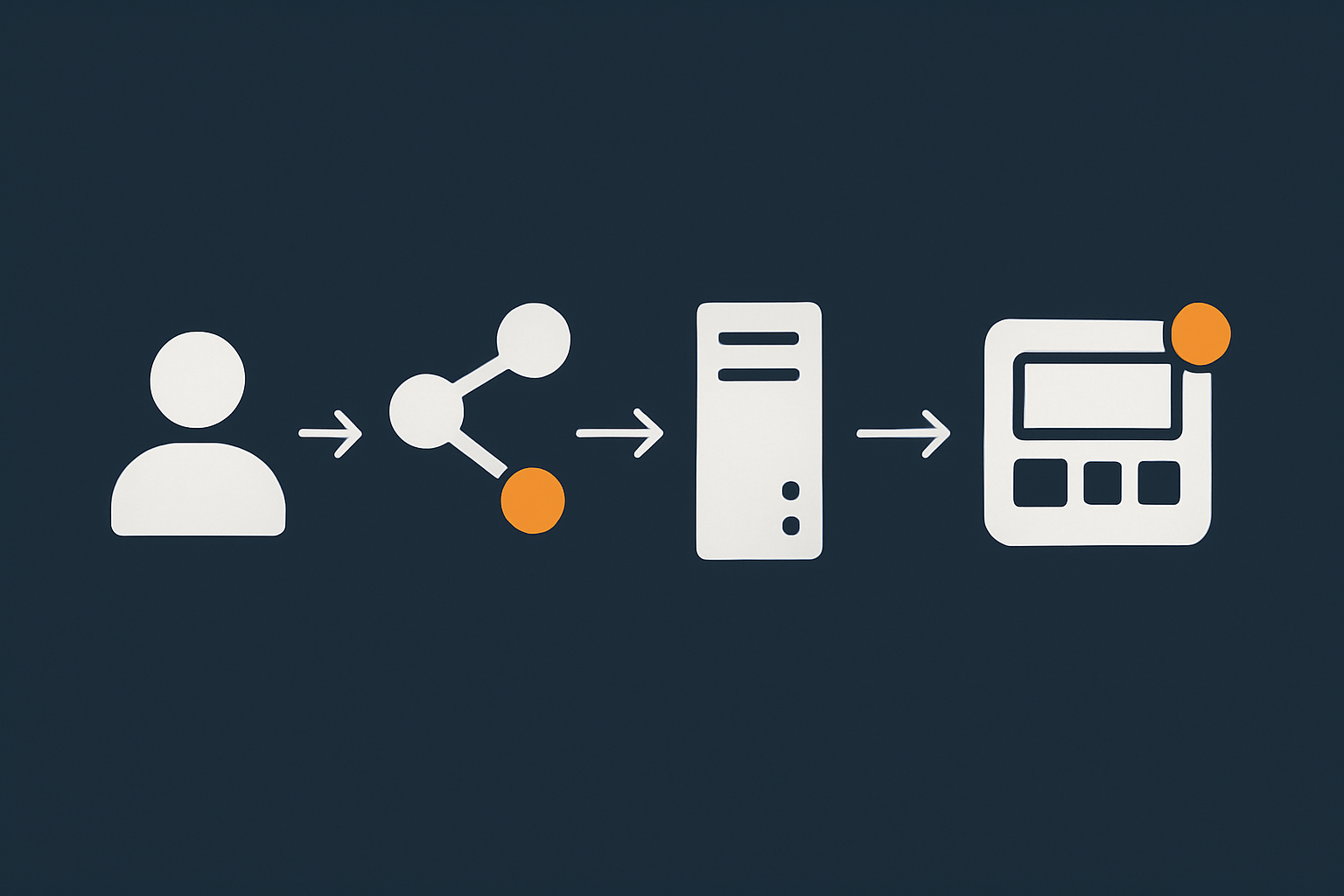
Even on a well run, fully managed environment, some categories of issue remain very much in your hands.
Code, plugins and theme changes
The most common source of problems is change inside the application:
- A new WordPress plugin introduces a conflict or fatal error.
- A theme update is incompatible with the current PHP version.
- Custom code contains a logic bug that only appears under load.
Your managed host can help you see that server resources are fine and identify which error is occurring. They usually cannot fix plugin bugs or rewrite custom code for you, unless you have a separate development agreement.
Traffic spikes, heavy checkouts and marketing campaigns
Traffic peaks are a positive problem to have, but they still need planning.
On a managed server, the host will:
- Keep the underlying stack tuned for normal peaks.
- React to resource alerts and help with emergency scaling where possible.
However, you still need to:
- Tell them in advance about large campaigns or sales events.
- Optimise application logic and database queries for heavier load.
- Use caching and a content delivery layer where appropriate.
A global audience or image heavy site will benefit from a content acceleration layer. The G7 Acceleration Network, for example, caches content closer to visitors, filters abusive traffic before it hits your servers, and converts images to modern formats such as AVIF and WebP on the fly, often cutting image weight by more than 60 percent. This reduces the strain on both managed and unmanaged environments during busy periods.
External dependencies: DNS, email, payment gateways and APIs
Many outages are caused by services outside your server entirely, such as:
- DNS providers having regional issues.
- Email delivery or spam filtering problems.
- Payment gateways suffering slowdowns during Black Friday.
- Third party APIs rate limiting your application.
Your managed host might help you diagnose that the server is healthy and the issue lies elsewhere. They generally cannot fix a third party’s outage or change its behaviour.
Human errors and risky changes without staging
Managed services cannot fully prevent:
- Direct edits on live sites without backups.
- Plugin updates run on production during business hours with no testing.
- Configuration changes made by someone without full context.
The best defence here is good practice on your side: staging environments, change windows, code review and rollback plans. Managed hosts can provide the platforms and tools, but the discipline has to come from your team.
Rare but real infrastructure incidents
Physical hardware, power and networks are very reliable in modern data centres, but not infallible. Managed services greatly reduce the chance that such issues will affect you, and they usually respond quickly if something does happen.
Even so, incidents such as fibre cuts, power problems or storage failures can still cause downtime. This is not unique to any one provider or country. It is part of why resilient architectures, backups and realistic business continuity plans matter, regardless of management level.
Backups, Redundancy And Uptime Guarantees: What Management Does Not Magically Solve
Backups vs redundancy in the context of managed servers
It is easy to assume that a “fully managed” service implies robust protection for your data. In practice, you still need to distinguish between:
- Backups: point in time copies you can restore from if data is lost or corrupted.
- Redundancy: systems running in parallel so that if one fails, another takes over with minimal disruption.
Managed servers almost always include backups. Redundancy is a design choice that normally costs extra and may involve multiple servers or locations.
For a deeper explanation of what backups and redundancy protect you from, and what they do not, see Backups vs Redundancy: What Actually Protects Your Website.
How uptime SLAs actually work with managed vs unmanaged
An uptime SLA (Service Level Agreement) sets expectations such as “99.9% network and power availability”. It often focuses on:
- Power and network to the rack.
- Hardware node availability.
- Sometimes the hypervisor layer for virtual machines.
On unmanaged servers, the SLA usually stops at this infrastructure layer. If your OS crashes due to a misconfiguration, that downtime is outside the SLA.
On managed servers, the SLA may extend further up, covering the OS and certain core services. It still has boundaries, which often exclude:
- Customer code issues.
- Planned maintenance within defined windows.
- External dependencies such as DNS or third party APIs.
Read the SLA carefully and ask providers to map it onto real scenarios, such as “plugin update breaks WordPress” or “upstream network incident in one data centre”.
What your team still needs to plan for (business continuity)
Regardless of management level, you still need to think about:
- How long your business can tolerate downtime or degraded performance.
- Which systems are truly critical and which are less time sensitive.
- Who makes decisions during an incident and how they communicate with customers.
- How you would operate if a key provider had a prolonged issue.
Managed services help reduce the technical workload and response time. They do not replace your need for an internal continuity plan.
Security And Compliance: How Responsibilities Are Shared
What a host can realistically take on
A good hosting provider can:
- Secure the underlying infrastructure and networks.
- Maintain and patch the operating system and core services on managed servers.
- Provide firewalls, intrusion detection and DDoS mitigation on their side.
- Offer logging and audit facilities for your use.
They can support your compliance efforts by documenting controls and offering specialised options, for example PCI conscious hosting for payment related workloads.
What always stays with your business
Certain responsibilities cannot be outsourced entirely:
- Choosing which data you collect, store and how long you keep it.
- Ensuring your staff follow secure processes and access controls.
- Application level security such as coding practices and plugin choices.
- Legal and contractual obligations to your own customers.
Even where your host provides strong technical controls, regulators and customers will still look to your organisation as the responsible party for how data is handled and protected.
Extra considerations for PCI conscious and payment handling setups
If you handle card payments directly, or even sit close to card data, you need to consider PCI DSS obligations. A PCI conscious hosting environment can help by:
- Segregating card handling components from general workloads.
- Providing tighter access control, logging and change management.
- Supporting regular vulnerability scans and penetration testing.
Even then, PCI compliance is a shared effort. Your application design, how you process payments and which external providers you use all affect your overall posture. The PCI Council’s official site at pcisecuritystandards.org is a useful reference if you are new to these requirements.
Cost, Risk And Capacity: Choosing The Right Level of Management
When unmanaged is a sensible choice
Unmanaged servers often make sense when:
- You have an experienced DevOps or infrastructure engineer on staff.
- You are comfortable building and maintaining monitoring, backups and security tooling.
- Your application has specific technical needs that managed platforms cannot accommodate.
- You accept that more risk and operational effort sit with your team, in exchange for cost savings and flexibility.
This is common in technically led startups, agencies with dedicated ops teams, or larger organisations that already have mature infrastructure practices.
When managed servers or managed WordPress are worth the premium
Paying more for managed services becomes attractive when:
- Your team’s time is better spent on product and content than on server maintenance.
- Downtime or data loss would create serious reputational or financial impact.
- You do not have 24/7 internal cover but your site is effectively always open.
- Your infrastructure needs are growing and you want a stable base to build on.
For many UK SMEs, a managed server or focused platform such as managed WordPress is a pragmatic middle ground: predictable costs, shared operational responsibility, and less reliance on a single “hero” inside the company.
If you would like more examples of when this trade off makes sense, When Managed Hosting Makes Sense for Growing Businesses explores this further.
Hybrid approaches: managed infrastructure, self managed applications
You do not have to choose pure managed or pure unmanaged. Many organisations find a hybrid approach works well, for example:
- Using a managed base server or cluster, while keeping full control over application deployment and configuration.
- Letting the provider handle patching and backups, but running your own CI/CD pipeline and staging environments.
- Using professional services from the host for one off tasks, such as migration or performance reviews, while handling day to day development in house.
This splits responsibilities in a clearer, more sustainable way, and allows you to adjust the mix over time as your team and needs change.
Questions To Ask Any Provider About Managed vs Unmanaged Servers
Service scope and response: what is included, what is best effort
Good questions to clarify scope include:
- Which layers of the stack are fully managed, and which are my responsibility?
- Can you give examples of tasks you will definitely handle, and tasks you will not?
- What are your standard response times for critical, high and medium incidents?
- How do you distinguish between server issues and application issues in practice?
Ask for concrete scenarios, such as “site down after plugin update” or “sudden CPU spike during a campaign”.
Monitoring, backups and change management
To understand operational maturity, ask:
- What exactly do you monitor, and how often?
- Who receives alerts, and what action do they take automatically?
- What is your backup frequency, retention period and restore process?
- How do you handle changes such as major OS upgrades or PHP version bumps, and how much notice do we get?
The answers will show how much day to day risk the provider is really taking on, versus how much still sits with your team.
Exit options: how easy it is to move away later
Vendor lock in is a legitimate concern, especially with more managed services. Questions to ask include:
- How would we migrate away if we needed to, and what assistance could you provide?
- Are configurations and scripts documented in a way that another provider could understand?
- Do you use standard tools and formats wherever possible?
A good provider should be comfortable discussing exit scenarios. It shows that they expect to earn your business through ongoing value, not through friction.
Putting It All Together: A Simple Decision Path For Your Next Server

Three reference scenarios for UK SMEs
To make this practical, here are three simplified examples.
- Small but growing brochure site
A regional professional services firm with a WordPress site, moderate traffic, and limited in house technical skills.
Likely fit: managed WordPress or a small managed server. The cost difference from unmanaged is modest compared with the risk and distraction of running servers yourself. - Busy WooCommerce store with seasonal peaks
An online retailer with regular campaigns, payment integrations and meaningful revenue per hour.
Likely fit: managed virtual dedicated server or small managed cluster, possibly with a content acceleration layer in front. Prioritise clear SLAs, proactive monitoring and a partner who can help with capacity planning. - Digital agency with several developers
An agency with multiple client sites, at least one engineer comfortable with Linux, and established workflows.
Likely fit: could go either way. Unmanaged servers may suit if they invest in tooling and on call cover. Alternatively, managed servers can free up the team to focus on client value rather than maintenance.
How to move from shared hosting to the right server model
If you are currently on shared hosting and feel the limits, a sensible approach is:
- List your real requirements: traffic levels, peak times, expected growth, criticality and any compliance concerns.
- Decide how much internal capacity you realistically have or want to build for server management.
- Shortlist options that fit your budget at both managed and unmanaged levels.
- Speak to providers and use the question sets above to clarify scope and responsibilities.
- Start with a staging or test migration to validate performance and management processes before moving live traffic.
Next steps if you want help without over committing
If you are unsure where the line should sit between what you own and what a provider should manage, it is reasonable to ask for a conversation first. Discussing your specific sites, risk tolerance and internal skills will usually reveal a clear direction within an hour or two.
G7Cloud can help you compare unmanaged servers, managed hosting and virtual dedicated servers in the context of your actual workloads, so you can choose an architecture that fits both your budget and your appetite for operational responsibility. If you would like to explore that without locking yourself in, start with a single project or staging environment and build from there.