

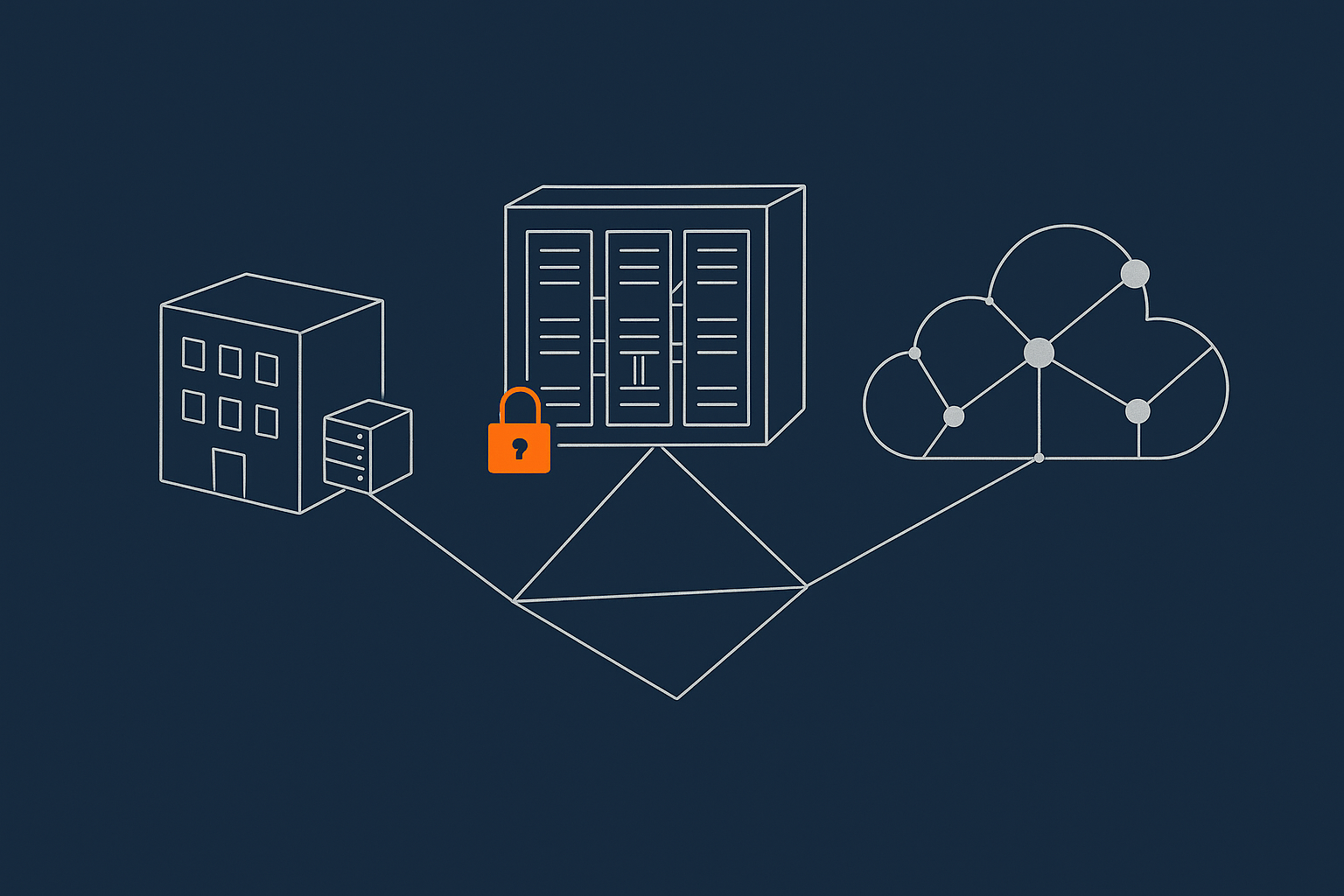
Who this comparison is for (and why the physical location now matters)
This comparison is for organisations that run serious websites or applications, such as busy WordPress or WooCommerce stores, internal line of business tools or customer portals, and need to balance reliability, compliance and cost without becoming full time infrastructure teams.
The physical location of your hosting matters because it affects:
- How often you are likely to experience outages
- Which laws apply to your data
- How easy audits and compliance sign offs will be
- What skills you need in house, and what you can sensibly outsource
- How hard it will be to move provider in future
Typical scenarios where hosting location is a real business decision
Location choice tends to come up when:
- A growing e‑commerce site needs better uptime and faster page loads
- An internal system has outgrown a server in a cupboard and now holds sensitive data
- A company with card payments or health data is facing PCI DSS or sector regulation
- A legacy on‑premises system needs modernisation, but a full public cloud move feels risky
- An organisation wants clearer cost control than they are seeing with public cloud bills
The three main options in plain English: on‑premises, provider‑owned data centre, public cloud
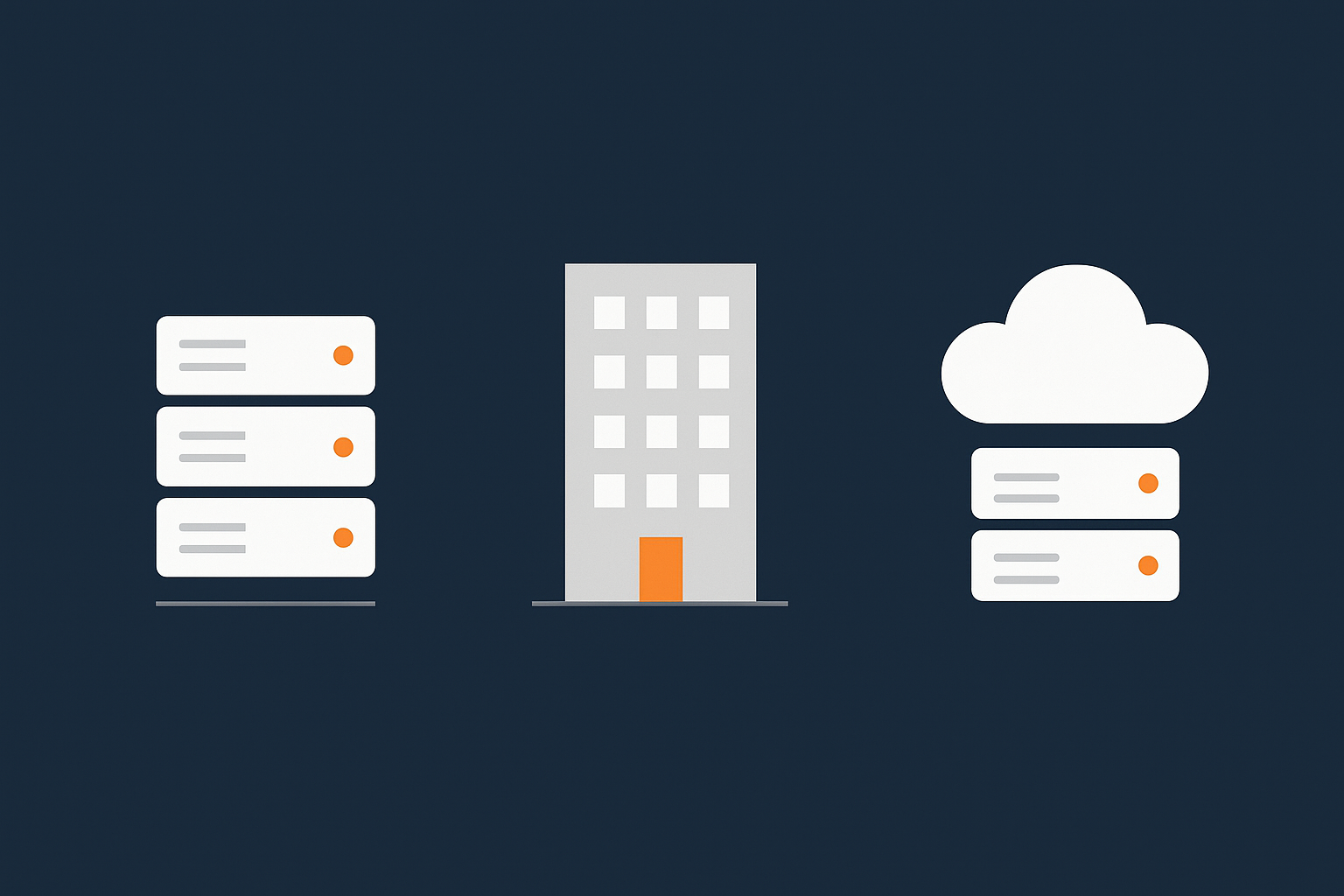
Broadly, you can put your servers in one of three places:
- On‑premises: IT kit in your own building or office, that you own and operate.
- Provider‑owned data centre: A specialist facility run by a hosting provider where you rent servers or virtual dedicated servers.
- Public cloud: Very large shared platforms such as AWS, Microsoft Azure or Google Cloud, where almost everything is virtualised and delivered as a service.
All three can be made reliable and compliant. The trade offs are in how you achieve that, what it costs and who does the work.
Plain‑English definitions: on‑premises, data centre, public cloud
On‑premises hosting: servers in your own building or office
On‑premises means the servers live on your own site. You buy the hardware, find a room, arrange power and cooling, manage backups and handle physical security.
This can feel attractive because the kit is “yours” and physically close. In practice, you are taking on the role of a small data centre operator, with all the responsibility that brings.
Provider‑owned data centre: specialist facility you rent hosting from
With provider‑owned data centre hosting, a specialist builds and operates the facility and you consume hosting within it. This could be:
- A single physical server or rack
- Virtual machines on shared hardware
- Managed platforms such as managed WordPress hosting
The provider is responsible for the building, power, cooling and core network resilience. You decide whether you run the operating systems and applications yourself, or use managed services where the provider takes on more of the operational work.
If you want deeper detail on how these facilities compare to office server rooms, see our guide on on‑prem vs colocation vs provider‑owned data centres.
Public cloud: hyperscale platforms like AWS, Azure and Google Cloud
Public cloud providers run very large clusters of data centres around the world. You typically:
- Provision resources via an API or web console
- Pay for what you use, often by the hour or second
- Can scale up and down relatively quickly
They provide very strong building‑level resilience. At the same time, you are sharing extremely complex platforms with many other customers, which introduces its own form of risk and lock in.
Reliability trade offs: how each option actually fails in real life
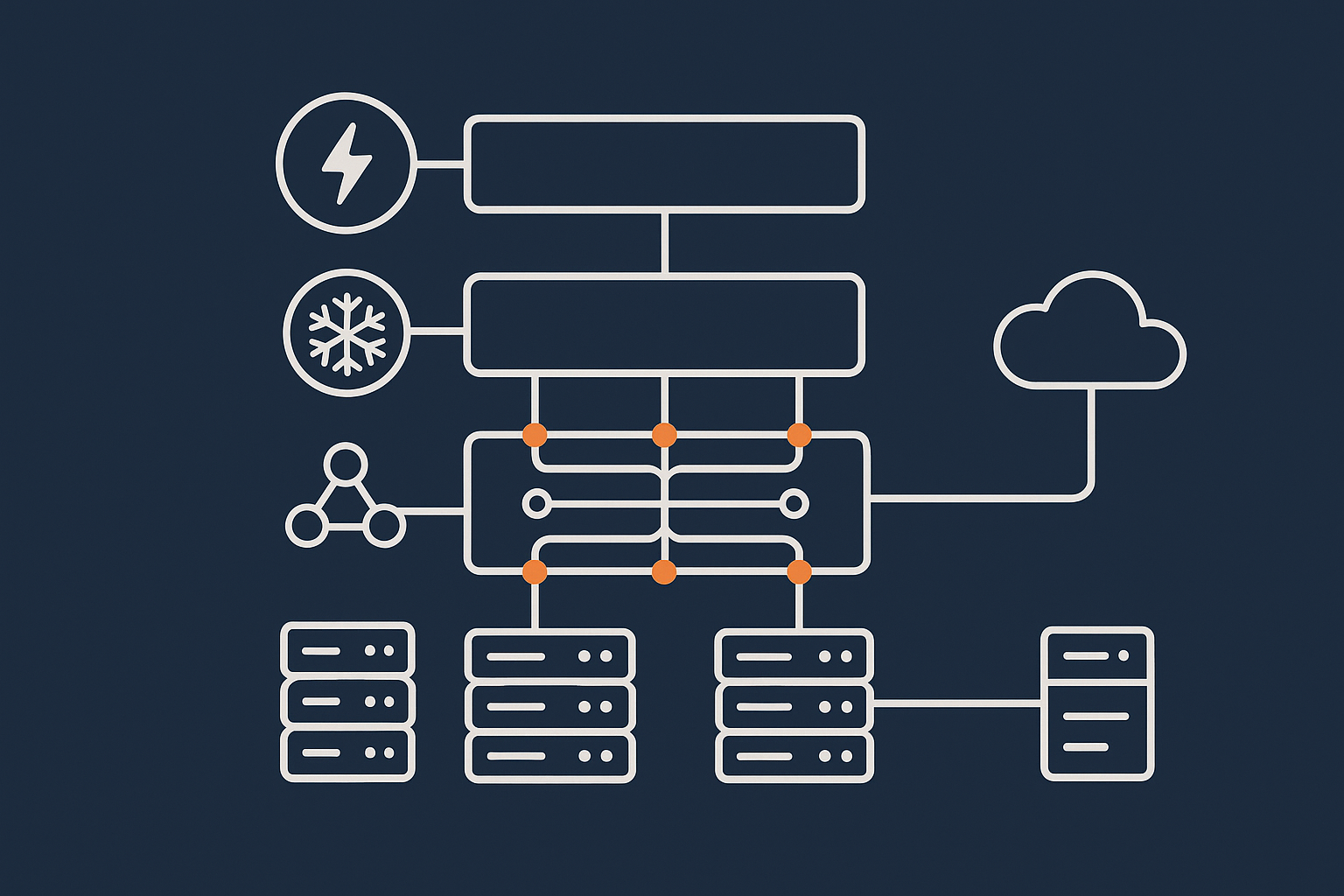
Power, cooling and network: where on‑premises is usually weakest
Real incidents on on‑premises servers are often quite mundane:
- A cleaner or contractor switches off a power strip
- A single air conditioning unit fails on a hot Friday afternoon
- The office broadband drops or a single router dies
- There is only one power feed, one switch, one firewall
You can mitigate some of this with UPS units, spare hardware and better connectivity, but each layer of redundancy adds cost and maintenance effort. It is hard for normal office spaces to match a purpose built data centre for basic building resilience.
What a good data centre gives you: built in redundancy and network diversity
A serious data centre is designed on the assumption that components will fail. It will usually provide:
- Multiple independent power feeds, generators and UPS systems
- Industrial grade cooling with redundant units
- Several network providers, diverse fibre paths and redundant routing
- Physical security controls, access logging and monitoring
If you would like a deeper look at these aspects, our article on data centre power, cooling and network redundancy explains what to expect.
Public cloud reliability: strong building level resilience, but shared large scale failure risks
Public cloud data centres are also very resilient at the building level. In addition, they offer features such as:
- Multiple availability zones within a region
- Managed database and storage services with built in replication
However, there are also patterns of failure specific to large shared platforms, such as:
- Control plane or networking outages that affect many customers at once
- Platform service bugs that appear only at very large scale
- Misconfigurations that are easy to make in complex consoles
The result is strong average reliability, but when something does go wrong, it can affect a lot of workloads simultaneously.
Common misunderstanding: uptime guarantee vs real‑world resilience
Many providers quote “four nines” or “five nines” of uptime. It is important to understand:
- An uptime SLA is mainly a billing and compensation promise, not a guarantee of perfection
- SLAs usually exclude many real world issues, such as your own code or configuration mistakes
- Architectural choices matter at least as much as the SLA itself
Our article on evaluating hosting uptime guarantees goes deeper into this. For a neutral reference, the Uptime Institute’s definitions of tiered data centres are also useful context (uptimeinstitute.com).
Compliance and governance: who controls what, and where your data actually lives
Data residency and jurisdiction: UK, EU and global considerations
Where the servers sit affects which laws apply. For UK and EU organisations, questions typically include:
- Is the data stored and processed only in the UK, only in the EU, or globally distributed
- Which country’s courts and regulators have jurisdiction
- Whether international transfers of personal data are involved under GDPR
On‑premises and provider‑owned UK data centres give you clearer answers. Public cloud can also meet UK and EU requirements, but you need to choose regions carefully and understand how managed services replicate and back up data.
PCI DSS and regulated workloads: what changes between locations
For card payments, PCI DSS requirements apply regardless of where the servers are. Hosting location affects:
- How you evidence physical security and access control
- Which parts of the stack are managed by you versus the provider
- The scope of your audit
Provider‑owned data centres and well‑designed PCI conscious hosting platforms can reduce the work you need to do compared with pure on‑premises builds. Our article on PCI responsibilities and hosting explains this in more detail.
Shared responsibility: physical security, platform security, application security
Across all locations, you can think of responsibilities in layers:
- Physical security: buildings, access control and CCTV, handled by you on‑premises and by the provider in data centres and public cloud.
- Platform security: hypervisors, storage systems and core network, typically the provider’s responsibility in data centres and cloud.
- Application security: your code, plugins, configuration and user management, which is almost always your responsibility.
Managed services adjust those boundaries by having the provider take on more of the platform and sometimes part of the application management.
Audit trails and documentation: proving you meet your obligations
Auditors will want to see evidence, not just intent. This may include:
- Access logs for buildings, consoles and systems
- Change records for infrastructure and configuration
- Backups, retention policies and restore tests
- Supplier certifications, such as ISO 27001
Data centre and cloud providers usually supply standard documentation packs. On‑premises environments require you to create and maintain more of this yourself.
Operational reality: skills, tooling and day‑to‑day management
On‑premises: you become the data centre operator
Running servers in your office means you handle:
- Hardware lifecycle and replacement
- Environmental monitoring and basic facilities tasks
- Networking and internet connectivity
- Out of hours visits when something fails
This is manageable for small, non critical workloads. For systems that must be available out of hours, the burden grows quickly.
Provider‑owned data centre hosting: managed vs unmanaged responsibilities
In a provider‑owned data centre you can choose a spectrum:
- Unmanaged: You administer the servers; the provider keeps the building and core infrastructure running.
- Managed: The provider also handles operating system updates, monitoring, backups and often application platforms.
Managed services are helpful when your team’s main job is delivering features and content rather than tuning Linux kernels or firewalls.
Public cloud: powerful but complex, with easy ways to overspend
Public cloud gives you fine grained control, but also introduces:
- Many overlapping services and configuration options
- Billing models that are hard to predict without experience
- Security pitfalls if defaults are left unchanged
For organisations without in house cloud expertise, this complexity can outweigh the theoretical flexibility, particularly for relatively stable workloads like a business website or online shop.
Security posture: from physical access to bad bots and web attacks
Physical and network security expectations in a serious data centre
You should expect at least:
- Controlled, logged access to server rooms
- CCTV coverage and visitor procedures
- Segregated customer environments on the network
- Regular patching of core infrastructure
On‑premises environments can reach similar standards, but you must design, implement and evidence them yourself.
How public cloud changes the security model, not the ultimate responsibility
Public cloud providers secure their platforms heavily and provide many security tools. However:
- Misconfigured storage buckets or security groups are still your responsibility
- Over‑privileged user accounts and API keys remain a common issue
- Application vulnerabilities exist regardless of where the server runs
The model changes from “secure my server room” to “secure my cloud account and configuration”, but the obligation to protect data remains with you.
Application level protection: WAFs, bot filtering and hardening wherever you host
Most modern attacks target applications and websites, not the physical building. Helpful controls include:
- Web application firewalls (WAFs)
- Bot filtering to block abusive traffic
- Hardening of CMS platforms such as WordPress
On G7Cloud, these are part of our web hosting security features. At the network edge, the G7 Acceleration Network also filters abusive traffic before it reaches your servers and optimises images to AVIF and WebP on the fly, which can cut payload sizes significantly and reduce load on application servers.
Cost and lock in: what you really commit to with each option
Capex vs opex: buying your own kit vs renting capacity
On‑premises typically means capital expenditure:
- Buying servers, networking and storage up front
- Depreciating them over several years
Provider‑owned data centre hosting and public cloud are operational expenditure:
- You pay regular fees for capacity and services
- You can usually scale up or down more easily
The trade off is between long term commitment to specific hardware versus ongoing service fees with more flexibility.
Public cloud surprises: data transfer, add on services and egress fees
Public cloud pricing often looks low at the entry level, but real bills can be driven by:
- Data transfer between services and out to the internet
- Managed database, logging and monitoring services
- Storage egress when you back up or move data elsewhere
For static or predictable workloads, these variable charges can make budgeting difficult.
Provider‑owned data centre hosting: more predictable bills, more portable workloads
Hosting in a provider‑owned data centre with virtual machines or Virtual dedicated servers typically involves:
- Relatively simple monthly pricing for compute, storage and bandwidth
- Standard technologies such as Linux VMs, MySQL and Nginx or Apache
- Easier migration between providers compared with deeply integrated cloud services
This can reduce lock in and make cost forecasting simpler, at the expense of some of the on demand elasticity of public cloud.
A simple decision framework: map your risks to the right location
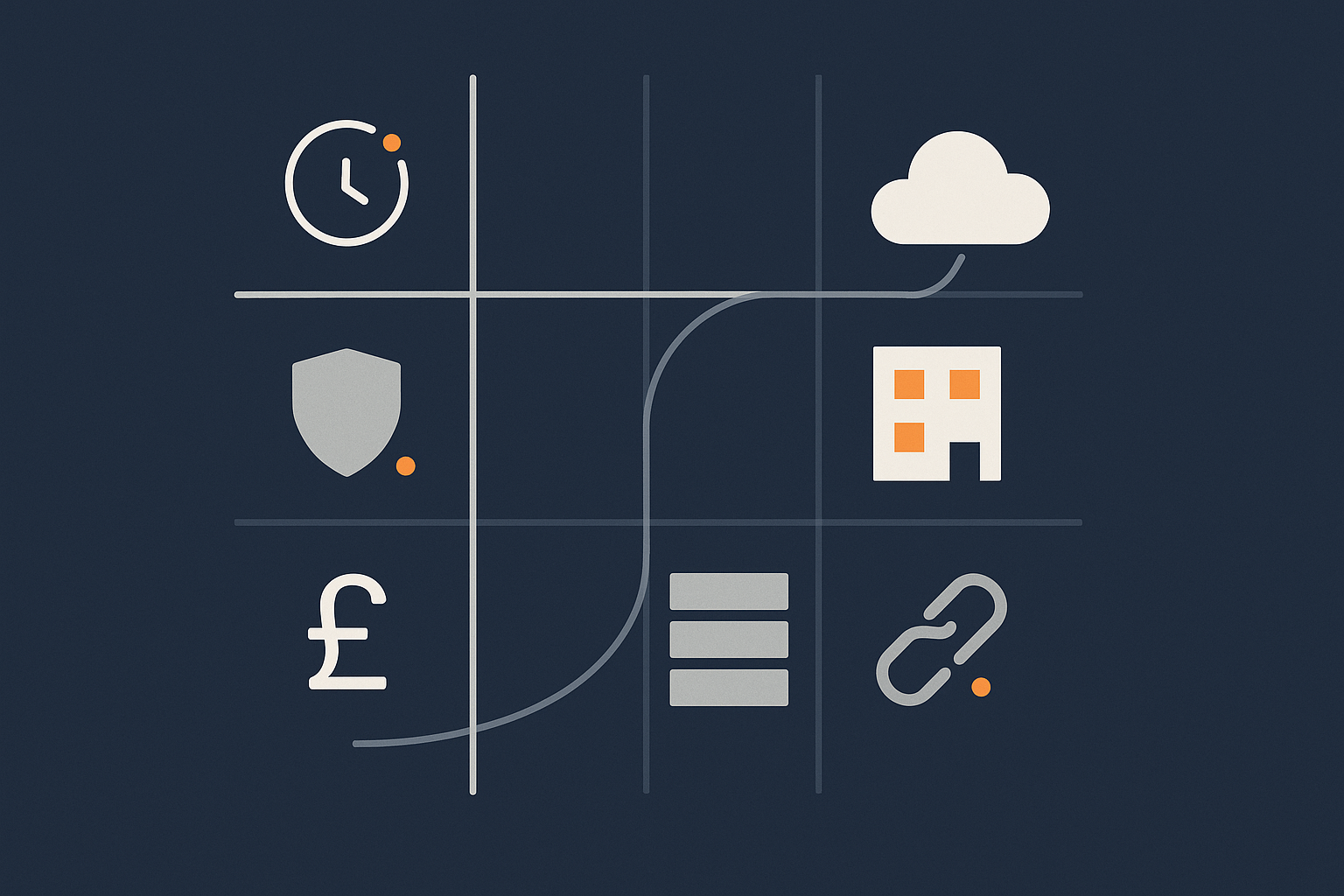
If uptime is your main concern
Focus on:
- Provider‑owned data centre or public cloud, rather than office server rooms
- Redundancy within that environment, for example multiple servers and failover
- Network path diversity and edge caching for public sites
For many organisations, a resilient setup in a good data centre provides strong uptime without the complexity of a multi‑region public cloud design. Our guide to designing for resilience outside public cloud covers practical patterns.
If compliance and audits are your main concern
Focus on:
- Clear data residency, typically UK or EU data centres with appropriate certifications
- Providers that can supply audit documentation and support assessments
- Architectures that limit the scope of regulated data, such as separating public content from payment processing
On‑premises can still work, but audit and documentation effort will sit more heavily on your team.
If cost control and avoiding lock in are your main concern
Focus on:
- Simpler, more predictable pricing models
- Standard technologies that can be hosted by multiple providers
- Avoiding deep dependence on proprietary cloud services where migrations are difficult
Provider‑owned data centres and straightforward virtual machine based architectures tend to score well here.
Blended approaches: data centre hosting with selective public cloud use
You do not have to choose a single model for everything. Common blended patterns include:
- Core applications on virtual machines in a data centre, with public cloud used only for specialised analytics or storage
- Primary databases hosted in a UK data centre for compliance, with global content delivery handled by a network like the G7 Acceleration Network
- Legacy on‑premises systems slowly migrated into a data centre environment while new components use selective public cloud services
This lets you take advantage of public cloud strengths where they are most valuable, while keeping core workloads in more controlled environments.
Next steps: choosing a concrete hosting architecture on your chosen location
Single server vs multi‑server setups within a data centre or cloud
Once you have chosen a location type, think about architecture:
- Single server: Simpler and cheaper, but a single point of failure.
- Multi‑server: Separate web, application and database tiers, plus load balancing, for higher availability.
For busy or revenue generating sites, a modest multi‑server design in a reliable data centre is often a better risk balance than one large on‑premises server.
Where managed services reduce operational and compliance risk
Managed hosting, managed WordPress and managed Virtual dedicated servers are most useful when:
- You lack in house skills for 24/7 monitoring, patching and incident response
- Downtime or data loss would cause reputational or regulatory problems
- You need help evidencing controls for PCI DSS or similar frameworks
These services do not remove your responsibilities entirely, but they shift much of the operational load and reduce the chance of avoidable outages.
Questions to ask any provider about their data centre and resilience design
Whichever route you choose, useful questions include:
- Where exactly will my data be stored, and in which jurisdiction
- What redundancy exists for power, cooling and network
- How are backups handled, and how often are restores tested
- What security certifications and audit reports can you share
- How is abusive traffic managed, and what web hosting performance features are available for global visitors
- What are my responsibilities versus yours in a shared responsibility model
If you would like to discuss your options, G7Cloud can help you compare on‑premises, data centre and public cloud approaches and design a practical architecture, whether that is a straightforward virtual machine setup or a managed platform with lower operational risk.
For formal definitions of cloud service models, you may also find the NIST cloud computing reference helpful (NIST SP 800‑145).