

Who This Roadmap Is For (And Why Rebuilds Keep Happening)
Typical situations: from cheap shared hosting to business critical
A hosting architecture roadmap matters when your website or application has moved beyond “nice to have” but you are still living with early decisions that no longer fit.
Common situations look like this:
- A brochure-style WordPress site started on low cost cPanel web hosting, and is slowly turning into a lead engine that sales and marketing now rely on every day.
- A small WooCommerce shop that handled a few orders a day is now a core revenue channel, with promotions that can double or triple traffic on demand.
- An agency with a portfolio of client sites is juggling a messy mix of shared plans, one or two VPSs and a “mystery server” someone else set up years ago.
- A SaaS or internal application that began as a pilot is now used by customers or staff across the business, and downtime is no longer acceptable.
In all of these cases, the hosting you chose at the start was probably fine at the time. Problems appear when the business grows faster than the hosting model, and you are left constantly reacting.
The hidden cost of constant migrations and redesigns
Constant rebuilds and migrations usually do not show as a clear line item in a budget, but they add up:
- Staff time spent planning, testing and executing moves instead of improving the site or application itself.
- Developer distraction dealing with environment differences, broken integrations or data inconsistencies.
- Missed opportunities when you delay campaigns or product launches because “the server will not cope”.
- Risk of incidents whenever DNS, databases and file systems are being shuffled around.
If you find you are doing a significant hosting change every 6 to 12 months, it usually means the architecture does not have a clear path to evolve. The roadmap in this article is about avoiding those “hard resets” and replacing them with smaller, predictable steps.
What a 3‑year hosting architecture roadmap actually is
A 3‑year hosting architecture roadmap is a simple, written plan that:
- Starts from your business goals and risks.
- Describes where your hosting is today.
- Outlines how the architecture should evolve in phases, without throwing everything away each time.
- Clarifies who is responsible for what at each stage, including your hosting provider.
Think of it as the equivalent of planning a house renovation. Instead of “let us just knock this wall down and see”, you decide which rooms matter most, what you can live with for now, and in what order work should happen.
Start With Business Outcomes, Not Server Specs
Define what “success” looks like in 3 years
It is tempting to jump straight into talk of CPUs, RAM and disks. That usually leads to over or under-provisioned platforms. Start instead with a plain language description of success in 3 years.
Examples:
- “Our brochure site handles international traffic without feeling slow, and our marketing team can run campaigns without checking with IT.”
- “Our WooCommerce shop processes peak season orders reliably, with no more than one short, unplanned outage per year.”
- “Our agency can host 50+ client sites with predictable performance, and onboarding a new client is a standard process, not a mini project.”
Write these goals down. Refer to them when you consider trade offs. The right architecture is the one that helps you hit those outcomes with acceptable cost and effort.
Translate goals into hosting requirements: uptime, performance, compliance, budget
Next, turn those goals into practical requirements. For most organisations, these break down into:
- Uptime – What availability do you need in practice? 99.5% uptime is around 3.5 hours a month of possible downtime. 99.9% is about 40 minutes. (Uptime Institute has good background on how uptime is commonly described.)
- Performance – What does “fast enough” mean? It might be “product pages load in under 2 seconds from key regions” or “our back office users are not waiting more than a second between screens”.
- Compliance – Do you already have requirements such as PCI DSS, local data residency, or sector-specific rules? Might these appear if you launch new products or take payments in a different way?
- Budget – How much can you sensibly spend now, and how much could you spend if the platform demonstrably drove more revenue or reduced incidents?
You do not need numbers accurate to the penny. You simply need enough detail that you can later say “option A meets these requirements, option B does not”.
Agree what can fail, and for how long, before it really hurts
No system is perfectly reliable. The question is what can fail, and for how long, before it truly matters.
Ask:
- Which parts are business critical? (For example, checkout, key APIs, staff login areas.)
- Which parts are important but tolerable if offline briefly? (For example, a blog, some static landing pages.)
- Which parts are non-critical and can be paused during problems? (For example, heavy background reporting or some marketing integrations.)
This gives you realistic targets such as:
- “Checkout must not be down for more than 15 minutes in a single incident.”
- “Blog pages can fall back to cached content if the CMS is offline.”
Once you have these definitions, it is easier to decide where to invest in redundancy, and where simpler hosting is enough.
Map Where You Are Today: Baseline Architecture and Constraints
Take an inventory of sites, apps and integrations
Before planning the future, you need a clear picture of the present. Create a basic inventory:
- All sites and applications, including admin panels and APIs.
- Where each one is hosted, in which data centre or region.
- Core integrations such as payment gateways, single sign-on, CRMs, email marketing tools and external APIs.
- Who owns each system internally (marketing, development, operations, a specific client, and so on).
This does not have to be a complex diagram. A spreadsheet with columns for “system”, “hosting”, “integrations” and “owner” is enough to start.
Understand current hosting model limits: shared, VPS, VDS and multi‑server
Different hosting models have different ceilings. You may find it useful to read our deeper comparison of shared hosting, VPS, VDS and dedicated hosting, but in summary:
- Shared / cPanel hosting is simple, cost effective and managed, but you share resources and configuration with many other customers.
- VPS gives you your own virtual environment, usually with root access, on shared hardware. More control, more responsibility.
- Virtual dedicated servers (VDS) provide dedicated resources and strong isolation on a virtual platform. Performance is more predictable and capacity is clearer.
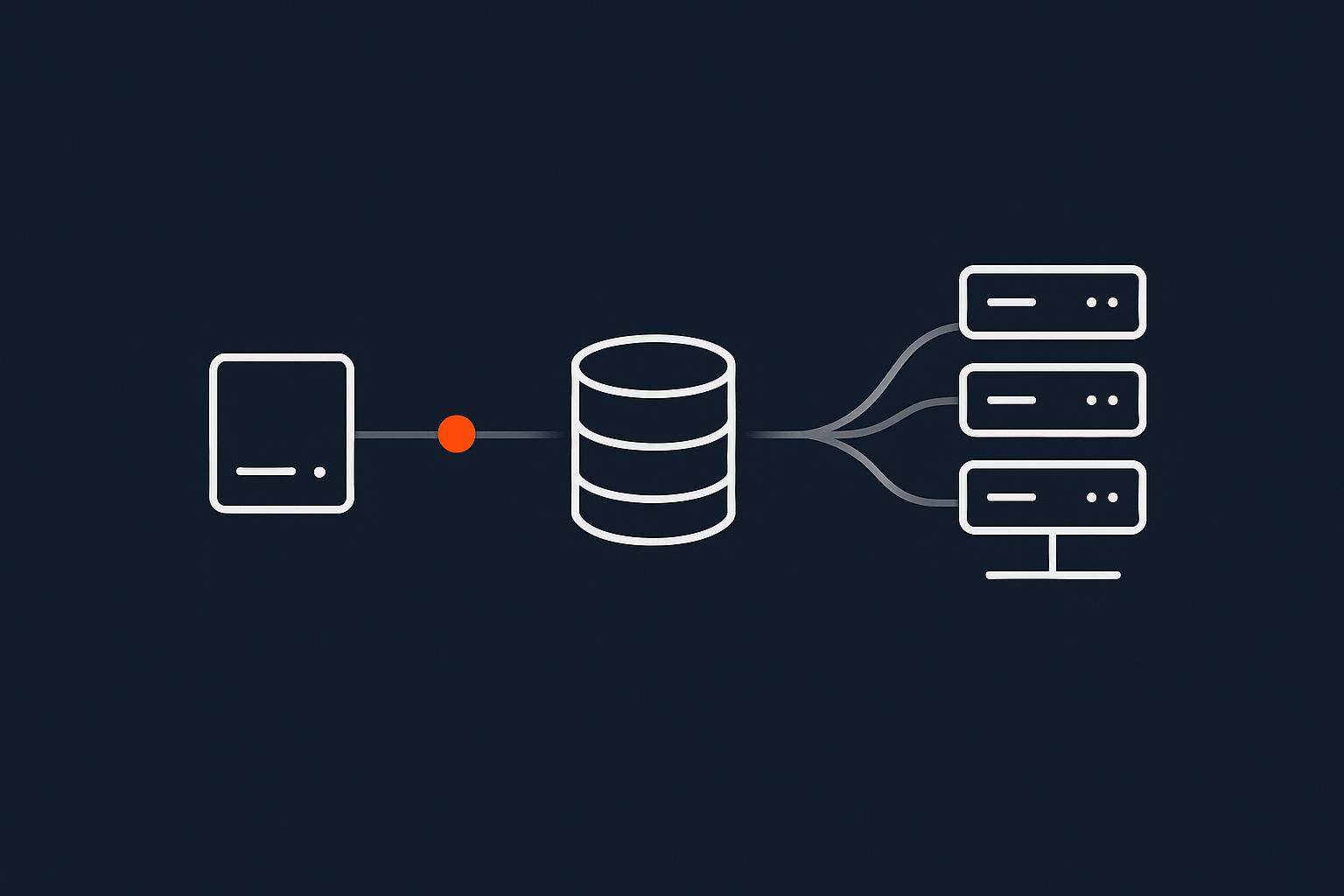
- Multi‑server architectures spread roles across several servers such as separate web, application and database servers, possibly in multiple locations.
Identify both the strengths and weaknesses of what you have now. For example, your existing VPS might be flexible and cheap but relies entirely on one person who knows how it is set up.
Identify the real bottlenecks: people, process, platform
Not all problems are solved by bigger servers. Often the constraint is:
- People – A single developer who knows the platform, or no one comfortable managing backups, security updates or performance tuning.
- Process – Deployments done manually on Friday evenings, no staging environment, no change management.
- Platform – Genuine resource limits, outdated operating systems, or a hosting model that cannot easily be expanded.
Be honest in this step. If your team does not have capacity or skills to manage complex clusters, that is an important input to the roadmap, not a failing.
Key Principles for a 3‑Year Hosting Architecture
Separate concerns: front end, application, data and background jobs
A key principle over a three year period is to gradually separate distinct parts of your system:
- Front end – Web servers, content delivery, caching and CDNs.
- Application layer – PHP, Node, or other runtime that executes your application logic.
- Data – Databases, file storage, search indexes.
- Background jobs – Queue workers, scheduled tasks, imports and exports.
You may start today with all of these on one server, which is fine. The roadmap should show how, over time, you can move to a model where they can be scaled and maintained more independently.
Favour gradual upgrades over big‑bang rebuilds
Where possible, design changes as a series of small, reversible steps:
- Upgrade PHP or the operating system one version at a time, rather than jumping several at once.
- Split the database to its own server before you introduce high availability.
- Introduce a CDN or acceleration network ahead of a full multi‑server redesign.
This approach lowers risk, spreads cost and lets you learn from each change, instead of placing a large bet on a major rebuild.
Design for observability, not just uptime SLAs
A high uptime Service Level Agreement is useful, but insufficient on its own. You also need to see what is happening.
For a three year roadmap, plan to have:
- Monitoring for server resources and application health.
- Logging for errors, access and system events that can be searched and correlated.
- Basic alerting to notify the right people when something breaks or trends in the wrong direction.
This observability allows you to catch slow deterioration before it becomes an outage, and to make data informed decisions about capacity.
Treat backups, redundancy and disaster recovery as distinct layers
Many organisations bundle these concepts together, which leads to false confidence. It helps to see them as separate:
- Backups – Point in time copies of data you can restore from. They protect against accidental deletion, corruption and some security incidents.
- Redundancy – Extra capacity (such as multiple servers or disks) so that one failure does not cause an outage.
- Disaster recovery – A plan and infrastructure to restore service after a serious event affecting a whole site or region.
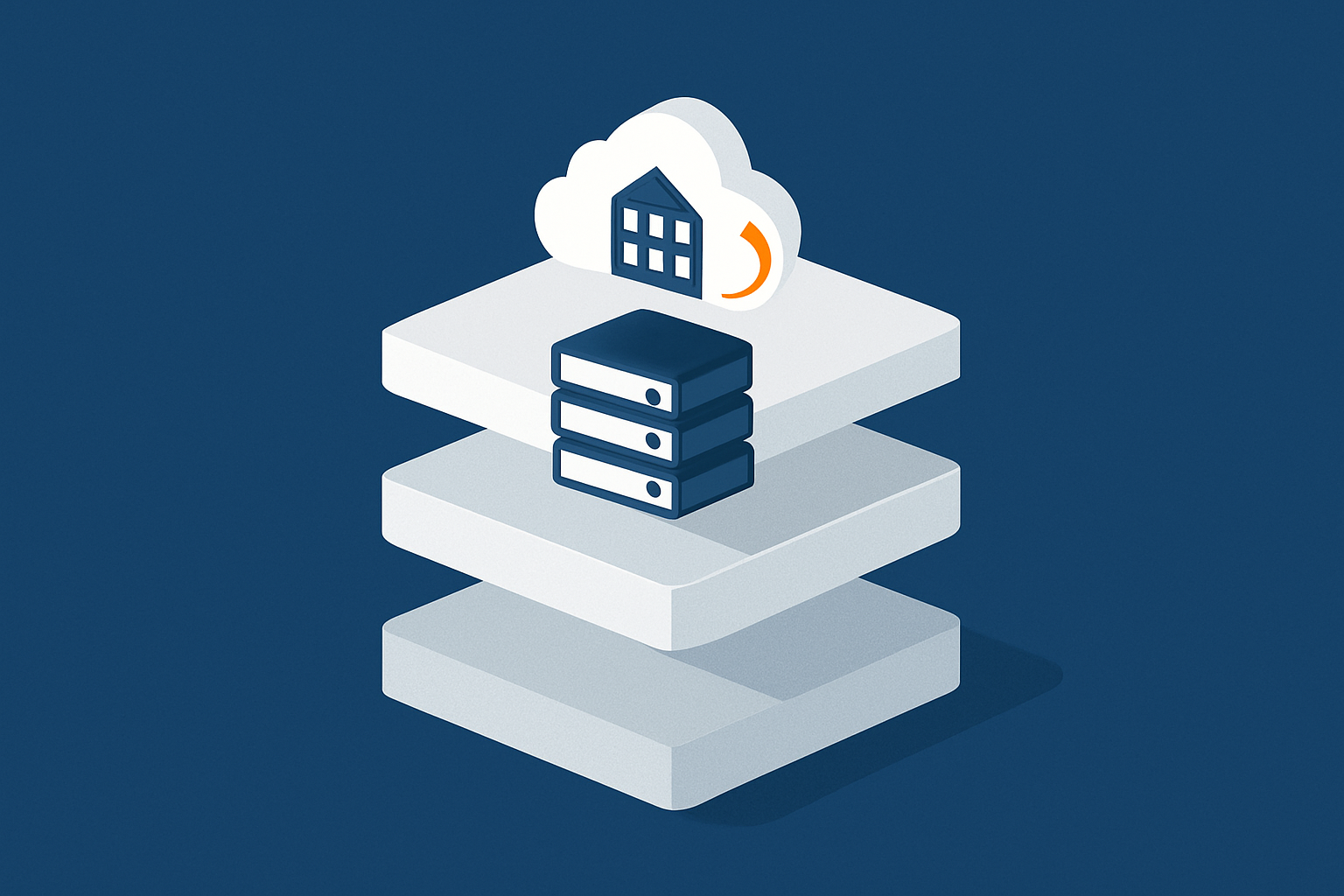
Your three year roadmap should gradually improve all three layers, not just “add more backups”. Our guide on from backups to business continuity walks through realistic approaches in more detail.
Choosing the Right Foundation: Shared Hosting, VPS, VDS or Dedicated?
When shared and cPanel hosting are still a good fit
For smaller brochure sites or early stage projects, shared or cPanel web hosting can be the right starting point:
- Low cost and low operational burden.
- Updates, security patches and base configuration handled by the provider.
- Good for predictable, modest traffic and straightforward applications.
The key is to know in advance at what point you will outgrow this model. Typical signs include regular resource limit warnings, slowdowns during campaigns, or the need for custom software your shared plan does not support.
When to move to virtual dedicated servers for isolation and predictability
As traffic, complexity or risk grow, virtual dedicated servers give you:
- Dedicated CPU, RAM and disk capacity for more predictable performance.
- Stronger isolation from noisy neighbours.
- More freedom over software versions and configuration.
A managed VDS can be a good middle ground where the provider handles day to day operations, while you gain control and headroom for the next few years.
Single server vs multi‑server architectures over a 3‑year horizon
A natural evolution over three years is:
- Start on a single, well specified server (or VDS) with good backups.
- Split the database to its own server as load grows.
- Add additional web or application servers, with load balancing, once you need higher availability or more capacity.
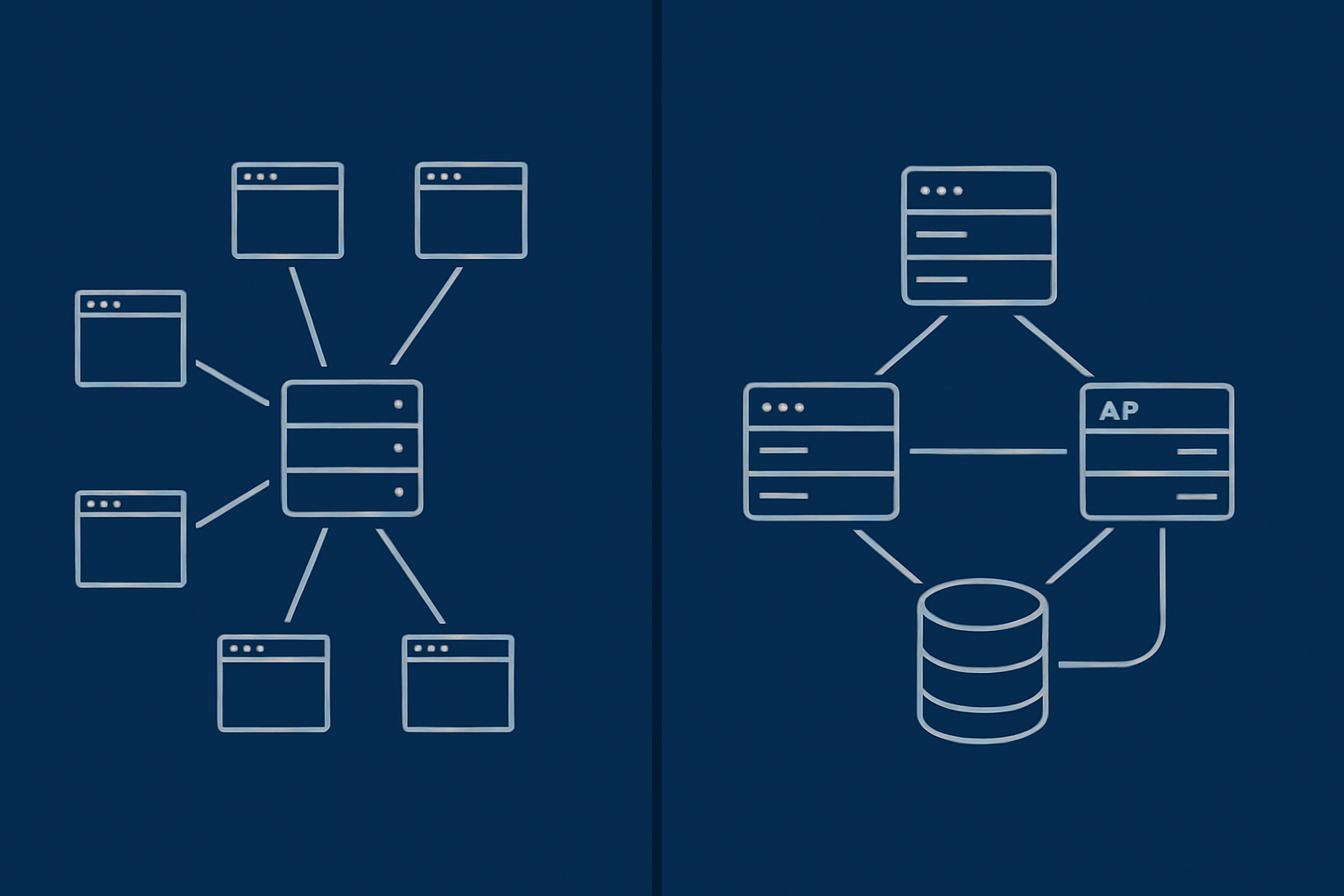
Our article on single server vs multi server architecture dives into the trade offs. In your roadmap, focus on which year you are likely to need each step, rather than trying to jump directly to the end state.
Managed vs unmanaged: who actually runs the platform as you scale
The more complex your architecture, the more important it becomes to decide who is responsible for:
- Security patching and system updates.
- Monitoring and incident response.
- Capacity planning and scaling decisions.
If you have a small or non specialist in house team, the operational burden of multi server, high availability setups can be significant. This is often where managed hosting or managed VDS services are worth considering, as they shift much of the operational responsibility to the provider. Our guide on when managed hosting makes sense outlines when this usually becomes beneficial.
A Pragmatic 3‑Year Roadmap Template (With Example Paths)
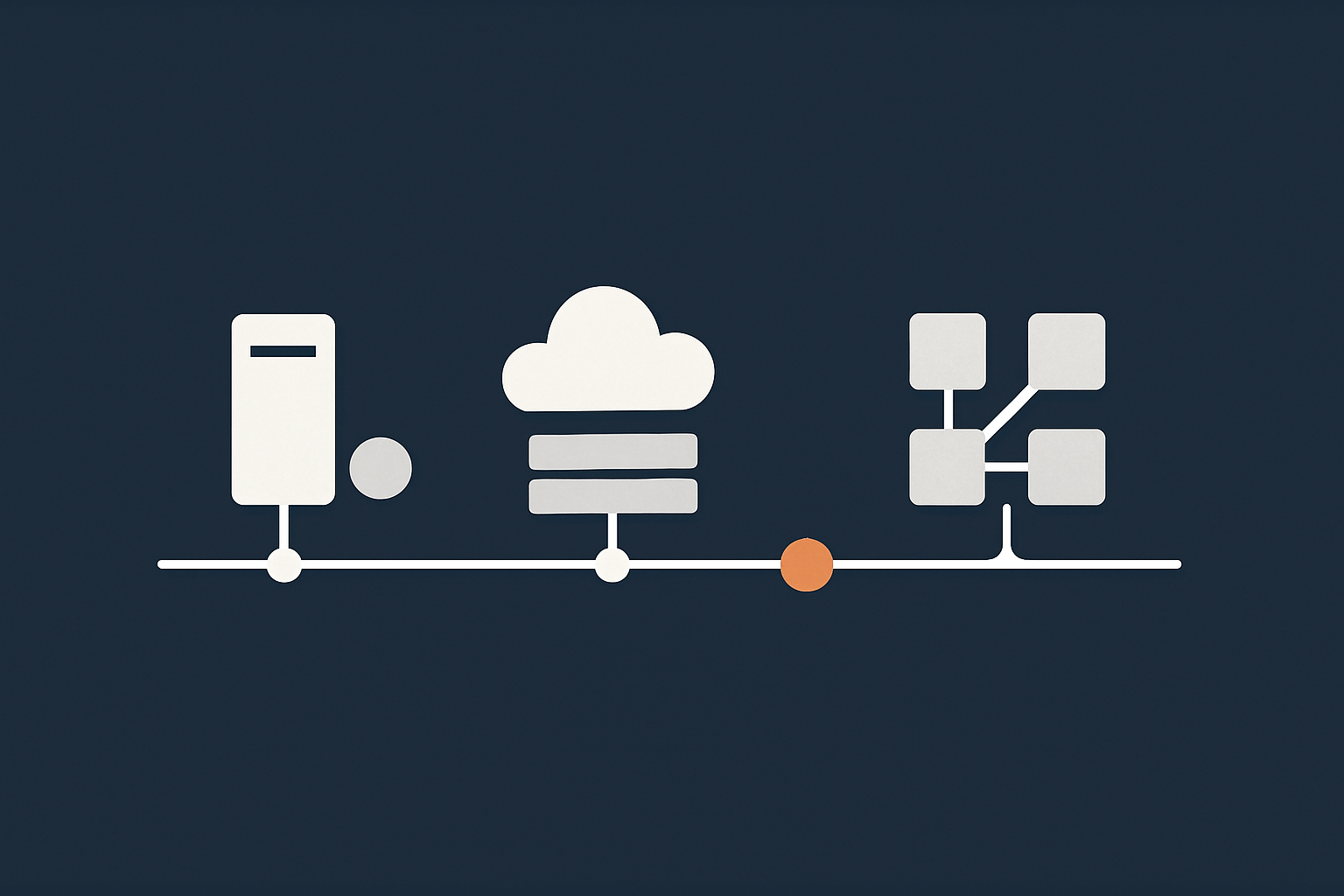
Phase 0: stabilise what you have and stop the bleeding
Before planning new architectures, stabilise the current one:
- Ensure working, tested backups exist and can be restored.
- Apply outstanding security updates.
- Address any obvious single points of failure you can fix quickly, such as a failing disk or outdated PHP version.
- Document key details: where DNS is managed, where code is stored, how to log in to servers.
Phase 0 is about reducing the chance that an avoidable incident derails the rest of the plan.
Phase 1 (0‑12 months): quick wins and easy architectural wins
In the first year, aim for improvements with clear benefits and relatively low risk:
- Move from fragile shared hosting to a right sized VPS or VDS if you are regularly hitting limits.
- Introduce basic monitoring and alerting.
- Add a staging environment so changes can be tested safely.
- Implement sensible caching, possibly with a CDN or an acceleration network.
These changes make the platform more predictable and give you better visibility, without major redesign.
Phase 2 (12‑24 months): move to a scalable, observable foundation
In the second year, focus on creating a foundation that can scale:
- Separate front end, application and database where appropriate.
- Add load balancing if you are moving to multiple web or app servers.
- Standardise deployment processes, for example using version control and automated deployments.
- Enhance monitoring and logging so you can see performance by component.
By the end of this phase, you should be able to scale individual parts with less disruption.
Phase 3 (24‑36 months): resilience, HA and compliance where it actually matters
The third year is usually the right point to invest in higher availability and stricter compliance, if your business needs justify it:
- Introduce database replication or clustering for critical data.
- Design and test a clear disaster recovery plan.
- Implement higher availability for key components such as load balancers or caching layers.
- Address emerging requirements such as PCI conscious hosting if your payment flows have evolved.
The point is not to make everything highly available, but to selectively harden the parts that cause real harm if they fail.
Worked examples: brochure site, growing WooCommerce shop, multi‑site portfolio
Three simplified example paths:
- Brochure site – Phase 0: audit backups and updates. Phase 1: move to stable cPanel hosting with good caching. Phase 2: add a CDN or acceleration network for global visitors. Phase 3: consider multi region DNS and hardened disaster recovery if the site becomes a core lead source.
- Growing WooCommerce shop – Phase 0: stabilise on a reliable VPS or VDS with current PHP and database versions. Phase 1: implement full page and object caching, separate database server when needed. Phase 2: add additional web nodes and load balancing ahead of peak seasons. Phase 3: introduce database replication, tested failover and any required compliance controls.
- Agency multi‑site portfolio – Phase 0: inventory all client sites and consolidate fragile hosting. Phase 1: move to a small number of appropriately sized VDSs, separate staging from production. Phase 2: introduce standard templates, central monitoring and logging. Phase 3: build specific high availability or advanced DR only for top tier clients that pay for it.
Planning for Performance and Spikes Without Oversizing Everything
How to think about normal load vs peak events
Designing for the next 3 years does not mean buying hardware for your absolute worst case peak and leaving it mostly idle. Instead, consider:
- Baseline load – Typical traffic levels and growth over time.
- Regular peaks – Weekly patterns, predictable sales, content drops or seasonal events.
- Exceptional peaks – Rare campaigns or launches where traffic may spike far above normal.
Your baseline architecture should comfortably handle baseline and regular peaks. For exceptional peaks, you can plan specific capacity strategies. Our guides on planning hosting capacity for spikes and designing hosting for peak events explore this in more depth.
Caching, offload and acceleration instead of just “more CPU”
Performance and resilience are often improved more by offloading work than by simply adding CPU:
- HTTP and application caching to avoid regenerating the same content repeatedly.
- Static asset offload so images, CSS and JavaScript are served from a CDN or acceleration layer.
- Edge optimisation, such as the G7 Acceleration Network which can cache content, optimise images to AVIF and WebP on the fly (often reducing image sizes by more than 60 percent), and filter abusive traffic before it reaches your servers.
These measures reduce pressure on your core hosting, and help your existing architecture handle higher loads gracefully.
When vertical scaling stops working and horizontal options appear
At some point, simply giving a single server more resources stops being the best answer. Signs include:
- Memory and CPU are already high on a powerful server.
- Maintenance windows become difficult because that one server runs everything.
- Different parts of the application have conflicting resource needs.
Your roadmap should recognise the likely point where you shift from vertical scaling (bigger server) to horizontal scaling (more servers with load balancing and replicated data), and plan the steps to get there without a disruptive rebuild.
Risk, Compliance and Responsibilities Over the Next 3 Years
Common failure points that derail roadmaps
Over a three year period, roadmaps are often knocked off course by:
- Staff changes where key knowledge is lost.
- Unplanned major incidents that consume months of attention.
- Unbudgeted projects that force quick, tactical hosting decisions.
You cannot remove all surprises, but you can reduce their impact by documenting critical information, sharing responsibility with a hosting partner where appropriate, and keeping some flexibility in your plan.
PCI, data protection and sector rules that may appear as you grow
As your organisation grows, you may become subject to additional requirements:
- PCI DSS if you handle card payments in certain ways, which can inform where and how you host systems. The PCI Security Standards Council publishes the official standards.
- Data protection obligations around where personal data is stored and processed, especially for international audiences.
- Sector specific rules in areas such as healthcare, finance or public sector work.
These may influence your architecture in years two and three, for example by requiring more formal separation of environments, additional logging, or specific kinds of PCI conscious hosting.
Clarifying shared responsibility with your hosting provider
Even with a managed service, there is always a shared responsibility model:
- The hosting provider is typically responsible for infrastructure reliability, network, hardware, base operating system and agreed managed services.
- You remain responsible for your application code, content, user access control decisions and how data is used.
Your roadmap should explicitly state which responsibilities sit on each side at each phase, and when that might change. This avoids surprises later when something goes wrong and both parties assumed the other was handling it.
Governance: How to Keep Your Roadmap Alive, Not a One‑Off Document
Quarterly check‑ins and what to review
A roadmap only remains useful if it is reviewed regularly. A simple quarterly review can cover:
- Any incidents, slowdowns or capacity concerns.
- Changes in business priorities or upcoming campaigns.
- Progress on the current phase of the roadmap.
- Whether any assumptions have changed.
This does not need to be a long meeting. The goal is just to keep the roadmap aligned with reality.
Monitoring, logging and capacity reports that inform decisions
Good data makes these reviews easier. Over time, aim to have:
- Basic performance dashboards showing CPU, memory, disk and response times.
- Error rate trends for your applications.
- Capacity charts before and after key events such as product launches.
Your hosting provider should be able to provide at least some of this, especially if you are on a managed platform.
Triggers for revisiting the architecture without starting from scratch
Finally, define clear triggers that tell you it is time to consider an architectural change, such as:
- Sustained high utilisation on key servers over several months.
- Repeated incidents affecting the same component.
- A material change in business risk, for example a new product or regulatory requirement.
When these triggers occur, you revisit the relevant part of the roadmap, not discard it completely. That is how you avoid repeated ground up rebuilds.
Working With a Hosting Partner on Your 3‑Year Plan
What a good provider should be able to model and explain
A hosting partner should be willing and able to:
- Listen to your business goals and constraints, not just sell what they have.
- Explain how different hosting models affect cost, performance and risk over time.
- Model growth scenarios and show how your architecture can evolve in sensible steps.
They should also be honest about where their responsibilities end and yours begin, especially around applications and data use.
Questions to ask about scaling paths, SLAs and data centre design
Useful questions include:
- “If our traffic doubles, what changes would you recommend, and how disruptive would they be?”
- “What are the practical differences between your standard and higher availability options?”
- “How do your data centres handle power, network redundancy and physical security?”
- “How do your SLAs work in practice, and how is uptime measured?”
Discussing these topics upfront helps ensure your three year plan aligns with what the provider can reliably deliver.
Next steps: from informal review to a written roadmap
If you recognise your own situation in this article, a sensible next step is a short, structured review of your current hosting, risks and plans for growth. From there, you can work with a provider such as G7Cloud to turn that into a simple written roadmap covering the next 3 years.
If you would like fewer operational surprises and a clearer evolution path, you can also explore managed hosting or managed virtual dedicated servers as part of that plan. The goal is not to lock you into a single solution, but to give you a stable foundation that can grow with your business without constant rebuilds.