

Who This CDN Guide Is For (And What You Will Be Able to Decide)
This guide is written for UK businesses running WordPress or WooCommerce who are trying to decide whether a Content Delivery Network (CDN) is worth the cost and complexity.
Typical scenarios include:
- A UK brochure or lead-generation site that feels fine locally, but slow to visitors in Europe, the US or Asia.
- WooCommerce shops planning Google Ads or Meta campaigns, worried about handling traffic spikes.
- Image-heavy sites where page weight is large and Core Web Vitals are slipping.
- Sites on decent UK hosting that still feel sluggish or unstable during busy periods.
By the end, you should be able to answer:
- Do you actually need a CDN, or will good UK hosting and caching be enough?
- If you do, which type: traditional “static only” CDN, full reverse-proxy, or a host-level acceleration network such as the G7 Acceleration Network?
- How to configure it safely for WordPress and WooCommerce without breaking logins, carts or checkouts.
- How to control costs so you do not overpay for features you will not use.
What a CDN Actually Does for WordPress and WooCommerce
Plain English definition: CDN vs your origin server
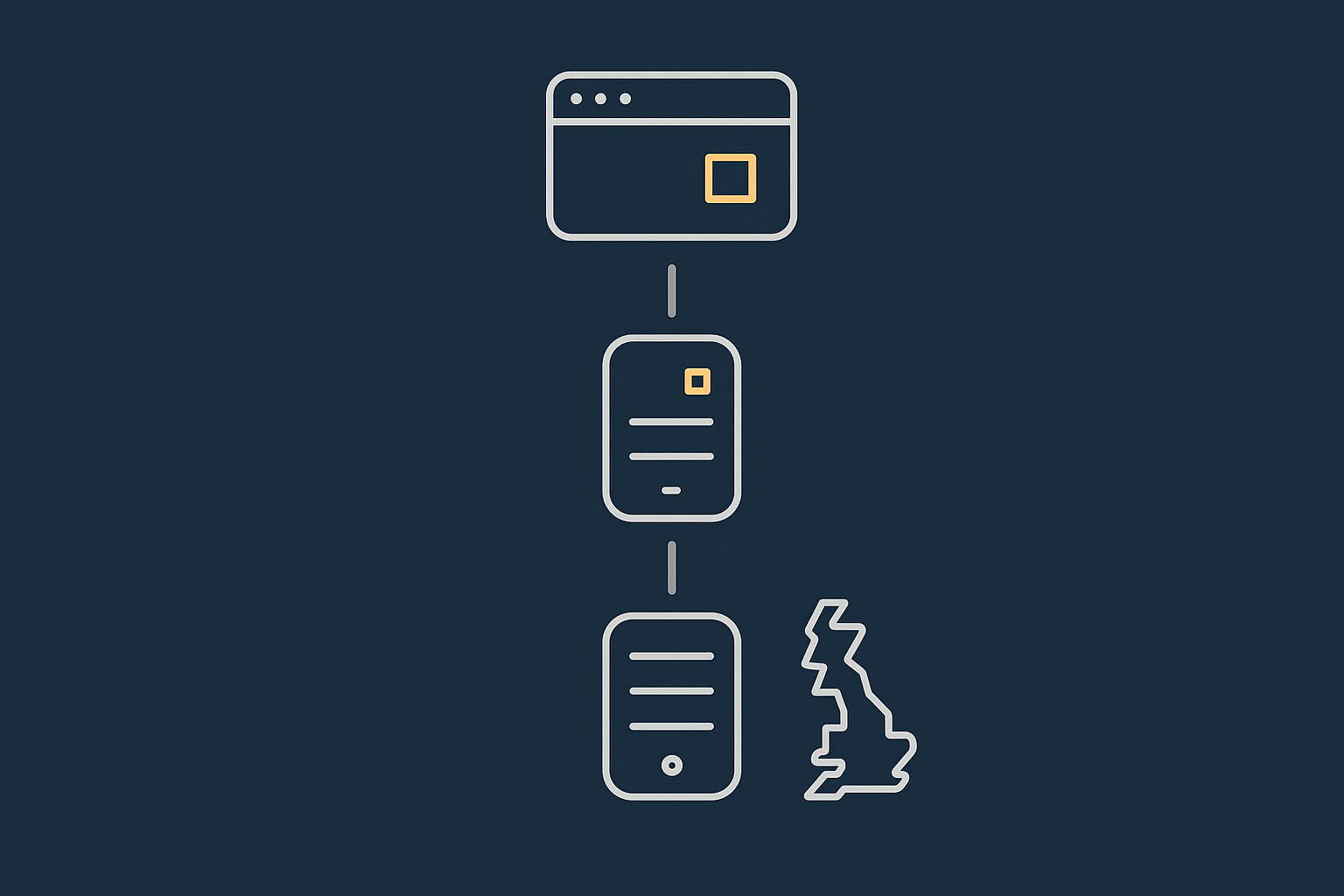
Your origin server is your normal UK web hosting account where WordPress and WooCommerce live: PHP, database, media library, themes and plugins.
A CDN is a network of servers around the world that copies or “caches” parts of your site closer to visitors. When someone in Germany visits your .co.uk site, their browser connects to a nearby CDN “edge” location instead of going all the way to your UK server for every file.
The CDN either:
- Serves cached copies of files directly (fast, no hit on your origin), or
- Fetches fresh content from your origin when needed, then stores it for the next visitor.
Static vs dynamic content: what should and should not live on a CDN
Static assets are ideal for CDNs:
- Images, CSS, JavaScript, fonts.
- Downloadable files such as PDFs, manuals and media.
Dynamic content is generated per request:
- WooCommerce carts and checkouts.
- My Account pages and customer-specific dashboards.
- Anything that shows logged-in or personalised data.
Good CDN setups allow you to cache static assets aggressively while keeping dynamic areas uncached or carefully controlled.
CDN benefits for UK sites: latency, offloading traffic, resilience, Core Web Vitals
For UK sites, a CDN can help with:
- Latency: Overseas visitors reach a nearby edge node rather than your UK data centre.
- Offloading traffic: Fewer image/CSS/JS requests hit your origin, so your PHP and database have more room to breathe.
- Resilience: If your origin has a small hiccup, cached assets may still be served, softening brief outages.
- Core Web Vitals: Faster delivery of static assets and optimised images improves LCP and overall load experience.
On platforms that integrate CDN and optimisation, such as the G7 Acceleration Network, images are automatically converted to AVIF and WebP on the fly, usually cutting image size by over 60 percent while keeping real-world quality, with no WordPress plugins needed.
Where a CDN is not a magic fix
A CDN will not rescue:
- Very slow PHP execution or poor database queries.
- Bloated page builders, heavy themes or 30+ frontend plugins.
- Badly configured hosting or overloaded shared servers.
If your Time To First Byte (TTFB) is slow on the origin, the CDN can only help so much for uncached requests. For deeper origin tuning, see the guide on reducing WordPress TTFB on UK hosting: Reducing WordPress Time to First Byte on UK Hosting.
Do You Really Need a CDN on UK Hosting?
When UK-only sites on fast UK hosting may not need a third-party CDN
If your audience is almost entirely UK-based, and you are on solid UK hosting with proper caching, a third-party CDN may add cost and complexity without much benefit.
In this case, prioritise:
- Good hosting with strong web hosting performance features (OPcache, HTTP/2 or HTTP/3, server caching).
- A well configured caching plugin or host-level cache.
- Image optimisation and lazy loading.
Many small brochure sites perform perfectly well on managed WordPress hosting with a built-in acceleration layer, without a separate CDN account at all.
Situations where a CDN clearly helps
- Overseas customers visiting a UK WooCommerce shop.
- Global advertisers sending traffic from multiple regions.
- Image-heavy sites such as estate agents, photographers and galleries.
- Media and downloads where large files would otherwise hammer your origin bandwidth.
Even with strong UK hosting, these scenarios benefit from moving heavy assets closer to users and off your origin.
WooCommerce specific considerations
WooCommerce complicates caching because:
- Carts, checkouts and My Account pages must stay dynamic.
- Logged-in users may see different prices, stock or vouchers.
- Many plugins rely on cookies and query strings.
A sensible pattern is: cache product and category pages, but treat cart, checkout and account areas as always dynamic. For a deeper dive, see WooCommerce Caching Without Breaking Carts.
Quick checks before you add a CDN
Before signing up for a CDN, check:
- TTFB: Use tools like WebPageTest or Chrome DevTools. If TTFB is over ~600 ms in the UK, fix the origin first.
- Image weights: Are you shipping multi-MB pages because of unoptimised images?
- Hosting quality: Are you on cheap shared hosting with poor concurrency limits?
- Bad bot traffic: Is your server load high, but analytics show modest human traffic?
Where abusive crawlers are a problem, a host-level filter helps. For example, G7Cloud’s bot protection within the G7 Acceleration Network filters abusive and non human traffic before it hits PHP or MySQL, which keeps response times more stable and helps avoid downtime during busy periods.
Types of CDN and How They Fit With Managed WordPress Hosting
Full reverse-proxy networks vs traditional static CDNs
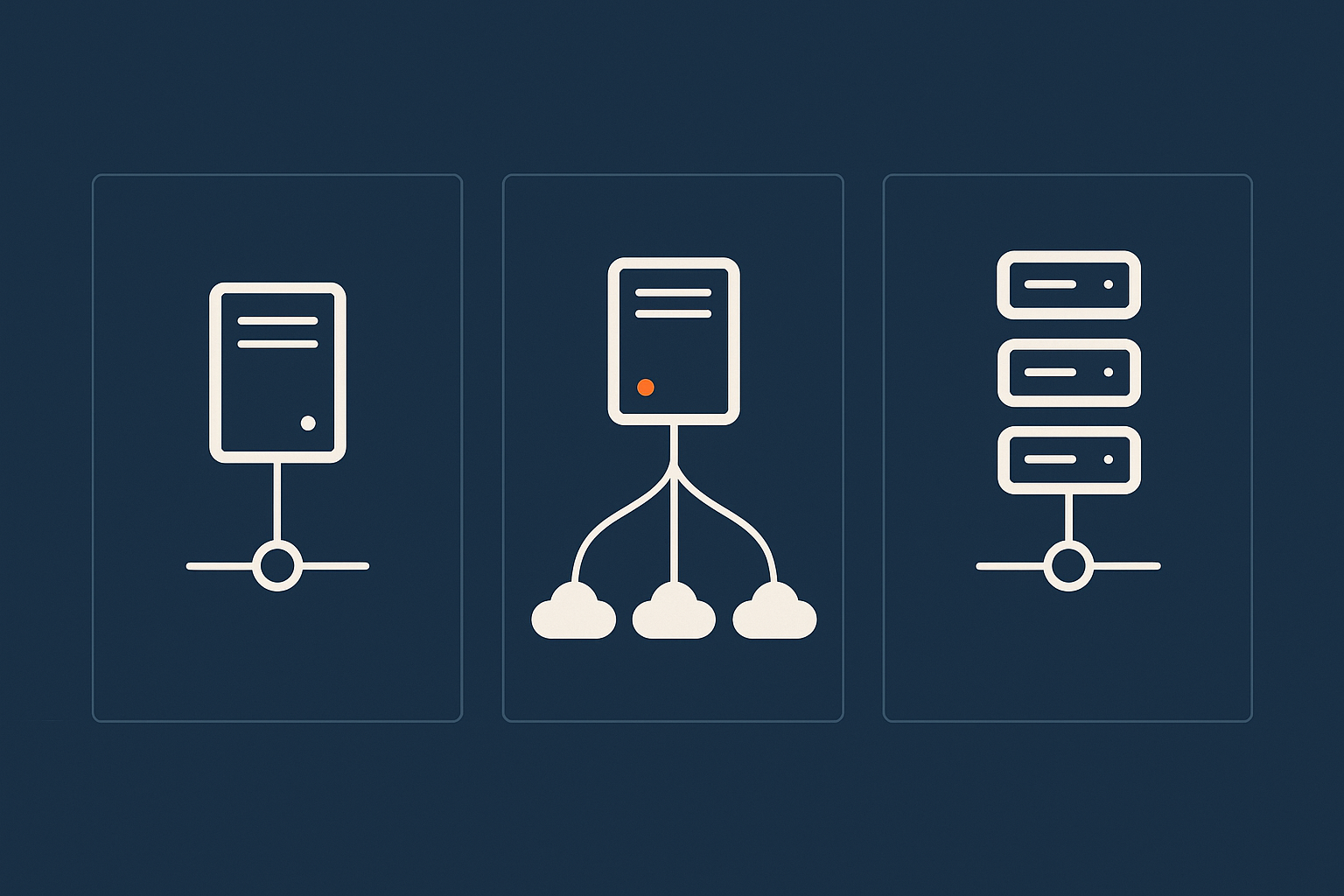
Traditional static CDNs:
- You offload only static assets (usually via a different hostname like
cdn.example.com). - HTML, PHP and APIs still come directly from your origin.
- Simpler and lower risk of breaking dynamic content.
Full reverse-proxy networks (for example, Cloudflare):
- All traffic runs through the CDN, including HTML pages.
- You can cache entire pages and apply firewall rules globally.
- More power, but also more ways to misconfigure and break sites.
Host-provided acceleration networks
Many managed hosts provide a built-in acceleration layer that combines CDN-style caching, image optimisation and security. For example, the G7 Acceleration Network sits in front of sites hosted with G7Cloud, handling caching, image conversion and edge security without extra plugins.
This approach is attractive if you prefer one integrated stack rather than juggling separate CDN, WAF, cache plugin and image optimisation tools.
How CDNs, page caching plugins and server caching layers interact
In a typical stack, requests flow like this:
- Browser hits CDN edge.
- If cached, CDN serves the page or asset immediately.
- If not cached, CDN fetches from origin web server.
- Origin may serve from server cache (Nginx, Varnish) or PHP-level cache plugin.
The CDN cache sits in front of your WordPress cache. Both must be configured coherently. The article on WordPress caching layers is useful background reading here.
Common anti-patterns
- Double caching HTML: Aggressive cache rules at both CDN and server, without respecting cookies, can serve logged-out pages to logged-in users.
- Overlapping image optimisation: Running multiple image plugins plus CDN transformations increases CPU use and can lead to inconsistent formats.
- Too many security layers: Stacking a CDN WAF, two security plugins and .htaccess rules can create hard-to-debug blocking and false positives.
Key Features to Look For (So You Do Not Overpay)
Core performance features that matter for WordPress
Focus on:
- Edge caching of static assets with proper cache-control.
- HTTP/2 and HTTP/3 support for better multiplexing.
- Compression (Gzip or Brotli) for HTML, CSS and JS.
- TLS/SSL termination with modern ciphers and automatic certificate renewals.
These are now table stakes and should not attract heavy surcharges at SME scale.
Image optimisation and modern formats (AVIF / WebP)
Integrated image optimisation is increasingly important for Core Web Vitals.
- Automatic conversion to WebP or AVIF where supported.
- On-the-fly resizing for thumbnails and responsive images.
- Reasonable compression defaults that balance size and quality.
On some platforms, such as the G7 Acceleration Network, images are converted to AVIF and WebP at the edge automatically, usually reducing file sizes by over 60 percent with no plugin configuration or media library changes inside WordPress.
Bot filtering and WAF: useful protection vs unnecessary overlap
A CDN-level Web Application Firewall (WAF) and bot filter can block:
- Obvious vulnerability scans.
- Resource-heavy crawlers that ignore robots.txt.
- Brute-force login attempts.
This is most valuable if it filters abusive traffic before it reaches PHP. For example, G7Cloud’s bot protection as part of the G7 Acceleration Network reduces wasted load and keeps response times steadier during campaigns or attacks, which can also cut CDN traffic and cost.
Geographic coverage and UK peering
For a UK-focused business, look for:
- Multiple UK PoPs (for example London and Manchester) and good EU coverage.
- Strong peering with UK ISPs so local visitors get low latency.
- A UK origin data centre so uncached requests are still fast.
A CDN cannot compensate for a slow origin hosted far away from your core audience.
What most SMEs do not need
- Complex custom rules engines you will never configure.
- Enterprise SLAs and private network links.
- Exotic add-ons (advanced load balancing, workers at scale) unless you have a clear use case.
Start with a simple plan and upgrade only when your metrics show you need more.
Choosing a CDN Strategy for Common UK WordPress and WooCommerce Setups
Small UK brochure or lead-gen site
For a modest UK-only brochure site:
- Use quality managed WordPress hosting in a UK data centre.
- Rely on host-level caching and image optimisation if available.
- Skip a separate CDN unless a clear overseas audience emerges.
Growing WooCommerce shop with mainly UK customers
For a shop with growing UK traffic:
- Keep origin close to users with specialist WooCommerce hosting.
- Use careful caching at origin and/or host-level acceleration.
- Use bot filtering to protect resources and stabilise performance.
A full third-party CDN can be added later if you expand beyond the UK or need more edge security features.
Stores with EU / global customers
When you have real overseas customers:
- Cache catalogue pages (products, categories) at the edge.
- Bypass caching for cart, checkout, My Account and login.
- Ensure currency or localisation plugins work correctly with cache rules.
High-traffic campaigns and paid ads
For short-term spikes (TV, radio, Google Ads, Meta):
- Confirm TTFB from the UK is under control before you scale ads.
- Cache as much as practical for anonymous visitors.
- Use bot filtering to prevent fake or abusive traffic soaking up resources.
If you expect large spikes, see also Handling Traffic Spikes on WordPress Without Breaking the Bank.
How to Configure a CDN Safely for WordPress
Step 1: DNS and SSL choices
If using a reverse-proxy CDN, you typically:
- Point your domain’s DNS A/AAAA records to the CDN.
- Let the CDN provision SSL, or upload your own certificate.
- Choose between “proxy” and “DNS only” (often shown as orange vs grey clouds).
Start by proxying only www and your main domain, leaving subdomains like mail or ftp as DNS only.
Step 2: Page rules / cache rules for typical WordPress paths
Common safe caching rules:
- Cache everything (HTML) for:
example.com/(homepage)example.com/blog/*(if not personalised)
- Never cache for:
*/wp-admin/**/wp-login.php- Query strings like
?preview=
Offline, note which URLs must always be fresh before creating rules, so you have a clear map.
Step 3: Handling admin, logins and previews
Ensure:
/wp-admin/and/wp-login.phpare never cached.?preview=trueand similar URLs bypass cache.- Admin bar and editorial features behave correctly for logged-in users.
Test by logging in and confirming that changes appear immediately without hitting “purge everything” each time.
How to avoid cache loops and conflicts with your WordPress cache plugin
- Let one layer handle HTML caching decisions. If your CDN is caching HTML, set your plugin to generate cache-friendly headers but do not stack too many separate rules.
- Avoid mixing multiple cache plugins.
- When in doubt, consider simplifying: if your host offers an integrated cache (or something like the G7 Acceleration Network), you may not need extra plugin-based page caches.
How to Configure a CDN Safely for WooCommerce

What must never be cached at the edge
For WooCommerce, do not cache HTML at the edge for:
/cart//checkout//my-account/and related endpoints/wishlist/or custom cart-like pages- Login and registration URLs
Safe edge caching for product, category and content pages
It is normally safe to cache:
- Product pages (
/product/*) - Category and shop listings (
/product-category/*,/shop/) - Blog posts and content pages
Ensure price, stock and discount information is not personalised per user, or if it is, that the caching rules handle it with appropriate cookies or query string considerations.
Respecting WooCommerce cookies and query strings
WooCommerce sets cookies such as:
woocommerce_cart_hashwoocommerce_items_in_cartwp_woocommerce_session_*
Your CDN or host-level cache must either bypass cache when these cookies are present or have intelligent rules to avoid serving cached HTML that ignores cart state.
Testing your setup
After configuring:
- Place test orders as both guest and logged-in users.
- Apply vouchers and observe that discounts always appear correctly.
- Change stock levels and ensure stock messages update promptly.
- Test different devices, browsers and locations if possible.
Where host-level solutions simplify WooCommerce caching
On platforms with WooCommerce awareness, such as when using G7 Acceleration Network in front of WooCommerce hosting, the provider can preconfigure the “safe zones” so sensitive endpoints are excluded from edge caching by default. This greatly reduces the chance of broken carts or leaked customer data.
CDN Costs, Gotchas and How Not to Waste Money
How CDN pricing usually works
Most CDNs charge based on:
- Data transfer (GB per month), often with regional pricing.
- Number of requests or “operations” in some plans.
- Extra features (WAF, image optimisation, workers) as paid add-ons.
Identifying “nice to have” upsells you can skip
- Advanced rules engines you do not have time or expertise to manage.
- Enterprise-grade SLAs for sites that are not truly mission critical.
- Multiple redundant load balancers if you have a single origin.
Start with the smallest plan that covers your current traffic. Review after a few months, using real usage data rather than estimates.
Avoiding surprise bills
Watch for:
- Very large image galleries or downloadable media that generate high transfer.
- Hotlinking: other sites embedding your images or files.
- Bad bots crawling thousands of URLs.
Edge filtering of abusive traffic is key here. With something like G7Cloud’s bot protection inside the G7 Acceleration Network, unwanted crawlers are dropped before they reach PHP or your CDN cache, which helps avoid paying for pointless traffic.
Why pre-filtering bad bots and doing image optimisation at the edge helps
If your CDN or host-level acceleration shrinks images and blocks abusive traffic before they are fully processed, you:
- Move fewer bytes across the network, reducing CDN and hosting transfer.
- Use fewer origin resources per request, enabling cheaper hosting tiers for the same traffic.
Monitoring, Troubleshooting and When to Get Help
Simple ways to see if the CDN is actually being used
To confirm your CDN is working:
- Check response headers in your browser’s DevTools (network tab) for “cache hit/miss” indicators.
- Test from multiple locations with tools like WebPageTest or Lighthouse.
- Compare latency and page load times with CDN on vs off, if your provider allows quick toggling.
What to look at when the site feels slow
Identify where the bottleneck lies:
- Browser: heavy JavaScript, slow rendering, layout shifts.
- CDN: high latency from edge, cache misses, misconfigured rules.
- Origin: slow TTFB, overloaded PHP or database.
Use Core Web Vitals reports in Search Console together with your monitoring to distinguish network problems from front-end issues. For a broader view of front-end problems that CDNs cannot fix, see Diagnosing WordPress Core Web Vitals Bottlenecks.
When to adjust CDN rules vs when you need better hosting
Consider adjustments at the CDN level when:
- Static files are not cached long enough.
- Too many dynamic pages are cached and causing bugs.
- Specific paths need custom behaviour.
Consider upgrading or moving hosting when:
- TTFB is poor even for uncached UK requests.
- The database is slow, or you regularly hit resource limits.
- Support cannot or will not tune the stack appropriately.
How G7Cloud can help
If you would rather not manage all of this yourself, moving to managed WordPress hosting or specialised WooCommerce hosting with an integrated layer such as the G7 Acceleration Network can simplify things considerably. Migration support and pre-tested cache rules reduce the risk of misconfiguration, while built-in image optimisation, bot filtering and security headers remove the need for several separate plugins and services.
Summary: A Sensible Checklist Before You Commit to a CDN
Quick decision checklist
Before you commit to a CDN:
- Is your origin hosting solid, UK-based and well configured?
- Is your audience primarily UK, or do you have real overseas traffic?
- Have you optimised images, caching and basic performance first?
- Do you understand which parts of your site must never be cached?
- Can your team realistically manage rules, or is a host-managed solution better?
- Have you reviewed CDN pricing and set alerts to avoid surprise bills?
Where to focus next if performance is still not where you want it
If performance is still lacking:
- Review Core Web Vitals to spot front-end problems.
- Improve theme and plugin choices, reducing bloat.
- Check database and PHP performance, not just the network.
- Consider moving to hosting that includes an integrated acceleration layer, so caching, CDN-like features and security are tuned together.
If you are ready to reduce the moving parts, exploring managed WordPress hosting or WooCommerce hosting backed by the G7 Acceleration Network can be a practical next step. It lets you focus on content and sales while the underlying CDN, caching and optimisation are handled for you.