


Who This Guide Is For (And Why Outages Are Rarely All or Nothing)
This guide is for organisations whose website or application now matters to the business, but who do not have a full time infrastructure team.
You might be running:
- A brochure or lead generation site where enquiries feed your sales pipeline.
- A WordPress blog that supports your brand and advertising.
- A WooCommerce store where downtime means lost orders and awkward calls to customers.
- An internal portal for staff, partners or franchisees.
At this stage, total outages are not the only concern. More often, something inside the stack misbehaves and you end up with a messy in between state.
Real world scenarios: “The site is up, but…”
Some typical situations:
- “The site is up, but checkout is failing.” Users can browse products, yet payment or order confirmation breaks.
- “The homepage loads, but it is very slow.” A third party script, external font or analytics service is timing out.
- “The blog works, but the admin area is unusable.” A busy background task or search index is overloading the database.
- “Users can log in, but password reset emails never arrive.” The email relay is down or rate limited.
- “Everything works for UK visitors, but US users are getting timeouts.” A network or data centre route is impaired for certain regions.
In each case, you do not have a simple “on” or “off” situation. Parts of the experience still work. The question is whether they are the right parts, and whether your system fails in a way that is controlled, predictable and easy to recover from.
Why graceful degradation matters once your site is business critical
When the website is central to revenue or reputation, you care about more than uptime percentage.
Graceful degradation is about:
- Keeping the most important journeys working as far as possible.
- Failing in a way that is understandable to users, rather than producing confusing errors.
- Reducing the pressure on your team during incidents.
- Recovering cleanly once the underlying issue is fixed.
It is a complement to redundancy and high availability, not a replacement. Redundant systems try to avoid failures entirely. Graceful degradation accepts that something will eventually break and plans how to behave when that happens.
If you want a broader picture of redundancy options, our article What ‘Redundancy’ Really Means in Hosting covers those concepts in more depth.
What Graceful Degradation Actually Means in Hosting
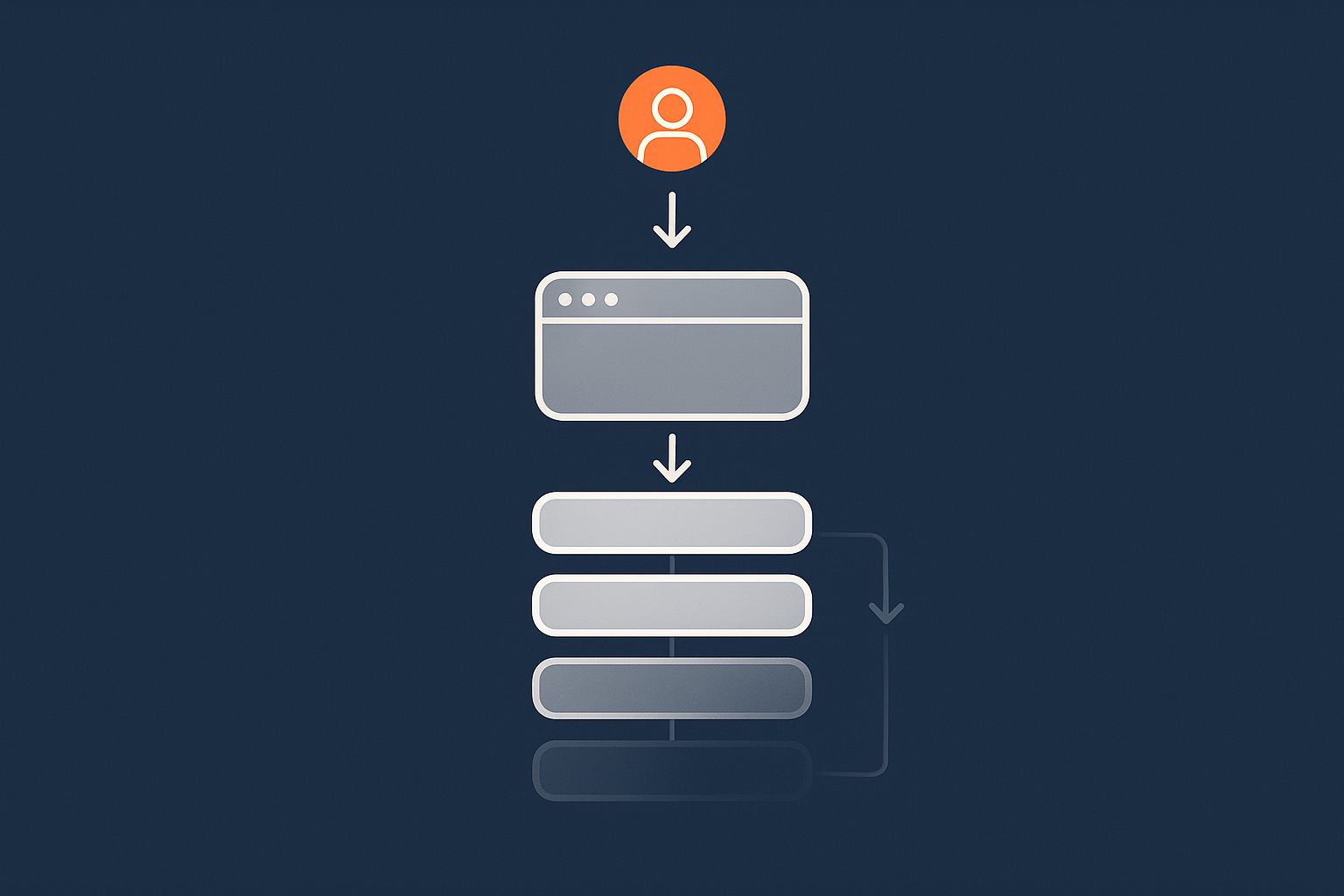
Plain English definition: failing safely instead of failing completely
In plain terms, graceful degradation means:
When something in your stack fails, the system switches to a reduced but still useful mode, instead of falling over entirely.
A simple analogy is a building where the main lift is out of order. A “hard failure” is locking the doors and telling everyone to go home. Graceful degradation is clearly signposting the stairs, limiting access to certain floors if needed, and keeping fire exits and essential services available.
On a website, this could be:
- Showing a static version of key pages when the database is offline.
- Letting users add items to a cart, but queues orders instead of talking to a payment gateway that is failing intermittently.
- Temporarily disabling heavy search or reporting features while core browsing remains fast.
How it differs from high availability and full redundancy
It is easy to mix up three related ideas:
- Redundancy is having additional capacity or spare components, such as RAID disks or a second database server.
- High availability (HA) is a design where the system aims to continue operating normally even when some parts fail, usually with automatic failover.
- Graceful degradation accepts that service quality might reduce during a fault, but aims to keep the most important functions working.
You can have graceful degradation on a simple single server with very little redundancy. Equally, a highly redundant cluster can still behave badly if there is no thought given to how it should degrade when something is overloaded or partially down.
Our article High Availability Explained for Small and Mid Sized Businesses explores HA in more detail and how it compares with this topic.
Core idea: protect the vital paths, accept temporary limits elsewhere
The key discipline behind graceful degradation is prioritisation. You decide which user journeys are “vital paths” and design your systems so these get preferential treatment in a crisis.
For example:
- On a brochure site, ensuring contact forms and phone numbers always work matters more than fancy animation.
- On a lead generation site, users should always be able to submit enquiries, even if downloadable resources are temporarily limited.
- On an e‑commerce site, you will usually treat checkout and order confirmation as top priority, with search suggestions or product recommendations as lower priority.
Designing for graceful degradation is therefore as much a business decision as a technical one.
Mapping Your Core Services and Failure Modes
Identify what really has to work during an incident
Start by answering three questions:
- What are the top 3 outcomes we must preserve?
For example: “Customers can place and pay for orders” or “Potential clients can contact us”. - What is acceptable to degrade for a short period?
For instance: on site search, some dynamic personalisation, detailed analytics. - What can be safely turned off entirely during a serious incident?
Often: certain admin reports, heavy exports, non essential background jobs.
Writing this down clarifies design priorities and gives your hosting provider or development team explicit guidance.
If you already use a risk register, it is worth aligning this with the approach described in Designing a Hosting Risk Register.
Typical priorities for brochure sites, lead gen and WooCommerce
Some typical patterns we see:
- Brochure / marketing sites
- Must work: homepage, key product or service pages, contact forms, clear contact details.
- Can degrade: some images, embedded videos, advanced animation, certain integrations.
- Lower priority: content search, heavy admin reporting, some A/B testing tools.
- Lead generation sites
- Must work: enquiry forms, quote calculators, gated content submissions.
- Can degrade: automatic CRM sync (you can export manually later), instant chat widgets.
- Lower priority: complex dashboards, some marketing automation features.
- WooCommerce stores
- Must work: product browsing, stock display that is at least safe, checkout and payment capture, order confirmation pages and emails.
- Can degrade: related products, “recently viewed”, some discount engines, advanced search facets.
- Lower priority: reporting dashboards, on demand exports, some webhooks.
Common failure points in a typical stack
Once you know your priorities, map them against common failure points. A standard stack might include:
- Domain and DNS.
- Content delivery network (CDN) or edge caching.
- Web server (for example Nginx or Apache).
- Application runtime (PHP, Node, etc).
- Database server (MySQL, MariaDB, PostgreSQL).
- External APIs and services (payment gateways, search, email, CRM).
Any of these can suffer partial issues. Our article Why Websites Go Down has more examples of how faults often show up in real life.
Your aim is to answer: if this part is slow, unreliable or fully offline, what should the site do instead of simply failing?
Design Patterns for Graceful Degradation on a Single Server
Static fallbacks: serving cached or static pages when PHP or database fails
Even on a single server, you can design some useful degraded modes.
A common pattern is static fallbacks. This means pre generating or caching HTML versions of key pages so that if PHP or the database stops working, you can still serve those pages.
Ways to implement this include:
- Using a caching plugin or module that stores rendered pages on disk.
- Configuring the web server to serve static files if the application is unhealthy.
- Exporting a static copy of important pages that can be switched on in an emergency.
This approach is especially effective for brochure and content sites where information changes infrequently. For e‑commerce, you have to be more careful with pricing and stock, but static fallbacks can still cover informational content and basic catalogues.
Separating “must work” from “nice to have” features in WordPress
On a WordPress site, graceful degradation often comes down to being deliberate about which plugins and features are essential.
Practical steps include:
- Identifying plugins that load on every page but are not business critical.
- Ensuring you can temporarily disable certain plugins if they cause performance or stability issues.
- Planning which shortcodes, widgets or blocks can be safely hidden or simplified under load.
Feature flags can help, even in simple form. For instance, you might have a configuration switch that turns off heavy search filters or live chat when the server is under pressure.
This is an area where managed WordPress or Enterprise WordPress hosting can reduce operational load, as the platform can provide guidance and sometimes automation around safe degradation choices.
Using edge caching and networks like the G7 Acceleration Network
Content delivery networks and edge caching are valuable for graceful degradation as well as performance.
Services such as the G7 Acceleration Network sit in front of your origin server and can:
- Cache static and semi static content close to users, so it can still be served quickly if your origin is slow.
- Optimise images on the fly to AVIF and WebP, often reducing sizes by more than 60 percent. Smaller assets reduce origin load during traffic spikes.
- Filter abusive or obviously automated traffic before it ever reaches your server, which reduces the chance that a spike tips you into a hard failure.
Combined with sensible cache rules, this can mean that during a partial outage, large parts of your site continue to load acceptably from the edge, even if dynamic actions are more limited.
Limits of single server graceful degradation
There are natural limits to what you can do on one box.
- If the server itself is offline, no amount of graceful degradation logic inside it will help.
- You are constrained by single points of failure: one database, one web server, one network interface.
- Heavy dynamic functions may still compete for the same resources and slow down the “must work” paths.
For many small and mid sized businesses, well designed single server setups with edge caching are enough. When traffic, complexity or risk grow, you will want to look at splitting responsibilities across multiple servers.
For more background on multi server designs without going “all in” on public cloud, see Designing for Resilience: Practical Redundancy and Failover.
Moving Beyond One Box: Multi Server and Tiered Architectures
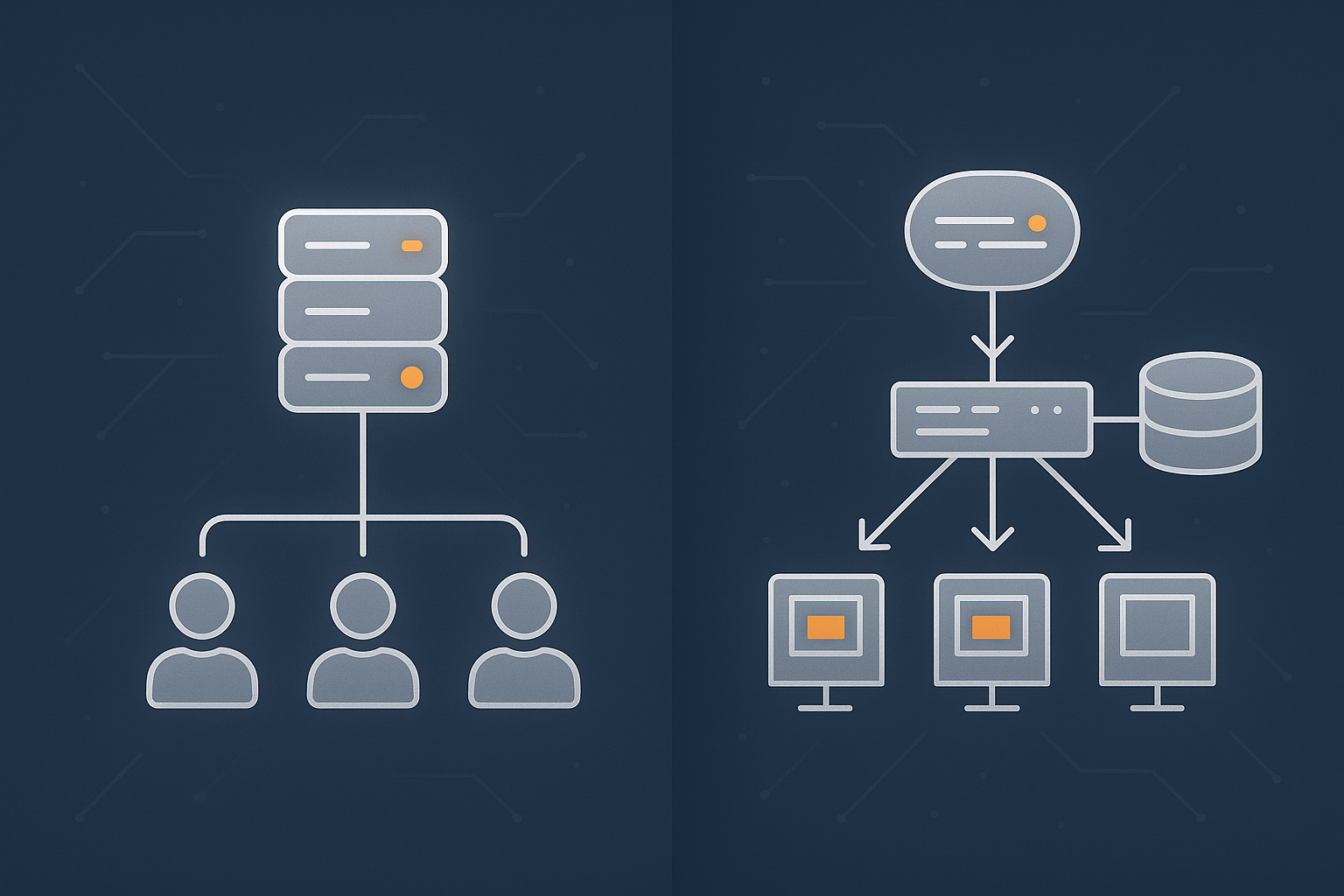
Splitting web, database and background jobs
Once you move beyond a single server, a natural first step is to separate concerns:
- Web servers handle HTTP requests and serve pages.
- Database servers store and retrieve structured data.
- Background workers process queues, scheduled jobs and integrations.
This separation allows graceful degradation such as:
- Pausing background jobs to protect database performance while keeping front end browsing responsive.
- Scaling web servers horizontally during peaks, while the database is carefully monitored and protected.
- Allowing some non essential queues to back up, knowing they can catch up once traffic calms.
Load balancers, health checks and traffic routing in plain English
In front of multiple web servers, you will typically have a load balancer. In simple terms, this is a traffic director.
It:
- Receives incoming requests.
- Checks which back end servers are healthy.
- Distributes requests across those servers.
Health checks can be as simple as “does this server respond on port 80?” or more sophisticated checks on specific URLs, such as “can this server successfully render the homepage within 2 seconds?”. When a server fails health checks, the load balancer stops sending it traffic until it recovers.
This setup supports graceful degradation because you can:
- Route traffic away from overloaded or unhealthy nodes, instead of letting the whole site suffer.
- Place certain user journeys on specific servers, if you need extra isolation for checkout or admin tools.
Examples for high traffic WordPress and WooCommerce
For a busy WordPress site, a typical decomposition might look like:
- Two or more web nodes running WordPress.
- A dedicated database server, sometimes with a read replica for reporting.
- A background worker node that handles scheduled tasks, search indexing, feed updates and similar jobs.
For WooCommerce, you might add:
- Separate workers for order synchronisation with ERP or CRM systems.
- Special handling for payment webhooks, possibly isolated from the main front end.
In degraded modes you could, for example:
- Temporarily stop running expensive reports that hit the database heavily.
- Switch on a “checkout only” mode that reduces optional steps and extra queries.
- Queue or rate limit some third party calls rather than blocking page loads.
At this level of complexity, many organisations find that virtual dedicated servers or managed platforms strike a balance between control and operational burden.
Designing Degraded Modes for Common Partial Failures
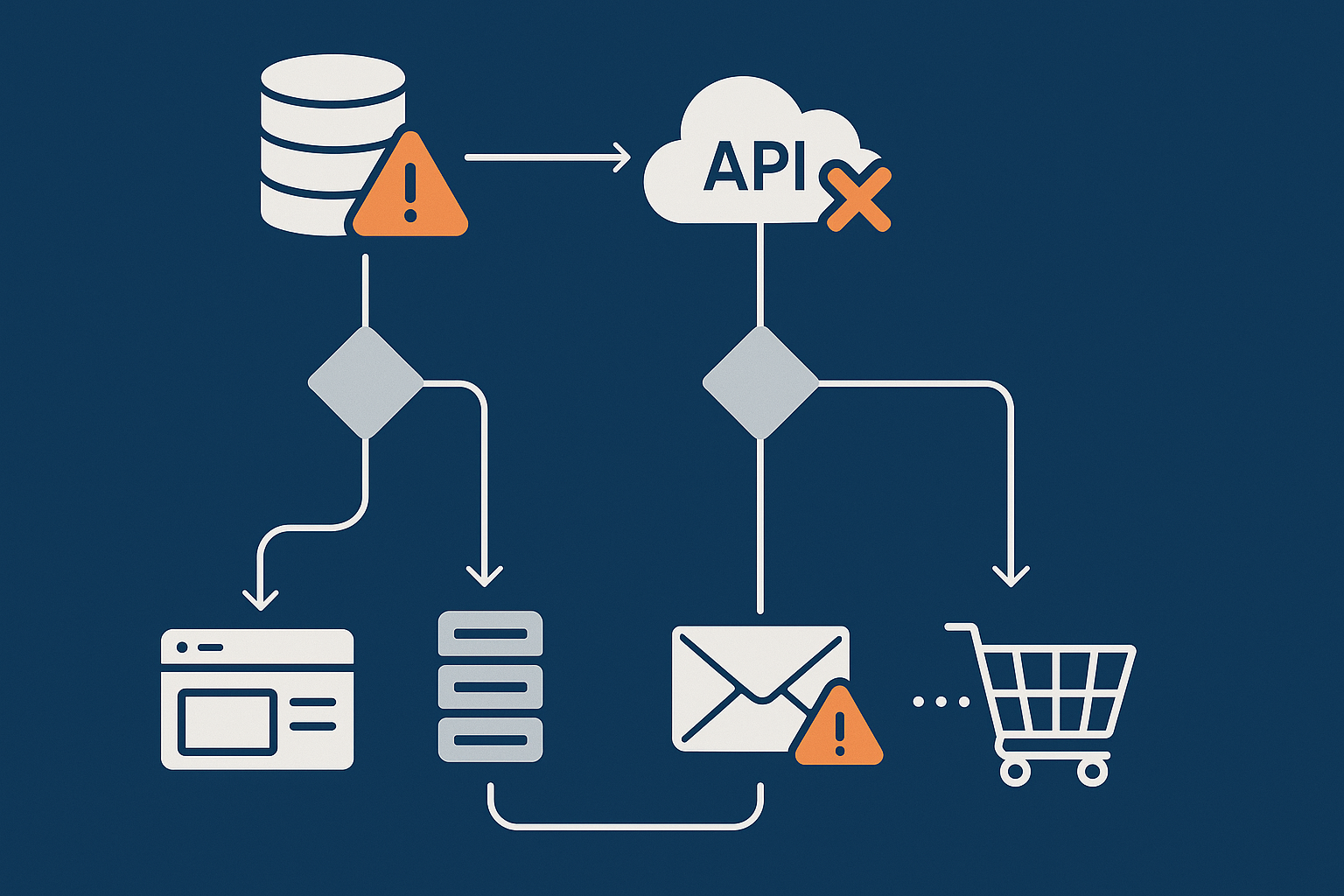
When the database is struggling or offline
The database is a common bottleneck. Symptoms include slow queries, timeouts or brief outages during maintenance.
Degradation strategies include:
- Serve cached content where possible
Ensure front end caching is effective so that popular pages are served without hitting the database each time. - Read only mode
Temporarily disable certain write operations, such as comments or new registrations, to protect core order processing. - Reducing query load
Disable non essential widgets or modules that trigger heavy queries. For example, drop “most popular posts” blocks that depend on expensive database counts.
Implementation can be as simple as toggling a maintenance flag in configuration, or as involved as using separate read replicas and routing logic. The important part is that you have agreed in advance what should happen when the database is “unwell”.
When external APIs and payment gateways misbehave
External services are another frequent source of partial failure. Timeouts or rate limits from APIs can ripple through your site.
Helpful patterns include:
- Timeouts and fallbacks
Do not let a third party call block page load indefinitely. Set sensible timeouts, then fallback gracefully. For example, skip showing an external review widget rather than failing the entire page. - Queued interactions
For non critical operations, record the intent locally and process it asynchronously. If a CRM API is down, store form submissions and sync them later. - Payment gateways
If a payment provider is having intermittent issues, you might:- Offer a secondary payment method.
- Clarify to customers that orders are received but payment confirmation may be delayed.
- Increase logging so finance teams can reconcile later.
For card payments you also need to respect security and compliance boundaries. This is where planning degraded modes in a PCI conscious hosting environment is helpful, so that fallbacks never tempt you into storing sensitive data in an unsafe way.
When email, search or reporting are down but core traffic continues
Many systems rely on separate services for:
- Transactional email (order confirmations, password resets).
- Search (for example Elasticsearch, OpenSearch or a SaaS provider).
- Reporting and analytics dashboards.
Good degradation behaviour might be:
- Email: queue emails locally and show clear on screen confirmations, so users know an action succeeded even if the email is delayed.
- Search: fall back to a simpler built in search, or at least provide browsing by category while deep search is offline.
- Reporting: temporarily hide some dashboards during incidents so staff do not run heavy exports that compete with customer traffic.
When a data centre or upstream provider has issues
Occasionally the underlying data centre, network or provider will have regional or connectivity issues.
Mitigations include:
- Anycast and edge networks: fronting your site with an edge network can help absorb some connectivity issues, as users connect to the nearest edge location rather than your origin directly.
- Multi region DNS or failover: for higher criticality sites, you may host in two locations and fail traffic over if one data centre is impaired.
- Clear status communication: if certain regions are affected, be open about that in status pages or banners so users understand what is happening.
Our article Backups vs Redundancy explains how these arrangements fit into wider continuity planning.
Operational Practices That Make Graceful Degradation Work
Clear responsibility with your host: what they do, what you do
Even the best technical design will struggle without clear roles.
With a hosting provider like G7Cloud, typical responsibilities divide roughly as follows:
- Provider:
- Keep the underlying infrastructure available (power, network, hardware, hypervisors).
- Maintain core platform services, patches and monitoring at the infrastructure level.
- Provide tools and advice for caching, scaling and failover.
- You / your development team:
- Design application level degraded modes (what features to turn off, in what order).
- Decide how user journeys should behave under strain.
- Communicate with your stakeholders or customers during incidents.
On managed services, the host may share more of the operational workload. It is important to discuss these boundaries explicitly and document who does what in common scenarios.
Runbooks, feature flags and “degrade, then restore” checklists
A runbook is a simple, step by step guide that explains how to respond to a particular issue.
For graceful degradation, you might create checklists such as:
- “Database under heavy load”
- “Third party API outage”
- “Edge cache hit rate dropping”
Each checklist should answer:
- What to turn off or limit first.
- What metrics to watch.
- How to communicate impacts to the business.
- How and when to restore full functionality.
Feature flags make this process easier. They can be as simple as configuration values that developers can toggle, or more advanced in application platforms that support staged roll out and rollback.
Testing degraded states without waiting for a real outage
You do not need to wait for something to break to see how your system behaves.
Ways to test include:
- Briefly rate limiting or turning off a non critical integration in a staging environment to see how the application responds.
- Using load tests to simulate spikes and verifying that your “must work” journeys remain usable.
- Simulating database slowness and checking that fallback caches and read only modes behave as expected.
Even a simple, manual “game day” where you and your provider walk through an incident scenario can reveal gaps in your plan long before they cause production pain.
Choosing Hosting Models That Support Graceful Degradation
When shared or basic cPanel hosting is enough (and when it is not)
Shared or basic cPanel hosting can be sufficient if:
- Your site is relatively simple, with modest traffic.
- Outages are inconvenient but not business critical.
- You are comfortable with limited control over low level configuration.
You can still apply some graceful degradation patterns in this environment, such as good caching and careful plugin choices. However, you will be more constrained in how far you can go.
It becomes limiting when:
- You need to separate web, database and background jobs.
- You require fine grained health checks and routing.
- You handle sensitive data or payments where uptime expectations are higher.
Where Virtual Dedicated Servers and managed platforms help
Moving to Virtual dedicated servers or managed application platforms opens up more options:
- You can dedicate resources to specific roles, such as separate database and worker nodes.
- You gain more control over caching layers, load balancing and monitoring.
- The provider can assist with configuring health checks, failover and sometimes application aware routing.
Managed WordPress or WooCommerce platforms reduce the operational burden further. They typically standardise on well understood topologies and can bake in sensible default degraded modes, such as automatic cache serves when the origin is impaired.
This does not remove your responsibility to decide which features are essential, but it can significantly lower the effort to implement and maintain the technical side.
Handling payments and PCI conscious setups in degraded modes
Payment handling adds some constraints:
- Cardholder data must never be logged or stored inappropriately, even in an incident.
- Degraded modes must honour the separation between your environment and the payment gateway.
- Operational staff need clear guidance on what they may and may not do to “work around” gateway issues.
In a PCI conscious hosting setup the architecture will typically minimise where payment data can travel and which components are in scope. Your graceful degradation plan should align with that, favouring approaches such as:
- Queuing non payment events while clearly communicating order status.
- Switching to alternative payment options rather than capturing more data yourself.
Common Mistakes and Misconceptions
“We have backups, so we are covered”
Backups are vital, but they are about recovery, not continuity.
A good backup strategy helps you restore data after a catastrophic failure or mistake. It does not keep your site usable while a database is slow, an API is misbehaving or one data centre is having a short outage.
Graceful degradation fills the gap between smooth operations and full disaster recovery.
“Our uptime guarantee means things will not break”
Uptime guarantees focus on infrastructure availability over time. They are useful, but they do not prevent:
- Application errors caused by code changes.
- Third party integrations slowing you down.
- Misconfiguration of caching, TLS or DNS.
They also do not dictate how your site behaves when problems arise. That is what graceful degradation is for.
“If part of the stack fails, users will just wait”
In practice, most users will not wait long on slow or broken journeys, especially during checkout or sign up.
Graceful degradation aims to present:
- Fast responses where possible, often using cached or static content.
- Clear messaging when something is limited, rather than mysterious errors.
- Alternative paths where appropriate, such as phone contact or simpler payment routes.
Waiting in silence is rarely a good plan. Users prefer an honest, predictable experience, even if it is temporarily reduced.
Putting It All Together: A Simple Graceful Degradation Plan
A lightweight checklist you can use with your provider
You do not need a complex framework to benefit from this approach. A simple starting checklist might include:
- List your top 5 user journeys and rank them in order of business importance.
- For each journey, note the main dependencies (database, payment gateway, email, search, external APIs).
- For each dependency, decide:
- What happens if it is slow?
- What happens if it is fully down?
- What you are prepared to turn off or simplify to keep the journey working.
- Turn those decisions into clear actions:
- Which features or plugins can be toggled off in an incident.
- Which cache rules or static fallbacks you will rely on.
- Who is responsible for switching modes and communicating status.
- Agree on monitoring and thresholds with your hosting provider:
- What counts as “trouble” for each dependency.
- How alerts will be raised and to whom.
- Schedule a simple test at least once a year where you walk through a simulated incident.
If you want a more structured way to record this, the approach described in Designing a Hosting Risk Register fits well.
When to consider a more advanced architecture roadmap
You may not need multi region clusters or complex failover from day one. Signs that it may be time to plan more advanced architecture include:
- Significant revenue now depends on online transactions.
- You are expanding into new regions with differing latency and traffic patterns.
- Incidents are becoming more frequent or more stressful to handle manually.
- You have compliance or contractual obligations around uptime and continuity.
At that point, talking to your provider about a roadmap, possibly involving managed platforms or virtual dedicated servers, can help you phase improvements in a controlled way.
If you would like to explore what kind of architecture makes sense for your situation, you are welcome to talk to G7Cloud about hosting options, managed services and patterns for graceful degradation that fit your budget and risk profile.