


Who This Guide Is For (And Why SLAs Suddenly Matter)
Typical situations where the SLA becomes important
If you are reading an SLA, something has usually changed. Perhaps you are:
- Replatforming a company website or launching a new WooCommerce shop.
- Moving away from a single freelancer or small agency to a more formal host.
- Under pressure from finance, compliance or a client to “prove” reliability.
- Trying to understand whether a problem or outage is “your fault” or the host’s.
- Seeing big differences in price between apparently similar hosting plans.
In all of these situations, the Service Level Agreement is where expectations are written down. It turns marketing claims like “high availability” or “24/7 support” into specific, measurable commitments.
You do not need to be a lawyer to understand the important parts. You do need to know which sections matter for your business and what to look for in the small print.
What an SLA actually is in plain English
An SLA is a contract attachment that describes:
- What service is being provided in measurable terms.
- What quality level is promised for that service, such as uptime or response times.
- How those promises are measured and over what period.
- What happens if the promises are not met, usually in the form of service credits.
- What is excluded or specifically not the host’s responsibility.
You can think of it as the warranty label on an appliance. It will not guarantee that nothing ever goes wrong, but it will spell out what the manufacturer will do when something does.
Unlike a glossy brochure, the SLA is usually what counts in a dispute. It is worth reading.
How this guide is structured
This guide walks through the main sections you are likely to see in a hosting SLA and how to read them without getting lost in jargon:
- Plain English definitions of uptime, support and recovery.
- How to interpret uptime percentages and what they really mean in downtime.
- Support promises versus the real-world help you can expect.
- Backups, recovery, RPO and RTO in practical terms.
- Scope and exclusions, including what your team still owns.
- How SLAs vary between shared hosting, VPS/VDS and enterprise setups.
- Common red flags and marketing tricks.
- A simple checklist you can use to review any SLA in under an hour.
The aim is not to push you towards a particular product. It is to help you choose an arrangement that fits your risk tolerance, budget and in-house skills, whether that is simple cPanel web hosting for simpler shared plans or a more structured enterprise agreement.
Plain English Basics: Uptime, Support and Recovery
Uptime: “Is the service available when we need it?”
Uptime is the percentage of time your hosting platform is available to serve your site. If your uptime is 99.9% in a month, your service is unavailable for about 0.1% of that month.
In practice there are three layers that all need to be working for your users to see your site:
- The infrastructure (data centre, power, network).
- The hosting platform (servers, virtualisation, storage).
- Your application (for example WordPress, plugins, themes, custom code).
Many SLAs only cover the middle layer, the platform. It is possible for the “hosting” to be up while your site is down due to a software issue. We will come back to that later.
Support: “How quickly will someone who can help actually respond?”
Support is about people rather than hardware. A support SLA usually defines:
- What channels are monitored (ticket system, email, phone, chat).
- When they are monitored (24/7, business hours, weekdays only).
- How quickly you will get an initial response for different priorities.
- What kinds of problems they will actively help you fix.
A five minute response on live chat that can only reset passwords is very different from a 30 minute response from an engineer who can actually solve your outage. The SLA rarely says this in plain English, so you need to read between the lines.
Recovery: “If something breaks or data is lost, how much do we lose and how long are we down?”
Recovery is about what happens after a bad event such as a crash, hack, delete or data centre problem.
There are two key ideas:
- How much data you can afford to lose if you have to roll back to a backup.
- How long you can afford to be offline while systems are restored.
These map to RPO and RTO, which we will unpack in detail later on.
How these pieces fit together for a real business site
Consider a busy WooCommerce store:
- You may want 99.95% uptime so the site is almost always reachable.
- You may need 24/7 incident support with urgent responses in minutes during trading hours.
- You may decide you can only afford to lose 15 minutes of orders and be down for at most an hour in a serious incident.
An SLA that promises 99.95% uptime but only takes daily backups, or only offers “best efforts” restores during business hours, does not really support that business need. Uptime, support and recovery have to be read together, not in isolation.
Reading Uptime Guarantees Without Being Blinded by Percentages
Translating 99.9% vs 99.99% into real downtime per month and per year
Percentages can look very similar while hiding meaningful differences.
- 99.9% uptime allows for about 43 minutes of downtime per month, or about 8.8 hours per year.
- 99.99% uptime allows for about 4.3 minutes of downtime per month, or about 52 minutes per year.
From 99.9% to 99.99% you are trading roughly “up to an hour a month” for “up to a few minutes a month”. Achieving that reliably usually requires more complex and more expensive architecture, not just stronger wording in the SLA. If you want a deeper dive into this, the article “Five Nines” and Other Myths: How to Realistically Evaluate Hosting Uptime Guarantees walks through the maths and trade offs.
What counts as “uptime” in the small print (and what does not)
The exact definition of uptime in an SLA matters. Typical wording will say something like:
“Service is considered available when the hosting platform is reachable and responds to network requests.”
This often means:
- As long as the server itself responds to monitoring, it is counted as up, even if your site returns application errors.
- DNS issues, domain problems or SSL expiry may not count as downtime.
- Outages caused by your code, plugins or third party integrations are usually excluded.
The numbers on paper might sound strong while your real user experience is more fragile. Ask the provider how they measure availability in practice and whether they distinguish between “server up” and “site healthy”.
Planned maintenance, network issues and “platform is up but your site is down”
Most SLAs exclude certain categories of downtime from the uptime calculation, for example:
- Planned maintenance with a minimum amount of notice.
- Network issues outside the provider’s direct control, such as major Internet routing problems.
- Problems caused by changes you requested, such as a migration or major upgrade.
There is nothing inherently wrong with these exclusions, but they affect your risk. You should check:
- How much notice is given for planned work and at what times it usually happens.
- Whether there is any commitment to schedule disruptive work out of your core trading hours.
- Whether they will work with you if “off peak” in their time zone is “peak” in yours.
You may also see separate sections for network uptime and infrastructure uptime. Be clear which figure is being advertised in sales materials.
How uptime SLAs usually compensate you (service credits, not lost revenue)
An SLA is not an insurance policy for lost sales.
Most hosting SLAs offer service credits if uptime drops below a threshold. For example:
- 99.0% to 99.9% uptime in a month: 10% credit on that month’s bill.
- Below 99.0% uptime in a month: 25% credit.
Credits are usually:
- Capped at a percentage of your monthly spend.
- Only given if you claim within a set period and follow a defined process.
- Applied to future invoices, not paid in cash.
If downtime would cost you more than the value of a month of hosting, you cannot rely on SLA credits to make you whole. Your goal is to reduce the chance and length of outages, not to be compensated after the fact.
Questions to ask a potential host about their uptime SLA
When you compare providers, ask questions such as:
- How do you measure uptime in practice and what tools do you use?
- Does your uptime figure include the web server layer only, or also database and storage?
- What are the main causes of downtime you have seen in the past year?
- How do you handle unplanned incidents during scheduled maintenance windows?
- Can you share example incident reports for previous outages, with timings and causes?
The clarity and openness of the answers often tells you as much as the percentages themselves. The related guide What Uptime Guarantees Really Mean in Real World Hosting explores this with more real world examples.
Support SLAs: Response Time vs Resolution Time vs Real Experience
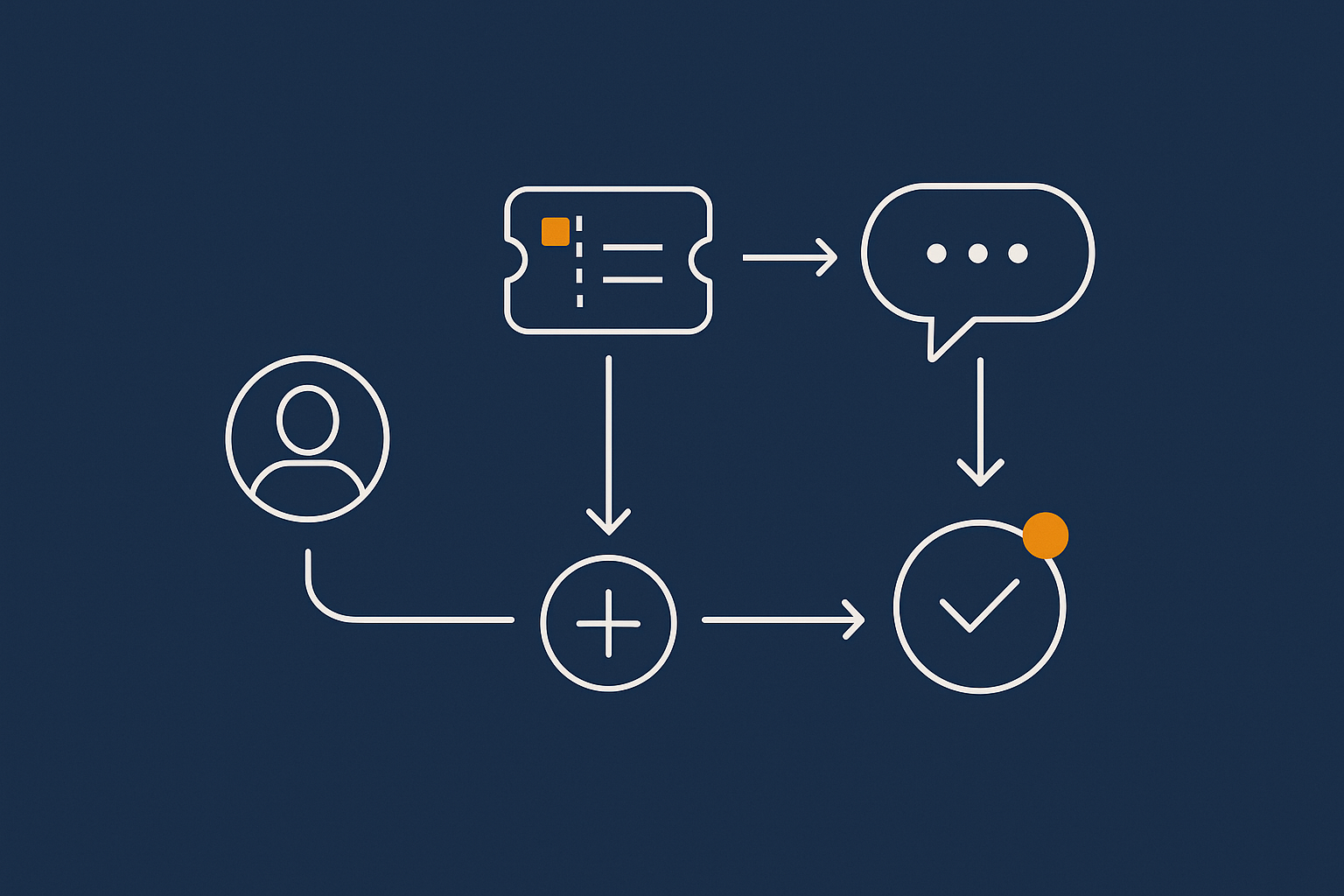
Priority levels and what they actually trigger
Most SLAs define priority levels such as:
- Priority 1 (P1): Complete outage or severe impact on many users.
- Priority 2 (P2): Major functionality broken but some workarounds exist.
- Priority 3 (P3): Minor issues, partial impact or single user problems.
- Priority 4 (P4): General questions, requests and low impact changes.
Each priority maps to different response targets. The key is who gets to decide the priority. Often the provider will classify your ticket after you submit it. Read whether you can escalate if you feel something is more serious than their first assessment.
Typical support SLA language and how to decode it
You may see phrases like:
- “Initial response within 15 minutes for P1 incidents.”
- “24/7 monitoring with best efforts response outside business hours.”
- “Resolution targets are on a best efforts basis and are not guaranteed.”
Key points to look for:
- Initial response usually means an acknowledgement, not a fix.
- Resolution time is often described as a “target” rather than a commitment.
- “Best efforts” is a signal that the provider is not contractually bound to solve something within a set time.
Few providers will guarantee resolution for complex incidents, which is reasonable. Your job is to check whether the combination of staffing, process and tooling makes their targets realistic for your needs.
Channels that are covered: tickets, email, phone, chat
Support can mean different things depending on the channel:
- Ticket system/email: Often the primary channel covered by the SLA.
- Phone: Sometimes available only on higher tiers or business hours.
- Chat: Can be very responsive, but may only handle basic tasks.
Check carefully:
- Which channels are monitored 24/7 for technical incidents, not just sales.
- Whether phone or chat access goes directly to technical staff or through a triage desk.
- How incidents raised via different channels are logged and prioritised.
Managed vs unmanaged: what is in scope for support, and what is billable
The biggest disconnect between expectations and reality is often what support will actually do for you.
On a basic shared or unmanaged VPS plan, support may be limited to:
- Keeping the physical and virtual infrastructure running.
- Rebooting servers and restoring from existing backups.
- Investigating platform-level issues such as network faults.
They may explicitly exclude:
- Debugging your WordPress theme or plugins.
- Fixing performance problems caused by inefficient code.
- Cleaning up after a site-level compromise.
On a fully managed WordPress or virtual dedicated servers for predictable performance and isolation platform, support typically covers much more of the software stack, but you will pay more for that. Some tasks may still be billable, such as development work or bespoke integrations.
Aligning support commitments with your internal processes
Support SLAs should fit the way your team operates.
Think about:
- Who in your company can open high priority incidents and how they will do it.
- How 24/7 support aligns with your own on call patterns, if you have them.
- How incident updates from the host will be shared with your stakeholders.
For some organisations, having the host carry most of the operational burden makes sense. For others with in-house technical teams, a lighter support SLA may be more cost effective. You can always add more managed elements later if you outgrow a basic model.
Recovery Promises: Backups, RPO, RTO and What “Disaster Recovery” Really Covers
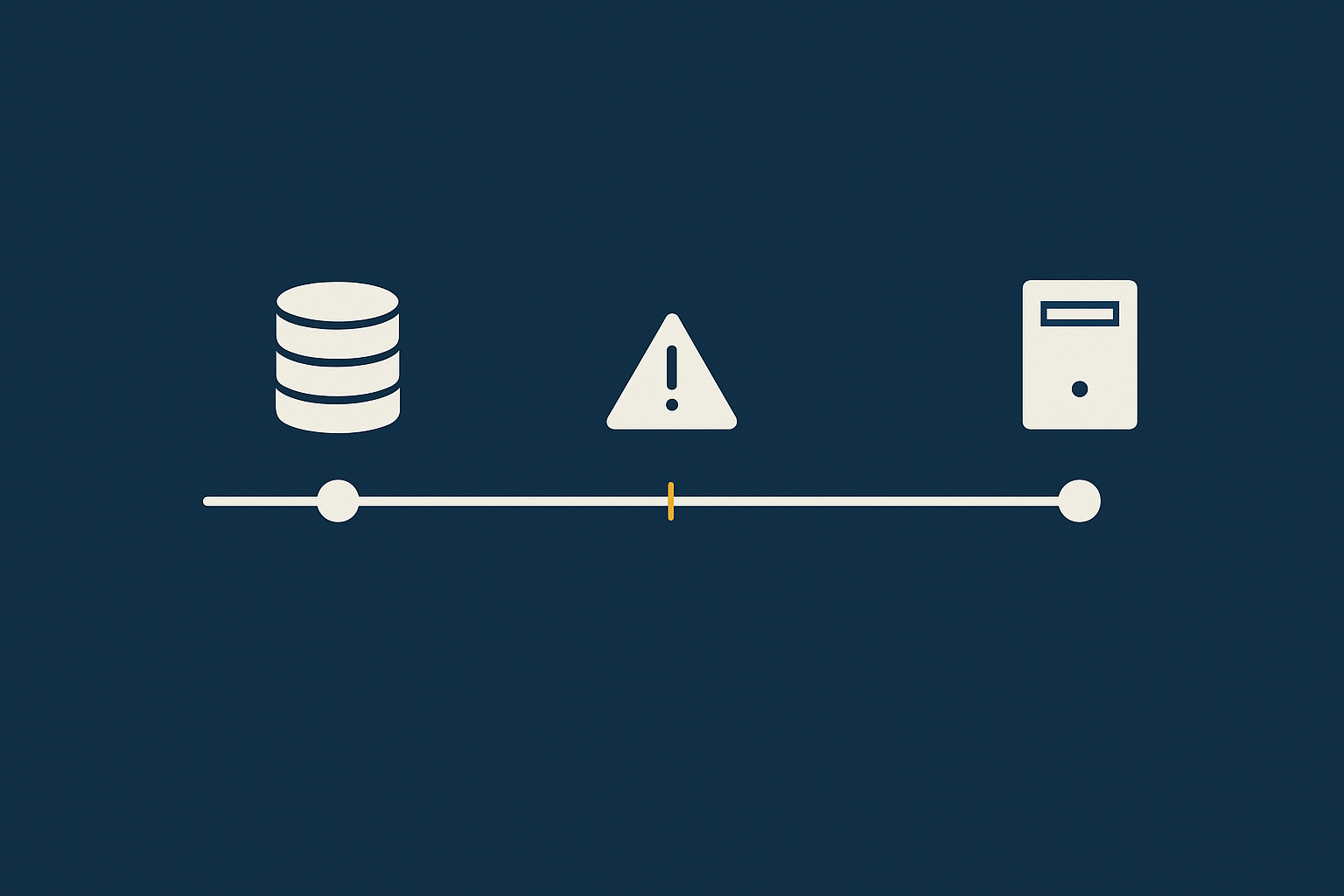
The difference between uptime, backups, redundancy and disaster recovery
These terms are often blurred in marketing, but they solve different problems:
- Uptime is about keeping the service accessible.
- Redundancy is about having multiple components so that if one fails another can take over.
- Backups are copies of data that can be restored later.
- Disaster recovery (DR) is a plan for how to continue or restore services after a major event such as a data centre failure.
Redundancy can prevent short outages. Backups let you recover from corruption or deletions. DR covers rare, high impact scenarios. You usually need a mix of all three. The article Backups vs Redundancy: What Actually Protects Your Website explores this in more depth.
RPO and RTO in plain English, with practical examples
Two widely used terms from the business continuity world are:
- RPO (Recovery Point Objective): How much data, measured in time, you are prepared to lose.
- RTO (Recovery Time Objective): How long you are prepared to wait for systems to be restored.
Imagine:
- Your store takes an order every 2 minutes.
- Backups run every hour.
- A serious issue corrupts your database at 15:00.
If you restore from the 14:00 backup, you lose an hour of orders. Your RPO is therefore 1 hour, whether you planned it or not. If it takes until 18:00 to fully restore and validate the site, your RTO is 3 hours.
When you discuss SLAs, ask the provider to express their backup and recovery design in RPO and RTO terms. This makes the impact much clearer for non-technical stakeholders. For a deeper treatment of RPO and RTO planning, see Designing a Sensible Backup and Restore Strategy with Your Host.
How often backups are taken, where they live and how long they are kept
Backup SLAs usually describe:
- Frequency: Hourly, daily, weekly and at what times.
- Retention: How many copies are kept and for how many days or weeks.
- Location: Whether backups are stored in the same data centre, another region or off site entirely.
Questions to ask:
- Are backups application aware (for example for databases), or simple file copies?
- How quickly can a single site, database or file be restored in a typical scenario?
- Are backups encrypted and who controls the keys?
For some businesses, especially those handling payments or personal data, off site and encrypted backups are not just best practice but a compliance requirement. Industry standards such as ISO 22301 (business continuity) can be a useful reference, although you do not need full certification to follow the principles.
What restore help is actually included in your SLA (and what is “best efforts”)
It is one thing for backups to exist. It is another for restores to be:
- Fast enough.
- Performed correctly.
- Supported by people who understand your application.
Look for language such as:
- “Self-service restores available via control panel.”
- “Provider-initiated restores on request with a target start time of 2 hours.”
- “Application level validation of restores is the customer’s responsibility.”
If restores are self service only, you will need in-house skills to handle them, particularly for multi-component sites such as WordPress with separate file and database layers. This is one area where a managed service can materially reduce operational risk.
How to sanity check recovery promises against your business impact
Start from the question: “If we were offline for X hours or lost Y hours of data, what would that mean for us?” Include:
- Lost sales or leads.
- Staff downtime or manual workarounds.
- Contractual penalties or reputational impact.
Then compare:
- Your tolerances (the maximums you can live with).
- The provider’s stated RPO/RTO or backup and restore targets.
If there is a gap, you have options:
- Adjust your expectations and accept the risk for a lower cost service.
- Negotiate or buy a higher tier, such as enterprise or Enterprise WordPress hosting with formal SLAs.
- Implement extra controls yourself, such as your own application-level backups or multi-region replicas.
Scope and Exclusions: What Your Hosting SLA Does Not Cover
Shared responsibility: where the host stops and your team starts
No hosting SLA covers everything that could affect your site.
The idea of shared responsibility is that the provider owns some layers of the stack and you own others. Typically the host will take clear responsibility for:
- Power, cooling and physical security of the data centre.
- Core network and hardware infrastructure.
- Base operating systems and virtualisation platforms.
You will usually own responsibility for:
- Your application, plugins and themes.
- Most aspects of security configuration above the OS.
- How you use the data, including compliance with laws and contracts.
The article What ‘Shared Responsibility’ Really Means in Hosting explains this model in more detail and is useful to read alongside any SLA.
Common exclusions: DDoS, third party plugins, domains and DNS, payment gateways
Common SLA exclusions include:
- DDoS attacks unless you buy specific mitigation services.
- Third party plugins or themes causing instability or security issues.
- Domain registration and DNS if they are managed by other providers.
- Payment gateways and external APIs your site connects to.
For DDoS, some providers include basic filtering at the network level. Others offer more advanced protection or an acceleration network as an add on. Where a host provides a content delivery or caching layer that filters abusive traffic before it hits your servers, it can significantly reduce your exposure, but there will still be edge cases that are excluded.
Single points of failure that sit outside the hosting SLA
Even the best hosting SLA cannot protect you from every external dependency. Common single points of failure include:
- A single domain registrar account with weak security.
- DNS hosted with a provider that has no formal SLA.
- Critical third party APIs without clear uptime commitments.
When you design for resilience, list all of the components in your user journey, not just the hosting. Decide which of those you want under stronger contracts and which are acceptable risks.
Why “platform only” SLAs can make a site feel unsupported
A “platform only” SLA might technically keep its promises while you still experience:
- Slow responses to application level issues.
- Confusion over who should fix what.
- Repeated “not our responsibility” replies from support.
This is often a mismatch between expectations and the shared responsibility model, not bad faith. The solution is to be explicit about scope upfront and consider a more managed option when your in-house capacity is limited.
Comparing SLAs Sensibly Across Shared, VPS/VDS and Enterprise Hosting
What to expect from a basic shared or cPanel hosting SLA
On typical shared or cPanel web hosting for simpler shared plans you will often see:
- Uptime guarantees around 99.9% with service credits.
- Best efforts support, often 24/7, focusing on the platform and basic site issues.
- Daily backups with limited retention.
- Few or no hard commitments on RPO/RTO or resolution times.
This can be perfectly appropriate for brochure sites, early-stage projects and internal tools where occasional disruption is tolerable and budgets are tight.
How SLAs typically change on VPS and virtual dedicated servers
On VPS and virtual dedicated servers for predictable performance and isolation you will typically see:
- Similar or slightly higher uptime figures, but with better isolation from noisy neighbours.
- More advanced monitoring and alerting.
- More flexible backup options, sometimes configurable RPO/RTO.
- Clearer definitions of what is managed versus unmanaged.
If the VPS or VDS is managed, the SLA may extend further into the application layer, including patching and routine maintenance. If unmanaged, you or your agency will need to handle that.
Enterprise and PCI conscious SLAs: higher commitments and extra obligations
Enterprise or PCI conscious hosting for card payments usually comes with:
- Higher or more carefully defined uptime commitments, sometimes with multi-zone designs.
- Formally documented incident response processes.
- Stronger backup, DR and security controls, often audited.
- Custom SLAs that align with your own policies and regulatory requirements.
In return, you will typically accept:
- Higher costs.
- More joint planning and paperwork.
- Stricter change controls and maintenance windows.
If you are running critical workloads or handling sensitive data at scale, these trade offs are often justified.
Case study sketches: brochure WordPress site vs busy WooCommerce store
Consider two common scenarios.
Brochure WordPress site:
- Leads are useful but not time critical.
- You can tolerate brief outages, especially outside business hours.
- Daily backups are probably acceptable.
A well run shared platform with a straightforward SLA can be sufficient, provided your agency or in-house team is comfortable managing the application itself.
Busy WooCommerce store:
- Revenue depends directly on uptime and performance.
- You want incidents handled rapidly, including application level problems.
- You may need hourly backups or better, with tested recovery.
Here, a more managed VPS/VDS or enterprise platform with stronger SLAs around uptime, support and recovery will usually reduce your operational risk. You can still choose the right level for your stage and budget, but the SLA should reflect the financial and reputational impact of downtime.
Red Flags and Marketing Tricks to Watch For in Hosting SLAs
Vague uptime language and impossible “five nines” claims without matching design
Be wary of:
- Very high uptime claims such as “99.999%” with no details on the architecture.
- Uptime defined only at the network level, not the actual service.
- Missing details on measurement, exclusions and how to claim credits.
Extremely high availability targets can be achieved, but only with deliberate and often complex design. If you do not see corresponding technical explanation or cost, treat “five nines” as a marketing phrase rather than a guarantee.
Support promises that only apply to sales or low risk tickets
Watch for:
- “24/7 support” where only billing and sales are covered out of hours.
- Fast response time promises that only apply to low priority tickets.
- No clear path to escalate serious incidents to engineers.
If possible, test support before you commit, for example by asking detailed pre-sales questions about architecture and seeing how they are handled.
Backup claims that hide long RPOs, slow restores or single location risk
Backup red flags include:
- “We back up everything” with no mention of frequency or retention.
- Backups stored only in the same data centre as the live environment.
- Restores only offered on a “best efforts” basis with no timeframe.
Ask directly: “If our site was badly corrupted at 10:00, what is the earliest safe restore point you could offer, and how long would that restore usually take?” The numbers you hear are your real RPO and RTO, regardless of how they are described in the brochure.
Overly one sided termination and liability clauses
Finally, skim the legal sections for:
- Very low caps on liability, for example less than 1 month of fees.
- Unilateral rights for the provider to change the SLA without notice.
- Short notice periods for termination that could disrupt your operations.
Some limitations are standard in the industry, but you should know what you are signing up to. If the legal balance feels uncomfortable, that is a valid factor when comparing options.
Designing Your Own Hosting Requirements Before You Read the SLA
Mapping your critical journeys: what actually needs to stay online
Before you read any SLA, it helps to be clear on what matters most to your organisation. Map your critical user journeys, for example:
- Customer finds your site, browses content and submits a lead form.
- Shopper lands on a product page, adds to basket and completes checkout.
- Staff log in to an internal portal to access documents.
For each journey, ask:
- When is this used most heavily?
- What happens if it fails for an hour? A day?
- Are there manual workarounds?
Simple business level targets for uptime, support and recovery
Next, turn those journeys into simple statements such as:
- “Our main site should be available at least 99.9% of the time during UK business hours.”
- “If checkout is failing, we need expert support engaged within 15 minutes.”
- “We can only afford to lose at most 30 minutes of order data and be offline for at most 2 hours.”
These are easier for non-technical stakeholders to agree on. You can then check whether a given SLA helps you achieve them.
Translating those targets into questions for your hosting provider
Turn your targets into specific questions such as:
- “How does your 99.95% uptime commitment apply during our main trading hours?”
- “Who will be on the other end of the phone at 9pm on a Sunday if checkout breaks?”
- “What RPO and RTO can you commit to for our site, and can we test this at least annually?”
Notice that these questions are about outcomes rather than features. A good provider will welcome them, because they make it easier to suggest the right architecture and service level.
How managed hosting and managed VDS can reduce your operational burden
As your requirements grow, the operational work involved in meeting them also increases. Running your own complex, highly available infrastructure is possible for smaller teams, but it brings:
- On call duties and incident management.
- Regular patching, updates and security maintenance.
- Backup, restore and DR testing.
Managed hosting or a managed VDS arrangement moves more of this responsibility to your provider. You still own your business logic and content, but the host takes on more of the routine and emergency operational tasks under a clearer SLA.
This is not the only sensible choice, but it is often the point where a managed service starts to look like a risk reduction rather than a luxury.
Practical Checklist: How to Review a Hosting SLA in Under an Hour
A short, repeatable SLA review checklist for your team
When you next look at a hosting SLA, work through this checklist:
- Clarify scope: What exactly is covered (infrastructure, platform, application)?
- Uptime definition: How is uptime measured and what is excluded?
- Uptime numbers: What are the monthly / yearly percentages and how do credits work?
- Support coverage: Which channels, what hours and what are the response targets per priority?
- Support scope: What will they help with by default, and what is billable or excluded?
- Backups: How often, where stored, how long kept, and how restores are requested.
- Recovery: What are the realistic RPO/RTO figures for your type of site?
- Exclusions: DDoS, plugins, DNS, third parties and anything else that stands out.
- Legal balance: Termination, liability caps, unilateral changes.
- Fit to your needs: Compare all of the above with your own business-level targets.
When to push back, negotiate or walk away
It is reasonable to:
- Ask for clarifications or examples where language is vague.
- Request minor adjustments, such as better notice for planned maintenance.
- Question very high uptime claims that are not backed by architecture details.
If a provider cannot explain their own SLA clearly, or if the gaps between your needs and their commitments are wide and non-negotiable, it may be more pragmatic to look elsewhere than to accept significant unmitigated risk.
Next steps: monitoring, incident reviews and keeping the SLA honest over time
An SLA is a starting point, not a set-and-forget solution. After you go live:
- Set up your own external monitoring so you see uptime from the user’s perspective.
- After any significant incident, hold a brief review with your provider to understand cause, impact and improvements.
- Revisit your SLA annually or after major changes in your business, such as launching e-commerce or entering new markets.
If you would like a calm, vendor-neutral conversation about what kind of SLA and architecture fits your site, you are welcome to talk to G7Cloud about managed hosting or virtual dedicated servers and how they might reduce your operational burden without overcomplicating things.