

Who This Guide Is For (And Why The Network Suddenly Matters)
This guide is for people responsible for websites or online services where downtime would be more than a minor annoyance, but who are not full time network engineers.
Typical readers include:
- Marketing or digital managers responsible for a lead generation site or campaign landing pages
- Owners of revenue critical sites such as WooCommerce or other e‑commerce platforms
- Founders of SaaS or portal style services running on a single region or data centre
- IT generalists looking after infrastructure in addition to many other responsibilities
At some point, you realise that “the network” is where many problems either start or become visible. The site is up from the server’s point of view, but a portion of users cannot reach it, or performance collapses during a traffic surge or attack. Contracts talk about “network SLAs” and “DDoS protection”, but translating those into business risk is not straightforward.
Typical situations where network resilience becomes a real concern
Network-level resilience usually becomes a topic after one of these moments:
- Your site is technically up, but users in some regions cannot reach it or find it painfully slow.
- A marketing campaign or media coverage drives a spike in visits, and the site or upstream network struggles.
- A competitor or random actor launches a DDoS attack and the site becomes intermittently unreachable.
- A DNS or registrar incident suddenly makes your domain unreachable, even though the server is fine.
- A data centre or network carrier has an outage and there is no fallback route.
In all of these, the servers and code may be healthy. It is the “plumbing” between your visitors and your hosting that is at risk.
What “network-level resilience” actually means in plain English
Network-level resilience is the ability for people to keep reaching your site or service even when:
- Some parts of the internet infrastructure are slow, broken or under attack.
- Your host’s upstream providers have issues.
- Your own DNS or routing configuration needs to change quickly.
In more practical terms, it is about reducing single points of failure in:
- DNS: Can people still find the correct IP for your domain when something fails?
- Connectivity: If one network route breaks, can traffic take another path?
- DDoS protection: Can malicious floods be filtered before they overwhelm your servers?
This guide focuses on those three layers, and how to make sensible decisions without needing to become a network specialist.
First Principles: How a Visitor Reaches Your Site Over the Network
Domain name, DNS, IP address and route: the basic journey
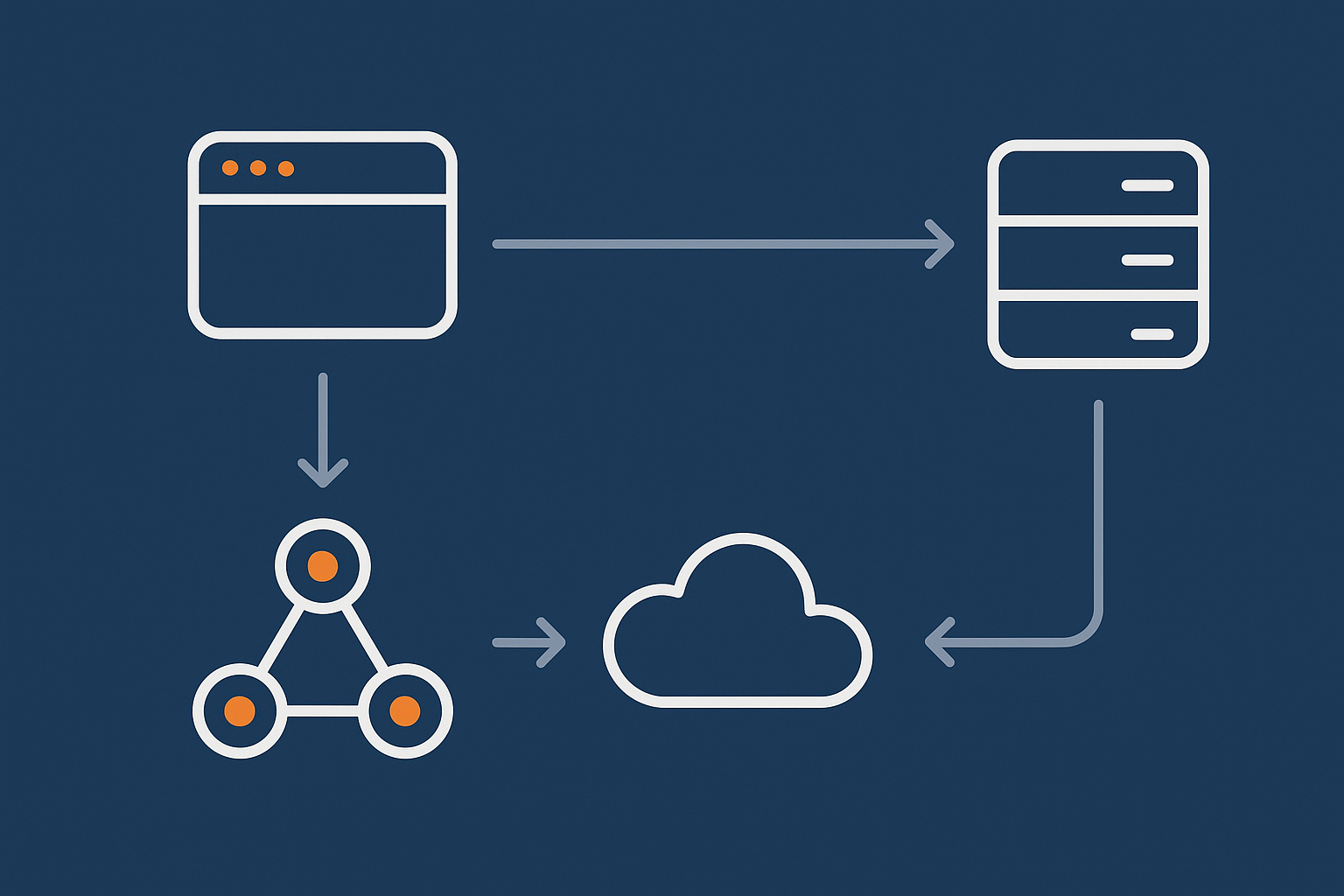
When someone types www.example.com into a browser, several steps happen:
- Domain name lookup (DNS): The browser asks “what IP address should I use for this domain?”.
- DNS response: One or more DNS servers reply with an IP address, such as
203.0.113.10. - Routing across the internet: The user’s internet provider sends the request towards that IP. Routers across the internet forward it from one network to another until it reaches your hosting provider’s network.
- Delivery inside your host’s network: Their routers and switches pass the request to the correct server.
- Application response: Your web server and application generate a page, which travels back along the network path.
From a business perspective:
- DNS is your “phone book” listing.
- The IP address is like the office location.
- BGP routing is the set of instructions for how postal services move parcels between towns.
Where things can break along that path (and who owns each piece)
Resilience is about understanding each link and who is responsible:
- Domain and DNS
Owned by: You, your domain registration and DNS management provider, or a DNS specialist.
Risks: Misconfigured records, outage at one DNS provider, registrar issues, expired domain. - Global internet routing
Owned by: Dozens of independent networks and carriers using BGP to talk to each other.
Risks: Fibre cuts, routing mistakes, congestion in certain regions. - Your hosting provider’s network
Owned by: Your host and their upstream carriers.
Risks: Single carrier dependency, DDoS attacks congesting incoming links, faulty hardware. - Application servers
Owned by: Your host, or you on a server or virtual dedicated servers for higher network and resource isolation.
Risks: Capacity limits, configuration errors, application bugs.
Your hosting provider can strengthen the DNS, routing and network layers within their control, but some choices remain with you. For example, whether to use separate DNS providers, or how complex your failover arrangements should be.
DNS Resilience: Keeping Your Domain Reachable
What DNS is in business terms (the internet’s phone book)
DNS translates human readable names into IP addresses. In business terms, it is:
- Your listing in the internet’s phone book.
- The system that decides “which server should answer for this domain right now?”.
- A control point you use to fail over between servers or providers.
If DNS fails or is misconfigured, your site can appear completely offline even if the servers are healthy.
Nameservers, registrars and hosts: who controls what
The terminology can be confusing, so it helps to separate roles:
- Registrar: The company where you register and renew the domain (for example,
example.com). - DNS provider: The system that actually answers DNS queries for your domain. This is defined by your domain’s nameservers.
- Hosting provider: The company providing the servers and IP addresses that your DNS records point to.
In many small setups, the registrar, DNS provider and host are the same company. That can be convenient but can also be a single point of failure if that company has a technical or operational problem.
Single point of failure pitfalls: “all eggs in one DNS basket”
Common DNS fragility issues include:
- Single DNS provider, single location: If their systems or network have an outage, your domain becomes unreachable globally.
- Registrar and DNS tied together: If there is an account issue or operational error at the registrar, you may temporarily lose control of DNS.
- Poorly managed records: Old records for staging servers, typoed IP addresses or misconfigured mail records that are never reviewed.
For most organisations, the goal is not to remove all risk, but to avoid fragile arrangements that make outages more likely or harder to recover from.
Practical DNS resilience choices for SMEs
Using reputable, anycast DNS with multiple locations
Modern resilient DNS providers use anycast networks. In simple terms, your DNS name servers exist in many locations around the world, all sharing the same IPs. Queries go to the nearest healthy location automatically.
Characteristics to look for:
- Multiple global points of presence.
- Redundant infrastructure within each site.
- Support for DNSSEC if you need stronger security.
Many managed hosting platforms and CDNs provide this kind of DNS as part of their service, which is usually sufficient for SMEs that do not have specialist network staff.
Separate vs bundled DNS: when to split from your registrar or host
Keeping DNS in one place can be perfectly reasonable in low risk scenarios. Separation starts to make sense when:
- Your domain is business critical, and even short DNS outages would be expensive.
- You want the option to fail over between hosts without moving DNS in a rush.
- You prefer a dedicated DNS provider with its own support and SLAs.
A pragmatic pattern is:
- Use a stable registrar that you trust for renewals and ownership.
- Use either your hosting provider’s DNS or a specialist DNS provider, evaluated on resilience and support.
Keeping DNS configuration simple, documented and clearly owned is often as important as the specific product choice.
Sensible TTLs: fast failover vs stability
DNS records include a TTL (Time To Live), which tells other systems how long to cache the answer. Short TTLs allow faster changes and failover, but at the cost of more DNS queries and sometimes slightly slower lookups.
Guidelines:
- For mostly static records (main web IP, mail servers): 1 to 4 hours is often fine.
- For records where you may need quicker failover: 5 to 15 minutes can give flexibility without being extreme.
- Avoid setting everything to very low values “just in case”, as that adds load and is rarely needed.
For planned cutovers, you can reduce TTLs a day or two beforehand, then raise them again afterwards.
How DNS resilience interacts with CDNs and acceleration layers
When you use a CDN or an acceleration service, your DNS records often point at that network rather than directly at your origin server.
This has several effects:
- DNS changes become the way you switch traffic between different protection or caching layers.
- The CDN’s own DNS and routing resilience becomes part of your risk profile.
- You may gain extra resilience because cached content can be served even if your origin has brief issues.
For example, the G7 Acceleration Network for caching, bad bot filtering and network‑level security sits in front of your origin servers. It caches content, optimises images to AVIF and WebP on the fly, and filters abusive traffic before it reaches your application. Your DNS points to the G7 edge, which then routes to your servers in a controlled way.
CDNs reduce some kinds of risk but introduce others. You still need clear ownership of DNS and a plan for what happens if any particular layer becomes unavailable.
DDoS Protection in Plain English: Floods, Filters and Trade‑offs
What a DDoS attack actually is (and how it differs from normal traffic spikes)
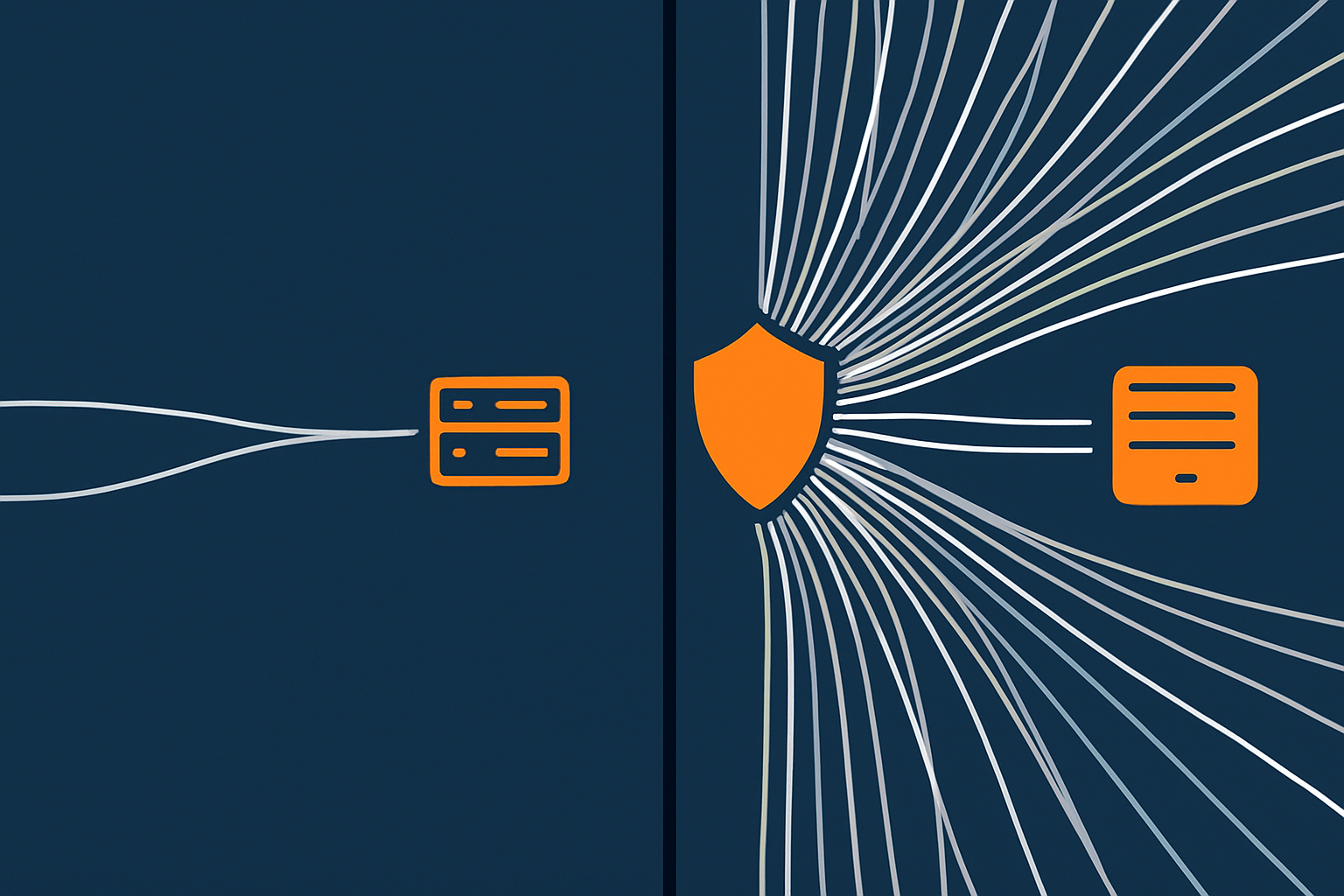
A DDoS (Distributed Denial of Service) attack is a flood of traffic from many sources aiming to overwhelm your network or application so that legitimate users cannot be served.
Compared with a normal spike, a DDoS attack:
- Often involves huge numbers of connections from compromised devices.
- May target weak spots in protocols or application logic rather than just sending lots of page views.
- Does not care about your content or products; the goal is disruption, not purchase.
From your point of view, the symptom is similar. The site becomes slow or unreachable, support tickets rise, and your own diagnostics may show healthy servers starved of network capacity.
Where DDoS protection can sit: network edge, CDN, host firewall, application
DDoS protection can operate at several layers.
- Network edge / upstream carriers
Large attacks are filtered or “scrubbed” before they even reach your host’s network. - CDN / acceleration network
Traffic hits the CDN first, where rate limiting and bot filtering can block obvious abuse. - Host firewall / WAF (Web Application Firewall)
Rules examine connections and HTTP requests at the edge of your server network. - Application level
Logic within your application or CMS plugin imposes limits.
In practice, you want most nonsense traffic to be blocked as far away from your servers as possible. Blocking at the PHP or database level is usually too late, because resources are already tied up.
Types of attacks: volumetric, protocol, application‑layer
It can be useful to know the basic categories:
- Volumetric attacks: Attempt to saturate the bandwidth of a network link. Think of filling the road with so many lorries that no cars can get through.
- Protocol attacks: Exploit quirks in low level protocols like TCP or UDP to exhaust routers and firewalls.
- Application‑layer attacks: Target specific pages or actions, such as expensive search queries or cart operations, using seemingly legitimate HTTP requests.
The more your business depends on continuous availability, the more it matters that your host or security provider can cope with these varieties without constant manual intervention.
What most SMEs really need from DDoS protection
Automatic rate limiting and bad bot filtering
For many small and mid‑sized businesses, the most practical goal is automated, always‑on controls that:
- Slow down or block IPs making far more requests than a normal visitor.
- Detect and filter common malicious bots and scrapers.
- Respect legitimate spikes, such as a Black Friday sale or a marketing campaign.
Networks like the G7 Acceleration Network apply this kind of filtering at the edge, so abnormal patterns are handled before they reach your application servers.
Protection that triggers before PHP or the database
It is useful to think in terms of “how far down the stack” a request gets:
- If a request reaches your PHP runtime or database, it has already consumed a meaningful amount of resource.
- If it is blocked at a CDN edge or network firewall, most of the cost is avoided.
For busy WordPress or WooCommerce sites, ensuring that suspicious or abusive requests are filtered before the application is a major part of keeping the site responsive during attack attempts or scraping spikes.
Impact on performance, caching and false positives
DDoS protection is always a trade‑off:
- More aggressive filtering can occasionally block legitimate users, especially those on shared IPs or older devices.
- Some protections add a small amount of latency, for example when traffic is redirected through scrubbing centres.
- Caching gives a buffer, but must be balanced with dynamic features such as carts, logins and personalised content.
For most SMEs, having a managed platform with sensible defaults is more valuable than hand tuning dozens of rules. Providers should be able to adjust thresholds for your traffic patterns over time.
Where a specialist mitigation provider or enterprise setup starts to make sense
Specialist DDoS providers or bespoke enterprise setups are worth considering when:
- You are a frequent or high profile target.
- You run public sector, financial or gaming services with strict uptime commitments.
- An hour of downtime would cost significantly more than ongoing specialist protection.
In these cases, a combination of upstream carrier protection, dedicated scrubbing centres and tightly managed firewall rules may be justified. For smaller teams, this is often provided as a managed service because self managing it carries high operational overhead and scope for mistakes.
BGP and Network Redundancy: How Traffic Finds Its Way To Your Host
BGP in plain English: internet “postcodes” and routes between networks
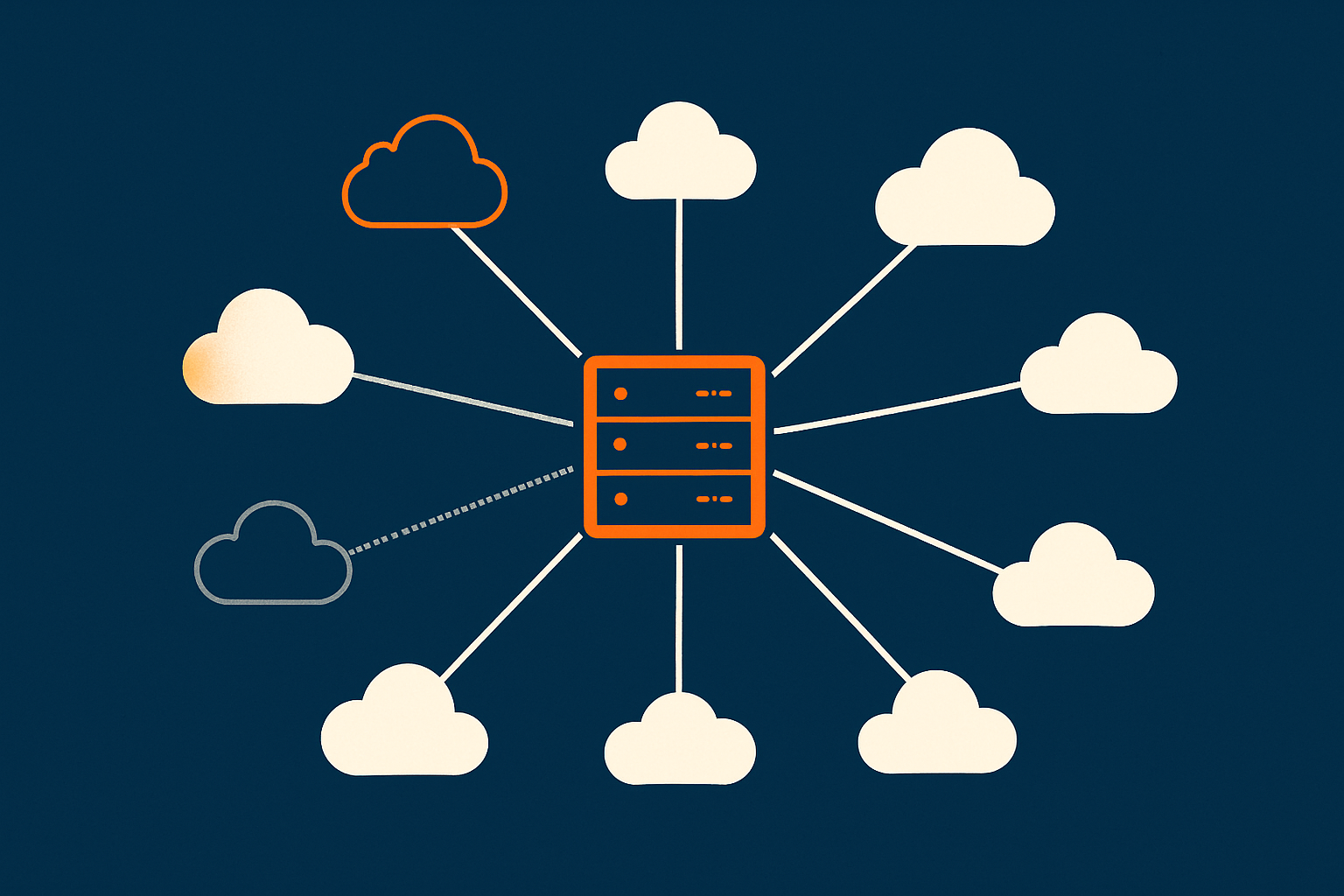
The internet is a network of networks. Each major network, such as an ISP or hosting provider, is an autonomous system with its own collection of IP address ranges.
BGP (Border Gateway Protocol) is how those autonomous systems tell each other:
- “These IP ranges are reachable through me.”
- “Here is the best path I currently know to reach that range.”
If IP ranges are like postcodes, BGP is the set of route announcements that say which roads connect different towns. Routers use these announcements to decide where to send packets next.
Transit providers, peering and why multiple carriers matter
Your hosting provider connects their network to the rest of the internet using:
- Transit providers: Paid carriers that promise to deliver traffic to “anywhere on the internet”.
- Peering: Direct connections to other networks where traffic is exchanged, often without per‑GB charges.
If a host uses only a single transit provider, then problems on that upstream network can impact all customers, even if the data centre itself is fine. When a host uses multiple carriers and peering partners, BGP can route around some external issues automatically.
What happens when a fibre cut or carrier outage occurs
Physical connectivity is not perfect. Common scenarios include:
- Construction equipment cutting a fibre bundle that served a region.
- Equipment failures in a carrier’s core network.
- Configuration issues that cause a provider to withdraw or misadvertise routes.
If your hosting provider is connected only through the affected carrier, your site may become unreachable from parts of the internet until the issue is fixed.
If they are connected to multiple carriers in a multihomed setup, their routers can withdraw routes through the failing provider and prefer healthy alternatives. You may see a slight rerouting delay, but traffic continues to flow.
How multihomed BGP and diverse carriers improve resilience
A resilient network typically has:
- Multiple transit providers operating in different physical and commercial domains.
- Diverse fibre paths so that a single cut does not isolate the site.
- Careful BGP policy to control how routes are preferred and how failover behaves.
This is not something customers usually manage directly. It is part of what a serious hosting provider invests in so that you do not have to think about individual fibre cuts or routing incidents for day‑to‑day operations.
If you would like more context on the physical side, our guide to what really matters for power, cooling and network redundancy inside a data centre covers how these network designs are implemented in practice.
What to ask a hosting provider about BGP and upstream redundancy
You do not need to speak fluent BGP, but there are straightforward questions you can ask:
- Do you have multiple upstream transit providers, and are they truly independent?
- Do you operate your own BGP ASN (autonomous system number)?
- How do you handle a major carrier outage or regional routing incident?
- Is network DDoS protection handled at your edge, by your carriers, or by a separate mitigation provider?
The aim is not to catch anyone out, but to understand whether your provider has engineered “internet‑facing” redundancy with the same seriousness as power or hardware redundancy.
Putting It Together: A Sensible Network‑Resilient Setup for a Growing Business
Pulling the concepts together can make them feel more concrete. Here are three example scenarios.
Example 1: Busy brochure / lead‑gen WordPress site
Profile:
- Core site for reputation and inbound leads.
- Traffic is spiky around campaigns, PR and events.
- Forms and downloads are more important than heavy dynamic functionality.
A sensible network‑resilient approach might include:
- Well maintained shared or managed hosting with a strong track record of network uptime.
- DNS hosted on a reputable anycast platform, either via your host or a trusted third party.
- Use of an acceleration layer like the G7 Acceleration Network to cache pages, compress images and filter basic abusive traffic.
- TTL values around 30 to 60 minutes for core records, reviewed before major changes.
Here, going beyond this into complex multi provider DNS or custom BGP arrangements is usually unnecessary. The main gains come from choosing a host that takes its network seriously and using caching and simple protection wisely.
Example 2: Revenue‑critical WooCommerce store with card payments
Profile:
- Direct revenue impact from downtime or checkout failures.
- Peak trading around seasonal events and promotions.
- Payment processing with card details and possibly PCI‑related obligations.
A more robust design is often justified:
- High quality managed hosting or a managed VDS, so underlying network and security are professionally operated.
- DNS on a resilient anycast platform, separate from your registrar, with shorter TTLs (for example 10 to 20 minutes) on front‑end records.
- Use of a CDN / acceleration network that can absorb bursts of traffic and provide network‑level DDoS filtering.
- Network and WAF protection that blocks malicious traffic before it reaches the PHP or database layer.
- Clear incident runbook: who to contact at the host, who can change DNS, when to enable stricter rate limiting temporarily.
A PCI conscious hosting setup can also be relevant here, particularly if you handle card data more directly. That influences network segmentation and security controls around your infrastructure.
Example 3: Multi‑site or multi‑service environment on VDS
Profile:
- Several sites or services, possibly for different brands or clients.
- Mixture of internal tools, APIs and public facing apps.
- Some services more critical than others, but sharing the same core network.
On virtual dedicated servers for higher network and resource isolation, you gain control over the server environment, while your provider manages the underlying network and BGP.
In this scenario, a network‑resilient plan could include:
- Segregation of critical and non‑critical services on different VDS instances, so noisy neighbours have limited impact.
- Use of an acceleration network and WAF in front of the more exposed public services.
- Sensible use of private networking or VPNs for internal APIs and tools, reducing their public attack surface.
- Documented DNS patterns and naming so that failover and migration between VDS instances is predictable.
The operational load in this kind of setup increases. For many organisations, a managed VDS or fully managed platform helps keep that complexity within manageable bounds.
Common Misconceptions About Network Uptime and Protection
“Our CDN means we do not need to care about our host’s network”
CDNs improve performance and absorb some attacks, but they do not remove the need for a solid origin network. Reasons include:
- Dynamic content such as carts, checkouts and dashboards still needs direct connectivity to your servers.
- APIs, admin panels and non‑HTTP services may not be routed through the CDN.
- A serious origin network outage can eventually surface even if cached content remains available for a while.
You still want your hosting provider to have good BGP and upstream resilience, even when a CDN front‑ends much of the traffic.
“DNS is set and forget” and other dangerous assumptions
DNS does not need constant tinkering, but it is not completely “fire and forget” either. Common oversights include:
- Domains renewing on the personal email address of someone who left the company.
- Delegations pointing to DNS providers you no longer use.
- TTL values that make planned changes slow or emergency changes stressful.
A periodic review of domain ownership, DNS providers and core records is a straightforward way to reduce risk.
Confusing backups, redundancy and DDoS mitigation
These are often mixed together but solve different problems:
- Backups help you recover data after corruption, deletion or a security incident. They do not keep your site online during a network outage.
- Redundancy is about having alternative systems or routes so operations can continue when something fails.
- DDoS mitigation specifically addresses malicious traffic floods.
For a rounded resilience plan, you need appropriate measures in all three areas. Our guide on what ‘redundancy’ really means in hosting explores this in more depth.
What uptime guarantees do not include at the network level
Hosting SLAs often include figures such as “99.9% network uptime”. It is useful to understand what is typically included and excluded:
- Usually included: availability of the host’s own core network and connectivity to their immediate upstreams.
- Usually excluded: issues within your ISP, global routing incidents outside their control, misconfiguration of your DNS, application‑level faults.
Reading the fine print and asking providers exactly what their uptime metrics cover helps you align expectations with reality.
How To Decide What Level of Network Resilience You Actually Need
Linking network risks to business impact: revenue, reputation and obligations
Rather than starting with technology, begin with questions like:
- What happens if our main site is unreachable for an hour on a weekday?
- How about half a day, or a full day, during peak season?
- Are there contractual or regulatory obligations around availability?
- How quickly would we need to respond to a DNS, routing or DDoS incident?
For some organisations, a few short outages per year are tolerable. For others, even 30 minutes of downtime during trading hours has material impact. The answers drive how far you go with multi‑provider DNS, specialist DDoS services and distributed hosting architectures.
Questions to ask your current or prospective hosting provider
To understand their network posture, you can ask:
- Which data centres and regions host our services?
- How is your network connected to the internet, and do you have multiple upstream carriers?
- What kind of DDoS protection is in place by default, and at what layer does it operate?
- Can you help with DNS configuration and failover planning, or is that purely our responsibility?
- How do your web hosting security features such as firewalls and intrusion prevention interact with DDoS controls?
The goal is to clarify the division of responsibilities. A good provider will be clear about what they manage, where their SLAs apply, and where you still need internal processes.
When to stay on high‑quality shared / managed hosting vs move to VDS or enterprise setups
High quality shared or managed hosting can deliver excellent resilience for many businesses. Reasons to stay with this model include:
- Your traffic volumes and revenue exposure are moderate.
- You prefer the provider to handle network, security and platform decisions.
- You value predictable costs and low operational overhead.
Moving to VDS or more bespoke enterprise setups becomes attractive when:
- You need isolation and predictable resources for multiple applications.
- You want more control over security, networking policies or compliance.
- Your own technical team is comfortable managing servers but would like the provider to handle physical and BGP‑level complexity.
If you are unsure where the line sits for your organisation, our article on what “resilient enough” looks like for a mid‑sized business offers a broader framework for thinking about uptime and failover.
Next Steps and Further Reading
Where network‑level protections fit with your wider resilience plan
Network‑level measures are one part of a wider resilience picture that also includes:
- Server and storage redundancy.
- Application‑level failover and scaling.
- Backups, disaster recovery and tested restoration procedures.
- Monitoring, alerting and clear ownership for response.
Our guide on designing for resilience without public cloud ties together network, server and data centre strategies in more detail.
Related guides: redundancy, geographic resilience and realistic uptime
If you would like to explore specific aspects further, these articles may be useful:
- Latency, bandwidth and throughput: how network limits affect uptime and user experience
- Why websites go down: common hosting failure points
For formal definitions of some network terms used in this guide, the IETF’s BGP specification (RFC 4271) and Cloudflare’s DDoS learning centre are good reference points, though significantly more technical.
If you are reviewing your current setup and would like a second opinion, you are welcome to speak with G7Cloud about your requirements. We can help you weigh up shared hosting, managed platforms and VDS options so that your network architecture is strong enough for your risk profile without becoming unnecessarily complex.