

Why ‘Resilient Enough’ Is the Real Question
From “never go down” to “good enough to protect the business”
Many mid‑sized organisations start with an aspiration: “Our site must never go down.” It sounds reasonable, especially if you rely on your website for leads, sales or customer service.
In practice, “never” is not a helpful design target. Perfect availability is extremely expensive and still not guaranteed. What you can define, and buy, is a level of resilience that is good enough to protect the business at a sensible cost.
The right question is: how much downtime, data loss and disruption can we tolerate before it genuinely harms us? Your hosting, failover and recovery approach should follow from that answer.
Typical mid‑sized scenarios: lead gen, ecommerce, internal apps
Most mid‑sized businesses sit somewhere in this mix:
- A marketing or lead generation site, often on WordPress
- An ecommerce or customer portal, perhaps WooCommerce or a custom application
- Internal tools and line of business systems, from CRMs to file sharing
Each of these has different tolerance for downtime:
- A brochure site can be briefly unavailable with limited impact.
- An ecommerce checkout going offline at 8 p.m. on a Sunday might hurt far more.
- An internal portal being down on month end can cause missed deadlines and overtime.
“Resilient enough” will not be the same for all three. Treating every system like the ecommerce checkout would be expensive and unnecessarily complex.
Why copying big‑tech SLAs usually wastes money
You will sometimes see availability numbers like “99.99%” or “five nines” in big‑tech marketing and public cloud documentation. These are usually tied to very specific conditions and significant engineering effort on the customer side.
For most mid‑sized businesses:
- Copying those numbers as internal targets often leads to over‑engineering.
- The infrastructure and staffing required to reliably hit them is substantial.
- Your actual business risk may not justify that cost or complexity.
An availability target of 99.5% or 99.9% for the right systems can be entirely reasonable. It is often far more efficient to design for “fast recovery when something fails” than to chase ultra‑high theoretical uptime that you do not truly need. If you want to dig into the myths around uptime numbers, see “Five Nines” and Other Myths: How to Realistically Evaluate Hosting Uptime Guarantees.
First Step: Understand What Downtime Actually Costs You
Plain English: what “the site is down” really means day to day
When someone says “the site is down”, they often mean different things:
- The whole domain is unreachable.
- It loads, but is very slow.
- Certain functions (log in, checkout, file upload) fail.
From a business point of view, you mainly care about what users cannot do:
- New customers cannot place orders.
- Existing customers cannot access services they pay for.
- Staff cannot complete tasks on time.
These are the impacts you are really designing resilience around.
Direct vs indirect impact: lost sales, ops disruption, reputation, compliance
Downtime has both direct and indirect effects.
Direct impact might include:
- Lost online sales and abandoned baskets.
- Extra staff time spent firefighting or re‑entering data.
- Missed internal deadlines because tools are unavailable.
Indirect impact is often slower but more serious over time:
- Damage to your brand if outages are frequent or poorly communicated.
- Strained relationships with key customers who rely on your portal.
- Compliance or contractual issues if you have minimum availability written into agreements.
Quantifying these impacts does not need to be perfect. Even simple estimates like “every hour of checkout downtime on weekdays likely costs £X” are enough to guide decisions.
A simple way to group your systems: critical, important, nice‑to‑have
To avoid over‑engineering everything, group your systems into three buckets:
- Critical: Outage or data loss causes major financial, legal or operational harm within hours.
- Important: Outage is disruptive and inconvenient, but can usually be tolerated for part of a working day.
- Nice‑to‑have: Helpful tools and content that can be down for a day or so without serious business impact.
You can then match resilience to importance, instead of treating all systems the same.
Worked examples: brochure site vs B2B portal vs WooCommerce store
Brochure site (marketing / lead generation):
- Impact: Missed enquiries and a poor impression if visitors hit errors.
- Typical classification: Important, not critical.
- Reasonable tolerance: Short outages during off‑peak, slower recovery at night or weekends.
B2B customer portal (orders, documents, status):
- Impact: Customers cannot place orders or access documents; call volumes increase.
- Typical classification: Often critical during business hours.
- Reasonable tolerance: Limited; you may accept minutes, but not hours of outage on weekdays.
WooCommerce store (public ecommerce):
- Impact: Direct loss of sales and potentially high‑profile complaints.
- Typical classification: Critical during trading hours; important otherwise.
- Reasonable tolerance: Small glitches are acceptable; prolonged checkout failures are not.
You may run all three from the same hosting provider, but their resilience targets do not need to be identical.
Key Terms: Uptime, RTO, RPO and Failover Without Jargon
Uptime in practice: what 99.5%, 99.9% and 99.99% really look like per month
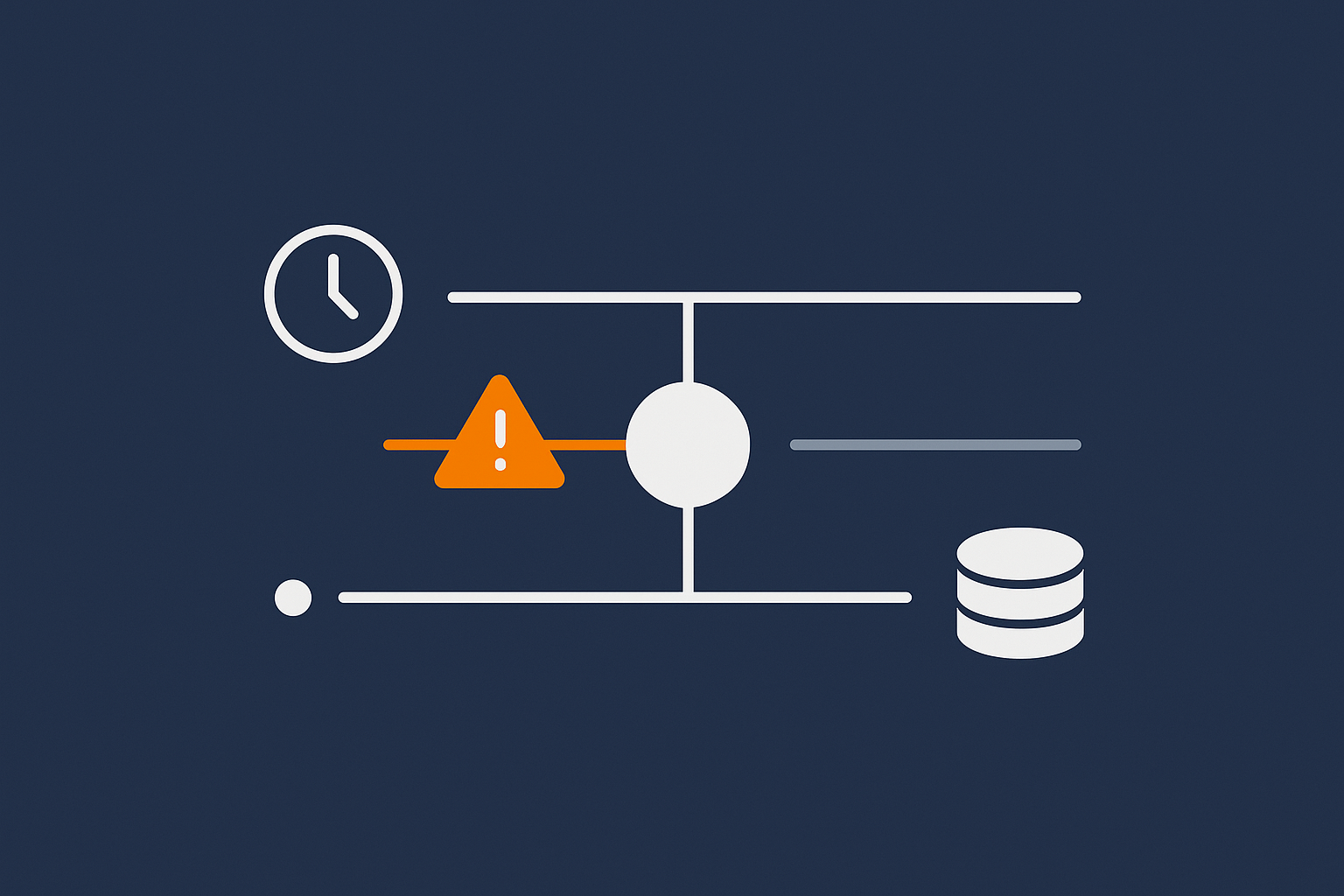
Uptime is the proportion of time a service is available. Expressed as a percentage per month:
- 99.5% allows for about 3 hours 39 minutes of downtime.
- 99.9% allows for about 43 minutes of downtime.
- 99.99% allows for about 4 minutes of downtime.
Importantly:
- Most SLAs count only infrastructure unavailability, not your code issues or third party failures.
- Downtime may be in one long incident or many short ones.
- Planned maintenance may or may not be excluded.
Availability numbers are useful, but they are only part of the story. They say nothing about how fast you recover or how much data you could lose.
RTO (Recovery Time Objective): how long you can afford to be down
RTO is your target for how quickly a system should be back up after a serious incident.
Examples:
- “For the customer portal, our RTO is 30 minutes during UK business hours.”
- “For the marketing site, our RTO is 4 hours at any time.”
This is not a guarantee that every incident will fit that window. It is a design target that shapes your hosting choices, automation and support expectations.
RPO (Recovery Point Objective): how much data you can afford to lose
RPO is your target for how recent the data should be when you recover. It defines the maximum acceptable gap between the last good copy and the moment of failure.
Examples:
- “For ecommerce orders, our RPO is 5 minutes.” (You are willing to risk at most 5 minutes of orders.)
- “For the brochure site content, our RPO is 24 hours.” (Losing a day of edits is acceptable.)
RPO is primarily influenced by backup and replication strategies. More frequent backups or real‑time replication reduce potential data loss, usually at higher cost and complexity.
Failover vs recovery: instant switchover vs rebuild and restore
It helps to distinguish two patterns:
- Failover: You have a running secondary instance ready. If the primary fails, traffic is switched over quickly, sometimes automatically. Downtime can be very short, but the environment is more complex and often costs more.
- Recovery: You restore from backups or rebuild systems when something fails. This is usually slower, but cheaper and simpler to operate for less critical workloads.
Many mid‑sized businesses use a combination. For example, a failover pair of servers for a customer portal, and a simpler backup‑based recovery approach for an intranet.
How these concepts link back to money, people and process
Higher uptime, lower RTO and tighter RPO targets generally mean:
- More infrastructure cost (extra servers, storage, networking).
- More operational effort (monitoring, testing, updates, documentation).
- More process discipline (change control, deployment practices, incident handling).
This is where managed services can help. Offloading design, monitoring and recovery runbooks to a provider reduces the burden on a small internal team, particularly for complex setups that require rapid failover or strict RPO.
Defining ‘Resilient Enough’ Targets for a Mid‑Sized Business
Step 1: Map business processes to systems and hosting components
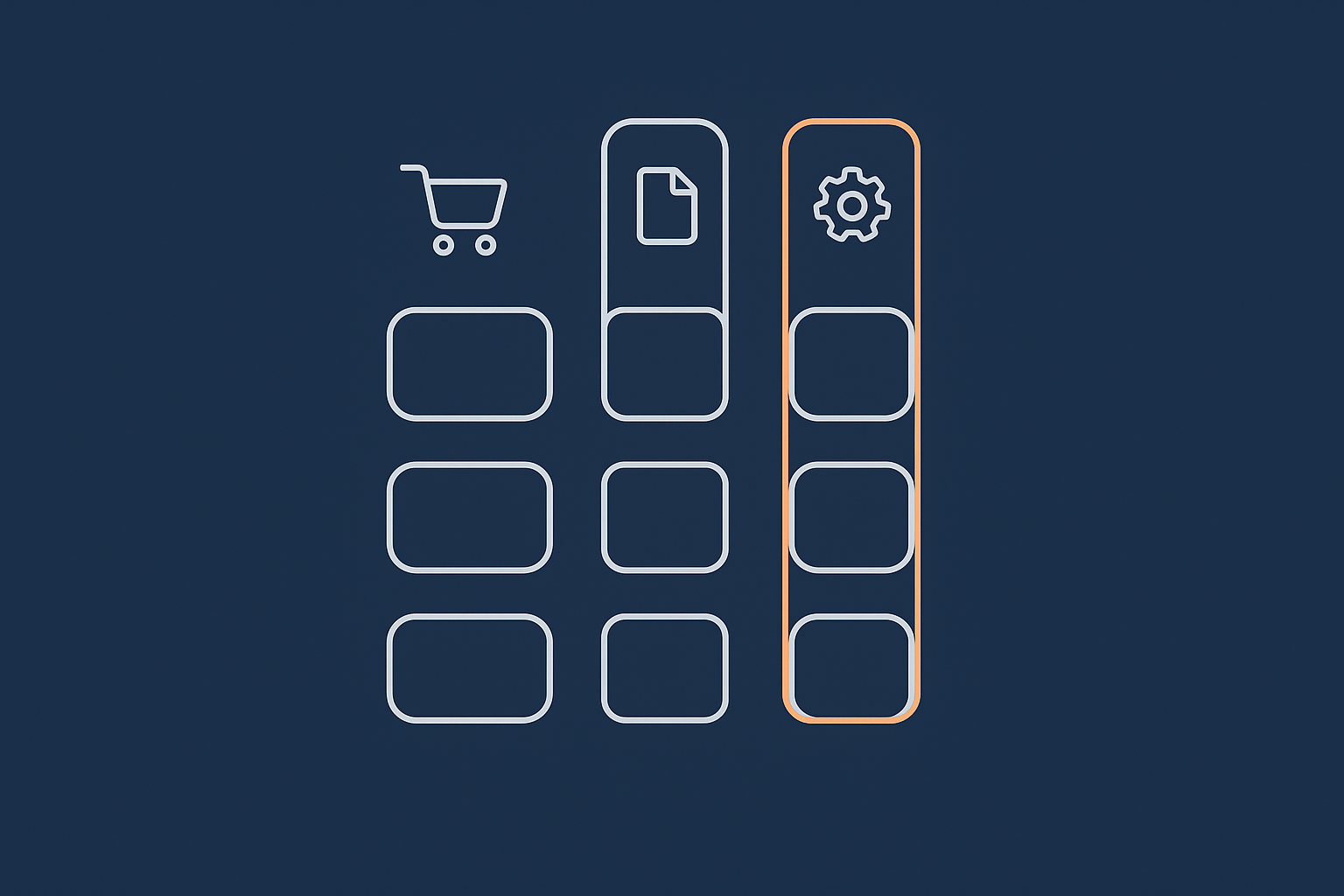
Start from business processes, not servers. For each process, list:
- What users are trying to do (for example “place an order”, “upload compliance documents”).
- Which systems support it (website, CRM, payment gateway, SSO provider, email).
- Which hosting components are involved (web servers, application servers, databases, DNS, CDN).
You will often discover hidden dependencies, such as:
- Logins depending on a third party identity provider.
- Payments depending on both your hosting and an external gateway.
- Emails relying on separate SMTP services or cloud mail.
Step 2: Set realistic uptime, RTO and RPO per system tier
Now set different targets for each tier (critical, important, nice‑to‑have). For example:
- Critical customer‑facing portal:
- Uptime target: 99.9%.
- RTO: 30 minutes during business hours, 2 hours out of hours.
- RPO: 5–15 minutes for transactional data.
- Important marketing site:
- Uptime target: 99.5%.
- RTO: 4 hours.
- RPO: 24 hours.
- Nice‑to‑have internal wiki:
- Uptime target: best effort, weekday business hours only.
- RTO: next business day.
- RPO: 24 hours.
Write these targets in plain language so non‑technical stakeholders can agree them.
Step 3: Decide which parts must degrade gracefully, not fail completely
Full availability is not always necessary. Often, it is enough if systems can degrade without blocking core tasks.
Examples of “graceful degradation”:
- Temporarily disabling non‑critical features (for example product recommendations) if load is high.
- Allowing read‑only access to a portal while write operations are paused during a database failover.
- Queueing certain background jobs (for example report generation) to complete later.
Designing for this often costs less than trying to keep everything fully functional under all conditions.
Sample target profiles for common mid‑sized setups
Profile 1: B2B services firm with lead gen site and client portal
- Lead gen WordPress site: 99.5% uptime, 4‑hour RTO, 24‑hour RPO.
- Client portal: 99.9% uptime, 1‑hour RTO, 15‑minute RPO.
- Internal wiki: best effort, next‑day RTO, daily RPO.
Profile 2: Retail brand with WooCommerce store and blog
- Storefront and checkout: 99.9% uptime, 30‑minute RTO during trading, 10‑minute RPO.
- Blog: 99.5% uptime, 4‑hour RTO, daily RPO.
- Staging environments: no formal uptime target, restored as needed.
These profiles are starting points. Your actual numbers should reflect your own risk tolerance and budget.
Design Options: From Single Server to High Availability
What a single well‑specified server can realistically deliver
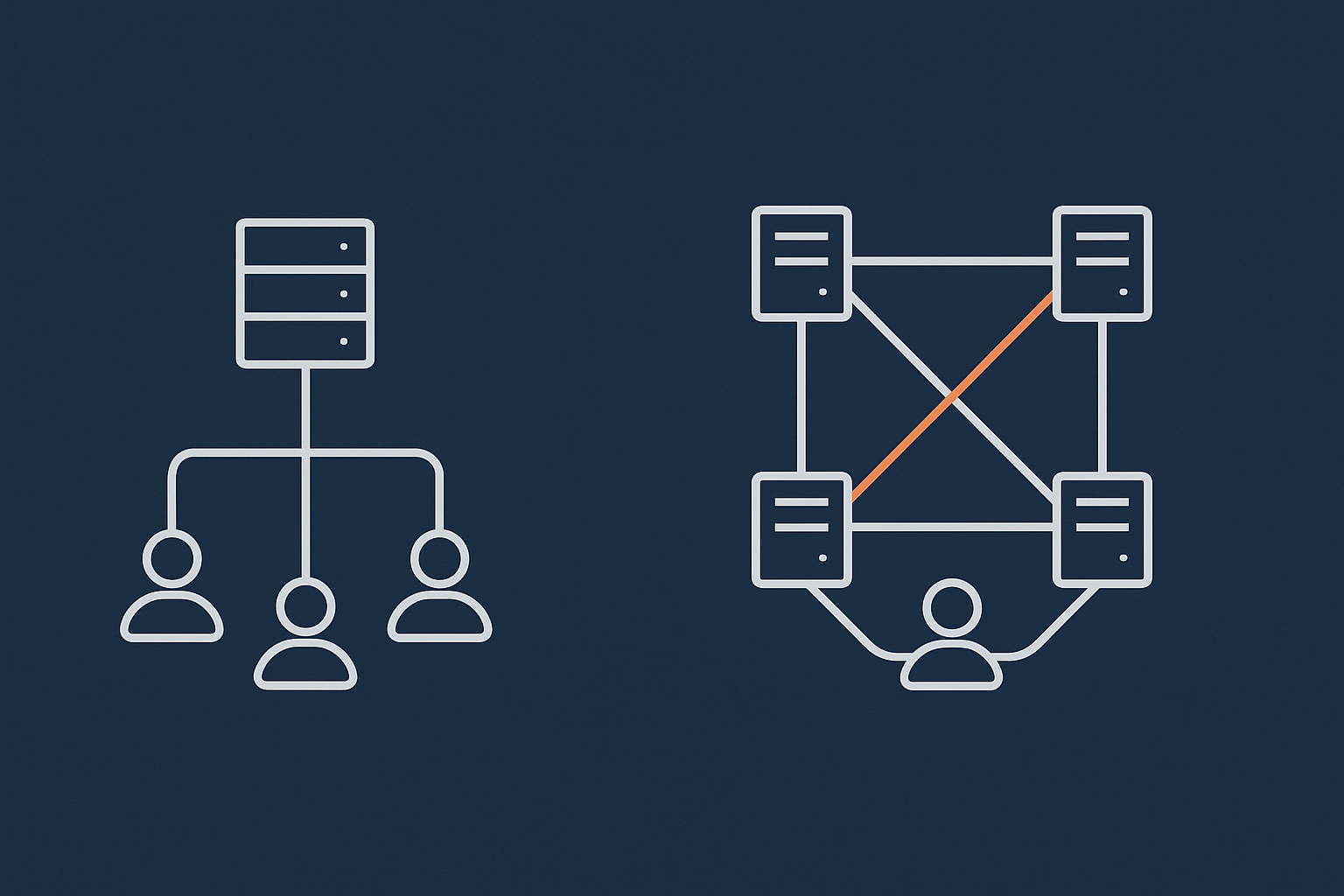
A single, well‑specified server remains a very practical option for many mid‑sized businesses. On good quality infrastructure, with managed updates and monitoring, you can often achieve 99.5% to 99.9% uptime for typical web applications.
Strengths of this approach:
- Simplicity: fewer moving parts, easier to understand.
- Lower cost than multi‑server clusters.
- Suitable for many marketing sites and moderate‑traffic WooCommerce stores.
Limitations:
- Hardware failure will cause downtime while services are moved or restored.
- Maintenance windows may require brief outages.
- Scalability is limited to the capacity of that single machine.
When you add redundancy: storage, power, network and servers
To go beyond what one server can provide, you add redundancy at different layers:
- Storage: RAID and replicated storage reduce the impact of disk failures.
- Power: Dual power feeds and UPS help ride out short power issues.
- Network: Multiple network paths improve resilience against link failures.
- Servers: Additional application and database servers allow for failover and load sharing.
For example, you might move from a single VPS to a pair of virtual dedicated servers with a database cluster. This can significantly reduce unplanned downtime, but also introduces more configuration and monitoring work.
High availability vs fast recovery: where the big cost jumps happen
A genuinely high availability architecture involves:
- Multiple active servers across different physical hosts.
- Automatic health checks and failover logic.
- Redundant databases and shared or replicated storage.
This is where the cost and complexity step up. You need:
- Careful design and regular failover testing.
- Stricter deployment processes to avoid cascading failures.
- More observability and alerting.
For many mid‑sized organisations, a well‑monitored, single‑region setup with fast recovery (strong backups, clear RTO/RPO, tested restore procedures) is more economical than full multi‑region high availability. For a deeper dive on what “high availability” actually involves, see High Availability Explained for Small and Mid Sized Businesses.
How virtual dedicated servers and managed WordPress fit into the picture
Moving to dedicated resources or managed platforms is often a sensible middle ground.
- Virtual dedicated servers give you reserved CPU and RAM, more predictable performance, and the ability to design your own redundancy, while your provider manages the underlying hardware and hypervisor.
- Managed WordPress or enterprise WordPress hosting can bundle performance tuning, security updates and platform‑level redundancy, reducing your operational load.
These options are especially helpful when a small internal team would struggle to maintain complex multi‑server environments on their own.
Common Misunderstandings That Quietly Undermine Resilience
Confusing backups with uptime or failover
Backups are about recoverability, not uptime. They:
- Protect you from data loss and corruption.
- Let you rebuild systems after a major incident.
They do not, by themselves, keep your system online when a server fails. For uptime, you need redundancy and monitored failover. For more detail, see Backups vs Redundancy: What Actually Protects Your Website.
Assuming an uptime guarantee equals business availability
An infrastructure uptime SLA covers the parts your host controls. Business availability also depends on:
- Your own application code and configuration.
- Third party services like payment gateways, APIs and SSO.
- Client‑side issues such as problematic scripts or heavy images.
It is sensible to align your own targets with your hosting SLA, but do not assume they are the same thing.
Ignoring shared responsibility between host, platform and third parties
Resilience is usually a shared responsibility across:
- Your hosting provider (infrastructure, network, data centre).
- Your platform and application (code quality, caching, deployments).
- Third parties (payment providers, email services, DNS registrars).
A good provider can handle infrastructure resilience and offer strong web hosting security features, backups and monitoring. You still need to:
- Deploy responsibly.
- Test critical business flows.
- Have runbooks for incidents that involve your code or vendors.
Overlooking DNS, email and payment gateways in your targets
Your resilience plan should explicitly include:
- DNS: Outages here can take your entire domain offline. Check your DNS provider’s resilience, spread your critical records across regions, and avoid single points of failure.
- Email: For password resets, order confirmations and support. If email fails, parts of your “available” system may still be unusable.
- Payment gateways: A gateway outage may leave the site “up” but unable to take money. Define what you will do in that scenario.
Turning Targets into a Practical Hosting and Recovery Plan
Translate targets into concrete hosting choices and patterns
Once you have your uptime, RTO and RPO targets, you can select patterns to match. For example:
- Critical portal: clustered application nodes on virtual dedicated servers, redundant database, offsite backups every 5–15 minutes.
- Marketing site: a single well‑specified server with daily backups and occasional staging environment syncs.
You may also consider a content delivery and security layer. For global audiences, a network such as the G7 Acceleration Network can cache static content, optimise images to AVIF and WebP on the fly, and filter abusive traffic before it reaches your origin servers. This improves performance and reduces strain on your core infrastructure, which supports resilience.
Monitoring, alerts and simple runbooks for incidents
Monitoring is part of being “resilient enough”. At minimum:
- External uptime checks for your key URLs.
- Resource monitoring on servers (CPU, memory, disk, database health).
- Alerting that reaches the right people in and out of hours, with clear escalation paths.
A runbook is a short checklist for incidents. For example:
- Who is responsible for decisions.
- Which services to check first.
- When to fail over or restore from backup.
- How and when to communicate with customers.
Testing recovery: from theory on paper to timed dry‑runs
Your plan is only as good as your last test. Simple exercises can be very effective:
- Time a restore from backup into a staging environment. Compare with your RTO and RPO.
- Simulate a failed server and practise switching to a secondary instance.
- Test a scenario where a deployment must be rolled back quickly.
Doing this a few times a year reveals gaps while the stakes are low. For a structured approach, see Designing a Sensible Backup and Restore Strategy with Your Host.
Review cadence: when and how to revisit your resilience level
Resilience is not “set and forget”. Review your targets when:
- You launch major new products or services.
- Traffic patterns change significantly.
- You sign contracts with availability commitments.
- You experience a notable incident.
A lightweight annual review is usually enough for most mid‑sized teams.
When You Need Enterprise‑Style Resilience (And When You Probably Do Not)
Signals you are outgrowing ‘good shared’ or basic VPS setups
Some signs that it may be time to move beyond simple shared hosting or a basic VPS:
- Frequent performance issues during peaks, even after optimisation.
- Strict contractual uptime or RTO commitments to customers.
- Multiple customer‑facing systems now classified as critical.
- Your team struggles to handle incidents or out‑of‑hours cover.
Examples where higher uptime and stricter RTO/RPO are justified
Stronger resilience is easier to justify when:
- You handle high‑value real‑time transactions or trading.
- You run portals that are essential to your customers’ own operations.
- Regulation requires robust continuity planning and tested recovery.
- You are processing card data or other sensitive information that must be protected end‑to‑end.
In these cases, investing in clusters, geographically separated environments and very frequent backups or replication can be appropriate.
Where managed VDS, enterprise WordPress and PCI conscious hosting reduce risk
If your internal team is small, managing this kind of environment alone can be a heavy burden. It is reasonable to consider:
- Managed virtual dedicated servers where your provider handles operating system, security patches, monitoring and often failover configuration.
- Enterprise WordPress hosting for business‑critical WordPress or WooCommerce, where platform updates, performance tuning and resilience patterns are managed for you.
- PCI conscious hosting when payment processing, card data flows and compliance introduce extra requirements around segmentation, logging and recovery.
These services do not remove all responsibility, but they shift much of the operational and architectural risk onto a team that designs and runs such platforms every day.
Next Steps: Document Your Targets and Talk to Your Provider
A simple one‑page template for uptime, failover and recovery objectives
To make this concrete, create a short document that covers, for each major system:
- Business owner and purpose.
- Criticality (critical / important / nice‑to‑have).
- Uptime target.
- RTO and RPO.
- Dependencies (DNS, email, payment, external APIs).
- Current hosting approach (single server, clustered VDS, managed platform, etc.).
Keep it to one page if you can. The goal is clarity, not paperwork.
Questions to ask your hosting provider against those targets
Once you have your targets, discuss them with your host. Useful questions include:
- “Which parts of this uptime and RTO are covered by your SLA, and which are my responsibility?”
- “What redundancy is in place for power, networking and hardware?”
- “How often are backups taken, where are they stored, and how quickly can we restore?”
- “What failover options do you recommend for our critical systems?”
- “Can you help us test our recovery process once or twice a year?”
It can help to read your SLA alongside your targets. For guidance, see Inside a Hosting SLA: How to Read Uptime, Support and Recovery Promises Without a Lawyer.
Where to dig deeper: SLAs, redundancy and disaster recovery planning
If you want to go further:
- Review your hosting SLA and compare it to your internal objectives.
- Explore architecture patterns that match your needs in Designing for Resilience: Practical Redundancy and Failover When You Are Not on Public Cloud.
- Look at industry definitions of availability and continuity from bodies such as ISO 22301 if you operate in regulated sectors.
If you would like help translating your business requirements into a concrete hosting and recovery plan, or want to reduce operational risk with managed hosting or virtual dedicated servers, you are welcome to talk to G7Cloud about what “resilient enough” looks like for your situation.