

Who This Guide Is For (And The Decision You Actually Need To Make)
This guide is for organisations that rely on their website or web applications for real business outcomes, but do not have a large in house infrastructure team.
You might be:
- A marketing or digital team running a high profile brochure or lead‑generation site.
- An agency responsible for client WordPress or WooCommerce sites.
- A retail or service business where online orders, bookings or account access are important.
- A software company offering a SaaS product hosted on your own servers.
The common thread is that uptime matters, but you also need to be practical about budget, complexity and what your team can realistically operate.
Typical situations where multi‑site questions come up
Questions about moving from a single data centre to multi‑site hosting typically appear when:
- You have experienced a noticeable outage and want to avoid a repeat.
- The business is planning to increase online revenue or launch into new markets.
- A board member or client asks, “What happens if that data centre goes down?”
- Compliance, procurement or an enterprise client questionnaire asks about “geographic redundancy” or “disaster recovery”.
- You are renewing hosting and wondering if now is the time to “go multi‑site”.
At this point it is easy to jump straight into technology options. Active/active clusters, stretched networks, global load balancers and so on. That can lead to designs that are either over‑engineered and expensive, or under‑engineered and still fragile.
The real decision: “how much resilience is enough for us right now?”
The more useful question is not “single site or multi‑site?”. It is:
“How much resilience is enough for us right now, given our risks, budget and team?”
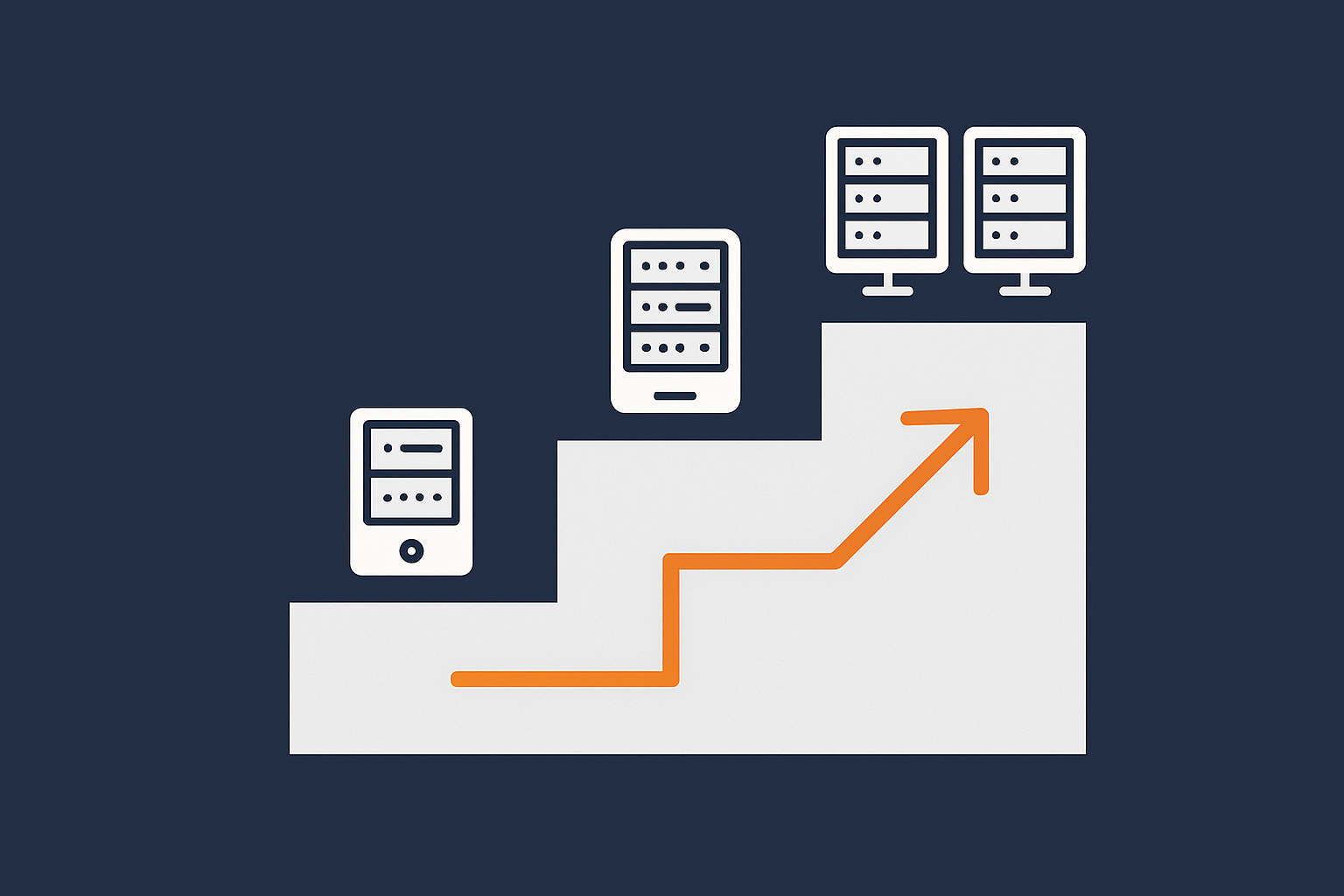
Resilience is not a binary switch. It is more like a ladder. Each rung adds protection against certain failures, but also adds cost, complexity and operational effort.
In other words:
- You can be under‑engineered so that one failure takes everything offline.
- You can be over‑engineered so that your architecture is expensive and difficult to run.
- Or you can aim for a sensible middle, where the most likely problems are handled well and rarer disasters have a realistic recovery plan.
This guide walks up that ladder from a single data centre through to multi‑site hosting, and helps you match each level to real business needs.
If you want a deeper comparison of single vs multi‑site approaches later, you can read our article on single data centre vs multi‑site hosting.
Plain‑English Basics: Single Site, Redundant Site and Multi‑Site
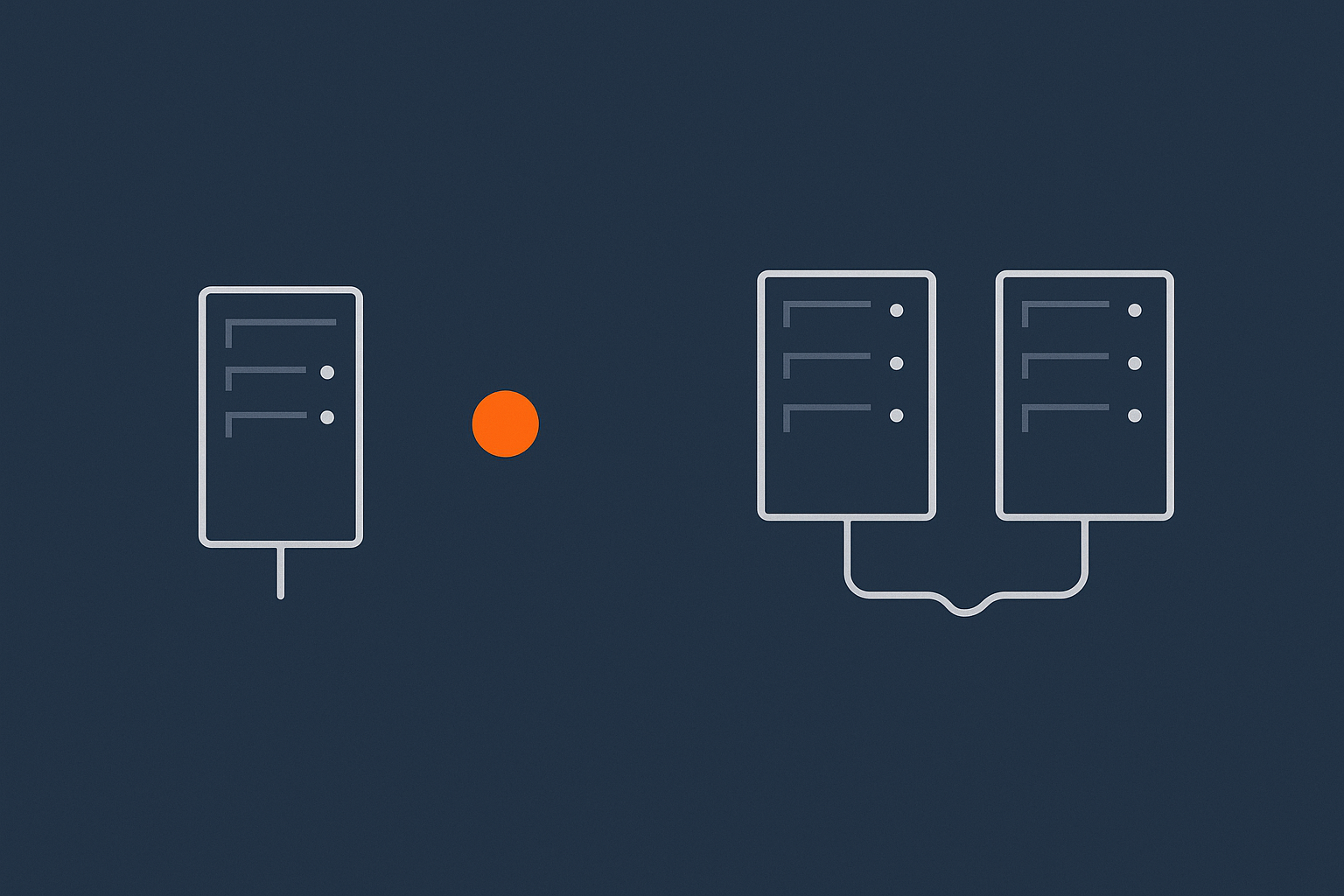
What a “single data centre” setup usually looks like in practice
Most organisations start with a single data centre. Often this means:
- Your website or application runs on one or more servers in one physical building.
- Those servers are on a shared or VPS platform, or on virtual dedicated servers for higher resilience within a single data centre.
- Your domain points at that data centre through DNS. All users everywhere reach that one location.
Within the building there will usually be some resilience already. Quality data centres have backup power, cooling and multiple network connections. Your hosting provider might also have redundant hardware, firewalls and storage.
So “single data centre” does not mean “one plug in a wall”. It means there is one main physical location that everything depends on.
Redundancy inside one building vs across multiple locations
It helps to separate two ideas:
- Local redundancy is protection against failures inside one data centre. Examples:
- Two power feeds into a rack.
- Multiple switches and routers.
- Servers with dual power supplies and RAID storage.
- A cluster of web servers behind a local load balancer.
- Geographic redundancy is protection against a problem that affects the whole site, such as a major power incident, extensive network outage or a building‑level disaster. Here you are talking about a second data centre that can run the service.
You can have excellent local redundancy inside one site without any geographic redundancy at all. Many outages that people experience are local issues that could be addressed without jumping straight to multi‑site.
Key terms explained: high availability, failover, RPO and RTO
A few terms appear constantly in discussions about resilience. In plain English:
- High availability (HA) is about keeping the service available through common failures. Multiple servers, multiple paths, automatic restart and so on. It does not guarantee perfection, but it aims to minimise downtime for expected issues.
- Failover is what happens when a component fails and traffic or workload is moved elsewhere. This could be automatic or manual, within one data centre or between sites.
- RPO (Recovery Point Objective) is how much data loss is acceptable in a serious incident. For example, “we can tolerate losing 15 minutes of new orders”.
- RTO (Recovery Time Objective) is how long it is acceptable for the service to be down while you recover. For example, “we can be offline for up to two hours in a rare disaster”.
Multi‑site hosting is one way to improve RPO and RTO for rare but serious events, but it is not the only way. Good local resilience and backup strategy matter just as much.
If you want more background on the different types of redundancy, our article on what “redundancy” really means in hosting goes into more detail.
Step 1: Make One Data Centre Properly Resilient Before You Multiply It
Before thinking about multi‑site, it is worth checking how robust your current single data centre really is. Building resilience in one place is usually the most efficient first step.
Power, cooling and network resilience in one site
Some of the most disruptive outages come from very basic issues: power, cooling and connectivity. A well specified data centre should provide:
- Redundant power feeds, backed by UPS and generators.
- Resilient cooling that can handle equipment failures.
- Multiple network carriers and routes out of the building.
As a customer you do not control these directly, but you can ask your provider what is in place. Our separate guide on data centre power, cooling and network redundancy explains what “good” looks like here.
Server‑level resilience: RAID, dual PSUs, clustering and local failover
Within the data centre, your own servers and services should handle common failures gracefully. Useful options include:
- RAID storage so that a disk failure does not mean data loss or downtime.
- Dual power supplies in each key server, connected to separate power feeds.
- Redundant network interfaces so that one port or cable failure does not isolate a server.
- Clusters of web or application servers, usually behind a local load balancer.
- Database replication within the site so that a database server failure has a standby ready.
On platforms like virtual dedicated servers for higher resilience within a single data centre, some of this is delivered by the underlying virtualisation and storage layers. In other cases you would design clusters and failover behaviour explicitly, or use a managed service to do so.
Backups vs redundancy: what each really protects you from
Redundancy and backups solve different problems:
- Redundancy keeps things running through hardware failures and some software issues. It is about continuity.
- Backups let you roll back from data corruption, accidental deletion or security incidents. They are about recovery.
For example, if a developer deploys a faulty update that corrupts data, redundancy will faithfully replicate that fault to all copies. Only a separate backup gives you a clean restore point.
Every serious hosting design should have both:
- Regular, automated backups with clear retention policies.
- Tested restore procedures to meet your RPO and RTO.
- Redundant hardware and services so that common failures do not trigger restores in the first place.
Our guide on backups and disaster recovery planning covers this area in more depth.
When a well‑built single site is already “good enough”
You do not always need multi‑site to be well protected. A single well run data centre with solid redundancy and backups is often enough when:
- Your site is important, but a rare outage of an hour or two would not cause major damage.
- Your online revenue is meaningful but not the sole channel for the business.
- Your team is small and you want to avoid unnecessary operational complexity.
For many brochure sites, content sites and early stage SaaS products, this level is a sensible and cost effective choice. The priority is to make the single site robust rather than trying to mirror everything into a second location prematurely.
Step 2: Dual Servers or Clusters in a Single Data Centre
Once the basics are covered, the next practical step is often to move from a single server to two or more servers within one data centre.
Moving from single server to active/passive or active/active inside one site
There are two common patterns:
- Active/passive
One server actively handles traffic. A second is kept in sync and ready, but does not serve users until needed. If the primary fails, the passive server is promoted. This can be automated or manual.
- Active/active
Two or more servers share the workload all the time. If one fails, the others continue to serve traffic. Load balancing decides which server handles each request.
In both cases you add resilience against a single server failure. Active/active also helps with scaling, since more servers can share the load.
Traffic handling: load balancers, health checks and graceful degradation
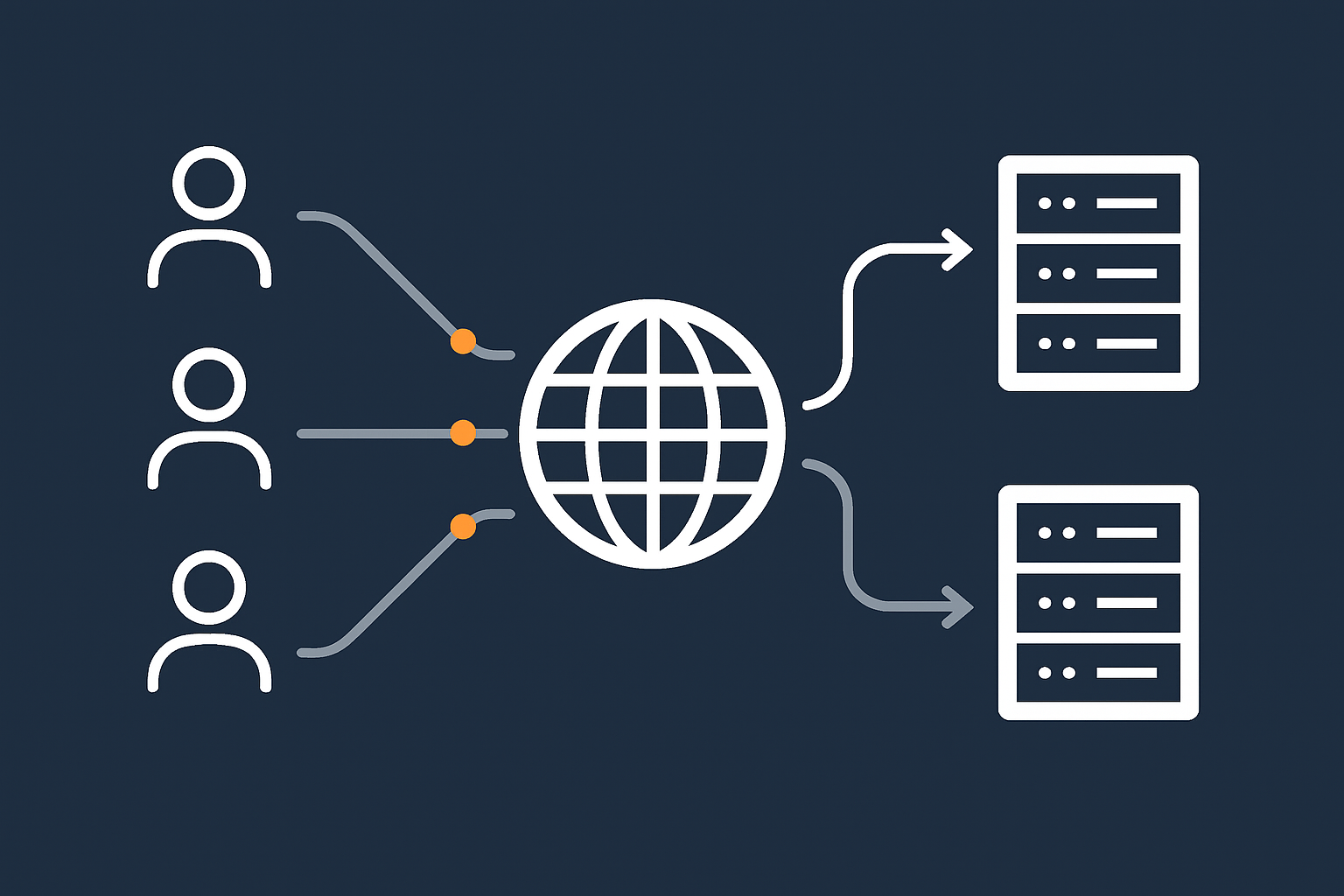
To make multiple servers work together in a sensible way, you usually introduce a load balancer and health checks:
- Load balancer distributes traffic between servers. It can be a physical appliance, a virtual machine or part of managed hosting.
- Health checks monitor each server. If a check fails, the load balancer stops sending real users there.
- Graceful degradation is the idea that, under heavy load or during partial failures, the system drops non‑essential features first so that core functions remain available.
This is also where performance tooling starts to matter. Caching, tuned databases and content delivery can keep the number of required servers lower. Our overview of web hosting performance features such as caching and database tuning gives examples.
Where this helps and when it still leaves you exposed
Within a single data centre, clusters and load balancers can handle:
- Hardware failures of a single server.
- Planned maintenance with minimal downtime.
- Many kinds of software crash or resource exhaustion.
However, they still rely on:
- The same building, power and network environment.
- Often the same storage platform behind the scenes.
- The same DNS entries pointing all traffic to that data centre.
So they do not protect you from rare site‑wide incidents. For many organisations this residual risk is acceptable, especially if they have good backups and a realistic disaster recovery plan.
Step 3: Stretching Across Sites – What Multi‑Site Really Involves
Multi‑site in plain English: two (or more) data centres that can run your service
Multi‑site hosting means your service can run in more than one data centre. At a minimum:
- You have a primary site where the service normally runs.
- You have a secondary site that has the data, configuration and capacity needed to run it if the primary becomes unavailable.
In more advanced designs multiple sites may be active simultaneously. Either way, the core idea is that a data centre level problem at one location does not take the service offline completely.
This is powerful, but it also introduces new questions about how traffic is routed, how data is kept in sync and how failover is triggered and tested.
Core building blocks: DNS, networking, data replication and failover logic
Multi‑site designs usually involve several key building blocks:
- DNS or global load balancing to direct users to one data centre or another. Some solutions perform health checks and automatically fail over when a site is unavailable.
- Network design that allows your application components in different sites to communicate securely and efficiently.
- Data replication between sites so that databases, files and configuration stay close enough in sync to meet your RPO.
- Failover logic and runbooks which define when and how you switch between sites, and how you switch back once a problem is resolved.
None of this is impossibly complex, but each part must be designed and operated carefully. Otherwise you risk a multi‑site setup that looks good on a diagram but behaves unpredictably under pressure.
Standards such as ISO 22301 (business continuity management) provide useful language for thinking about these moving parts, although you do not need formal certification to apply the ideas.
Active/active vs active/passive across sites, explained without jargon
The same patterns we saw inside a single data centre also apply across sites:
- Active/passive multi‑site
One data centre is “live”. The second is kept ready as a warm standby. Data is replicated, but users only connect to the secondary during a failover event or in a test.
Benefits include simpler data consistency and clearer operational boundaries. Trade offs include higher RTO, since you must promote the secondary and update DNS or load balancers.
- Active/active multi‑site
Two data centres actively handle live traffic. Data updates must propagate in both directions. If one centre fails, the other continues without a formal failover.
Benefits include better use of capacity and potentially faster recovery from a site‑wide failure. Trade offs include more complex data design and a higher operational burden. Not every application, or every team, is a good fit for active/active.
For many mid‑sized businesses, a carefully designed active/passive multi‑site layout is a reasonable balance between resilience and complexity.
Matching Resilience Level To Business Risk

Quantifying downtime: revenue, reputation and operational impact
To decide how far to go, it helps to put some numbers and scenarios around downtime:
- Revenue impact
How much direct revenue would you lose if the site were down for an hour? A day? This is easier for e‑commerce and SaaS, but you can also estimate lost leads or delayed quotes. - Reputation impact
Would customers notice? Would a short outage damage trust, or would most people simply try again later? - Operational impact
Would staff be unable to work? Would support lines be flooded with calls? Would other processes be blocked because they depend on the system?
Write down one or two realistic outage scenarios for your business and their consequences. That will guide how much resilience is justified.
Simple risk tiers: brochure site, lead‑gen, transactional and regulated workloads
A simple way to think about this is to group workloads into tiers:
- Tier 1: Brochure and content sites
Marketing sites, blogs, documentation and similar. Downtime is inconvenient and embarrassing, but usually not catastrophic. - Tier 2: Lead‑generation and internal tools
Sites with forms, basic login or dashboards. Short outages affect productivity and may lose some leads, but workarounds exist. - Tier 3: Transactional systems
E‑commerce (for example WooCommerce), booking systems, SaaS applications, payment portals. Downtime directly hits revenue and customer experience. - Tier 4: Regulated or business critical workloads
Systems tied to compliance requirements, financial services, health data, critical operations or strict SLAs.
The higher the tier, the more you can justify investment in redundancy and multi‑site arrangements.
Mapping each tier to a sensible hosting pattern (with examples)
In broad terms:
- Tier 1: A well built single data centre with good local redundancy and backups is typically sufficient. A shared platform or modest VPS may be fine.
- Tier 2: Single data centre with clustered servers, stronger performance optimisation and clearly defined backup and recovery processes. A move to a resilient VPS or VDS platform is often appropriate.
- Tier 3: Single data centre clustering plus either a warm standby or well‑tested disaster recovery in another location. Multi‑site is often worth considering, particularly for peak trading periods.
- Tier 4: Carefully designed multi‑site hosting, potentially within a PCI conscious hosting for payment and compliance sensitive workloads or similar governance framework, combined with regular testing of failover and recovery.
The article what “resilient enough” looks like for a mid‑sized business expands on how to match these tiers to practical decisions.
Common Multi‑Site Myths and Traps
“Multi‑site means zero downtime” and other unrealistic expectations
Multi‑site hosting reduces the chance that a single data centre problem takes you offline, but it does not guarantee 100 percent uptime. You can still see outages caused by:
- Software bugs or configuration errors replicated to all sites.
- Security incidents or application‑level problems.
- Human mistakes during deployments or maintenance.
- External dependencies, such as third party APIs, failing.
The goal is to reduce both the frequency and impact of outages, not to chase complete perfection.
Assuming data is always in sync across locations
Keeping data consistent between sites is one of the harder aspects of multi‑site design. Replication can be:
- Asynchronous: data is written in one place then copied later. This is simpler and faster, but in a failure you may lose the most recent changes.
- Synchronous: data is written to multiple sites before being confirmed. This improves consistency, but adds latency and complexity, and often limits how far apart sites can be.
For many WordPress and WooCommerce workloads, well designed asynchronous replication with a clear RPO is a practical choice. The key is to understand, and document, what you might lose in a severe incident so there are no surprises.
Overlooking DNS and network as single points of failure
Even in multi‑site designs, DNS and network routing can become single points of failure. Common oversights include:
- Relying on one DNS provider with no secondary.
- Using a health check or failover mechanism that is not monitored or tested.
- Having both sites depend on a single upstream network carrier.
Ask your provider how DNS failover is handled, how often it is tested and what happens if the failover controller itself has a problem.
Building complexity the team cannot realistically operate
Multi‑site architectures introduce runbooks, monitoring, alerting, change control and testing requirements. A small team that is already stretched maintaining a single cluster may struggle to operate a complex active/active setup across regions.
This is one of the situations where a managed solution can be helpful. A provider can design, operate and test failover on your behalf, leaving your team to focus on the application and content rather than the underlying plumbing.
Practical Patterns: From WordPress Sites to Busy WooCommerce Stores
Single UK data centre with strong caching and edge acceleration
For many UK‑focused brochure, content and lead‑generation sites, a single data centre allied with edge acceleration is a strong baseline.
A practical pattern looks like:
- Hosting in a robust UK data centre with local redundancy and quality backup practices.
- Caching for static content and HTML pages to reduce the work each request triggers.
- The G7 Acceleration Network in front of the site to cache content closer to users, filter abusive traffic before it hits application servers, and optimise images to AVIF or WebP on the fly, often reducing image size by more than 60 percent.
This combination absorbs traffic spikes, shortens page load times and reduces the number of origin servers you need, which can simplify your resilience design.
Primary / warm‑standby design for higher value WordPress and WooCommerce
For WordPress or WooCommerce sites where downtime has a clear revenue impact, a primary plus warm‑standby design is often a sensible next step without moving all the way to complex active/active.
Typical characteristics:
- A primary site with multiple web/application nodes and a replicated database within one data centre.
- A secondary site in another data centre that receives frequent database and file replication.
- DNS or a global load balancer that can switch users to the secondary in a failure.
- Documented RPO (for example 5 to 15 minutes of data) and RTO (for example 30 to 60 minutes), tested at least annually.
This pattern usually fits growing e‑commerce operations that want better protection against rare major incidents, but do not need continual active/active across sites.
Enterprise and PCI‑conscious setups where multi‑site is often justified
In environments with heavy regulation, strict SLAs or cardholder data requirements, multi‑site is more likely to be required. Here you often see:
- Clearly defined business continuity and disaster recovery objectives.
- Formally documented and tested failover procedures.
- Audit requirements around data handling, encryption and logging.
In these cases a managed enterprise or PCI conscious hosting for payment and compliance sensitive workloads solution can take on much of the operational burden, including monitoring, security patching and resilience testing. The trade off is higher cost, but also a lower risk of gaps in implementation.
How To Decide Your Next Step (Without Rebuilding Every Year)
Questions to ask your current or prospective host
When you discuss resilience with a hosting provider, useful questions include:
- What redundancy exists inside the primary data centre at power, network and server levels?
- How are backups handled? Where are they stored, how often are they tested and what is the typical restore time?
- What options exist for clustering or failover within a single site, and what parts are managed vs self‑managed?
- What multi‑site or disaster recovery options are available, and how are RPO and RTO defined?
- How do you monitor and test failover mechanisms, both locally and across sites?
- What security posture underpins all of this, including network isolation and patching? (Our overview of web hosting security features and resilience controls outlines the sort of measures you should expect.)
Linking resilience decisions to your three‑year hosting roadmap
Instead of reacting to each incident, it helps to think in a 2 to 3 year horizon. Ask:
- How much will online revenue or reliance on digital tools grow in that period?
- Are there upcoming launches, campaigns or contract commitments that change the risk picture?
- Is regulation or compliance likely to tighten for your sector?
From there you can plan a staged path. For example:
- Year 1: Strengthen single‑site resilience, backups and performance optimisation.
- Year 2: Introduce clustering in the primary site and well defined disaster recovery to another location.
- Year 3: If justified, transition to primary / warm‑standby multi‑site with regular failover tests.
This avoids constant rebuilds while still moving you towards a level of resilience that matches your business trajectory.
When to move from shared or simple VPS into managed VDS or enterprise hosting
Shared hosting or simple VPS is often appropriate in early stages. You might consider moving to managed virtual dedicated servers for higher resilience within a single data centre or enterprise services when:
- Downtime has a clear and rising financial or contractual cost.
- Your internal team is spending more time firefighting than developing features.
- Planned growth will push current resources or architecture beyond comfortable limits.
- You need formal SLAs, change control and compliance support.
Managed services do not remove all responsibility. You still own your application design, data model and deployment practices. But they can significantly reduce the risk that infrastructure complexity becomes a source of avoidable incidents.
Summary: A Sensible Path From Single Site To Multi‑Site Resilience
Key takeaways for different business sizes
To bring this together:
- Smaller sites and early stage projects: Focus on a robust single data centre setup with good backups and performance. Do not rush into multi‑site unless there is a clear business reason.
- Growing organisations and busier WordPress / WooCommerce sites: Strengthen resilience inside one site with clustering and optimisation. Consider warm‑standby in a second site where downtime has noticeable commercial impact.
- Enterprises and regulated workloads: Multi‑site is often justified, but should be backed by clear RPO/RTO targets, formal testing and an operational model your team or provider can actually sustain.
How to avoid both under‑engineering and expensive overkill
The safest route is usually incremental:
- Understand your business risks and tolerances first.
- Make your current data centre as resilient as is reasonably practical.
- Add redundancy and then geographic resilience in deliberate steps, testing each stage.
If you are unsure where your current setup sits on that ladder, or what the next sensible step looks like, a short conversation can help. Talk to G7Cloud about your hosting architecture and future plans, or explore managed hosting and virtual dedicated servers if you prefer to reduce operational risk while keeping control over the direction of your platform.