

Who This Guide Is For (And Why B2B WooCommerce Hosting Is Different)
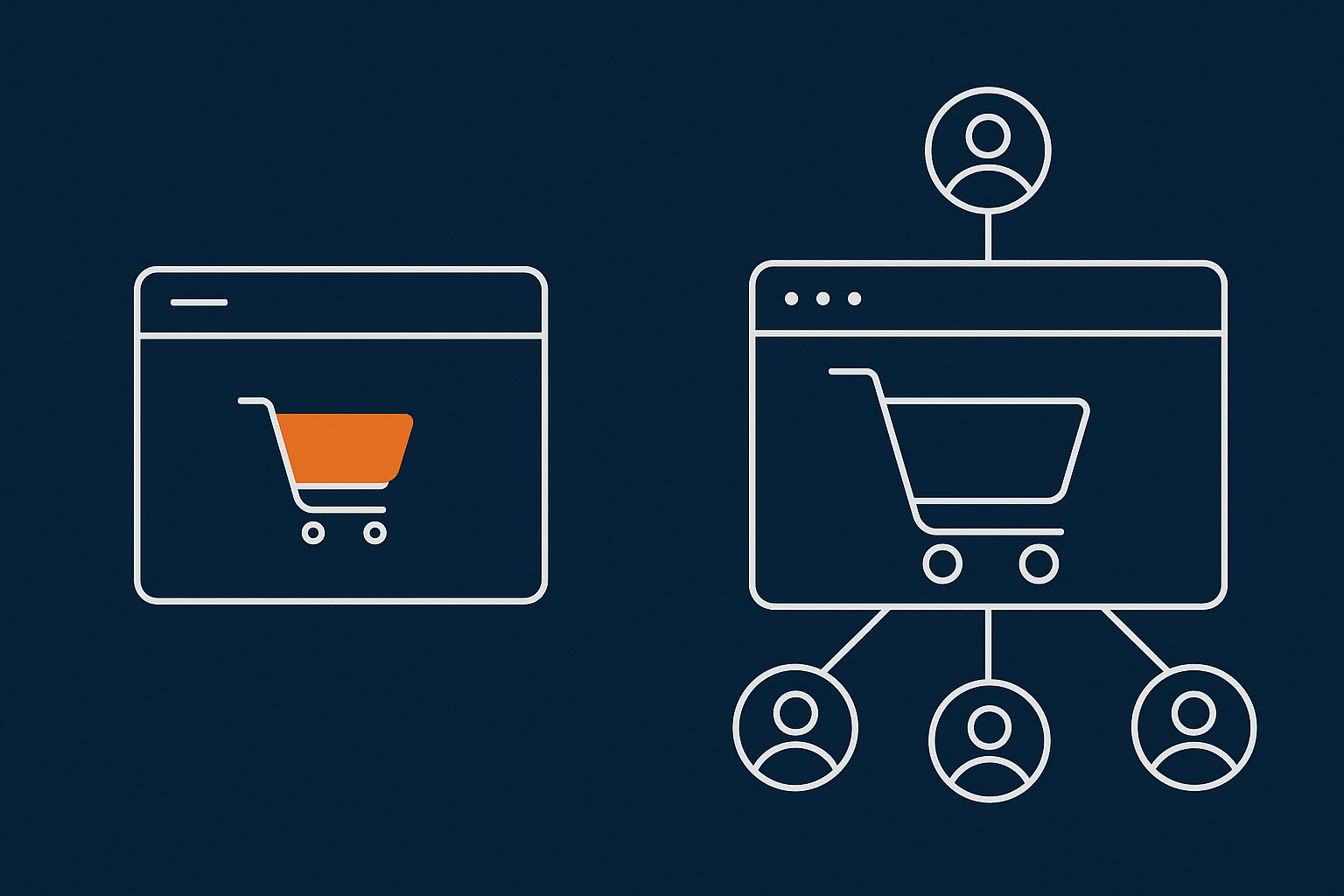
This guide is for UK businesses running or planning a B2B WooCommerce site: wholesalers, manufacturers, trade suppliers, distributors and those offering dealer or trade portals alongside a public catalogue.
B2B WooCommerce has very different hosting needs to a small retail shop. Customers are usually logged in, place larger orders, expect accurate VAT handling and need the site to be stable during work hours. You may not have “Black Friday” style spikes, but a Monday morning order rush from trade customers can be just as demanding.
Typical B2B WooCommerce scenarios: trade logins, quotes and big baskets
Common B2B patterns include:
- Trade-only pricing visible only after login
- Customer specific price lists and discounts
- Quote requests instead of (or as well as) instant checkout
- Bulk order forms and CSV ordering
- Repeat ordering from previous invoices or saved baskets
- Sales reps placing orders on behalf of accounts
These features rely heavily on dynamic logic and database queries. Every request has to check the user account, pricing rules, VAT status and stock availability. That workload is very different to a simple B2C shop with mostly guest checkouts and public prices.
Why hosting that is fine for B2C shops can struggle with B2B
Retail WooCommerce stores often rely on aggressive page caching. Many visitors are logged out, which means a cache can serve most product and category pages without hitting PHP or the database.
B2B trade portals are almost the opposite. Most traffic is logged in, pricing is personalised and carts are larger. If your hosting cannot handle a higher percentage of uncached, database heavy requests, performance will suffer.
Common symptoms on underpowered hosting include:
- Slow “My Account” and “Orders” pages during office hours
- Carts timing out when customers add dozens or hundreds of lines
- Admin becoming unusable when several staff are processing orders
- Random 502/504 errors during trade promotions
This is why many B2B sites benefit from managed WooCommerce hosting that is sized and tuned for logged in traffic, rather than the cheapest shared plan designed for light retail use.
Core B2B Requirements Your Hosting Must Support
Trade accounts, price lists and customer specific rules
B2B WooCommerce typically uses plugins for trade roles, price lists and customer specific catalogues. These often hook into every product price lookup and cart calculation, which increases CPU and database work.
Your hosting must cope with:
- Additional queries to fetch customer specific rules
- Complex cart calculations for tiered or volume pricing
- Extra metadata stored in the database for each customer and product
On small shared hosting, these plugins can feel fine with a few test users, then become a bottleneck once dozens of trade customers are logged in simultaneously.
VAT handling, multi rate pricing and invoicing expectations
B2B customers expect correct VAT handling at every step: quotes, baskets, invoices and exports. This often means:
- VAT exempt customers and product level exemptions
- EU VAT numbers and reverse charge scenarios
- Different VAT treatments for services and goods
- Automated PDF invoices and credit notes
Each of these adds logic and database lookups. Heavy invoice plugins that generate PDFs on the fly for every order can be surprisingly resource hungry, especially when staff bulk download documents.
Large baskets, bulk ordering and high value checkouts
B2C orders might include 3 to 5 items. B2B orders often involve 50, 200 or more line items, with multiple quantity changes and stock checks before checkout.
Hosting implications:
- More PHP execution time per request while WooCommerce recalculates totals
- Larger database queries when loading baskets and order history
- More memory use to hold large carts and order objects in RAM
For large orders, slowdowns or timeouts at checkout are not acceptable. Even a few seconds of delay while recalculating prices can lead to abandoned orders or frustrated account managers.
Reliability for repeat customers and account managers
Trade customers and sales reps typically log in daily or weekly. They bookmark your portal and expect it to behave like an internal system rather than a public shop.
Your hosting should provide:
- Consistent performance during core business hours
- Minimal unplanned downtime, with clear communication when maintenance is needed
- Stable sessions so customers do not get logged out while building large orders
This is where quality infrastructure and monitoring matter more than headline “unlimited” features.
Performance Foundations: Keeping Logged In B2B Users Fast
Why B2B sites suffer more from slow admin and My Account pages
WooCommerce admin screens, order lists and “My Account” pages are database intensive. On B2B sites with larger order volumes, these pages can be the slowest part of the system.
Reasons include:
- Order tables holding tens of thousands of records
- Multiple joins for customer metadata, VAT status and custom fields
- Extra queries from reporting or CRM integration plugins
Hosting with fast NVMe storage, enough RAM for database caching and sensible database configuration makes a noticeable difference here. A good reference if you want to go deeper is the guide on keeping WooCommerce order data safe and fast.
PHP workers, database performance and concurrency for big baskets
Because B2B traffic is mostly logged in, the number of PHP workers and the concurrency your hosting can handle matters more than raw bandwidth.
As a rule of thumb:
- Busy B2B portals with large baskets usually need more PHP workers than a similar traffic B2C site
- Each large cart or quote calculation can tie up a worker for longer than a simple product view
- Running background tasks (such as invoice generation or feeds) on the same workers as front-end users can cause queuing and slowdowns
If you are unsure how to size PHP workers for your workload, the article on PHP workers, concurrency and WooCommerce gives practical examples with numbers.
Safe caching for logged in users, trade pricing and quotes
Standard page caching must be treated carefully for B2B sites. You cannot simply cache pages for logged in users without risking the wrong prices or basket contents.
Safe patterns include:
- Caching public assets: images, CSS and JS at the edge
- Fragment caching: caching parts of a page that do not change per user
- Short lifetime object caching: caching price lookups or settings in memory
The guide to WooCommerce caching with logged in users and dynamic prices walks through this in more depth.
Some providers use an edge layer such as the G7 Acceleration Network for caching and bot filtering to safely cache static assets and selected dynamic responses without exposing user specific data. This keeps the origin server focused on the truly personalised requests.
How edge caching and bot filtering keeps load predictable
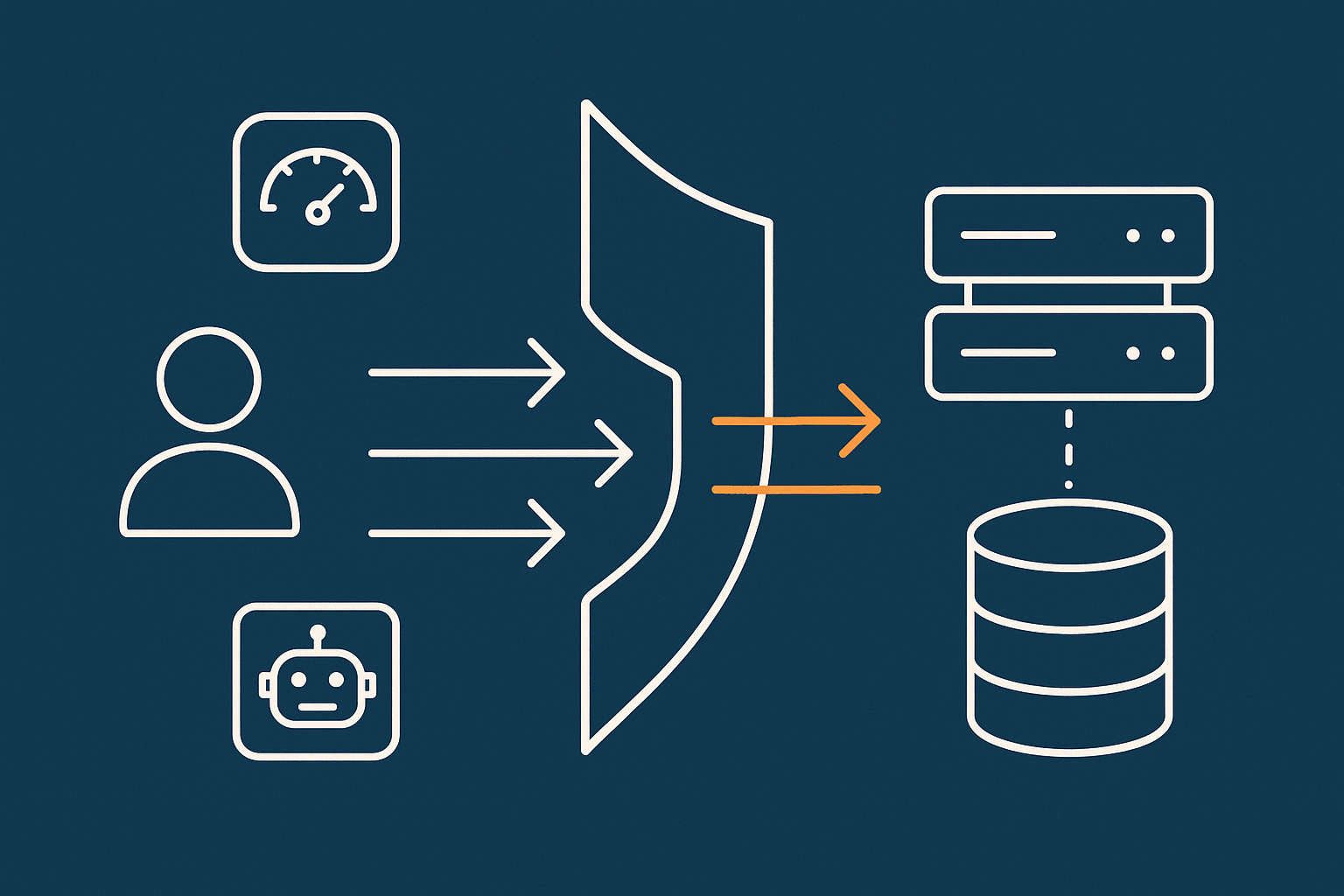
B2B sites attract a mix of search engines, price scrapers and automated bots. If every one of those hits PHP and MySQL, your legitimate trade users feel the slowdown.
Edge platforms such as the G7 Acceleration Network can cache static assets and filter abusive non human traffic before it reaches PHP or the database. G7Cloud’s bot protection in this layer reduces wasted server load and helps keep response times predictable during busy trade periods.
Handling Trade Accounts, Roles and Permissions Without Killing Speed
Choosing plugins and structures that scale: roles, groups and price lists
Many B2B features are implemented through plugins that add user roles, groups and price lists. The way they store and query data has a direct impact on hosting performance.
Practical tips:
- Prefer plugins that use dedicated database tables for pricing rules rather than bloating post meta
- Check whether price calculations are cached per user or recalculated on every request
- Avoid stacking multiple pricing plugins that all hook into the same filters
When testing, use a realistic demo: hundreds of products, realistic trade discounts and a test user with a long order history.
Avoiding common performance traps in B2B pricing and catalogue visibility
Common traps that hammer your hosting include:
- Per product visibility rules based on complex user meta checks
- Dynamic price calculations that run heavy queries for each item in the cart
- Plugins that run “on every page” to check access or show small badges
On large catalogues, it is usually better to:
- Organise catalogues using categories and roles, not individual product rules
- Precompute some prices (for example, by customer group) rather than calculating everything on the fly
- Limit the number of “global” plugins that hook into every request
Offloading heavy work: search, filters and feeds for large catalogues
Search and filtering are essential on B2B sites with thousands of SKUs. Native WooCommerce search is basic and, at scale, inefficient.
Options include:
- Using a better indexed search solution within WordPress
- Offloading heavy product feeds to scheduled tasks instead of live requests
- Carefully tuning product lookup tables and indexes
If search is a pain point, the guide on practical WooCommerce search and filtering for large catalogues explains how to improve it without moving to expensive third party SaaS tools.
VAT Rules, Invoicing and PCI Conscious Payments for B2B
Typical B2B VAT flows: VAT exempt customers, EU VAT and reverse charge basics
B2B VAT flows often include:
- Domestic VAT registered customers paying VAT normally
- VAT exempt entities (for example, charities) with verified status
- EU business customers where reverse charge may apply
- Mixed baskets where some items are zero rated, some standard rated
Implementing these rules usually involves specialist VAT plugins. Those plugins add validation checks and extra calculations that your hosting must process quickly and reliably.
How VAT plugins and invoice generators affect hosting needs
Invoice and VAT plugins impact performance in a few ways:
- Generating PDFs on order status changes, sometimes in bulk
- Storing extra metadata per order, increasing database size
- Adding hooks into checkout for VAT number validation and address checks
If bulk actions (such as regenerating invoices) run during peak times, they can compete with front-end traffic for CPU and PHP workers. On higher tier hosting you can sometimes separate these as background workers or scheduled jobs, which keeps the front-end snappy.
PCI conscious hosting for card payments, trade credit and larger tickets
For larger B2B orders, customers expect multiple payment options: cards, bank transfer, trade credit, maybe instalments. Even if you use off-site gateways, you still need PCI conscious hosting.
Look for:
- Support for TLS versions and ciphers that meet PCI DSS expectations
- Separation between web servers and databases, with secure configuration
- Routine security patching and kernel updates handled by the provider
Some providers, including G7Cloud, offer specific PCI conscious hosting options for WooCommerce that help you meet your obligations without over engineering the stack.
Designing Hosting for Large Orders and Busy Trade Customers
What ‘large order’ actually means for hosting: CPU, RAM and database load
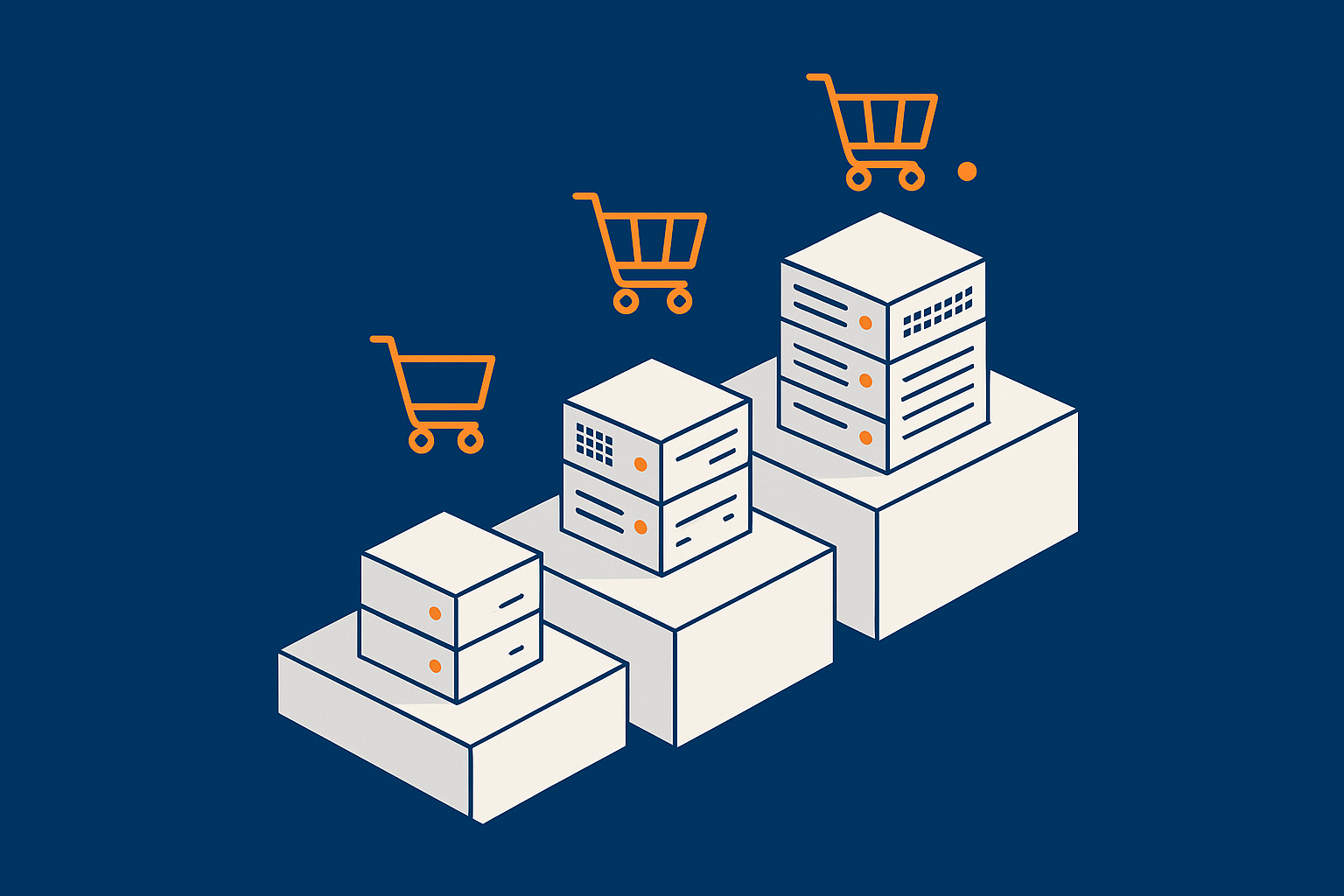
A “large order” from a hosting perspective is any order where the cart and calculation work keeps a PHP worker busy for significantly longer than normal. That might mean:
- 50 to 500 line items
- Complex discount rules per line
- Extra stock and backorder logic
To cope, you typically need:
- Enough CPU to handle peak concurrent calculations
- Sufficient RAM so PHP and MySQL are not constantly swapping
- Well tuned database buffers and indices to serve queries efficiently
Planning for peaks: seasonality, catalogue updates and trade promotions
B2B peaks often coincide with:
- Seasonal order windows (for example, pre-season stocking)
- Catalogue launches and price list updates
- Trade promotions or contract renewals
Heavy catalogue imports, price updates and feed generation can be resource intensive. Where possible, schedule them outside peak ordering hours and run them in batches. Guides such as preparing WooCommerce for seasonal traffic spikes are useful for planning capacity without jumping to enterprise spend too early.
When to move from shared hosting to VPS or virtual dedicated servers
Signs you have outgrown shared hosting include:
- Slowdowns limited to weekday office hours when trade users are active
- Intermittent 502/504 errors or “resource limit reached” messages
- Support refusing to increase PHP workers or memory further
At that point, moving to a VPS or something like virtual dedicated servers for heavier B2B workloads makes sense. You gain guaranteed resources, more control over PHP worker counts and often better isolation from noisy neighbours.
Keeping Costs Sensible Without Underspecifying

Which features genuinely matter for B2B WooCommerce, and which are upsells
For most B2B stores, the features that really matter in hosting are:
- Consistent CPU and RAM, not headline “unlimited” bandwidth
- Reasonable PHP worker allocation and the ability to adjust it
- Fast SSD or NVMe storage with sensible database configuration
- Backups you can actually restore quickly
- Knowledgeable support that understands WooCommerce
Things that are often more marketing than substance for B2B:
- Overly high “visitors per month” limits that do not reflect logged in workloads
- Bundled email marketing tools you do not use
- Exotic caching features that cannot be safely applied to logged in traffic
Using server level caching, image optimisation and bot filtering to delay bigger upgrades
Before you jump to a much larger server, it is worth trimming avoidable load.
- Ensure server level caching is enabled for static assets and safe dynamic responses
- Optimise product images to reduce page weight and bandwidth
- Block abusive bots and resource hungry scrapers at the edge
For example, the G7 Acceleration Network automatically converts images to modern AVIF and WebP formats on the fly, typically cutting image file sizes by over 60 percent at a quality that works for real catalogues, and it does this for all sites on G7Cloud without any plugins or WordPress changes. The same edge layer includes bot protection that filters abusive and non human traffic before it touches PHP or the database, which can postpone the need for a bigger server by keeping wasted load down.
Managed vs unmanaged: where it pays to have help
Unmanaged VPS hosting appears cheaper on paper, but you are responsible for:
- Security updates and patching
- PHP and database tuning
- Monitoring, backups and downtime response
For B2B stores where downtime has a direct relationship with lost orders and upset account managers, paying for managed WooCommerce hosting often works out cheaper once you factor in internal time and risk.
Migration, Maintenance and a Simple Checklist Before You Choose a Host
Questions to ask a potential host about B2B WooCommerce workloads
Useful questions include:
- How many PHP workers will my plan include, and can that be adjusted?
- How do you handle logged in caching for WooCommerce?
- Can you share examples of similar B2B WooCommerce sites you host?
- What protections do you have against abusive bots and login attacks?
- How quickly can you restore a backup if an update breaks trade accounts?
If the answers are vague or purely marketing driven, treat that as a warning sign.
Planning a low risk migration for live trade customers
When moving an existing B2B store:
- Schedule migration outside your busiest order windows, ideally in the evening or at a weekend
- Freeze catalogue and plugin changes during migration
- Take full backups on both the old and new hosts
- Test key flows on a staging copy: login, pricing visibility, VAT handling, checkout, invoices
- Plan DNS changes and communicate a maintenance window if needed
A managed provider familiar with WooCommerce will usually help with this, which can significantly reduce risk.
Ongoing maintenance to keep B2B stores fast and stable
After launch, routine tasks make the difference between a smooth B2B portal and constant firefighting:
- Regular plugin and core updates tested in staging first
- Periodic database maintenance to keep order tables in good shape
- Monitoring of slow queries and error logs
- Performance testing before major catalogue or pricing changes
Many of these can be handled or assisted by managed WordPress hosting with G7Cloud, so your team can focus on customers and operations rather than on tuning MySQL buffers.
Summary: A Practical Hosting Blueprint for B2B WooCommerce
Hosting a B2B WooCommerce site on a sensible budget is achievable if you match your infrastructure to how trade customers actually use the portal: logged in, with large baskets, complex pricing and clear VAT rules.
The essentials are:
- Enough CPU, RAM and PHP workers to handle uncached, logged in traffic
- Well tuned database performance for large order tables
- Cautious caching that respects user specific prices and carts
- Edge level optimisation for images and bots to keep load under control
- PCI conscious practices for higher value payments
If your current hosting struggles with slow trade accounts, timeouts on large orders or unpredictable performance during busy office hours, it is worth exploring more suitable options such as managed WooCommerce hosting or appropriately sized virtual dedicated servers for heavier B2B workloads. The right platform should quietly support your trade relationships, not become another operational headache.