

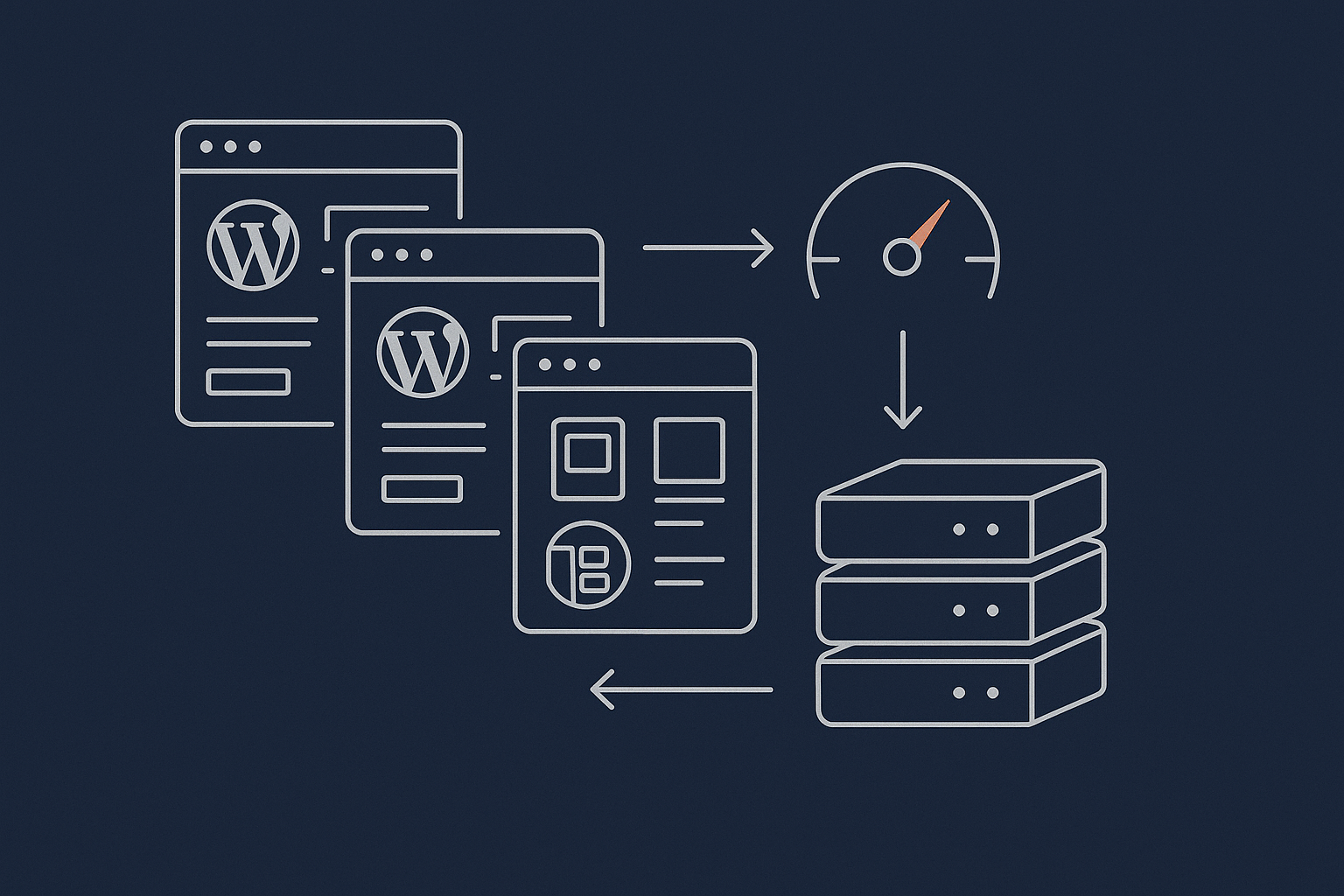
Who This Guide Is For (And What You Will Be Able To Decide)
Typical situations: “Is Elementor slowing my site down?”
Most UK businesses land on this topic from one of a few familiar situations:
- Your Elementor or Divi site looks great, but pages feel sluggish and your host keeps talking about “CPU limits” or “too many PHP workers”.
- A developer has told you “Gutenberg is faster”, but rebuilding the whole site sounds expensive and risky.
- Your WooCommerce checkout feels slow and you are not sure whether the builder, plugins or hosting are to blame.
- You have moved hosts once already and performance barely improved, so you are starting to doubt every page builder.
This guide is written for owners, marketers and non‑developer teams using Elementor, Divi or Gutenberg who want enough technical clarity to make sensible decisions without getting lost in jargon.
What you will learn: where page builders matter, and where hosting and setup matter more
By the end, you should be able to:
- Understand what your builder is actually doing to your server and to the visitor’s browser.
- Tell whether your problems are mainly hosting, configuration or page builder choices.
- Know what kind of managed WordPress hosting makes sense for your stack and traffic levels.
- Decide when to optimise what you have and when a move to a lighter setup or Gutenberg is justified.
You do not need to become a developer. You just need a clear mental model of how builders and hosting interact.
How Page Builders Actually Work Under The Hood
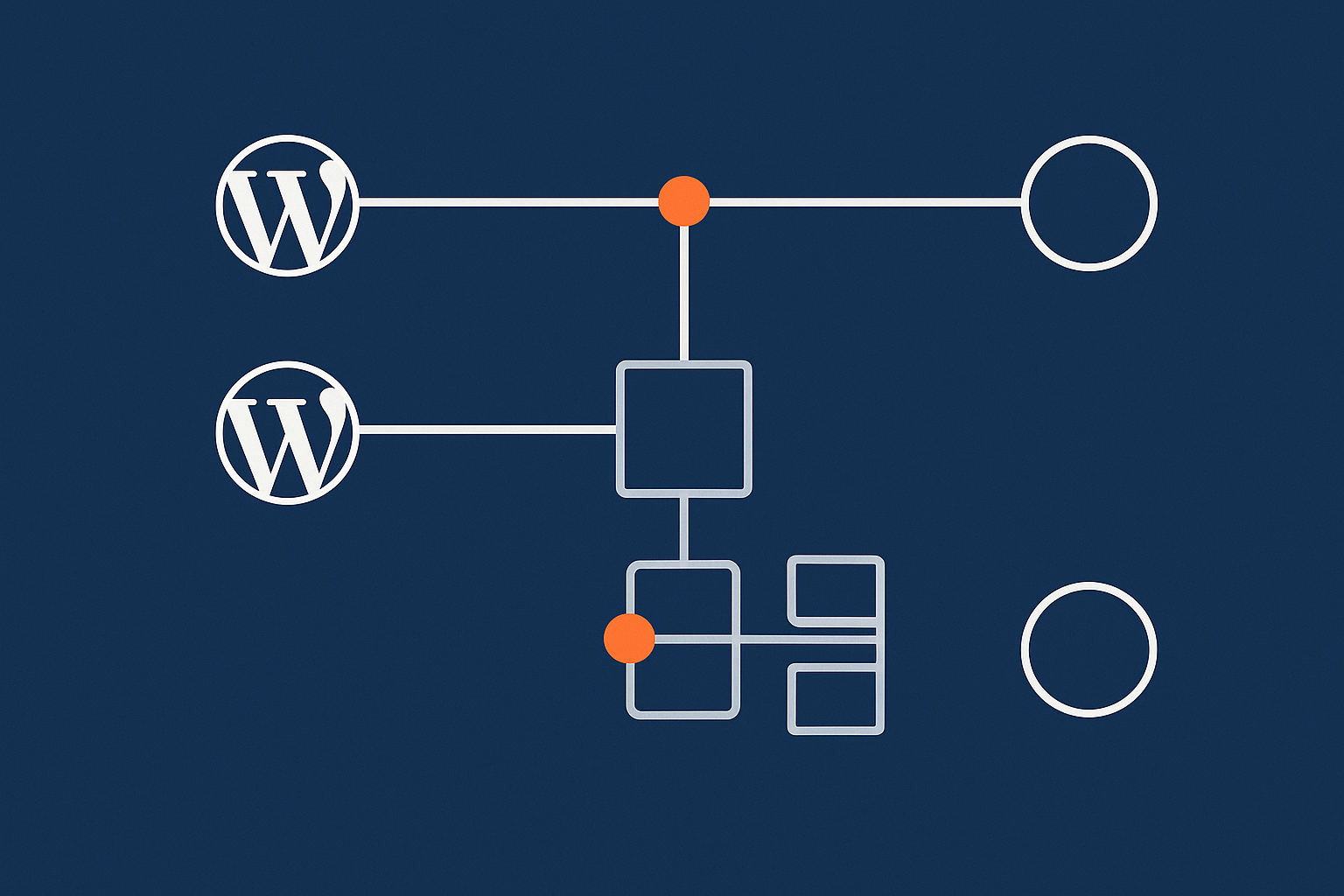
What happens on a WordPress request: from PHP to HTML, CSS and JS
When someone visits a page, several things happen:
- The browser asks your server for
/some-page/. - WordPress runs PHP to work out what content is needed (from the database) and which template to use.
- Your theme and plugins, including the page builder, assemble the HTML output.
- That HTML links to CSS, JavaScript, images and fonts, which the browser then downloads.
Performance is influenced in two places:
- Server-side: how heavy the PHP and database work is.
- Browser-side: how much CSS, JS, images and fonts the visitor must download and execute.
Page builders mainly change steps 3 and 4. Hosting quality influences how quickly steps 1 to 3 happen and how well your site copes with multiple concurrent visitors.
Gutenberg vs classic themes vs visual page builders: different approaches to the same job
All three approaches ultimately generate HTML with CSS and JS around it, but the route differs:
- Gutenberg (block editor): Blocks are stored as structured content in the database and rendered by fairly lean PHP. Styling often comes from your theme, with some block styles added.
- Classic themes: Content is mostly a large text area; layout and styling are handled in theme templates and stylesheets.
- Visual builders (Elementor, Divi): Each “widget” or “module” is an object the builder renders. There is extra PHP logic to assemble layouts and extra CSS/JS for the editor and front end widgets.
The more features the builder offers, the more code needs to be loaded to support them.
Where resource usage comes from: PHP work, database queries and assets sent to the browser
From a hosting viewpoint, three things matter:
- PHP processing time: Heavy layouts or many dynamic widgets increase CPU usage and PHP worker time.
- Database queries: Extra widgets and addons can trigger more queries, especially on WooCommerce pages.
- Assets: More and larger CSS/JS files, images and fonts increase page weight and slow down the browser.
Elementor and Divi usually add more PHP work and more assets than a lean, Gutenberg‑first setup, but that does not mean they are always “too slow”. It depends how you use them and what your hosting stack looks like.
Elementor, Divi and Gutenberg: Realistic Performance Pros and Cons
Elementor performance profile: flexibility, widgets and extra JavaScript
Elementor gives fine-grained control and a huge widget ecosystem. The trade offs:
- Extra JavaScript for animations, sliders, popups and dynamic widgets.
- More CSS to support responsive controls and per‑widget styling.
- Heavier editor interface that needs more RAM and CPU on the server when editing.
Used sensibly, Elementor can still be fast, but stacking many third‑party addons and complex layouts on cheap shared hosting is where problems appear.
Divi performance profile: built in design system and its impact on CSS and layout
Divi’s strength is its design system: global presets, design tokens and effects. This often results in:
- Larger CSS bundles because a single framework supports all modules.
- Extra JavaScript for effects, A/B testing and dynamic content.
- Somewhat heavier markup around each module.
Divi has added performance features in recent versions, but you still need to be disciplined about not overusing animations, blurbs and nested rows.
Gutenberg / block editor profile: leaner markup but plugin and theme choices still matter
Gutenberg tends to produce:
- Leaner HTML structure per block.
- Less JavaScript on the front end by default.
- Better alignment with modern theme frameworks like block themes and utility CSS.
However, a Gutenberg site can still become heavy if you bolt on large theme frameworks, sliders, page‑wide animations and unoptimised images.
What matters more than the brand: layout complexity, third party add ons and images
In practice, these have bigger impact than whether you use Elementor, Divi or Gutenberg:
- Layout complexity: Many sections, nested columns, carousels and dynamic widgets.
- Third‑party addons: Extra widget packs can load their own CSS, JS and fonts.
- Images: Large hero images, background videos and galleries quickly dominate page weight.
This is why two Elementor sites can behave very differently. One lean marketing site can be quick, while another overloaded with addons and huge imagery feels slow even on decent hosting.
How Page Builders Affect Server Resources: CPU, RAM, PHP Workers and Database Load
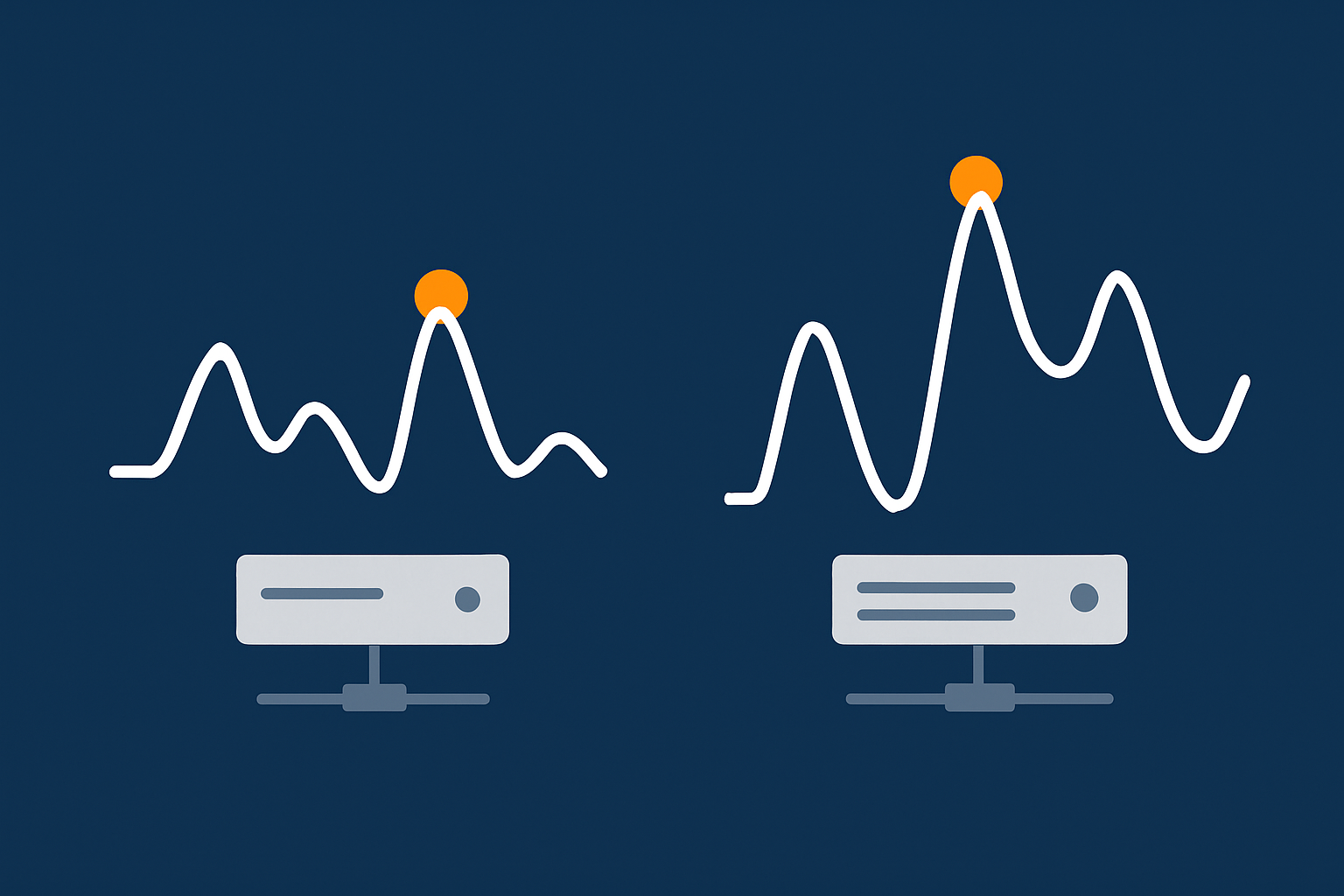
Uncached traffic: why heavy page builders hurt most when caching cannot help
Page caching hides a lot of builder overhead by serving static HTML to most visitors. However, some traffic cannot be cached easily:
- Logged‑in users, especially in wp‑admin.
- WooCommerce carts and checkouts.
- Personalised dashboards or membership areas.
In those situations, every request triggers the full PHP and database workload. A heavy builder stack can then max out shared hosting CPU or PHP workers quickly, leading to slow responses and 502/503 errors under load.
Admin and editing experience: why Elementor and Divi feel slow in wp admin on weak hosting
The builder editor itself is a complex single page app. It loads:
- Large admin JavaScript bundles.
- AJAX calls to render and save widgets.
- Previews through iframes or additional requests.
On low‑spec hosting with little RAM and limited PHP workers, just two people editing pages can make wp‑admin feel sluggish. Moving to stronger virtual dedicated servers or more capable managed hosting often transforms the editing experience without changing the site front end at all.
WooCommerce pages, carts and checkouts: where page builders can become a bottleneck
WooCommerce already runs a lot of PHP logic for prices, stock, shipping and sessions. Wrapping product grids and carts in heavy builder layouts can add:
- Extra PHP rendering on each dynamic request.
- More DB queries from addons, upsell widgets and custom loops.
- More assets on already busy pages.
This matters most on busy sites during sales or campaigns. Resource‑efficient layouts and a capable caching and object caching layer become essential here. A guide such as Understanding WordPress Caching Layers can help you see what your host should be handling for you.
Reading your hosting resource graphs properly for page builder sites
CPU and RAM graphs often show very spiky usage on builder‑heavy sites, especially if bots hit uncached pages. Persistent high CPU during normal traffic can indicate:
- Too many dynamic, uncached requests (logged in users, WooCommerce, or poor caching).
- Overloaded PHP workers stuck rendering heavy builder pages.
- Plugins stacking queries on top of builder and WooCommerce logic.
If you are unsure how to interpret your graphs, a deeper walkthrough like How to Read a WordPress Hosting Resource Graph provides practical examples.
Front End Speed: Core Web Vitals, Page Weight and Builder Choice
Largest Contentful Paint and layout shift: what builders change and what they do not
Largest Contentful Paint (LCP) is mostly about when the main hero image or large text appears. Builders influence LCP through:
- The amount of CSS and JS that must load before content can render.
- Whether the layout uses large background images or above‑the‑fold sliders.
Cumulative Layout Shift (CLS) issues usually come from:
- Images without width/height or aspect ratios defined.
- Fonts swapping late.
- Third‑party widgets inserting content.
These are configuration and design issues rather than inherent flaws in Elementor, Divi or Gutenberg. A detailed primer like Realistic Core Web Vitals for WordPress can help set achievable targets for UK sites.
Page weight and requests: how many CSS and JS files your builder is adding
Run your page through tools like WebPageTest or the browser’s network panel and look at:
- Total page weight (MB).
- Number of requests.
- Largest individual files, especially CSS and JS.
Common patterns on builder sites include:
- Multiple CSS files from the core builder, theme and widget packs.
- Large JS bundles for sliders, popups, animations and form logic.
- Separate CSS/JS per page rather than shared bundles.
You cannot remove all of this without losing features, but you can often disable unused widgets and effects, combine files at the caching layer and keep layouts simpler.
Images, fonts and animations: usually bigger problems than the builder itself
On many real sites, images and fonts are responsible for most of the page weight. One 500 KB hero image and a few large product photos can outweigh the builder’s JS by a large margin.
Good image handling often delivers the quickest wins. On suitable hosting, edge layers such as the G7 Acceleration Network can automatically convert images to modern AVIF and WebP formats on the fly, usually cutting file sizes by over 60 percent without visible quality loss, and without you needing extra plugins or changes in WordPress.
How a good caching and acceleration layer can offset some page builder overhead
A decent acceleration layer in front of your origin server can:
- Serve cached HTML for anonymous users.
- Compress and combine certain assets.
- Optimise images and apply sensible browser caching headers.
Services like the G7 Acceleration Network bundle this with TLS termination and security headers, so your origin server focuses on uncached, dynamic work. This does not remove poor theme or layout choices, but it reduces their impact and makes traffic spikes more survivable.
Hosting For Page Builder Sites: What Really Needs To Be Different?

Minimum hosting baseline for Elementor and Divi vs mostly Gutenberg sites
For small, mostly static Gutenberg sites, modest shared hosting can work if configured well. For Elementor or Divi sites, a realistic baseline is:
- Enough RAM for PHP and MySQL to avoid constant swapping.
- Multiple PHP workers to handle concurrent edits and dynamic traffic.
- Solid disk performance and a local or networked object cache.
In practice, that usually means higher‑end shared plans or entry‑level managed WordPress hosting, rather than ultra‑cheap shared hosting tiers.
Caching layers that work well with page builders (and what your host should handle)
Your hosting should provide, configure and support:
- Page caching compatible with Elementor/Divi previews and WooCommerce.
- Object caching (Redis or similar) for dynamic queries.
- Browser caching and HTTP compression.
These layers are easier to manage at the hosting level than through a maze of WordPress plugins. A reference such as web hosting performance features can help you compare what different providers actually include.
Bad bots, preview traffic and why builder heavy sites need decent bot protection
Builder sites tend to be heavier per request. When bad bots or aggressive scrapers hit every page, they cause more damage than on a lean, static‑style site because each hit uses more server resources.
Network‑edge protection, such as G7Cloud’s bot filtering within the G7 Acceleration Network, blocks abusive and non‑human traffic before it reaches PHP or the database, which keeps CPU usage steadier and reduces the risk of avoidable downtime when genuine users are active.
When it is time to move a busy builder site off cheap shared hosting
Consider moving up when you see:
- Frequent resource limit warnings even after optimisation.
- Slow wp‑admin during normal business hours.
- Checkout slowdowns whenever you run campaigns.
- Support suggesting you “disable plugins” as the main fix.
At that point, a move to more capable virtual dedicated servers or well‑provisioned managed WordPress hosting is usually more effective than a full rebuild, especially if your design is already working commercially.
Practical Optimisation: Making Elementor, Divi and Gutenberg Sites Fast Without Rebuilding
Quick wins inside your builder: templates, global styles and turning off unused features
Inside Elementor or Divi you can often trim overhead by:
- Using global styles instead of per‑widget styling.
- Reducing nested sections and rows where a simpler structure will do.
- Disabling unused widgets/modules in the builder settings so their CSS/JS is not loaded.
- Removing unnecessary animations and parallax effects above the fold.
These changes do not affect content, so they carry relatively low risk.
Cleaning up plugin bloat around your builder safely
Many slow sites suffer more from plugin bloat than from the builder itself. Steps to clean up:
- List all plugins and mark which directly support revenue‑critical features.
- Temporarily disable non‑essential ones on a staging site and re‑test speed.
- Consolidate overlapping functionality (for example, use one well‑maintained form plugin instead of three).
If you need a structured way to think about plugin counts and impact, see The Truth About WordPress Plugins: How Many Is Too Many?
Smart image and media optimisation for builder heavy pages
Focus your efforts on:
- Compressing large hero and product images to sensible dimensions (for example, 1600 px wide for full‑width sections).
- Using lazy loading for below‑the‑fold media.
- Avoiding autoplay background videos unless truly necessary.
On hosting that includes an edge layer like the G7 Acceleration Network, images are automatically converted to AVIF and WebP as they are requested, which usually cuts image sizes by more than half while keeping quality suitable for real sites, and it works without extra plugins or WordPress changes.
Testing properly: how to separate hosting issues from page builder issues
To avoid guesswork:
- Test from multiple locations and devices using tools such as PageSpeed Insights and WebPageTest.
- Check Time to First Byte (TTFB): high TTFB on all pages often indicates hosting or caching configuration issues, not the builder alone.
- Test a simple blank page on the same host; if it is also slow, the host is likely the bottleneck.
For a step‑by‑step troubleshooting workflow, How to Diagnose Slow WordPress Performance gives a structured approach to isolating causes.
When To Rebuild vs When To Optimise What You Already Have
Signs your current builder stack can be rescued with better hosting and setup
Optimisation and better hosting are usually enough when:
- The site design is current and converts well.
- Slowness is worst during traffic spikes or in wp‑admin, but acceptable at quiet times.
- You have not yet tackled caching, image optimisation and plugin bloat properly.
In these cases, investing in capable managed WordPress hosting plus a day or two of sensible optimisation is often more cost‑effective than a full rebuild.
Signs you should consider moving from a heavy builder to Gutenberg or a lighter stack
A rebuild becomes more sensible when:
- The theme and builder are several years old and no longer updated.
- You rely on many niche addons that are being abandoned.
- Even on good hosting with caching and optimisation, important pages struggle to hit reasonable Core Web Vitals.
- Your team prefers the block editor and wants fewer moving parts.
Here, moving gradually to Gutenberg or a lighter builder can reduce long‑term maintenance and performance headaches.
How to plan a safe transition without wrecking SEO or conversions
If you do rebuild:
- Work on a staging copy of your site.
- Recreate key templates first: homepage, top category pages, product templates.
- Keep URLs identical and preserve on‑page SEO elements: titles, headings, content order.
- Launch during a quiet period and monitor analytics and search console closely.
A staged roll‑out, section by section, reduces risk compared to a single “big bang” switchover.
Summary: Matching Your Page Builder Choice To Sensible Hosting
Key takeaways for Elementor, Divi and Gutenberg sites
- Elementor and Divi are heavier than a lean Gutenberg setup, but they are not doomed to be slow.
- Server‑side performance hinges on caching, PHP worker capacity and database efficiency.
- Front‑end speed is more often dominated by images, fonts and effects than the builder label.
- Good hosting plus an edge layer such as the G7 Acceleration Network can offset much of the overhead and protect resources from bad bots.
- Rebuild only when the existing stack is outdated or cannot reach acceptable performance even on solid hosting.
Questions to ask your hosting provider about page builder performance
When you next review hosting, ask:
- How many PHP workers and how much RAM will my site actually have?
- What caching layers do you configure and manage for me?
- Do you provide any network‑edge caching, image optimisation or bot filtering suitable for builder‑heavy sites?
- Can you share example results for Elementor/Divi/WooCommerce clients with similar traffic levels?
If you are running Elementor, Divi or a growing Gutenberg‑based WooCommerce store and want fewer hosting headaches, exploring managed WordPress hosting or a move onto G7 Acceleration Network-powered infrastructure can be a practical next step. It lets you keep the builder your team knows while giving the site a more capable foundation to perform on.