

Who This Guide Is For (And Why Structure Matters So Much)
Choosing between WordPress Multisite and many separate WordPress installs is not a technical curiosity. For UK agencies, franchises and multi-branch businesses it affects uptime, operating cost, security risk and how quickly you can roll out changes.
Typical UK scenarios: agencies, franchises and multi-branch businesses
Some common situations where this choice matters:
- Digital agencies running 20, 50 or 200 brochure sites on behalf of clients, often with similar plugins and design systems.
- National franchises where each franchisee has a local site or landing pages on a shared brand platform.
- Multi-branch businesses such as solicitors, accountants, healthcare providers or estate agents with one site per branch or region.
- Retail groups with multiple consumer brands, each with its own WooCommerce store.
- Public sector and education networks that need consistent governance across schools, departments or local authorities.
In all these cases, you are managing “many sites” in some form. The question is whether those sites should live inside a single WordPress Multisite network, as individual WordPress installs, or as a hybrid of both.
What can go wrong if you pick the wrong structure
Structure mistakes often do not hurt on day one. Problems appear 12 to 24 months later:
- Operations drag: routine tasks like updates, new feature rollouts or backups take far longer than they should.
- Outage blast radius: one broken plugin, theme change or security incident impacts dozens of sites at once.
- Performance surprises: one particularly busy site slows down an entire network, including quiet brochure sites.
- Compliance snags: PCI or data separation requirements clash with how your WordPress environment is designed.
- Client friction: it becomes difficult to offboard a client cleanly, sell a brand, or spin out a site to new infrastructure.
By structuring things carefully from the beginning and choosing the right hosting model, you avoid an expensive re-architecture later.
How this guide is organised
This guide:
- Explains Multisite and multiple installs in plain English.
- Gives you key questions to decide which fits your situation.
- Sets out strengths, weaknesses and security implications of each model.
- Shows hosting architectures that pair well with each approach.
- Walks through realistic scenarios and hybrid patterns.
- Finishes with a practical step-by-step decision process.
It is written for non-specialist technical leaders, digital directors and agency owners, but goes into enough depth to be useful to developers planning infrastructure.
Plain English Overview: Multisite vs Multiple Separate Installs
What WordPress Multisite actually is
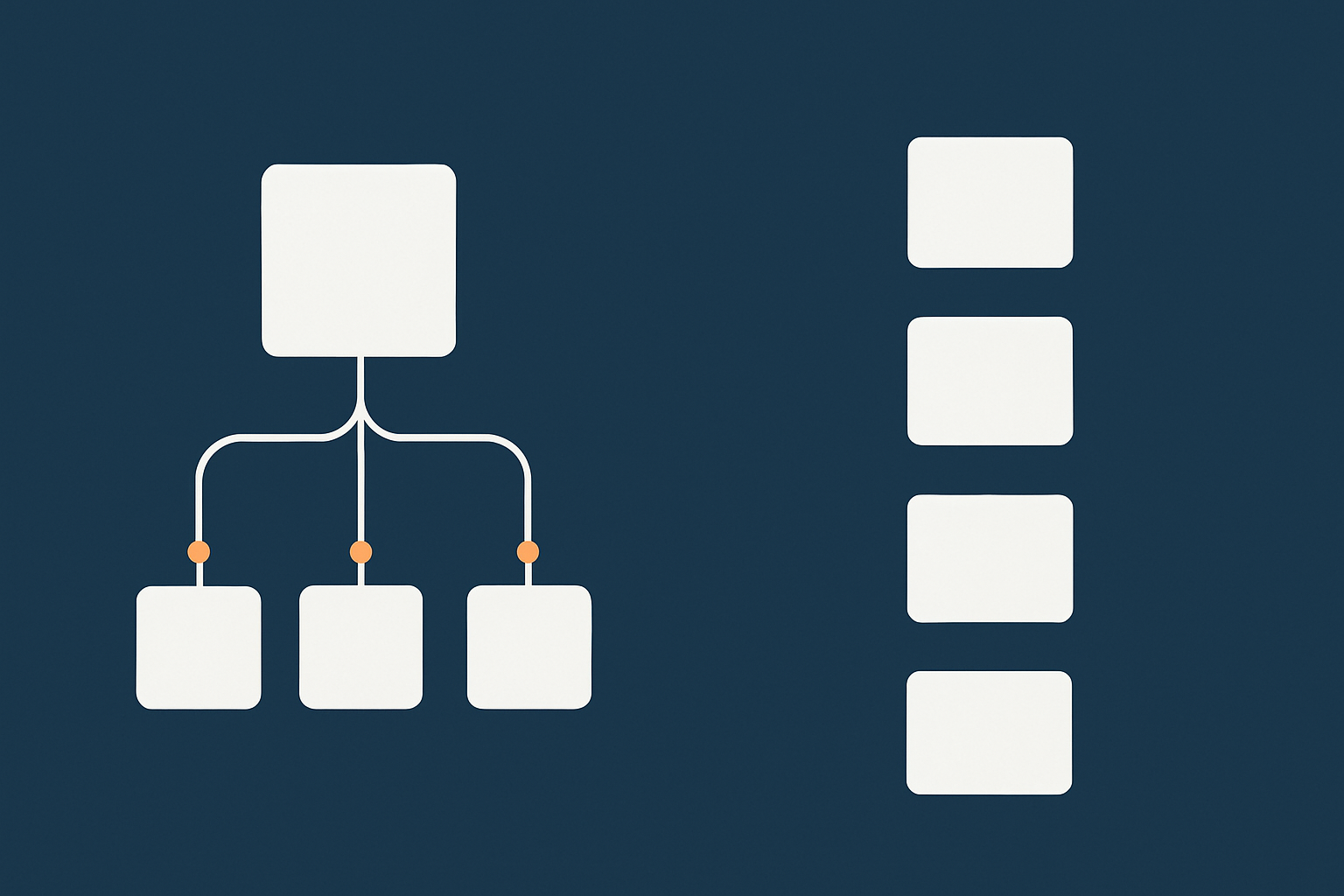
WordPress Multisite is a single WordPress installation that can host many “sites” inside one network.
Technically, you have:
- One WordPress core codebase.
- One set of installed plugins and themes (with some network-level control).
- One database with extra tables per site.
- Many sites that share that core but have their own content, settings and, optionally, domains.
Each site feels separate to its editors and store managers, but behind the scenes they share infrastructure and software. Updates to core and network-activated plugins affect all sites at once.
What “multiple separate installs” looks like in practice
Multiple installs means exactly what it sounds like:
- Each site has its own WordPress installation.
- Each can have its own database, plugins, theme and configuration.
- Sites can live on the same server, split across different servers, or even sit with different hosts.
In practice, agencies often group these sites on:
- A few well specified virtual dedicated servers for larger WordPress networks holding dozens of installs.
- Separate “pods” for large or high-risk clients (for example, WooCommerce or high-traffic campaign sites).
- Managed platforms that handle patching, monitoring and backups across all installs.
Updates are done per site or via automation tools, and issues on one site rarely impact another if the hosting is set up sensibly.
How domains and subdomains work in each model
Multisite supports two main patterns:
- Subdomains:
site1.example.com,site2.example.comall within one network. - Domain mapping:
franchise-a.co.uk,franchise-b.co.ukmapped to different sites inside the same network.
Users can log in to just their own site. Super admins control plugins, themes and network-wide settings.
Multiple installs are simpler conceptually:
- Each domain or subdomain points to its own WordPress instance.
- They may share a server account or be isolated at the OS level.
- You can move one site to another server or host without disturbing the rest.
Quick comparison table: when each option tends to fit best
| Scenario | Multisite tends to fit best when… | Multiple installs tend to fit best when… |
|---|---|---|
| Number of sites | Dozens to hundreds of relatively similar sites. | From a handful up to hundreds, especially if varied in design or function. |
| Control | You want strong central control over plugins, themes and branding. | You want flexibility per site and are comfortable managing consistency via process and tooling. |
| Custom features | Sites share most features, with only light local variations. | Sites differ significantly, have bespoke plugins or separate dev teams. |
| Risk appetite | You accept shared risk for updates and outages across the network. | You prefer incidents to be contained to one or a small cluster of sites. |
| Compliance | Data separation requirements are moderate and acceptable within a single database. | Stricter PCI or data isolation requirements, or individual ownership of data per site. |
| Future exits | Sites are unlikely to be sold off or moved independently. | Clients, brands or branches may leave and take their site with them. |
Key Questions To Ask Before You Choose
How standardised are your sites, really?
Do your sites share 80 percent of their structure and functionality, or only 30 percent?
- If most sites have the same layouts, forms, integrations and content types, Multisite can work well.
- If every new client or branch wants custom functionality, third-party integrations or entirely different designs, the shared nature of Multisite can become a burden.
Try a simple exercise: list your top 10 sites and write down the core plugins and features each uses. If the list looks almost identical, Multisite is worth serious consideration.
Who controls updates and plugins: central team or local managers?
Consider your governance model:
- Central control: The digital team or agency decides which plugins are allowed, when updates happen, and how designs evolve.
- Local autonomy: Local managers or franchisees expect to add plugins, tweak themes or install their own tools.
Multisite assumes strong central control, especially for plugins and themes, because everything runs on a shared codebase. If your local teams are used to installing their own plugins, you will need clear policies and potentially some culture change.
Separate installs allow more local variation but create more moving parts to manage centrally. A good compromise is often a locked-down standard build, deployed per site, combined with a change request process for anything outside that baseline.
How isolated do you need performance, security and data to be?
This is where structural decisions impact risk and compliance:
- Performance isolation: Can you accept one heavy WooCommerce site affecting the response times of 50 brochure sites if they share the same Multisite network and server resources?
- Security isolation: Would a compromised plugin on one site be an acceptable risk if it potentially affects the wider network?
- Data separation: Do you have contractual or regulatory requirements that each site’s data must be logically or physically separated?
Separate installs on properly configured virtual dedicated servers for larger WordPress networks can give good isolation while still being centralised enough to manage. Multisite consolidates management, but you need stronger operational discipline to keep risk low.
What does your growth over the next 2 to 3 years actually look like?
Think about both quantity and complexity:
- Will you grow from 10 to 50 very similar sites?
- Or from 20 to 40, with several becoming large transactional or high-traffic builds?
If growth is mainly in volume, Multisite is attractive. If growth is in complexity, separate installs or a hybrid pattern tend to age better.
Strengths and Weaknesses of WordPress Multisite for Agencies and Franchises
Where Multisite shines: central control and rapid rollout
Single codebase, shared plugins and themes
With Multisite there is one copy of WordPress core and a shared pool of plugins and themes. You:
- Update WordPress once and all sites receive the update.
- Install a plugin once and make it available to some or all sites.
- Maintain a single base theme (or child theme family) for the whole network.
For agencies with good development practices, this can cut maintenance hours significantly. It also allows central quality control over which plugins are allowed, reducing the risk of random, unmaintained additions.
Consistent branding and UX across many sites
Franchises and multi-branch organisations often need tightly controlled branding. Multisite makes it easier to:
- Share global header and footer components.
- Roll out design updates once across hundreds of localised sites.
- Enforce a controlled block library or pattern library.
For example, a national franchise could ensure that every local branch site uses the same booking flow, contact forms and cookie notices, while still allowing local content editors to manage text and imagery.
Simplified maintenance when you have strong processes
When you pair Multisite with disciplined development workflows, maintenance can be streamlined:
- Test plugin and core updates on a staging copy of the network.
- Roll out security patches across all sites in one go.
- Monitor logs and performance for the network as a whole.
This works best when you have a staging environment per network and a clear sign-off process. Managed platforms that understand Multisite, such as managed WordPress hosting for UK agencies and brands, can help here by providing network-aware backups, staging and monitoring.
Where Multisite hurts: coupling, risk and operational friction
One network, shared risk: plugin conflicts and outages
The shared codebase is both the main strength and main weakness of Multisite.
- A bad plugin update can break all sites that depend on it, not just one.
- Performance issues in one site can affect database or cache performance for others, especially if the underlying hosting is under-specified.
- Security vulnerabilities in network-wide components increase the blast radius of any incident.
This is manageable with strong QA, staging and rollback processes, but it is a conscious trade off. When planning hosting for a Multisite network, you should treat it more like a small SaaS platform than a single brochure site.
Limitations with very custom local features
Multisite can feel restrictive when individual sites want to deviate significantly:
- Plugins must be compatible with Multisite and with your network policies.
- Very different designs can complicate your shared theme structure.
- Local experiments are harder, because a new plugin or change to your base theme technically touches the whole network.
If you have multiple development teams working independently, or if you expect frequent highly bespoke builds, separate installs usually give you more freedom without risking the rest of the portfolio.
Complex migrations and offboarding clients or locations
Extracting a single site from a Multisite network is possible but fiddly. You must:
- Export that site’s database tables and content.
- Recreate any shared functionality or plugins on the new standalone install.
- Handle media library URL rewrites and file exports carefully.
If you expect to sell brands, let franchisees leave with their sites, or hand off builds to in-house teams, plan this from the start. In those situations a separate-install strategy, possibly with a shared base theme and deployment process, is often more appropriate.
Security, compliance and PCI considerations on Multisite
From a security point of view, Multisite centralises risk:
- Super admin access is highly privileged and must be tightly controlled.
- All sites share one database and file system at the WordPress level.
- Audit requirements might be higher because a compromise can affect many brands or departments.
For PCI DSS or similar requirements, it is common to keep payment processing off the WordPress server using hosted payment pages or embedded fields from providers such as Stripe or Worldpay. Where stricter isolation is needed, high-risk transactional sites often sit outside the wider Multisite network as separate installs on their own infrastructure.
Performance and scaling a large Multisite network
A well built Multisite network can perform very well, but it demands coherent architecture:
- Sizing the underlying server or cluster correctly.
- Using persistent object caching (Redis or similar) to reduce database load across the network.
- Configuring page caching so that both busy and quiet sites benefit.
Multisite pairs well with well tuned virtual dedicated servers for larger WordPress networks or even more advanced setups such as enterprise WordPress hosting for high traffic and complex setups where you can scale horizontally and tune PHP workers properly. The G7 Acceleration Network for caching, bot protection and image optimisation or similar acceleration layers are particularly useful here, because they can cache responses and filter traffic in front of a single busy network.
Strengths and Weaknesses of Multiple Separate WordPress Installs
Where multiple installs shine: isolation and flexibility
Per-site performance and resource isolation
With separate installs you can allocate resources per site or per group of sites. For example:
- Give a WooCommerce store more PHP workers, memory and database capacity than a brochure site.
- Move especially busy or critical sites to their own server or cluster without disturbing others.
- Apply different caching policies to static marketing sites versus dynamic membership platforms.
This reduces “noisy neighbour” issues and makes it easier to reason about capacity planning.
Lower blast radius for security issues and outages
Exposure is naturally contained:
- A compromised plugin on one site does not automatically grant access to dozens of others, assuming sensible OS and account isolation.
- A faulty theme update or configuration change only affects that site, or at worst that server account.
- Restore operations are more targeted, especially when backups are per site.
For agencies dealing with different client types and risk profiles, this isolation is often the main reason to avoid a single huge Multisite.
Client and franchise ownership, billing and exit options
Separate installs map cleanly to commercial relationships:
- You can give clients or franchisees their own hosting account if suitable.
- Billing, legal and contracts can reference an individual environment.
- Exits are straightforward: you can migrate or hand over that site’s files and database without rewriting an entire network architecture.
For long-term agency relationships where clients may later bring development in-house, this can avoid painful disentangling work.
Where multiple installs can be painful
Update management across dozens or hundreds of sites
The obvious downside of separate installs is operational overhead. Without good tooling you end up:
- Repeating the same WordPress, plugin and theme updates across many dashboards.
- Spending more time checking for issues after updates.
- Potentially leaving long-tail sites behind on older versions.
Managed platforms and update tooling can help a lot here. If you use managed WordPress hosting for UK agencies and brands, expect your provider to handle core and security updates centrally, with the ability to stagger or pin versions for critical sites.
Keeping design systems and UX consistent
Consistency across many independent installs is a process problem rather than a technical one. You will likely need:
- A shared base theme or design system in a private Git repository.
- Deployment processes (CI/CD, or at least repeatable SFTP/Git workflows) that roll out design updates to many sites.
- Documentation for local editors, so that they do not drift too far off brand.
Multisite handles some of this structurally. If you choose separate installs, invest early in your pattern library and deployment automation.
Infrastructure sprawl and cost visibility
With many installs, infrastructure can become messy:
- Legacy sites left on old servers “temporarily”.
- Multiple small VPS instances with unclear capacity or utilisation.
- Bill shock where incremental additions are not centrally costed.
A more deliberate approach is to host groups of similar sites on a small number of well specified virtual dedicated servers for larger WordPress networks or on a managed cluster, with agreed capacity thresholds and clear monitoring.
Hosting Architecture Options That Work Well With Each Model
Multisite-friendly hosting setups
When a single well specified virtual dedicated server is enough
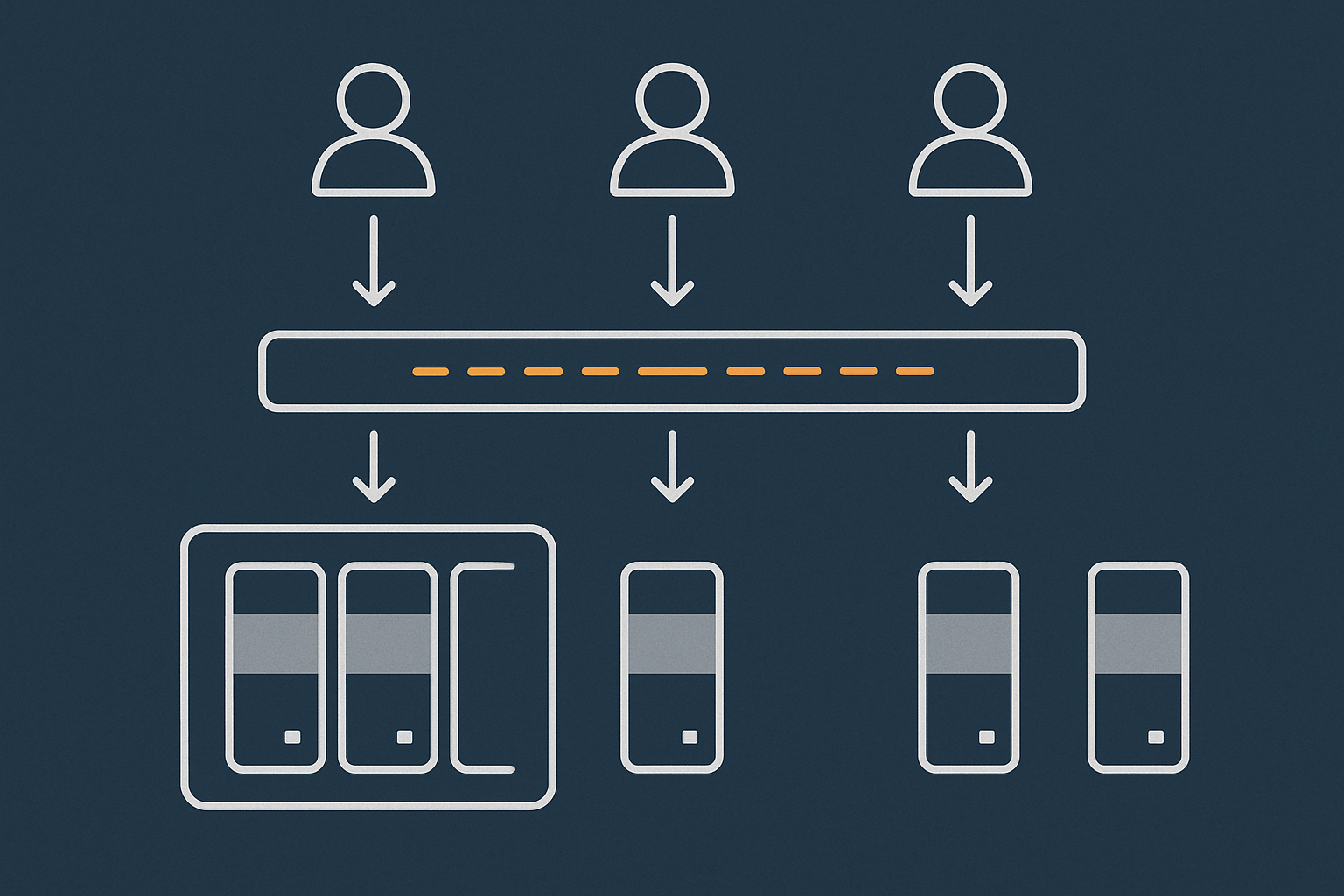
For many agencies and franchises, a single strong server is sufficient for a Multisite network:
- Generous RAM and CPU to handle peak loads.
- Fast NVMe storage for database and file access.
- PHP-FPM tuned for concurrent requests across sites.
- Redis or similar object caching to reduce database calls.
This pairs nicely with a network accelerator such as the G7 Acceleration Network for caching, bot protection and image optimisation, which can absorb much of the front-end load and protect PHP from unnecessary traffic, especially on big networks.
If you are unsure whether a single server is right for you, the guide on choosing between shared, VPS, VDS and dedicated hosting is worth a read.
When to step up to enterprise or multi-server architectures
Move beyond a single server when:
- Your Multisite network serves high traffic for multiple brands.
- You have strict uptime SLAs and cannot afford a single point of failure.
- PHP processing or database load routinely peaks during campaigns.
At this stage you are in the territory of enterprise WordPress hosting for high traffic and complex setups and multi-server designs. You might split responsibilities into:
- One or more web/PHP nodes behind a load balancer.
- A dedicated database server or cluster.
- Shared file storage for media, often combined with an object store.
If you want a deeper dive into this, there is a useful comparison of single server versus multi-server architecture outside public cloud contexts.
Caching, object caching and the role of a network accelerator
Multisite amplifies both the benefits and the need for caching:
- Page caching at the HTTP or edge layer takes pressure off PHP.
- Object caching with Redis or Memcached reduces database queries per request.
- Opcode caching via OPcache speeds up PHP execution.
Services such as the G7 Acceleration Network for caching, bot protection and image optimisation sit in front of your origin server, handling static asset delivery, full-page caching and image optimisation, while filtering bad bots before they ever hit PHP or the database.
Hosting patterns for many separate installs
Using cPanel or similar for light multi-site portfolios
For small agencies with a modest number of low-traffic sites, a cPanel or Plesk based environment can be fine, provided it is on a decent underlying server and sensibly tuned. You can:
- Create one account per client or per site group.
- Segment access, FTP and databases at the account level.
- Use auto installers carefully, then harden each install.
This approach starts to strain once you have more demanding performance or specific compliance requirements, or when you need more robust staging and deployment workflows.
Carving up a virtual dedicated server for agencies
Many agencies choose a small number of stronger servers over many small ones. On each server you might:
- Run containerised or chrooted environments for each client.
- Group similar sites together by traffic pattern or risk profile.
- Use orchestration or scripts to create, clone and update sites.
This consolidates monitoring and backup, while preserving isolation. Managed providers offering managed WordPress hosting for UK agencies and brands will often do this for you, exposing per-site controls while handling the OS and tuning underneath.
Segregation for high risk or PCI conscious sites
For ecommerce, membership sites or anything handling sensitive data, it is common to place those installs in their own isolated environments:
- Separate servers or VDS instances with stricter firewall rules.
- Dedicated staging and testing environments.
- Limited plugin sets and locked-down admin access.
This fits naturally with a “many installs” strategy: high risk sites get dedicated resources and controls, while lower risk brochures share infrastructure more freely.
Why bot traffic and caching matter more at scale
Filtering abusive bots to protect PHP and database resources
As your portfolio grows, unhelpful bots can consume surprising amounts of CPU and database capacity. These include:
- Aggressive scrapers and vulnerability scanners.
- Poorly behaved SEO tools and crawlers.
- Automated login attempts on
/wp-login.phpand XML-RPC.
On both Multisite and many-install setups, upstream bot filtering makes a big difference. G7Cloud’s bot protection within the G7 Acceleration Network for caching, bot protection and image optimisation filters abusive and non human traffic before it hits PHP or the database, reducing wasted server load and helping prevent avoidable downtime during busy periods.
Page caching and image optimisation at the hosting edge
When you have dozens of sites, shaving milliseconds and kilobytes from each request compounds significantly:
- Edge or CDN-level page caching reduces origin server work, especially for brochure sites.
- Automatic image optimisation at the edge can cut bandwidth and improve Core Web Vitals across your whole portfolio.
The G7 Acceleration Network for caching, bot protection and image optimisation automatically converts images to modern AVIF and WebP formats on the fly, typically reducing file sizes by more than 60 percent while keeping quality acceptable for real-world sites. It is included free for every site hosted with G7Cloud and does not require extra plugins or changes inside WordPress.
If you want more technical background on caching layers, the guide on WordPress caching layers goes deeper into how browser, page, object and CDN caching fit together.
Practical Use Cases: Which Model Fits These Real-World Scenarios?
Digital agency with 30+ SME brochure sites
Typical characteristics:
- Sites are mostly brochure or light lead-gen.
- Shared functionality: contact forms, some integrations, simple blogs.
- Designs are related but not identical.
- Clients may leave, rebrand or move hosting over time.
A pure Multisite approach is tempting but can be awkward when clients depart or when one site needs unusual plugins. A pragmatic model for this agency might be:
- A standard “brochure” build as a reusable theme and plugin set.
- Separate installs for most clients, grouped on a small number of well tuned servers.
- Occasional use of Multisite for specific campaigns or tightly related micro-sites.
National franchise with 100+ local landing sites
Characteristics:
- Strong central brand and compliance requirements.
- Local franchise sites differ mainly in content, not in functionality.
- Central team wants to roll out campaigns network-wide quickly.
This is a classic Multisite candidate:
- Single Multisite network for all franchise sites.
- Network-wide base theme and pattern library.
- Carefully controlled plugin set, centrally managed.
For payment, forms and CRM integrations you may still choose separate services that are per-franchise, but the CMS layer is shared.
Multi-brand retail group running WooCommerce stores
Characteristics:
- Distinct brands with different product ranges.
- Potential for traffic spikes during sales and campaigns.
- Heavier use of plugins and custom integrations.
Here, separate installs are usually safer:
- Dedicated WooCommerce environment per brand or per group of brands.
- Shared base plugins where it makes sense, but versioning per site.
- Option to tune capacity and caching per store, based on load.
Some retail groups run a separate Multisite just for marketing microsites, keeping ecommerce on independent installs for performance and risk reasons.
Public sector or education networks with stricter governance
Characteristics:
- Need for consistent accessibility, privacy and security controls.
- Mixture of central and local content owners (for example, schools, departments or services).
- Long-term continuity and predictable budgets.
Both models can work here, often in combination:
- Multisite for a family of school sites or departmental sites, to enforce design and compliance.
- Separate installs for particularly sensitive or experimental projects.
The deciding factors are usually where governance sits and how much local independence is required.
Hybrid Approaches: You Do Not Have To Pick Just One
Using Multisite for marketing sites, separate installs for transactional apps
A common pattern:
- One or more Multisite networks for marketing sites, campaign microsites and low-risk content.
- Separate, hardened installs for ecommerce, membership, booking systems or logged-in customer portals.
This balances central control where it is most efficient with isolation where risk or complexity is higher.
Network of independent sites with shared base theme and deployment process
Another effective hybrid for agencies and groups:
- Standard base theme and plugin stack in a Git repository.
- Automated deployments that spin up new sites based on that standard build.
- Configuration management (for example, environment variables or config files) to adjust per site.
You get many of the management benefits of Multisite (shared code, consistent UX) with the isolation of separate installs.
When to refactor from Multisite to separate installs (and vice versa)
You might refactor from Multisite to many installs when:
- Individual sites have become much more complex or divergent.
- Brands or entities are being sold or separated.
- Risk appetite has fallen and you want a lower blast radius.
You might move from many installs to Multisite when:
- You are managing many similar microsites with almost identical functionality.
- Operational overhead across many small installs has become unmanageable.
- You have strong central governance and a stable design system.
Either refactor is a project in its own right, so it is worth modelling carefully before committing.
Operational Considerations: Maintenance, Monitoring and Support
Update and change management at scale
Regardless of your structure, you need a repeatable update process:
- Staging environment(s) that reflect production closely.
- Planned windows for major plugin and theme updates.
- Rollback plans (and tested backups) in case of issues.
Multisite simplifies the number of moving pieces but increases impact if something goes wrong. Many installs reverse that trade off. Either way, using managed WordPress hosting for UK agencies and brands can take care of the base layer of updates and security patches, leaving you to focus on application-level changes.
Staging environments for networks vs individual sites
With Multisite:
- You typically stage the entire network on a separate environment.
- Testing must consider representative sites: a heavy ecommerce site, a typical brochure site and any unusual configuration.
With separate installs:
- Critical sites should have dedicated staging environments.
- Less critical sites might share a “template” staging environment for testing plugin and theme updates before rolling out more widely.
For practical detail on staging patterns, the guide on WordPress staging sites for UK businesses is a useful follow-on.
Logging, monitoring and incident response across many sites
Centralised logging and monitoring become essential as your portfolio grows:
- Aggregate PHP error logs, access logs and performance metrics.
- Alert on response time, error rates and resource usage, not just uptime.
- Track which plugin or deployment caused a regression.
On Multisite, logs may be more concentrated, but you must be able to slice by individual site when troubleshooting. On separate installs, make sure your monitoring covers all servers and key sites, not just the largest ones.
What to expect (and ask for) from a managed WordPress host
If you decide to use managed WordPress hosting, look for:
- Genuine Multisite support if you plan to use it.
- Clear options for staging environments and cloning sites.
- Proactive security hardening, WAF/bot filtering and DDoS protection.
- Performance tuning for your specific architecture, not just generic settings.
- Advice on whether a single server, VDS cluster or more advanced setup makes sense.
Providers like G7Cloud offer managed WordPress hosting for UK agencies and brands that explicitly supports both Multisite and large fleets of separate installs, along with the G7 Acceleration Network for caching, bot protection and image optimisation to keep things stable under load.
Step-by-Step: Making a Decision You Will Not Regret in 12 Months
Map your current portfolio and classify site types
Start with an inventory:
- List all sites, their traffic levels and their technical complexity.
- Group them into types: brochure, blog, ecommerce, portal, campaign, etc.
- Note any compliance or contractual requirements per site.
This will show you patterns, such as “we actually have 40 very similar microsites and 5 complex transactional builds”.
Score Multisite vs multiple installs against your priorities
Create a short list of priorities, for example:
- Speed of rolling out changes across many sites.
- Risk isolation between brands or clients.
- Ease of offboarding and handing over sites.
- Compliance / data separation.
- Operational overhead for your team.
Score Multisite and many installs from 1 to 5 against each priority for your situation. This simple matrix makes trade offs more visible and often points naturally towards either a Multisite-first or many-installs-first approach, with exceptions where necessary.
Plan a pilot project rather than a big-bang migration
Avoid changing everything at once. Instead:
- Run a Multisite pilot for a subset of similar sites (for example, a cluster of local branches or a family of microsites).
- For multiple installs, pilot your standard build and deployment process across a small group first.
- Measure support time, performance and incident rates before scaling up.
This pilot phase reduces surprises and gives your developers and content teams time to adjust.
How a specialist host can help you model and test architectures
If you do not have in-house infrastructure specialists, involve your host early. A provider offering managed WordPress hosting for UK agencies and brands can:
- Model resource needs for your current and projected portfolio.
- Advise on whether Multisite, many installs or a hybrid will be easier to manage.
- Set up pilot environments, including acceleration layers and bot filtering.
This is especially useful if you are sizing up from basic shared hosting to more serious virtual dedicated servers for larger WordPress networks or enterprise WordPress hosting for high traffic and complex setups.
Summary: Simple Rules of Thumb for Agencies and Franchises
When Multisite is likely the right choice
Favour Multisite when:
- You have dozens or hundreds of very similar sites.
- Central governance is strong and local autonomy is limited.
- Brand, design and functionality must be consistent everywhere.
- You have or can build solid processes for staging, testing and updates.
When multiple installs almost certainly fit better
Favour many separate installs when:
- Sites vary significantly in design and functionality.
- Some sites are high risk or high traffic and need isolation.
- Clients, franchises or brands may leave with their site.
- You prefer incidents and experiments to be contained.
Hosting and support patterns that keep both options safe and fast
Whichever structure you choose:
- Invest in proper staging, backups and monitoring.
- Use page and object caching, and consider an acceleration layer to offload work and filter bots.
- Be deliberate about where you need isolation and where centralisation pays off.
If you want to simplify the infrastructure side while keeping flexibility in how you structure your sites, exploring managed WordPress hosting for UK agencies and brands and the G7 Acceleration Network for caching, bot protection and image optimisation is a straightforward next step. A short conversation with a specialist host can clarify which path will give you the best balance of speed, uptime and long-term maintainability.