High Availability Explained for Small and Mid Sized Businesses
Introduction: Why High Availability Matters More Than Ever
When downtime actually hurts your business
For many small and mid sized organisations, the website or application has quietly shifted from “nice to have” to “this really needs to be there when people use it”.
Common examples:
- Your brochure site is where prospects check you out before calling or accepting a proposal.
- Your WordPress site runs key marketing campaigns or captures enquiries.
- Your WooCommerce store takes a meaningful share of your sales.
- Your client portal, booking system or internal tools are web based.
In each case, unplanned downtime means more than a short term irritation. It can mean:
- Lost leads or abandoned carts while you are offline.
- Staff unable to work because an internal system is unavailable.
- Clients questioning your reliability when the site feels flaky.
High availability is about reducing the chance of those moments, and shortening them when they do occur.
What most people think “high availability” means
In hosting conversations, “high availability” is often treated as a marketing label. People reasonably assume it means:
- “My site will never go down,” or
- “If a server fails, everything just magically keeps running.”
In practice, high availability is not a magic off switch for downtime. It is a set of design choices that:
- Make failures less likely to affect you.
- Limit how long they affect you when they do happen.
Those choices have clear trade offs in cost, complexity and operational effort. Understanding those trade offs is the real goal of this guide.
The plain English definition we will use in this guide
In this article, we will use a simple definition:
High availability means designing your hosting so your site or application stays usable when individual parts fail.
That involves:
- Removing single points of failure where it is sensible to do so.
- Accepting that some residual risk will always remain.
- Balancing risk reduction with what your business can realistically spend and operate.
High Availability in Plain English
Availability vs uptime vs performance
A few terms get mixed together:
- Uptime is the percentage of time your service is reachable. A 99.9% uptime target allows a little under 9 hours of unexpected downtime per year.
- Availability is broader. It includes uptime, but also whether the service is actually usable. A checkout that times out for 30% of customers might count as “up” but is not truly available.
- Performance is how fast and responsive the service feels. Very poor performance can effectively become downtime.
High availability focusses mainly on uptime and resilience, but performance is part of the picture. A stressed or overloaded server can become unavailable before it technically “goes down”.
If you would like a deeper look at the numbers behind uptime percentages, this separate article on uptime guarantees is a helpful companion.
The core idea: remove single points of failure
A single point of failure is anything where:
“If this one thing breaks, we are offline.”
For example:
- One web server running your whole site.
- One database server your whole application relies on.
- One firewall, router or power feed.
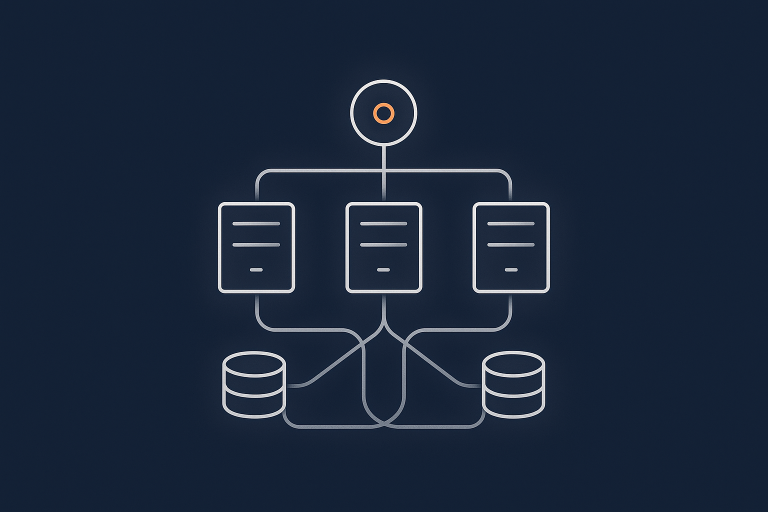
High availability tries to introduce sensible redundancy. Instead of one of each, you have:
- Multiple web servers behind a load balancer.
- A primary database with a replica or cluster.
- Network and power paths with built in failover.
If one server fails, another can take over. If a power feed drops, the other keeps running. You still monitor and maintain everything, but individual failures become less dramatic.
High availability is a spectrum, not a switch
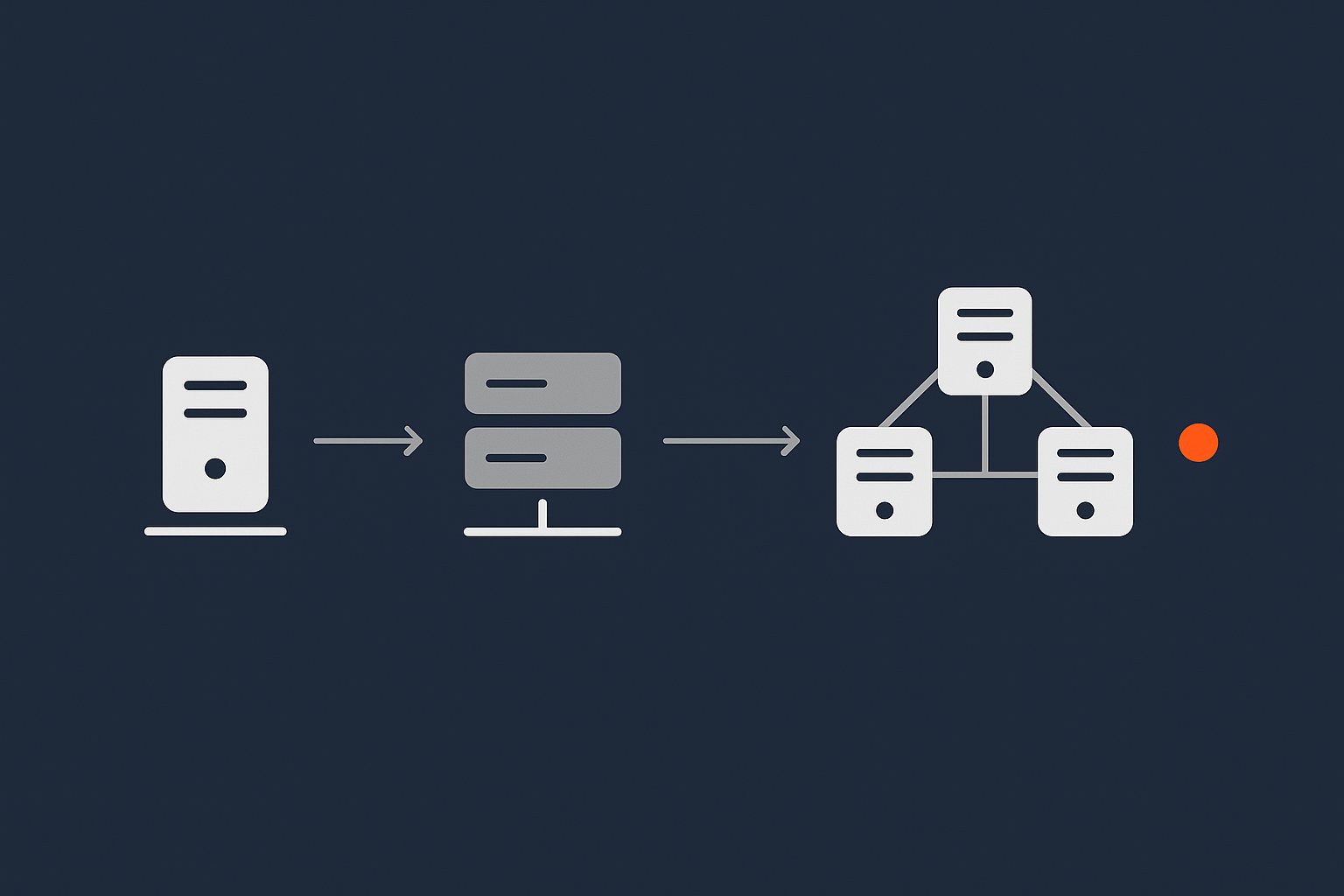
It is tempting to see high availability as “on or off”. In reality there is a spectrum:
- A single shared hosting account with backups.
- A single VPS with better resources and monitoring.
- A small redundant cluster for your web and database tiers.
- Multiple clusters across regions with automatic failover.
Each step up:
- Improves resilience.
- Increases technical and operational overhead.
- Costs more, directly and indirectly.
The right target for a small or mid sized business is rarely the most extreme option. It is usually the point where the business impact of downtime justifies the extra cost and complexity.
Common Misconceptions: What High Availability Is Not
High availability is not just a 99.99% uptime guarantee
Hosting providers often market 99.9% or 99.99% uptime. These guarantees are about the provider’s infrastructure availability, usually backed by service credits if they miss the target.
They are not a guarantee that:
- Your code will never crash.
- Your database queries will never lock up.
- A sudden traffic spike will not overwhelm your site.
High availability is a property of the whole system. Your application design, database usage, caching, third party integrations and deployment process all matter, not just the provider SLA. If you would like more detail on SLAs, see what uptime guarantees really mean in real world hosting.
Backups are not the same as redundancy or failover
Backups are essential. They let you recover from data loss, serious mistakes or corruption.
They do not keep your service running while something is broken. Restoring from backup:
- Takes time.
- May lose recent changes or orders.
- Does not fix the underlying hardware or network fault.
Redundancy is about having multiple live components so that one can fail without taking you offline. Backups are your safety net when redundancy was not enough, or when something else went wrong.
A big server is not automatically highly available
A common approach is to “buy a bigger box” whenever performance or reliability is a concern. That works until it does not.
A larger server:
- Can handle more load up to a point.
- Does not remove the single point of failure. If it fails, you are still offline.
In fact, the bigger the server, the more you have concentrated your risk in one place. At some stage, you reach diminishing returns. That is when spreading the workload across multiple smaller servers and adding redundancy becomes more sensible. We cover those trade offs in more depth in our article on when vertical scaling stops working.
CDNs and caching help, but they are not a full HA solution
Content delivery networks and caching layers can:
- Reduce load on your origin servers.
- Serve static content such as images and CSS from a global network.
- Sometimes serve cached pages when your origin has issues.
That certainly improves both performance and resilience, especially if you use a platform such as the G7 Acceleration Network which caches content, optimises images to AVIF and WebP on the fly, and filters abusive traffic before it reaches your servers.
However, if your application needs live interactions, authenticated users or real time data, you still need robust origin infrastructure. Caching is powerful, but it sits alongside your high availability design, rather than replacing it.
Key Building Blocks of High Availability Hosting
Redundant infrastructure: power, network and hardware
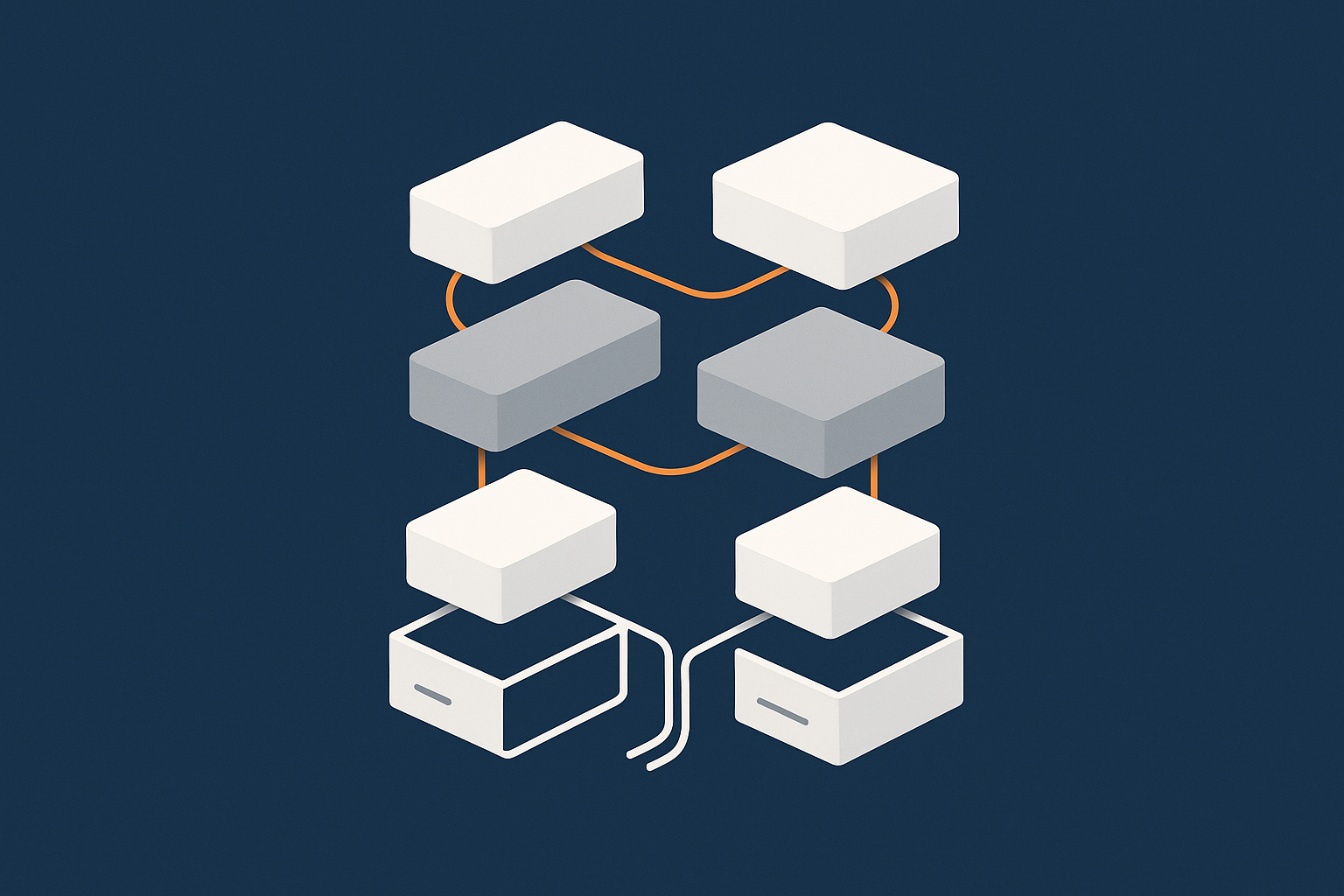
High availability starts underneath your servers. At the data centre level this usually includes:
- Power redundancy such as multiple power feeds, UPS battery systems and generators.
- Network redundancy with multiple upstream providers and redundant switches or routers.
- Hardware redundancy such as RAID storage, hot swap disks and dual power supplies.
This is the part a hosting provider like G7Cloud is primarily responsible for. We design the physical and virtual infrastructure so individual components can fail without taking down the whole platform.
What remains your responsibility at this layer is choosing the right service level. For example, a single VPS is more vulnerable to host level failures than a properly designed cluster. The provider can offer both; you choose based on risk and budget.
Application layer redundancy: web, PHP and database
Above the infrastructure are the services that power your application:
- Web servers (for example Nginx or Apache).
- Application runtimes (PHP, Node.js, etc.).
- Databases (MySQL, MariaDB, PostgreSQL and others).
High availability at this level usually involves:
- Running multiple web or PHP nodes behind a load balancer.
- Using database replication or clustering so a single database failure does not take everything offline.
- Keeping shared state, such as uploaded files or sessions, in a resilient location.
This is where many small and mid sized businesses benefit from managed services. Designing, configuring and operating redundant application stacks is entirely possible in house, but it does require consistent time, documentation and testing.
Load balancing and health checks in simple terms
A load balancer sits in front of your servers and:
- Receives each incoming request.
- Chooses a healthy backend server to handle it.
- Stops sending traffic to servers that are failing health checks.
Health checks are simple tests that run frequently. For example:
- “Can I open a TCP connection to this server?”
- “Does this URL return a 200 OK within 2 seconds?”
If a server stops responding or fails the checks, the load balancer takes it out of rotation. This gives you time to fix or replace it without impacting users.
Failover: how traffic moves when something breaks
Failover is what actually happens when something goes wrong. There are a few common patterns:
- Automatic failover within a cluster, where the load balancer simply routes around failed nodes.
- Automatic database failover, where a replica becomes primary if the original fails.
- DNS level failover, where DNS records switch to a secondary location if the primary is unreachable.
Automatic failover reduces downtime, but you still need:
- Clear monitoring so you know when failover has occurred.
- Runbooks so your team or provider can bring failed nodes back safely.
- Regular testing so you are confident it will work under pressure.
Failover mechanisms also introduce their own complexity. For a mid sized business, a simple, well understood failover plan often beats a very clever, rarely tested one.
Choosing the Right Level of High Availability for Your Business
Step 1: Work out what downtime really costs you
Before choosing an architecture, estimate what downtime actually means in practice. Consider:
- Revenue impact for ecommerce or subscription services.
- Operational disruption for internal tools and portals.
- Reputational impact if high value clients rely on the service.
You do not need perfect numbers. A rough but honest estimate such as “£5,000 per hour if checkout fails during peak periods” is enough to guide decisions.
Step 2: Decide your realistic availability target
Once you know the cost of downtime, you can decide what is acceptable. For many small and mid sized businesses:
- Some brief maintenance windows are tolerable if they are planned and clearly communicated.
- Unplanned, repeated outages are not.
Think about:
- How many unplanned hours of downtime per year you can live with.
- Which hours matter most. For example, office hours vs overnight, or sale events vs quiet periods.
This sets a practical target. It might be “we want to avoid any single outage longer than 30 minutes” more than a specific percentage.
Step 3: Match hosting architecture to risk and budget
With a target in mind, you can choose an architecture that is:
- Proportionate to the risk.
- Affordable to run and maintain.
- Understandable to your team or your managed hosting partner.
For some, that might be moving from shared hosting to one well specified VPS plus good monitoring and a clear disaster recovery plan. For others, it might mean a small cluster of virtual dedicated servers with managed failover and regular testing.
High Availability Patterns for Typical Small and Mid Sized Setups
Scenario 1: Informational or brochure site moving off shared hosting
Business impact: moderate. You care about the site being up, but orders are not processed there and brief outages are manageable.
A sensible path might be:
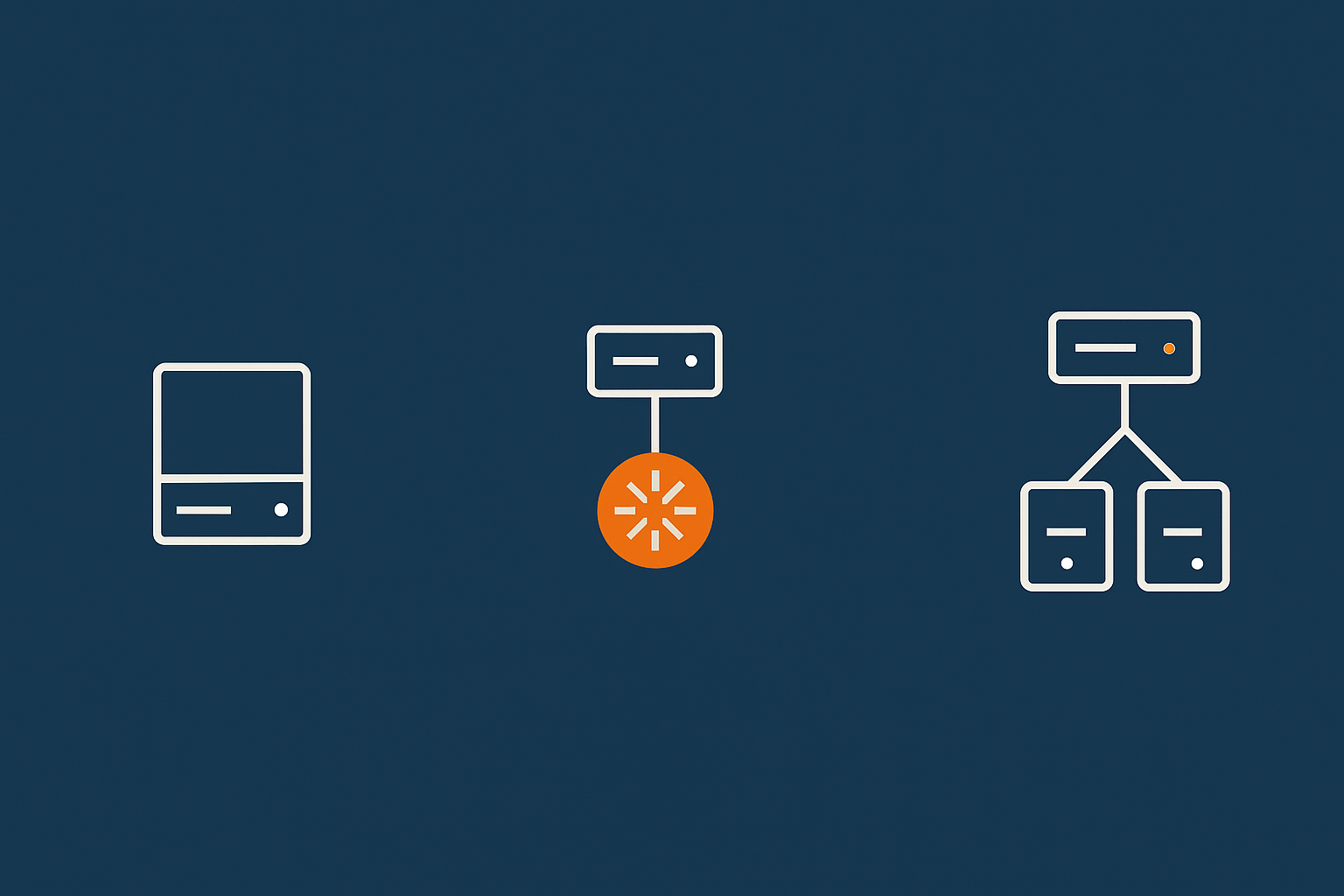
- Move from shared hosting to a reliable VPS or entry level virtual dedicated server for better isolation and performance.
- Add edge caching and a content acceleration layer to reduce load and improve speed globally.
- Set up uptime monitoring so you know when issues occur and can respond promptly. Our article on monitoring your WordPress site gives practical tools for this.
You may not need full multi server redundancy yet. Good backups, a tested restore process and transparent maintenance windows can be enough.
Scenario 2: Growing WordPress site or blog that must stay online
Business impact: higher. The site is central to your marketing or brand, downtime is noticed and traffic spikes are more common.
An appropriate architecture might include:
- Managed WordPress hosting on redundant infrastructure, so routine issues are handled by your provider.
- Strong caching and a network layer such as the G7 Acceleration Network to absorb traffic bursts and optimise heavy media.
- Regular plugin and core updates managed carefully, with roll back options.
This gives you a pragmatic form of high availability without needing your own in house operations team.
Scenario 3: WooCommerce or other ecommerce where downtime kills sales
Business impact: significant. Unplanned downtime during trading hours means immediate lost revenue.
For WooCommerce or similar ecommerce platforms, you might look at:
- A small, redundant application tier, such as two web/PHP nodes behind a load balancer.
- A primary database with at least one real time replica.
- Use of WooCommerce hosting or similar managed ecommerce focussed services so that patching, incident response and scaling are consistently handled.
- Edge caching and image optimisation to reduce origin load, especially during peak promotions.
At this stage, the operational burden of managing the stack yourself becomes more noticeable. It is still possible, but you need clear internal ownership and tested runbooks.
Scenario 4: Enterprise WordPress and critical internal systems
Business impact: high. The site or application is tied to contracts, SLAs or regulatory obligations. Internal systems may underpin day to day operations.
Here, high availability typically includes:
- Redundant application and database tiers across separate fault domains.
- Automated failover, with manual override and clear operational procedures.
- Regular failover drills, capacity tests and change management.
- Integration with central logging, alerting and security monitoring.
- Often, some level of 24×7 support from a managed provider.
For many organisations at this level, fully managed Managed WordPress hosting or an enterprise hosting arrangement is a sensible way to reduce operational risk, while keeping strategic control over the application itself.
How High Availability Differs Across Shared, VPS and Virtual Dedicated Servers
Shared and cPanel hosting: what redundancy you usually get
On shared or typical cPanel hosting:
- You share a server with many other customers.
- The provider handles hardware, power and network redundancy.
- Your site still usually runs on a single server within that platform.
This is fine for smaller, low risk sites, but your options for custom redundancy are limited. No matter how robust the underlying platform, a noisy neighbour or misconfiguration can still affect you.
For more background on the basics here, our guide to shared, VPS and dedicated hosting is a good starting point.
VPS and VDS: better isolation, but you still need a plan
With a VPS or virtual dedicated server:
- You have dedicated resources and greater isolation from others.
- You can shape the software stack to your needs.
- You can build your own redundancy with multiple instances if required.
Out of the box, a single VPS or VDS is still a single point of failure. To gain high availability, you usually:
- Run multiple servers behind a load balancer.
- Separate web and database roles.
- Plan for how you will rebuild or replace a failed instance.
Managed vs unmanaged: who is watching the failover?
A critical but often overlooked question is:
“Who is responsible for detecting failures, triggering failover and fixing the root cause?”
With unmanaged hosting:
- Your team designs and runs the architecture.
- You set up monitoring and on call arrangements.
- You handle emergency response and recovery.
With managed services, such as managed VPS, managed Managed WordPress hosting or fully managed clusters:
- The provider takes on a defined share of operational responsibility.
- They monitor, patch and respond to most infrastructure issues.
- You can focus more on the application itself and less on the plumbing.
Managed hosting is not mandatory, but it can be a pragmatic way to achieve higher availability without building a full internal operations function.
Where Caching, Networks and Security Fit into High Availability
Edge caching and acceleration to keep load off your origin
Performance and availability are linked. When origin servers are saturated, they become unavailable in practice.
Edge caching and acceleration platforms:
- Serve repeat requests (such as images, CSS and some HTML) from a cache near your users.
- Convert heavy images to modern formats like AVIF and WebP on the fly, often reducing image sizes by more than 60 percent.
- Reduce the number of full requests your origin must handle.
The G7 Acceleration Network is one example of this type of service. While it is not a complete high availability solution on its own, it can significantly increase how much traffic your existing architecture can cope with before becoming unstable.
Filtering bad bots so they do not cause an outage
Another cause of outages is unwanted traffic:
- Bad bots scraping your content aggressively.
- Basic denial of service attempts.
- Compromised devices hammering login pages.
Smart network edges and web application firewalls can filter a lot of this before it reaches your servers. That improves:
- Security, by reducing attack surface.
- Availability, by preserving your resources for legitimate users.
Security incidents as an availability risk, not just a breach risk
Security and availability are closely connected. For example:
- Ransomware or data corruption can make your application unusable.
- A successful attack may force you to take systems offline while you investigate.
Good security practices, from patching and access control through to backups and incident response plans, are part of a realistic high availability strategy. The UK National Cyber Security Centre has practical guidance if you want to dig deeper into this aspect.
High Availability and Compliance: Payments, PCI and Governance
Why payment systems and checkouts need more than “good uptime”
If you process payments, the checkout experience is directly tied to revenue and customer trust. Short brownouts, intermittent errors and timeouts can be just as damaging as full outages.
For card payments, you also have to consider compliance requirements around:
- Data integrity.
- Transaction logging.
- Separation of environments and access control.
Higher availability architectures support these goals by reducing unplanned disruptions and making failures more predictable and contained.
How high availability supports PCI and other standards
Payment Card Industry Data Security Standard (PCI DSS) and similar frameworks include expectations around:
- Resilience and continuity planning.
- Controlled changes and configuration management.
- Monitoring and incident response.
Choosing a hosting platform with strong availability features helps you meet those obligations more easily. For example, PCI conscious hosting is designed with both technical controls and operational processes to align with PCI requirements.
Standards such as PCI do not mandate a specific architecture, but they assume you have thought about resilience and can recover or fail over in a controlled way when something goes wrong.
Practical Checklist: Questions to Ask Before You Commit to an HA Setup
Architecture and failure mode questions to ask providers
Before signing up for a “high availability” solution, ask:
- Which components are redundant, and which are still single points of failure?
- What happens if a single server fails? A whole rack? A storage system?
- Where is the state (database, files, sessions) stored and replicated?
- How is failover handled in practice? Is it automatic, manual, or both?
- Can you show me a simple diagram of the architecture and failover paths?
A good provider should be able to explain this clearly without hiding behind jargon.
Operational questions: monitoring, response and testing
Technology is only half of high availability. The other half is how it is operated. Ask:
- Who is monitoring the service 24×7, and what tools are used?
- What are the response times for critical incidents?
- How often is failover tested, and can I review the process?
- How are changes deployed, and how is risk managed around them?
- What is my responsibility versus the provider’s in an incident?
Avoiding over‑engineering and lock‑in
It is possible to overdo high availability, especially for smaller teams. Signs you may be over engineering:
- You have a very complex architecture that only one person really understands.
- Routine updates feel risky or are rarely done because of the complexity.
- Your monthly infrastructure bill feels disproportionate to your revenue or risk.
Also consider portability:
- Could you reasonably move to another provider if you had to?
- Are you reliant on proprietary services that would be hard to re create elsewhere?
Sometimes managed hosting or a managed VDS setup is a useful middle ground. You get a sensible, well understood high availability architecture, but keep control of your data and application so you are not trapped.
Bringing It Together: A Sensible Path to Higher Availability
High availability is not about eliminating all downtime. It is about making conscious, proportionate decisions so that:
- Failures are less likely to affect your users.
- When issues do occur, they are shorter and better controlled.
- Your team and providers know who does what when something breaks.
For most small and mid sized businesses, the most effective path is:
- Understand the real business cost of downtime for your specific services.
- Decide what level of disruption is acceptable, and when.
- Choose an architecture that meets that need without unnecessary complexity.
- Be clear on the split of responsibilities between your team and your hosting provider.
- Review things annually or after major changes in your business.
If you would like to talk through your options, from well specified single servers through to managed high availability clusters and virtual dedicated servers, our team at G7Cloud can help you map hosting architecture to your actual business risks and constraints in a practical way.