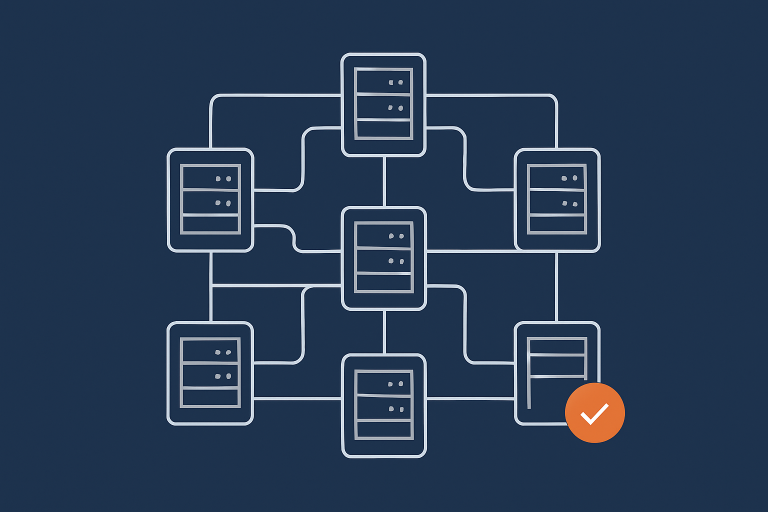
Designing for Resilience: Practical Redundancy and Failover When You Are Not on Public Cloud
Why Resilience Matters When You Do Not Use Public Cloud
From “cheap hosting” to “this really cannot go down”
Many UK businesses start with one simple website on low cost shared hosting. It works well enough until the site turns into something the business genuinely relies on.
Typical turning points are:
- Your brochure site becomes your main source of enquiries.
- Your WordPress blog starts driving most of your organic traffic.
- Your WooCommerce store or booking system begins to generate a noticeable share of revenue.
- You start handling card payments, health data or other regulated information.
At that stage, “it will probably be fine” is no longer a responsible approach. You do not need perfection or bank grade infrastructure, but you do need a clearer idea of how your hosting behaves when something breaks and how long you can afford to be offline.
This article focuses on that middle space. You are not moving everything to AWS or Azure, but you still want practical redundancy and failover that match your risk, budget and internal skills.
What resilience, redundancy and failover actually mean in plain English
It helps to agree on a few terms before looking at options.
- Resilience is your system’s ability to keep working, or recover quickly, when something goes wrong. Think of a car that can still get you home safely even if one tyre punctures.
- Redundancy means “having a spare” that can take over. Two power supplies instead of one, or two servers sharing the same workload.
- Failover is the process of switching from the broken thing to the spare. This can be automatic, semi automatic or fully manual.
- Disaster recovery (DR) is what you do when something big has gone wrong: data centre outage, serious data loss or a major security incident.
Resilience is the outcome. Redundancy, failover and DR are some of the tools you use to achieve it.
How being off public cloud changes your options (and what it does not change)
Not using public cloud changes how you implement resilience, but not the principles behind it.
Key things that do not change:
- You still need backups, regardless of how redundant your setup is.
- You still have to decide how much downtime and data loss you can tolerate.
- Applications still need to be designed for high availability. Infrastructure alone is not enough.
Things that do change when you are not on hyperscale cloud:
- You are less likely to be spanning multiple regions or continents.
- You may have fewer ready made automation tools, so more is custom or provider managed.
- Your hosting partner’s data centre design, hardware stack and operational processes matter more.
You can still build highly resilient architectures on owned hardware or virtual dedicated servers. The trade offs are mostly around design effort, operational discipline and where you choose to use managed services.
Start With Impact: What You Are Protecting Against, and Why
Common failure scenarios for UK SMEs
For most small and mid sized UK businesses, the real world failure modes look like this:
- Single server failure, for example a hardware fault on a basic VPS.
- Software issues after an update, such as a plugin upgrade breaking a WordPress or WooCommerce site.
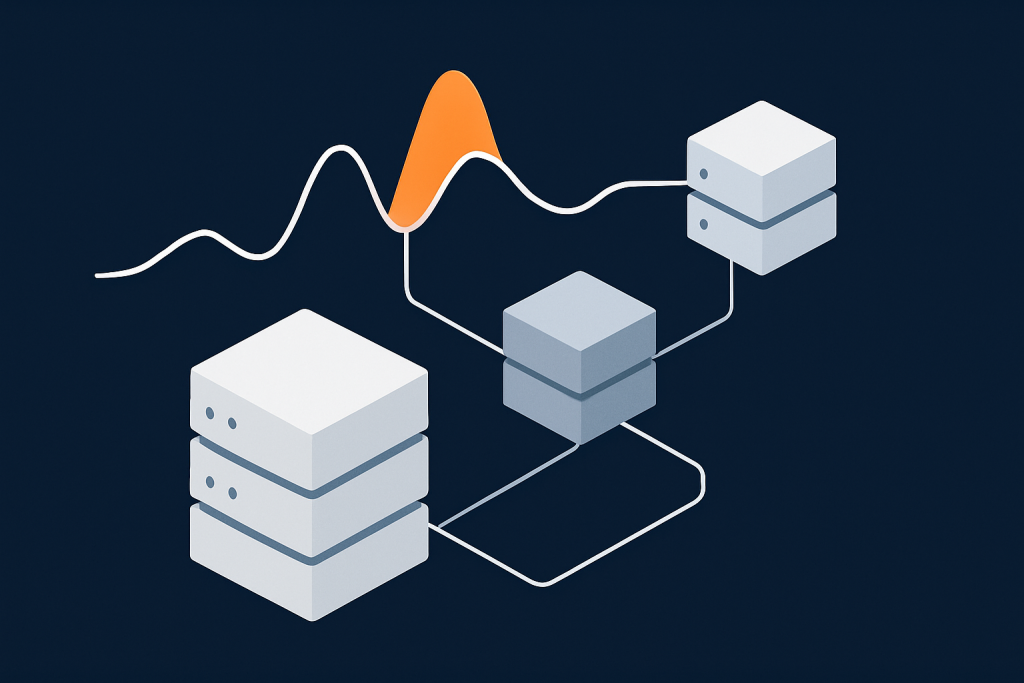
- Unexpected traffic spikes, sometimes from genuine marketing success, sometimes from bots.
- Localised network or power problems in the data centre.
- Security incidents, like compromised admin accounts or vulnerable plugins being exploited.
Designing for resilience means asking “how does my hosting behave in each of these situations” rather than “how do I make sure nothing ever goes wrong”. The latter is unrealistic, even on public cloud.
If you want more detail on these failure modes, you can read Why Websites Go Down: The Most Common Hosting Failure Points.
Separating performance issues from real downtime
It is easy to group everything under “the site went down”, but in practice there is a spectrum:
- Slow but working: pages load in 10 seconds, forms still submit but many users give up.
- Partially broken: the home page works but checkout errors, or the admin area is inaccessible.
- Fully offline: timeouts, 500 errors or “cannot reach server” messages.
Redundancy and failover mainly protect against the “fully offline” category. Performance issues often need different solutions, such as better capacity planning or use of caching and CDNs.
For example, the G7 Acceleration Network can reduce web server load by caching content, shrinking images to AVIF and WebP on the fly and filtering abusive traffic before it hits your application. That can remove a whole class of “the site is down because it is overwhelmed” incidents. It does not, on its own, remove the need for proper redundancy behind it.
How much downtime you can actually tolerate: mapping business risk
Before you spend money on resilience, it is worth putting rough numbers on impact. For example:
- A basic brochure site might tolerate 4 to 8 hours of downtime a year without real harm.
- A busy content site might need outages to be rare and short, but can often cope with a short maintenance window at night.
- A revenue critical WooCommerce store might start losing measurable revenue after 15 to 30 minutes offline.
- A regulated service may have contractual or compliance limits on downtime.
Discuss this with both technical and non technical stakeholders. Ask “what happens to customers, staff and revenue if we are offline for 15 minutes, 2 hours, a day?”. The answers will shape how far up the resilience ladder you need to go.
Key Building Blocks: Backups, Redundancy, Failover and DR
Backups vs redundancy vs failover vs disaster recovery
These terms are often mixed together. They solve related but different problems.
- Backups: copies of your data at a point in time, stored separately from your live system. They help if someone deletes data, a plugin corrupts your database, or an attacker encrypts your server.
- Redundancy: spare capacity that can take over immediately or quickly. Two web servers behind a load balancer, or a standby database ready to be promoted.
- Failover: the mechanism that switches traffic or role from one component to its spare.
- Disaster recovery: plans and systems to rebuild your service after a serious event, for example a full data centre outage or major security breach.
You should always assume that redundancy can fail. That is why offsite backups and DR planning are still required even in highly redundant setups. Our article Backups vs Redundancy: What Actually Protects Your Website goes into more detail here.
What uptime guarantees really cover (and what they do not)
Many hosting plans come with a percentage uptime guarantee. Common figures are 99.5%, 99.9% or 99.99%.
Key points to understand:
- These figures are usually calculated over a month and exclude maintenance windows or certain types of incident.
- They often measure the provider’s network and infrastructure, not your specific site or application.
- If breached, the typical remedy is a service credit, not compensation for your lost revenue.
In other words, a 99.9% SLA is a useful signal that a provider takes reliability seriously, but it does not replace proper redundancy and failover for your own services. For more detail, see What Uptime Guarantees Really Mean in Real World Hosting.
RTO and RPO in plain language for non engineers
Two useful concepts appear often in resilience planning:
- RTO (Recovery Time Objective): how long you can afford to be offline after an incident, before things become unacceptable.
- RPO (Recovery Point Objective): how much data you can afford to lose, measured as time. For example, if your last usable backup was 30 minutes ago, your RPO is 30 minutes.
Simple examples:
- A brochure site might have RTO of 4 hours and RPO of 24 hours.
- An active WooCommerce store might aim for RTO under 30 minutes and RPO under 5 minutes.
Once you know your RTO and RPO targets, you can judge whether a given architecture is appropriate, or whether you would need more automation, more redundancy or a managed high availability platform to realistically meet those numbers.
What Changes When You Are Not Using Public Cloud
Misconception: you must be on AWS or Azure to have high availability
High availability is a design pattern, not a specific product. It is entirely possible to achieve strong resilience without public cloud.
For example, you can have:
- Multiple application servers behind a load balancer.
- Redundant power and networking within the data centre.
- Database replication between separate servers.
- Offsite backups and a clearly tested DR process.
Public cloud makes some of these patterns easier to automate across many regions, but equivalent designs are possible on dedicated or virtual dedicated servers with appropriate planning.
Advantages of owned hardware and virtual dedicated servers for resilience
Running on your own hardware or on Virtual dedicated servers can bring some resilience benefits:
- Predictable performance: your resources are reserved, so noisy neighbours are less of a risk than on cheap shared platforms.
- Control over change: you decide when to apply operating system or stack updates, which reduces surprise incidents from background changes.
- Network and storage design: you can work with your provider to define RAID levels, network paths and backup strategies that fit your tolerance for risk and cost.
This extra control can be very helpful if you are building high availability into a specific application rather than a large estate of small services.
Real constraints without hyperscale cloud: geography, automation, budget
There are also practical constraints to recognise:
- Geography: multi region designs are less common outside public cloud. You are more likely to focus on high availability within one or two UK data centres.
- Automation: cloud ecosystems provide many off the shelf tools for auto scaling and failover. In a non cloud environment, more of this logic either lives in your own systems or is handled as a managed service by your provider.
- Budget: you are unlikely to run dozens of tiny servers across many zones. Instead you typically design a smaller number of more capable nodes with well defined failover paths.
These constraints do not prevent strong resilience. They simply change the shape of your architecture and the skills required to operate it safely.
Resilience Levels: From Single Server to Fully Redundant Setups
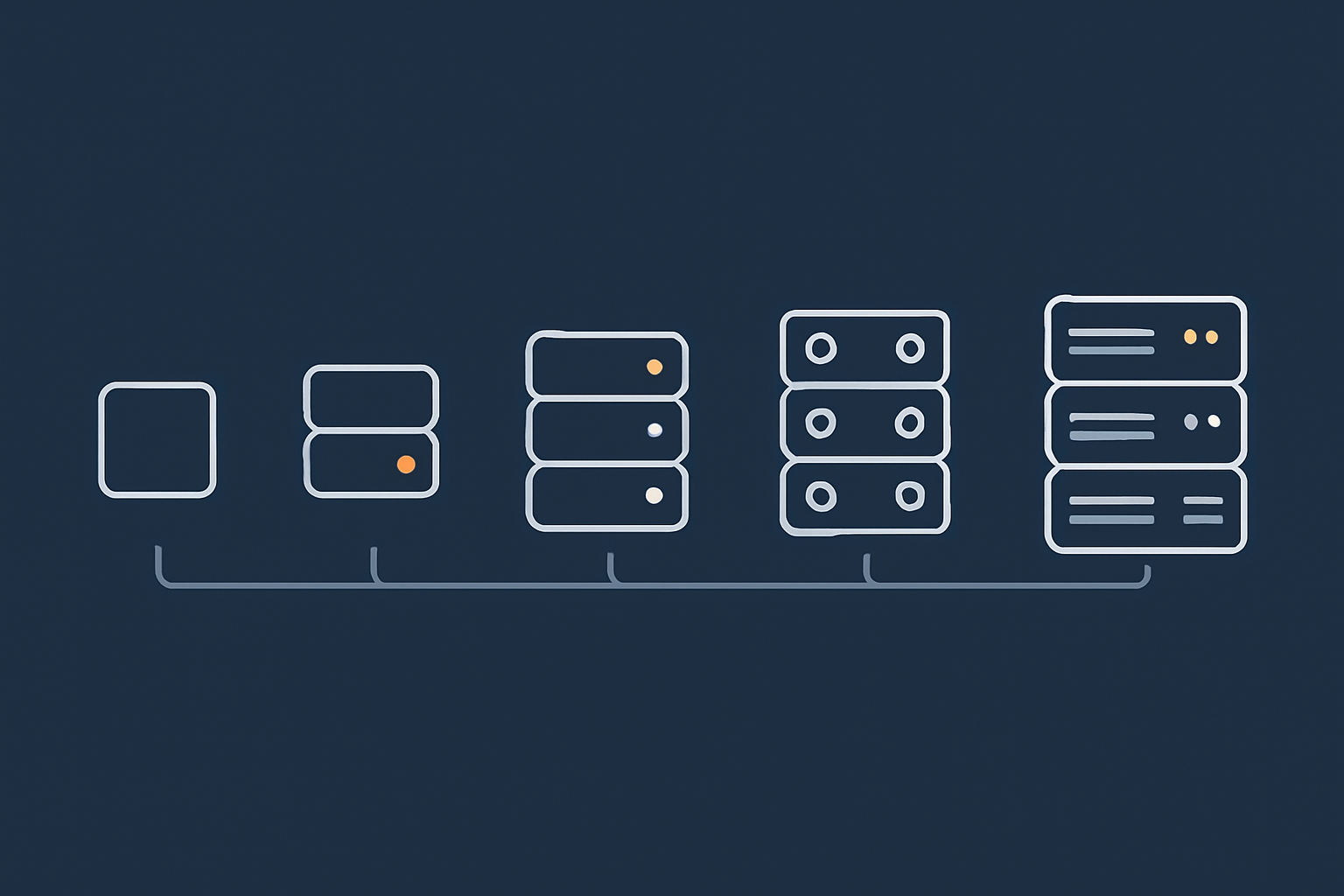
Level 0: Single shared hosting account with offsite backups
This is where many sites start. One shared hosting account, usually with daily backups.
What you typically get:
- One physical server or cluster shared by many customers.
- Basic offsite backups, often daily.
- Some provider level redundancy such as RAID storage and spare power.
Resilience profile:
- Good protection against full hardware loss, provided backups are reliable.
- Limited protection against localised issues such as one noisy neighbour affecting performance.
- Recovery from serious incidents usually means restoring the whole account, which might take hours.
This level can be appropriate for low impact brochure sites and early stage projects, as long as you understand that there is no real failover. If the server hosting your account has a problem, your site is offline until it is fixed or restored.
Level 1: Single VDS with strong backups and fast restore
Here your site moves to a single, more powerful server, usually a Virtual dedicated server or similar VPS with reserved resources.
What you typically get:
- Dedicated CPU, RAM and storage allocations.
- More control over software stack, versions and configuration.
- Regular offsite backups with the option for more frequent snapshots.
Resilience profile:
- Markedly fewer “noisy neighbour” problems.
- Faster and more flexible restore options, especially if you can restore to a different host.
- Still a single point of failure for real time availability.
With good backups and a tested restore process, RTO in a serious incident can often be kept to 1 to 4 hours. For many SMEs, that is an acceptable risk level at a sensible cost.
Level 2: Warm standby server with manual or semi automatic failover
At this level you accept the cost of at least one extra server to reduce RTO significantly. You run:
- A primary VDS that serves traffic day to day.
- A “warm standby” server that stays in sync with current data and can be promoted if the primary fails.
Failover options:
- Manual DNS failover: you change DNS records to point to the standby. Simple, but DNS caching means it can take minutes to propagate.
- Semi automatic failover: monitoring detects primary failure and either prompts an engineer or runs a pre agreed script to switch routes.
Resilience profile:
- RTO often in the 10 to 60 minute range, depending on process and automation.
- RPO depends on how frequently you replicate data. Near real time is possible for databases with the right configuration.
This is often a sweet spot for important content sites and modest revenue WooCommerce stores, especially when combined with a managed service to handle the replication and failover logic.
Level 3: Active/active or active/passive high availability in a single data centre
Level 3 designs introduce proper high availability at the application layer. Typical features include:
- A load balancer or reverse proxy in front of two or more web or application servers.
- Shared or replicated file storage for media uploads.
- Database replication or clustering with automatic failover.
You can run:
- Active/active where all nodes serve traffic all the time.
- Active/passive where one node handles traffic and one is ready to take over quickly.
Resilience profile:
- Single node failures usually have little or no visible impact.
- RTO for most incidents can be under a few minutes, often seconds, provided failover is correctly configured and tested.
- Still depends on one data centre. A site wide power or network issue can affect everything.
This level introduces meaningful operational complexity. For many organisations it is sensible to use a managed platform or managed cluster rather than building and operating everything in house.
Level 4: Multi site or multi data centre designs for critical workloads
For workloads where even a full data centre outage is not acceptable, you can spread components across more than one location.
Common patterns include:
- Primary and secondary sites in different data centres with database replication between them.
- Separate read and write paths, where one site is authoritative for writes and the other can serve reads during an incident.
- Use of external services such as highly available DNS and content delivery networks to route traffic intelligently.
Resilience profile:
- Can tolerate loss of an entire site with limited downtime.
- RTO and RPO depend heavily on replication strategy and failover design.
- Requires clear operational playbooks and regular testing.
This level is usually appropriate only when downtime carries serious financial or regulatory impact. It almost always calls for either strong in house expertise or an enterprise style managed service.
Practical Redundancy Options on Virtual Dedicated Servers
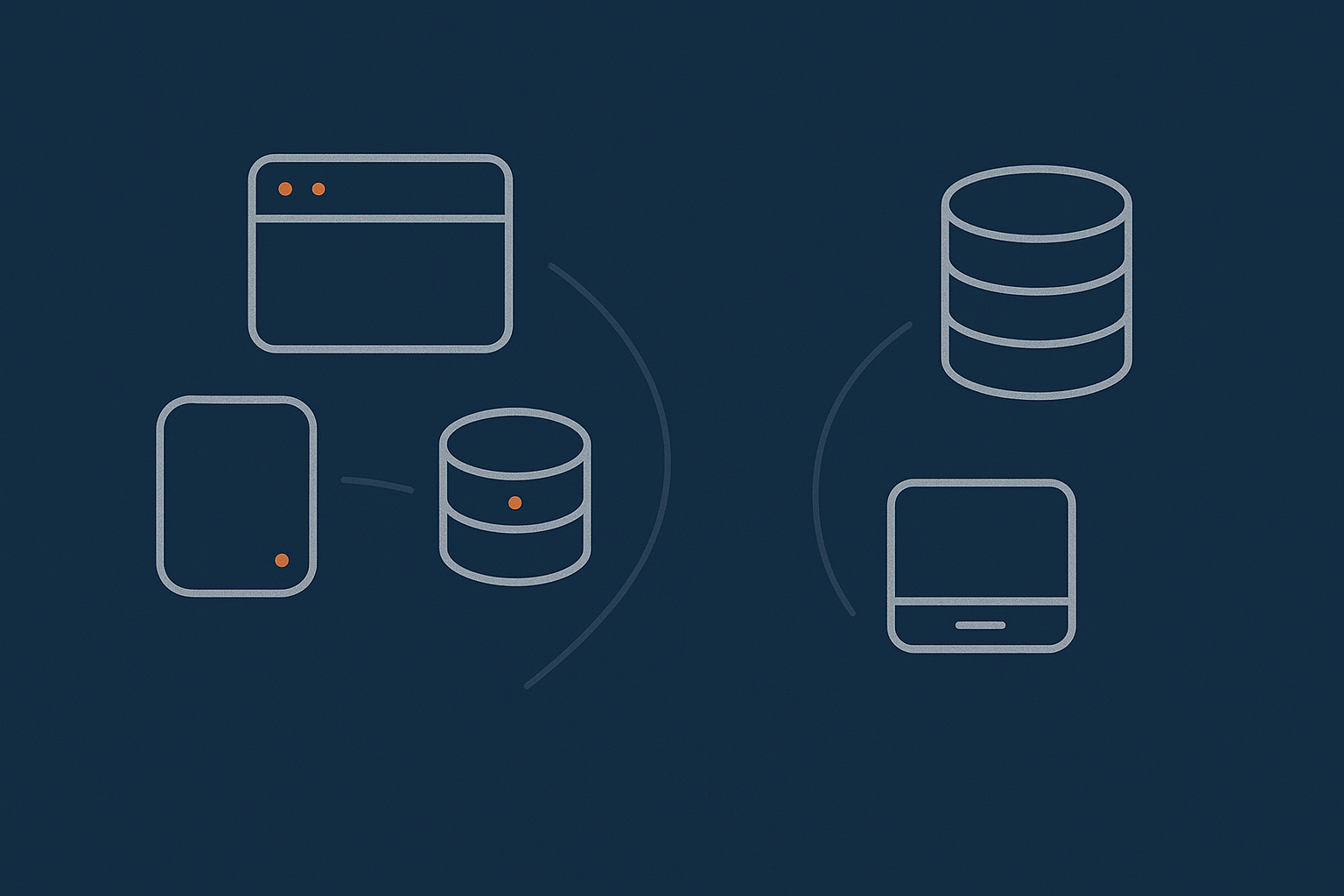
Host level redundancy: what your provider should already be doing
Some layers of redundancy sit below your virtual dedicated server. A well run provider will typically handle:
- Redundant power feeds and UPS / generator support in the data centre.
- Redundant network paths so that one router or switch failure does not isolate your server.
- RAID storage to tolerate individual disk failures without data loss.
- Hardware monitoring and proactive replacement of failing components.
These measures reduce the likelihood of you ever noticing a low level fault. They do not remove the need for your own backups or application level resilience, but they form the base of a reliable stack.
Application level redundancy: web, PHP, database, cache
Above the host level you have your application stack. In broad terms:
- Stateless components such as web servers, PHP workers and in memory caches (Redis, Memcached) are usually straightforward to run in parallel. If one node fails, traffic shifts to the others.
- Stateful components such as databases and file storage require more care, because they hold the data you must keep consistent.
Practical approaches on VDS infrastructure include:
- Multiple web or application servers behind a load balancer.
- Database replication (for example MySQL primary with one or more replicas).
- Object storage or replicated file systems for user uploads and media.
- Dedicated cache nodes that can be rebuilt quickly if they fail.
For a WordPress or WooCommerce site, this can mean:
- Two or more front end nodes running the site code.
- A shared or replicated uploads directory.
- A central MySQL database cluster with automatic failover or a clearly documented manual promotion process.
Using managed VDS to reduce operational complexity
Designing and operating these components safely involves:
- Understanding database replication modes and failure cases.
- Keeping load balancer health checks accurate and not too aggressive.
- Monitoring all layers so that partial failures are spotted quickly.
- Testing failover without risking production data.
For many SMEs this becomes more than a side task for a generalist IT manager. A managed VDS or fully managed cluster can offload much of this burden. You still own the business decisions, such as how much downtime is acceptable, but the provider handles day to day operations, updates and incident response at the infrastructure level.
Designing Failover Without Public Cloud Tricks
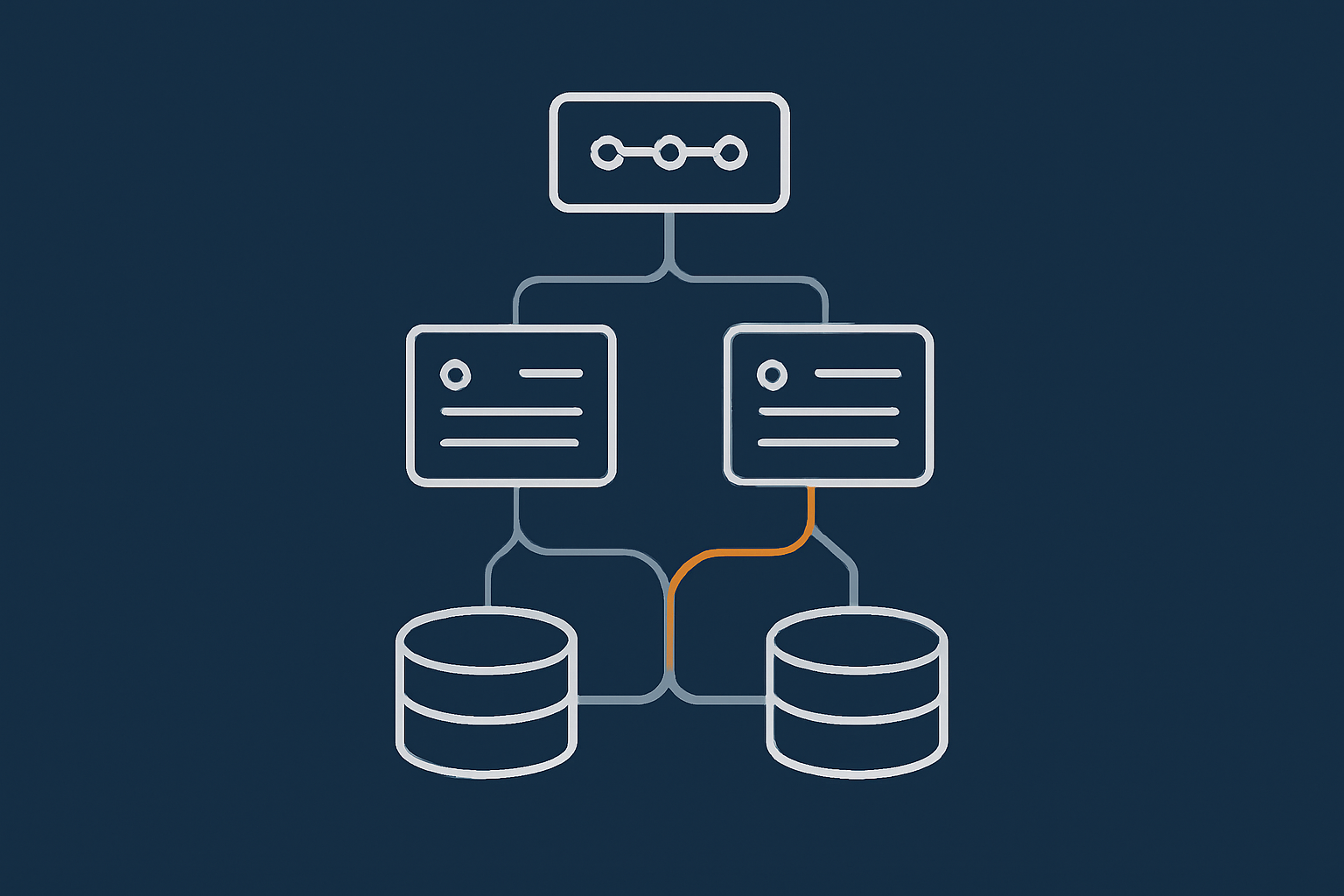
DNS based failover: what is realistic and what is marketing
DNS based failover is sometimes presented as a magic fix. In practice it is a useful tool with clear limitations.
How it works:
- You publish DNS records that point your domain at one or more IP addresses.
- A health check monitors each target.
- If one target fails, DNS is updated to direct traffic only to healthy targets.
Limitations to be aware of:
- DNS caching: users and ISPs cache DNS records for the duration of the TTL (time to live). If you set very low TTLs you can speed up failover, but you may increase DNS load and some resolvers still ignore low values.
- Partial failures: if the health check does not match the real user experience, DNS may keep sending traffic to an unhealthy node.
- No connection draining: existing connections are not gracefully moved, only new ones follow the updated DNS.
DNS based failover is still valuable, especially for switching between data centres, but it should be combined with robust monitoring and clear expectations about timescales.
Load balancers and health checks on your own or managed hardware
Within a data centre a traditional load balancer or reverse proxy is often a better tool for fast failover:
- It can check health every second or two.
- It sees full HTTP responses, so can spot application level errors as well as network failures.
- It can remove an unhealthy node from rotation almost immediately and re add it once it recovers.
Load balancers can be hardware appliances, virtual appliances or software tools like HAProxy or Nginx. Operating them properly involves designing sensible health checks, managing SSL certificates and keeping configuration in sync with your application changes.
If your team is small, using a managed load balancer as part of your hosting platform is often a good balance between control and operational load.
Database replication and failover: MySQL and WooCommerce examples
For many SME workloads the main stateful component is a MySQL compatible database. There are two common patterns:
- Primary with replicas: one node handles writes, others receive a replica of the data and can serve reads or be promoted if the primary fails.
- Clustered or multi primary: several nodes can handle writes, using coordination to keep data consistent.
For a WooCommerce store the typical choice is a primary with one or more replicas, because:
- Most of the heavy write traffic (orders, stock changes) is still manageable on a single primary.
- Reads (product pages, category listings) can scale horizontally if needed.
- Failover is conceptually simpler to reason about and test.
Key design questions include:
- How quickly do you need replicas to catch up (affects RPO)?
- Is failover fully automatic or do you prefer a manual promotion step?
- How will your application discover that the primary has changed?
On a managed platform your provider can often expose a stable “writer” endpoint that always points to the current primary, with internal logic handling promotion. If you build this yourself, you will need to handle those moving parts inside your own configuration and deployment tooling.
Stateless vs stateful components: what can easily be made redundant
One useful way to think about resilience is to separate your system into:
- Stateless components that do not keep important information between requests, for example:
- Front end web servers.
- PHP / application workers.
- API gateways and reverse proxies.
- Stateful components that hold data or long lived sessions, for example:
- Databases.
- User uploaded files and media.
- Queues and background task stores.
Stateless components are usually easier to scale and make redundant. You can add or remove nodes without worrying about data loss. Stateful components always need more careful design, testing and monitoring.
When you plan your architecture, start by making the stateless parts easy to duplicate. Then invest focused effort on the stateful components that genuinely need strong consistency and rapid recovery.
Resilient Architectures for Common Use Cases
Business brochure sites and lead generation
Typical characteristics:
- Content changes infrequently.
- Leads come via contact forms or simple enquiry flows.
- Downtime is inconvenient, but an hour or two per year is often tolerable.
Suitable resilience levels:
- Level 0 or Level 1 for most organisations.
- Daily backups plus manual restore process tested a few times a year.
- Use of a performance layer such as the G7 Acceleration Network to reduce load related issues.
Focus your efforts on solid backups, patching, and simple incident response rather than complex multi server designs.
Busy WordPress content sites
Characteristics:
- Higher traffic, often with traffic spikes from news, social media or email campaigns.
- Uptime matters for SEO, advertising or subscriber expectations.
- Most content is cached, but login and comment paths are dynamic.
Suitable resilience levels:
- Level 1 as a starting point, with careful capacity planning.
- Level 2 or 3 if traffic is high and outages have notable revenue or brand cost.
Architectural patterns:
- Multiple web nodes serving the same WordPress codebase.
- A well tuned cache and CDN layer to smooth traffic spikes.
- At least one replica database for offloading reads and providing a failover path.
Managed Enterprise WordPress hosting can be useful here, as it packages these patterns without requiring you to operate the underlying stack yourself.
Revenue critical WooCommerce stores
Characteristics:
- Direct revenue impact from downtime.
- Orders, stock levels and customer data must be consistent.
- Traffic is bursty around sales, campaigns or seasonal peaks.
Suitable resilience levels:
- Level 2 for smaller stores wanting clear, affordable protection.
- Level 3 for stores where RTO measured in minutes and RPO measured in a few minutes are required.
Architectural patterns:
- At least two application nodes and a load balancer.
- Database primary with one or more replicas, plus a clearly documented failover path.
- Redis or similar for sessions and caching, with sensible persistence settings.
- Separation between front end performance layers and core checkout / account flows.
Mistakes in database or session handling can lead to lost orders or inconsistent stock, so this is one of the clearest cases where managed high availability services reduce both risk and operational stress.
PCI conscious and regulated workloads
Characteristics:
- Need to align with PCI DSS, NHS DSPT or similar frameworks.
- Stronger expectations around security controls and audit trails.
- Possibly subject to explicit uptime or recovery requirements.
Suitable resilience levels:
- Level 3 or Level 4, depending on the specific regulatory and contractual environment.
Architectural patterns:
- Separation of environments (production, staging, test) with clear change control.
- Network segmentation and strict access control to sensitive components.
- Documented DR plan and regular tests, with evidence kept for audits.
In these scenarios, managed web hosting security features and PCI aware hosting are not just nice to have. They simplify compliance and help ensure your infrastructure matches your policy and documentation.
Monitoring, Testing and Documenting Your Failover
Why monitoring is part of redundancy, not an optional extra
Redundant systems that fail silently are not resilient. Monitoring is what tells you:
- When a component has failed and redundancy is keeping the system alive.
- When redundancy itself is degraded, for example one database replica is out of sync.
- When performance or error rates are trending in the wrong direction.
At a minimum you need:
- External uptime monitoring of your key URLs.
- Infrastructure monitoring of CPU, RAM, disk and network.
- Application level checks, such as successful test logins or checkouts.
Monitoring only helps if someone responds to alerts. Agree who is on the hook, during which hours, and how incidents are escalated.
Running realistic failover tests without breaking production
Failover processes that are never tested are unlikely to work as expected when you need them.
Practical approaches to testing include:
- Using staging environments that mirror production topology.
- Running controlled failover drills during low traffic windows, with agreed rollback steps.
- Rehearsing DNS changes or database promotions without actually switching live traffic.
Start with simple checks, such as confirming that a standby database can be promoted and the application can connect to it. Over time, increase the realism of drills as your team becomes more comfortable.
Documenting who does what in an incident
Clear documentation often matters as much as the technology itself.
At a minimum document:
- Who has authority to declare an incident and initiate failover.
- The exact steps for each failover scenario, including screenshots where helpful.
- How to communicate with stakeholders and customers during outages.
- How to roll back if a failover introduces new problems.
If you use a managed service, clarify the split of responsibilities. For example the provider may handle infrastructure failover, while your own team manages application level responses and customer communication. Our guide on Understanding Hosting Responsibility explains these boundaries in more depth.
Cost, Trade Offs and When Managed Resilience Makes Sense
How much resilience costs at each level
Costs increase as you move up the resilience ladder, not just in hosting fees but also in time spent operating the system.
- Level 0: one low cost shared account. Minimal operational time. Suitable for low risk sites.
- Level 1: one VDS, higher monthly cost than shared hosting but still straightforward. Time spent on occasional maintenance and testing restores.
- Level 2: two VDS plus monitoring and replication. Roughly double the infrastructure cost plus extra time to manage backups, replication and failover drills.
- Level 3: multiple application servers, database cluster and load balancer. Infrastructure cost rises, but people time and expertise often rise faster.
- Level 4: multiple sites or data centres. Costs include not only extra infrastructure but also careful network design, monitoring and DR rehearsal.
Managed services increase the monetary cost but can reduce the total cost by lowering the need for specialist in house skills and reducing the chance of expensive mistakes.
Common mistakes: overbuilding, underbuilding and ignoring people time
Three patterns show up regularly:
- Overbuilding: designing complex multi node setups for sites where a single well managed VDS with great backups would be enough. This ties up budget and attention with little real benefit.
- Underbuilding: keeping everything on a single low cost server when an hour of downtime already hurts. This is often due to inertia rather than active decision making.
- Ignoring people time: assuming that “we can run this ourselves” without accounting for on call effort, learning curve and the stress of handling incidents without prior rehearsal.
A short, honest conversation about business impact, realistic RTO / RPO and internal capacity usually surfaces where you sit on that spectrum.
When to move from shared or basic VPS to managed VDS or enterprise hosting
It may be time to look at managed VDS or enterprise style hosting if:
- Your site’s revenue or lead flow is noticeably affected by even short outages.
- You are already running multiple servers and feel uncomfortable with your ability to troubleshoot them under pressure.
- Incidents increasingly pull key staff away from their core roles.
- You are entering regulated environments or larger contracts that specify uptime or recovery commitments.
The goal is not to outsource thinking, but to share operational responsibility with a provider whose core competence is keeping infrastructure healthy and recovering it when things break.
Next Steps: Turning “We Need Redundancy” Into a Concrete Plan
Checklist of questions to answer before choosing an architecture
Before you commit to a specific design, work through these questions:
- What is the business impact of 15 minutes, 1 hour and 1 day of downtime?
- How much recent data can we afford to lose in a worst case scenario?
- Which parts of our system are truly critical to keep running?
- Which components are stateless and easy to duplicate, and which are stateful and need more careful design?
- Who will be responsible for monitoring, failover and incident communication?
- Do we have the skills and time to operate the architecture we are considering?
Write the answers down. They will make conversations with internal stakeholders and hosting providers much more concrete.
What to ask your hosting provider about their redundancy and failover
When you discuss options with a provider, useful questions include:
- What redundancy do you provide at the power, network and storage layers?
- How do you protect against host level failures affecting my VDS?
- What backup schedules and retention policies are available, and how often are restores tested?
- Can you support warm standby or multi node setups, and what parts would you manage versus what I would manage?
- How is monitoring handled, and what does your incident response process look like?
- What happens if a whole data centre experiences a serious outage?
Compare not just the answers but also how clearly and transparently they are explained. Clarity here is usually a good indicator of operational maturity.
Where to go deeper on high availability and risk planning
If you want to build a stronger understanding of these topics, some useful next steps are:
- Our article High Availability Explained for Small and Mid Sized Businesses for a broader introduction to HA concepts.
- Vendor neutral guidance from sources such as the UK’s National Cyber Security Centre on resilience and cloud security patterns, many of which translate directly to non cloud environments.
If you would like help mapping these ideas to your own site or application, you are welcome to talk to G7Cloud about which hosting architecture, managed services or virtual dedicated servers are proportionate for your risk and budget. A short, practical conversation can often turn “we need redundancy” into a clear, workable plan.