Shared Hosting, VPS, VDS and Dedicated: How to Choose the Right Hosting Model for a Growing Business
Why Hosting Model Choice Starts To Matter As You Grow
From “any cheap plan” to “this is business critical”
Many businesses start their online life with a simple goal: get a website live quickly and affordably. A low cost shared plan, perhaps bundled with a domain name, is often good enough for that first step.
Over time, the website usually stops being “just a site” and becomes part of how the business actually works:
- Your marketing team is running paid campaigns into landing pages.
- Sales relies on the site for leads or proposals.
- An online shop or booking system starts handling real revenue.
- Partners, investors or press look at the site as a sign of credibility.
At that point uptime, performance and security are no longer nice to have. A slow or unreliable site means lost leads, lost orders and awkward conversations. The hosting model that was fine for a side project may no longer be appropriate for a business critical system.
This article is about understanding the main hosting models and how to choose between them with a clear view of cost, risk and operational effort. The aim is not to push you towards a particular product, but to give you enough context to make calm, deliberate decisions.
What a hosting model actually is in plain English
In simple terms, a “hosting model” is the way your website shares or uses physical servers in a data centre, and how responsibilities are split between you and your provider.
There are four broad models you will see most often:
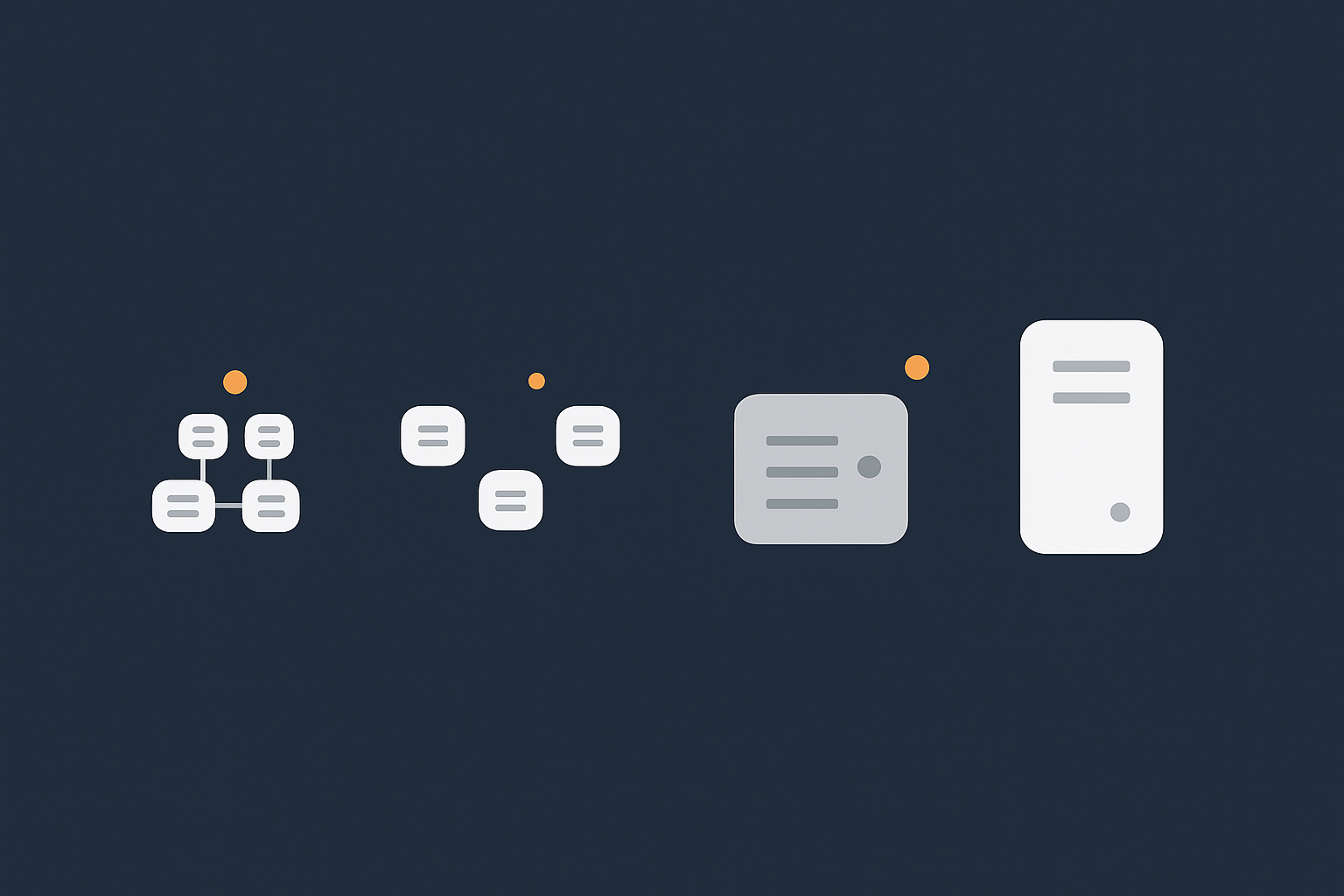
- Shared hosting: many customers’ sites on the same server, sharing most resources.
- VPS (Virtual Private Server): a virtual machine with reserved resources, but still on shared hardware.
- VDS (Virtual Dedicated Server): a larger, more isolated virtual machine with stricter resource guarantees.
- Dedicated server: an entire physical machine for your exclusive use.
Each model trades off cost, performance, isolation and management effort in different ways. Understanding those trade offs is more important than understanding every low level technical detail.
The three main pressures as you grow: risk, performance and responsibility
As a site grows, three pressures usually show up together:
- Risk: What happens if the site is down, slow or compromised? Does it cost you leads, orders or reputation?
- Performance: Can the hosting handle busy periods, heavier pages, more plugins or integrations without becoming sluggish?
- Responsibility: Who is actually looking after the servers, updates, security patches and monitoring?
Shared hosting keeps cost and management effort low, but gives you less control over risk and performance. Dedicated servers give you almost full control and isolation, but shift much more responsibility to you or your team.
Most growing businesses sit somewhere in the middle for a long time, which is where Virtual dedicated servers and higher quality VPS plans become interesting.
The Four Main Hosting Models Explained in Plain Language
Shared hosting: many sites sharing one kitchen
How shared hosting works technically
Shared hosting is like renting a cupboard in a busy restaurant kitchen. You have your own ingredients (your website files and database), but you share the cooker, fridge and worktops (CPU, memory, network and disk) with many others.
Technically, a shared hosting provider runs a large server with an operating system and control panel such as cPanel web hosting. Dozens or even hundreds of accounts share the same underlying resources. The provider uses limits and isolation tools to keep accounts separate, but everyone is still drawing from the same pool.
Key points:
- Low cost per site because hardware and management are spread across many customers.
- Simple to use: email, DNS, backups and SSL are usually included.
- You have limited control over software versions and server level configuration.
- Heavy usage by one site can sometimes affect others on the same server.
Typical use cases: brochure sites, early stage projects
Shared hosting works well when:
- Your site is mostly static content or a standard CMS such as WordPress with modest traffic.
- Downtime would be inconvenient rather than critical.
- You have limited in house technical skills and want an all in one, low effort solution.
Early stage marketing sites, brochure sites, local organisations and test projects are all sensible candidates for shared hosting.
VPS: a walled-off slice of a bigger server
How virtualisation and resource slices work
A Virtual Private Server (VPS) is like having your own self contained kitchen inside a larger building. You still share the building with others, but your walls, cooker and fridge are yours to configure.
Virtualisation software such as KVM or VMware carves a physical server into multiple virtual machines. Each VPS has:
- Its own operating system and root access.
- Allocated CPU, RAM and disk space.
- More control over installed software, services and configuration.
The underlying hardware is shared, but the separation is stronger than on typical shared hosting. Your processes are isolated from others and you have more predictable performance, assuming resources are not oversold.
Where VPS fits for SMEs and technical teams
A VPS is often a good fit when:
- You are running a growing application or CMS that needs specific versions of PHP, Node, databases or caching tools.
- You want to run multiple sites or applications under one roof with custom configuration.
- You have someone who can manage a server, or you are using a managed hosting service to look after it.
For many SMEs, a VPS is the first step where you move from “website hosting account” to “server” thinking, with more power and more responsibility.
Virtual Dedicated Server (VDS): a larger, more isolated slice
How VDS differs from typical VPS in practice
A Virtual Dedicated Server (VDS) sits between a standard VPS and a full dedicated server. It is still virtualised, but with tighter limits on how many tenants share the hardware and stronger resource guarantees.
In practice, a VDS generally offers:
- Higher and more reserved CPU allocations with lower contention.
- More RAM and faster storage, often NVMe based.
- Less aggressive oversubscription on the host node.
- Isolation closer to dedicated hardware without the same cost or hardware lock in.
The effect is that you have a larger, more predictable slice of capacity that behaves much like a dedicated server for most workloads.
When a VDS is a better fit than a small VPS or full dedicated
A VDS can be a strong choice when:
- You have a busy WordPress or WooCommerce site, a SaaS application or several high traffic client sites.
- You feel the limits of basic VPS performance or unpredictability at peak times.
- You want isolation and reserved performance, but a full dedicated machine feels like too big a jump in cost or management overhead.
For many agencies and growing online retailers, a managed Virtual dedicated servers plan hits a useful balance between power, predictability and operational support.
Dedicated server: the whole physical machine
What changes when you are the only tenant on the hardware
A dedicated server is the full restaurant building. You have the entire physical machine to yourself, with no other tenants sharing CPU, RAM, disks or network cards.
What this changes in practice:
- Performance is consistent and predictable, limited mainly by your own workload and configuration.
- You can run specialised software, databases or licensing models that depend on hardware level access.
- You can segment workloads across multiple dedicated servers for resilience or compliance.
Dedicated servers often come with options for hardware RAID, larger storage arrays and network level customisation that smaller plans do not expose.
Who usually needs dedicated hardware in 2025
In 2025, fewer businesses need dedicated servers than in the past, because virtualisation and VDS performance have improved considerably. Dedicated hardware still makes sense when:
- You have heavy, constant workloads such as large databases, analytics platforms or video processing.
- You have strict compliance rules or internal policies that prefer or require physical isolation.
- You are consolidating many applications and sites into a carefully managed platform with in house expertise or a strong managed services partner.
Dedicated is rarely the first step. It is more often a considered move after outgrowing virtual environments, or when planning a wider platform strategy.
Key Decision Factors: How To Compare Hosting Models
Performance: CPU, memory, disk and noisy neighbours
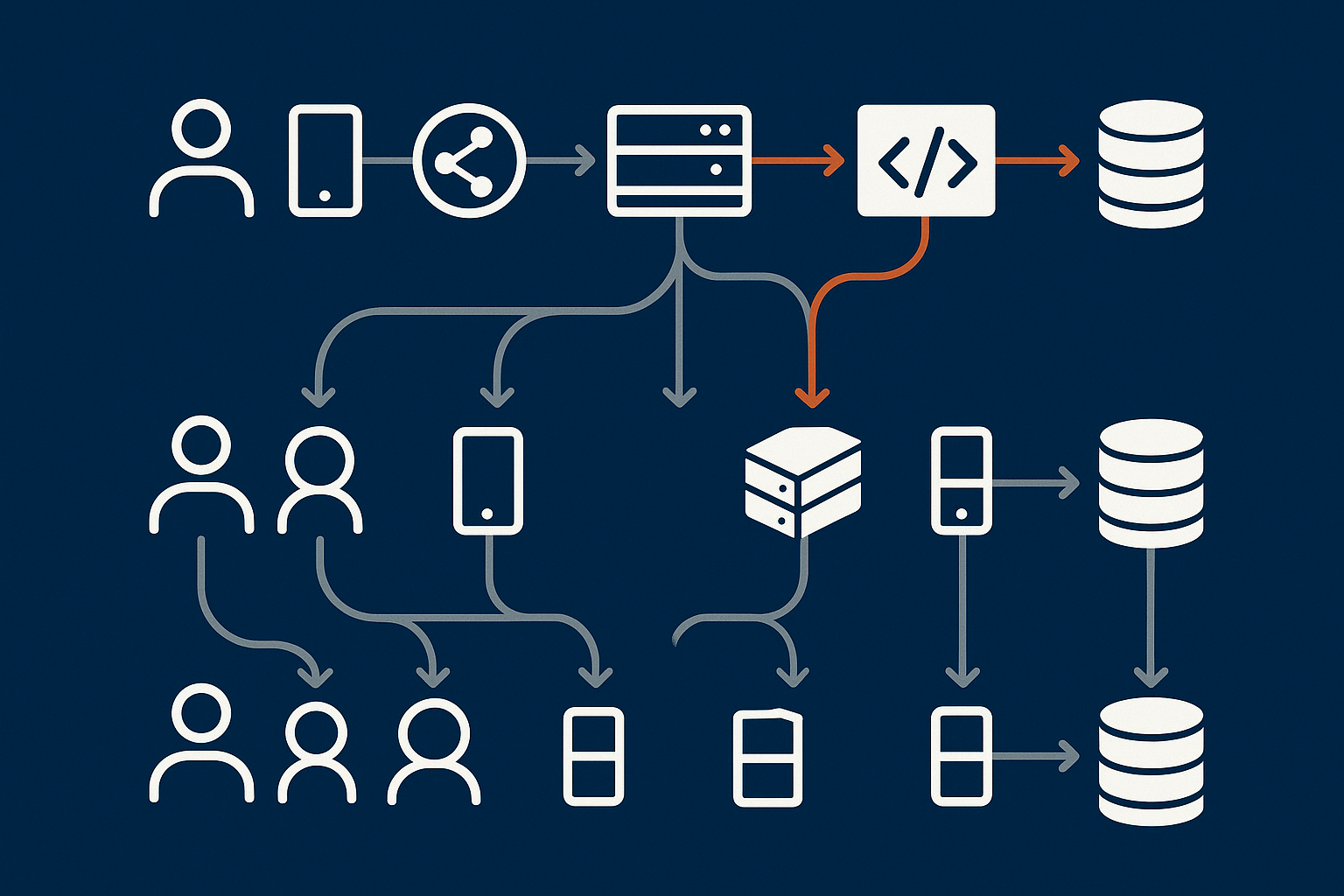
What actually makes a site feel fast or slow
From a visitor’s perspective, “fast” usually means:
- Pages start loading within a second or two.
- Interactions, searches and checkouts respond quickly.
- There are no long pauses at peak times.
Behind the scenes, performance depends on:
- CPU: how quickly code runs.
- Memory (RAM): how many things can be kept in fast access rather than disk.
- Disk and database speed: how fast content and data can be read or written.
- Network and latency: how quickly data travels between user, server and any external services.
Caching and content delivery also matter. A service such as the G7 Acceleration Network can cache static content close to users, optimise images to modern formats like AVIF and WebP on the fly (often cutting image weight by more than 60 percent), and filter abusive traffic before it reaches your application servers.
How resource sharing differs between models
The main difference between hosting models is how you share these resources:
- Shared hosting: CPU, RAM and disk IO are shared across many accounts. Providers use limits to stop abuse, but a few heavy sites on the same server can still cause contention.
- VPS: You have allocated CPU/RAM, but the host node can still be busier at times, affecting performance if oversold.
- VDS: Larger, more tightly controlled allocations with less contention. It is much rarer for a neighbour to impact you.
- Dedicated: No neighbours at all. Your performance variations are down to your own usage and configuration.
For many businesses, moving from shared to a well specified VPS or VDS solves most day to day performance issues without needing to change application code immediately.
Reliability and uptime: what you can reasonably expect
What uptime guarantees really mean for each model
Hosting providers often advertise “99.9% uptime” or similar. It is worth reading the fine print carefully and understanding what is and is not covered. Our article What Uptime Guarantees Really Mean in Real World Hosting goes into this in detail.
In broad terms:
- Shared hosting SLAs are often best effort, with some maintenance windows and a small allowance for unexpected outages.
- VPS and VDS plans may carry stronger SLAs on node uptime, since fewer customers share each host.
- Dedicated servers usually come with clearer hardware replacement and network uptime commitments.
An SLA is not a guarantee that your own site or application will never have issues. It typically covers the infrastructure the provider controls: power, network and hardware node availability.
Backups, redundancy and failover: what they are and are not
It is easy to mix up three related concepts:
- Backups: point in time copies of data. They protect against accidental deletion, corruption or some security incidents, if they are stored safely.
- Redundancy: extra capacity or duplicates so that if one component fails, another takes over. This might be redundant power, disks, network paths or additional servers.
- Failover: the process that detects a failure and moves traffic or workloads to redundant systems.
Shared hosting plans often include backups, but may not offer true redundancy or automated failover for individual sites. VPS, VDS and dedicated environments give you more flexibility to design redundancy, but that design work usually sits with you unless you are on a managed or enterprise service.
For a deeper comparison, see Backups vs Redundancy: What Actually Protects Your Website.
Security, isolation and compliance needs
Risk profile for shared vs VPS vs VDS vs dedicated
Security is partly about the technology and partly about how systems are managed.
From an isolation perspective:
- Shared hosting relies on strict account separation within the same operating system. A well run platform can be safe, but your trust is in the provider’s architecture and processes.
- VPS gives you a separate operating system. You control patching, firewall rules and running services, but also take on more responsibility for doing that well.
- VDS adds stronger resource isolation and often sits on infrastructure designed for heavier, more sensitive workloads.
- Dedicated removes cross tenant concerns on that machine entirely. You still need good configuration, monitoring and patching.
None of these models replaces the need for secure application code, safe passwords and sensible access controls.
When PCI and governance push you away from shared hosting
If you handle cardholder data or fall under stricter governance, platform choice matters more. PCI DSS, for instance, places requirements on how systems are segmented, monitored and maintained. The official PCI Security Standards Council publishes the details at pcisecuritystandards.org.
In practice:
- Many organisations choose not to put card processing components on shared hosting.
- A well structured VPS, VDS or dedicated platform with proper network segmentation is easier to align with PCI responsibilities.
- Specialist PCI conscious hosting can help design and operate the right layout, especially where in house expertise is limited.
Management responsibility and in-house skills
Who patches, monitors and troubleshoots on each model
A key question is: who is awake at 2 a.m. if something important breaks?
- Shared hosting: The provider manages the operating system, core software, monitoring and hardware. You look after your site code, content and application level updates.
- VPS and VDS (unmanaged): You or your team manage the operating system, patches, web stack, databases, security hardening, monitoring and backups, unless add ons are in place.
- Managed VPS / VDS / dedicated: The provider takes on a significant share of the operational work, such as security patching, stack tuning, proactive monitoring and response. You still own your application and data.
Running your own server stack is entirely achievable for a technically minded team, but it does require time, discipline and processes. Our article When Managed Hosting Makes Sense for Growing Businesses explores this trade off in more detail.
When managed hosting is worth the extra monthly cost
Managed services become attractive when:
- Your in house team is small or focused mostly on development, marketing or product, not infrastructure.
- Downtime or slowdowns would have noticeable business impact.
- You would rather escalate issues to a provider’s 24/7 operations team than maintain that capability internally.
It is helpful to think of managed hosting as a way to reduce operational risk and context switching, rather than as an unnecessary “extra”. In many cases, the avoided time spent firefighting more than covers the monthly fee.
Cost and value over 2 to 3 years, not one month
Comparing total cost of ownership across models
Headline monthly prices can be misleading. A very low cost shared plan might look attractive, but if you outgrow it quickly you will spend time and money migrating sooner than expected.
Total cost of ownership over 2 to 3 years should consider:
- Monthly or annual hosting fees.
- Time spent by your own team managing infrastructure or chasing issues.
- Third party tools for monitoring, backups or security if not included.
- Potential future migrations between models.
Sometimes a slightly higher tier now (for example a modest VPS rather than the cheapest shared plan) reduces the number of disruptive moves later.
Hidden costs: downtime, firefighting and lost opportunities
There are also indirect costs that rarely appear on a quote:
- Hours spent diagnosing performance issues instead of building features or campaigns.
- Leads lost because forms or checkouts did not work for a period during a promotion.
- The distraction of emergency fixes during evenings or weekends.
It is worth weighing these against the extra £20–£100 per month that a more appropriate hosting model or managed service might cost.
Typical Growth Paths: Matching Hosting Models To Business Stages

Stage 1: Startup and simple brochure sites
When shared hosting is perfectly sensible
At the very beginning, when budgets are tight and traffic is low, a solid shared plan is often the most pragmatic choice. It gives you:
- A simple control panel to manage email, DNS and SSL.
- One click installs for WordPress or similar CMS tools.
- Minimal setup or maintenance overhead.
This is usually enough to validate messaging, share information and start collecting initial leads.
Red flags that show you are outgrowing shared
Signs that it may be time to move on include:
- Pages that were previously fine become consistently slow at peak times.
- You are hitting resource or “inodes” limits regularly.
- Support tell you that your site is using more than a fair share of CPU or IO.
- You need software versions or server settings that shared hosting cannot provide.
At that point, a VPS or VDS starts to make sense, either self managed if you have skills in house or managed if you prefer to focus on the application.
Stage 2: Growing marketing site or small lead funnel
When a VPS or higher quality shared plan makes sense
As traffic grows and campaigns become more serious, you want more consistent performance and flexibility. Options include:
- Moving to a premium shared or cPanel web hosting plan with more resources and fewer accounts per server.
- Stepping up to a small VPS for more control over caching, PHP workers and database tuning.
The right choice depends on how dynamic the site is and how quickly you expect growth. Lead generation sites with forms, personalisation or external integrations often benefit from a VPS earlier.
How to avoid over-buying capacity too early
It can be tempting to buy a very large server “just in case”. A more balanced approach is:
- Choose a plan that leaves clear headroom over current usage, not several multiples.
- Confirm that your provider can scale you up smoothly when needed.
- Use monitoring to track resource trends so you can plan upgrades calmly.
Our article Scaling a Website Safely: When Vertical Scaling Stops Working covers how to think about growth once you are on VPS, VDS or dedicated platforms.
Stage 3: Busy WordPress or WooCommerce site
Why many shops hit limits on shared and basic VPS
Ecommerce and membership sites, particularly on WordPress and WooCommerce, tend to be heavier than simple content sites. They involve:
- More database queries.
- Cart and checkout logic that cannot be cached easily.
- Third party payment and shipping integrations.
On shared hosting or very small VPS plans, this can lead to slow checkouts at peak times, queueing PHP workers and frustrated customers.
How a VDS or well-managed WordPress platform changes the picture
A well specified VDS or specialist Managed WordPress hosting platform can make a significant difference:
- More generous, predictable CPU and RAM that cope with peak load.
- Server level caching, object caching and database tuning aligned to WordPress patterns.
- Operational support that understands plugin behaviour, updates and typical bottlenecks.
For many online shops, this is the stage where a managed service becomes attractive. It reduces the risk of learning infrastructure management the hard way during Black Friday or a major launch.
Stage 4: High traffic, multi-site or mission critical workloads
When VDS or dedicated becomes the sensible baseline
If your platform is central to revenue or operations, and handles sustained high traffic, a VDS or dedicated server is usually the baseline. Typical examples include:
- Multi site WordPress networks serving many brands or territories.
- SaaS applications with paying customers.
- Customer portals or partner platforms tied into core systems.
At this point, you are probably thinking beyond a single server to how things fail and recover, how releases are managed and how capacity is increased without disruption.
Planning for high availability and peak events
High availability often involves:
- Multiple servers behind a load balancer.
- Redundant databases or replicas.
- Geographically distributed caching or content delivery.
This increases complexity and operational effort. For most small teams, this is where partnering with a provider’s managed or enterprise services is more efficient than building everything alone.
Virtual Dedicated Servers vs Traditional VPS and Dedicated
What “virtual dedicated” really means in practice
Resource guarantees, CPU contention and isolation
“Virtual dedicated” is not a formal standard, so implementations differ between providers. In general, a VDS aims to behave like dedicated hardware from the point of view of performance and isolation, while still using virtualisation.
Characteristics typically include:
- High quality CPU with a committed share for your VDS.
- Lower tenant density per host node than commodity VPS.
- Fast NVMe storage and generous IO limits.
- Network and security controls closer to dedicated servers.
The result is fewer surprises at busy times and a better foundation for heavier sites or multiple client projects.
Licensing, scaling and consolidation advantages
Because VDS is virtual, you keep some useful flexibilities:
- You can often scale up CPU or RAM without physically moving to new hardware.
- Operating system and database licensing can be more efficient compared to several small servers.
- Consolidating several moderate workloads onto one well managed VDS can be simpler than juggling many small VPS plans.
When to choose VDS over a larger VPS or small dedicated
Example scenarios: agencies, SaaS, busy WooCommerce
VDS tends to be a good fit for:
- Agencies hosting multiple client sites that must stay responsive during campaigns.
- SaaS products with a steady but growing user base and clear uptime expectations.
- Busy WooCommerce shops that have outgrown shared or basic VPS plans but are not ready for a full multi server cluster.
In these cases, a VDS provides a clear performance and isolation improvement without the step change in cost and hardware responsibility that dedicated often brings.
Budget and risk trade offs in the mid-market
From a budget and risk point of view:
- A VDS is usually more expensive than a simple VPS, but often cheaper and more flexible than dedicated.
- You gain more predictable performance and futures, which reduces the likelihood of urgent, unplanned migrations.
- When combined with managed services, you can treat it as a stable “platform” rather than “a server that someone has to look after”.
Common Mistakes When Choosing a Hosting Model
Chasing the cheapest headline price
Why “unlimited” resources and 99.99% marketing claims can mislead
Plans that promise “unlimited” everything at very low prices always have fair use limits in the small print. Similarly, 99.99% uptime claims may come with many exclusions.
Instead of focusing only on adverts, look for:
- Clear, realistic descriptions of what is included.
- Examples or case studies for sites similar to yours.
- Transparency around how many accounts share a server, where possible.
There is nothing wrong with cost effective plans, but it helps to understand what allows a provider to be that cheap, and whether it aligns with your risk tolerance.
Confusing backups with redundancy and uptime
What each protects you from and what it does not
Backups do not keep a site online. They help you recover data if something is lost or corrupted. Redundancy and failover are about keeping services running despite failures.
Common misunderstandings include:
- Assuming daily backups mean instant recovery and zero downtime.
- Believing that a single VPS or dedicated server is “highly available” because it has RAID storage.
- Thinking that because email says “backup complete”, everything is safe without testing restores.
Our Backups vs Redundancy article walks through real world examples of what each approach can and cannot prevent.
Underestimating management overhead on VPS, VDS and dedicated
The real time cost of running your own server stack
Running your own server stack can involve:
- Regular security patching and package updates.
- Monitoring and responding to alerts.
- Performance tuning as traffic patterns change.
- Incident response when something breaks.
Even if each task is not difficult in isolation, they add up, and they require someone to maintain a mental model of the whole system. For a small team, that context switching carries a real cost.
Waiting for a crisis before upgrading
Recognising early warning signs and planning a calm migration
Upgrading during a crisis is rarely comfortable. It is better to watch for early signals:
- Regular resource limit warnings from your provider.
- Increasing support tickets or complaints about slowness.
- Important plugins or application components disabled to “save resources”.
- Developers or agencies telling you the current hosting is limiting what they can do.
When you see these, it is worth starting a conversation with your provider about options. Calm migrations planned over days or weeks are far easier than emergency moves done overnight.
A Simple Checklist To Decide Your Next Hosting Step
Questions about your site and business risk
Ask yourself:
- If my site was offline for a day, what would actually happen?
- How much monthly revenue or how many leads rely on the site?
- Would downtime or data loss create contractual, regulatory or reputational issues?
If the answers point to significant impact, you are likely beyond entry level shared hosting.
Questions about traffic, performance and growth plans
Consider:
- How many visitors or orders do you handle now, and what is realistic growth over the next year?
- Are you planning major campaigns, launches or territory expansions?
- Does your application have known “heavy” features such as search, reporting or integrations?
This helps decide whether a moderate VPS is enough or whether you should design around VDS or dedicated from the outset.
Questions about skills, support expectations and budget
Reflect on:
- Who, internally, is comfortable managing servers day to day?
- Do you want 24/7 operational cover, and if so, who provides it?
- What monthly budget feels acceptable when you include the value of your team’s time?
Aligning hosting model and support level with your actual capabilities is as important as CPU and RAM numbers.
How to discuss requirements with a provider without getting lost in jargon
When talking to a provider, focus on real world scenarios rather than only technical metrics. For example:
- “We have a WordPress site that peaks at around 300 concurrent users during campaigns and we need checkouts to stay fast.”
- “We run a SaaS application where login and dashboard performance must be consistent, and we plan to double user numbers over the next year.”
- “We handle card payments and need to discuss PCI conscious hosting options.”
A good provider will translate these into sensible hosting architectures and explain the trade offs clearly, not just recommend the biggest or most expensive server.
Where To Go Next: From Shared Hosting To a Long Term Platform
If you are mainly WordPress or WooCommerce focused
If WordPress or WooCommerce sit at the heart of your business, you have two broad paths:
- A carefully tuned VPS or VDS, either self managed or with managed services.
- A specialist Managed WordPress hosting platform that abstracts much of the server detail away.
Once you understand the models in this article, you may find our more specific guide Shared Hosting vs VPS vs Virtual Dedicated Server for WordPress a useful next step.
If you are planning for PCI or stricter compliance
If you are moving towards card processing, handling sensitive personal data or working within regulated sectors, it is worth involving your hosting provider early. Together you can:
- Decide whether VPS, VDS or dedicated is the right base.
- Design network and application segmentation to keep scope as tight as possible.
- Plan monitoring, logging and backup strategies that support your compliance efforts.
Specialist PCI conscious hosting offerings can reduce the burden on your internal team by providing opinionated, pre checked patterns.
If you need isolated resources without jumping straight to physical hardware
If you recognise that shared hosting is not enough, but full dedicated still feels like a large step, VDS is often an effective middle ground. It gives you:
- Reserved, predictable resources and strong isolation.
- Flexibility to scale and consolidate workloads over time.
- The option of managed services so your team can focus on the application layer.
From here, you can grow in a controlled way, adding more VDS instances or, where truly required, moving specific components to dedicated hardware.
If you would like to talk through which model fits your current stage and risk profile, G7Cloud can help you map real business requirements to sensible hosting architectures, whether that is shared, VPS, VDS or dedicated with managed services.