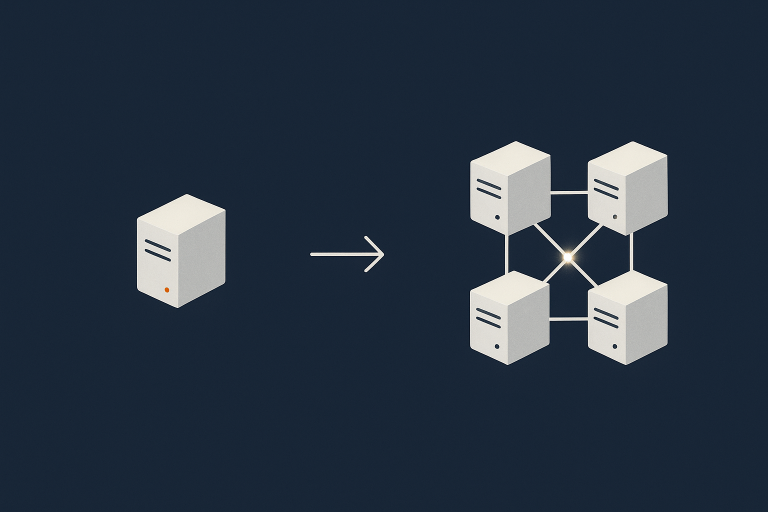
Single Server vs Multi Server Architecture: How to Decide When You Are Not on Public Cloud
Who this guide is for and what you will learn
This guide is for people responsible for a website or online application that matters to the business, but who are not full time infrastructure engineers.
You might be:
- A digital manager running a WordPress or WooCommerce site
- A technical founder with a custom web application
- An IT manager who looks after several internal systems and one public site
The common theme is that hosting choices now have real financial or reputational consequences, and you need to decide whether a single server is still sensible, or whether to move to a multi server architecture.
We will look at:
- What “single server” and “multi server” really mean in practice
- How this differs from typical public cloud patterns
- The business questions that matter more than the technical labels
- Where a single powerful server is still the right answer
- What multi server designs look like off public cloud, and their trade offs
- How managed services and edge features can reduce the need for extra servers
Typical situations where this decision comes up
This choice usually appears when one or more of these is true:
- Your single server has had a serious outage, and it hurt
- Your site is slow at busy times, or spikes (campaigns, TV, Black Friday) are a worry
- The site now drives material revenue, and downtime is more than an annoyance
- You are taking payments, handling sensitive data, or facing stricter governance
- Your current hosting provider suggests “clustering” or “high availability” and you need to know if it is justified
In other words, the architecture question is driven by risk, performance and growth, not by fashion.
What we mean by “not on public cloud” in this guide
Public cloud usually means platforms like AWS, Azure or Google Cloud, where infrastructure is very elastic and heavily automated. In this guide we focus on setups such as:
- Traditional dedicated servers in a data centre
- Virtual machines or virtual dedicated servers on private infrastructure
- Co located hardware you own, managed by a provider
You can still achieve high performance and resilience on this kind of infrastructure. The main differences compared to public cloud are:
- Scaling and failover are usually more manual, and need planning
- You work with a provider, not a self service cloud portal
- You have more predictable costs, but less built in elasticity
This has a direct impact on whether a single server is enough and what “multi server” really buys you.
Plain English overview: single server vs multi server
What a single server setup looks like in practice
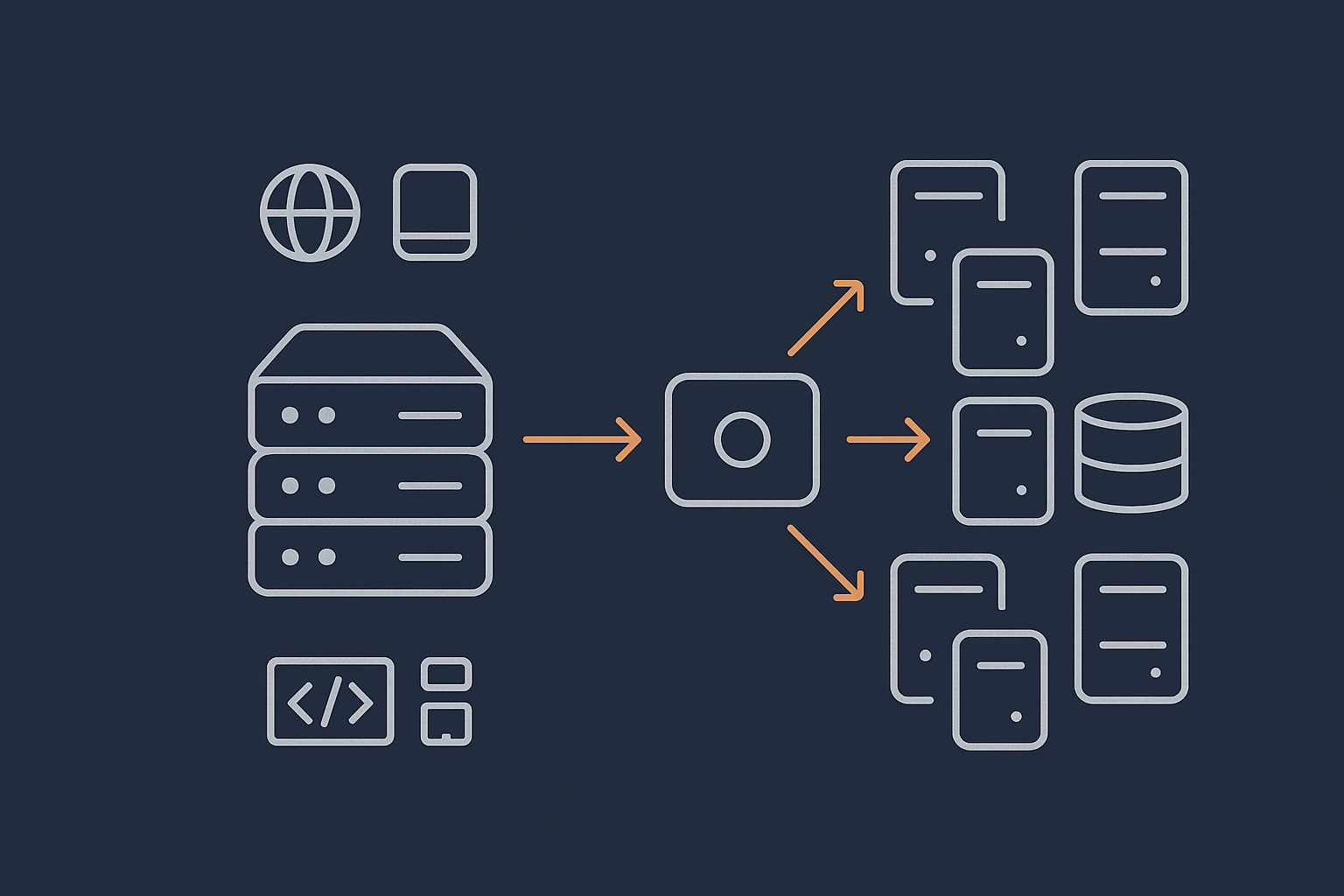
A single server setup is exactly what it sounds like. One machine runs everything:
- Web server software (for example Nginx or Apache)
- Application code (WordPress, WooCommerce or your custom app)
- Database (often MySQL or MariaDB)
- File storage for uploads, images and logs
This might be a physical machine or a virtual instance, but logically it is “one box”.
Benefits include:
- Simplicity: fewer moving parts and easier to understand
- Lower cost: you are paying for one environment
- Straightforward troubleshooting: if something is slow, it is on that server
On many well run virtual dedicated servers or dedicated machines, this model can support very busy sites, as long as resources are sufficient and the software stack is tuned.
What a multi server architecture usually means
Multi server architectures split roles across several machines. Common patterns include:
- One or more web or application servers that handle HTTP requests
- A separate database server
- Shared storage for user uploads and media
- A load balancer in front of multiple web servers
Instead of everything living on one box, each component can be scaled and maintained separately. For example you might have three web servers behind a load balancer, all talking to a single database and shared file store.
This separation allows:
- Higher availability, because one server can fail without taking down everything
- Horizontal scaling of web capacity by adding nodes
- Maintenance with less or no downtime, depending on the design
How this differs from typical public cloud patterns
In public cloud, “multi server” often extends to a very granular level: auto scaling groups, managed databases, serverless functions and global load balancers. Much of the complexity is hidden behind services and APIs.
On private infrastructure you still use virtual machines and clusters, but:
- Scaling out means provisioning new servers, not just nudging an auto scale policy
- Failover might involve IP switching or DNS changes, not instant regional handover
- Your provider or in house team handle more of the operational glue
That does not mean you cannot achieve strong uptime and performance. It does mean that design and operational discipline matter more, and this affects whether the additional complexity of multi server is justified for your business.
The real questions behind the choice
How much downtime can your business actually tolerate
Everything about single vs multi server comes back to this: how bad is downtime for you in practical terms?
Useful questions include:
- What is a realistic maximum for total unplanned downtime per month? Ten minutes, an hour, half a day?
- Are there trading hours where downtime is much more painful than overnight?
- Does downtime stop revenue, stop operations, or just delay some non critical activity?
A local business brochure site that rarely changes can tolerate occasional downtime far more easily than a national ecommerce brand or internal line of business system. Multi server architectures are mainly about reducing the impact of single failures, so they only make sense if that impact is meaningful.
For more about uptime targets and what “high availability” really means, you may find High Availability Explained for Small and Mid Sized Businesses useful.
What performance problems are you trying to solve
Performance is often cited as a reason to add servers, but the underlying issue is not always capacity.
Common causes of slow sites include:
- Poor caching and unoptimised pages
- Very heavy images or front end scripts
- Inefficient database queries or plugins
- Network latency between users and the data centre
Adding more servers does not automatically fix these. In many cases, tuning the application, adding effective caching and using an edge layer such as the G7 Acceleration Network can deliver major performance gains without adding any back end complexity. The G7 Acceleration Network caches content closer to visitors, optimises images to AVIF and WebP on the fly, and can often reduce image sizes by more than 60 percent.
Multi server becomes a performance tool when you have genuinely high concurrent usage that saturates a well tuned single server, or when database load is the real bottleneck.
How much operational complexity can your team realistically handle
A single server is conceptually simple. Regular tasks include:
- Applying operating system and security updates
- Monitoring CPU, memory and disk usage
- Managing backups and occasional restores
Multi server setups add:
- Load balancer configuration and health checks
- Database replication or clustering
- Application deployment across multiple nodes
- Coordinated updates and maintenance windows
If you have a small in house team, or limited 24×7 cover, this extra complexity is a major factor. It is a key moment where managed services or virtual dedicated servers with management can reduce operational risk, because your provider shoulders more of the day to day responsibility.
Compliance, governance and data residency considerations
Some organisations are not on public cloud because of regulation, data protection or internal governance. Requirements might include:
- Keeping all data within specific jurisdictions
- Stricter control over who can access infrastructure
- Specific logging and audit requirements
- Payment card handling obligations, where PCI conscious hosting is relevant
These requirements do not always demand multi server, but they do change how you think about resilience. For example, you may need separate environments for different data domains, or stronger isolation between components.
Clarifying these constraints early helps you design an architecture that satisfies them without unnecessary complication.
Single powerful server: when it is the right answer
Typical single server architecture for WordPress and WooCommerce
A well specified single server for WordPress or WooCommerce usually includes:
- Ample CPU cores and RAM for PHP and database workloads
- Fast SSD or NVMe storage for database and file I/O
- A tuned web server and PHP stack with appropriate caching
- Local or network backups on a separate schedule
Within this, different layers handle different functions, but they all run on the same machine. For many content sites and modest ecommerce stores this is entirely sufficient.
If you want more context on choosing between shared hosting, VPS, VDS and dedicated servers as the basis for such a setup, see Shared Hosting, VPS, VDS and Dedicated: How to Choose the Right Hosting Model for a Growing Business.
Strengths of a single server design
Single server designs have several strengths that are easy to underestimate:
- Clarity: everyone knows where the site lives and how it is structured
- Lower risk of configuration drift: you are not juggling configurations across multiple nodes
- Cost effectiveness: one substantial machine is often cheaper than several smaller ones plus a load balancer
- Straightforward backups: backing up and restoring one environment is simpler
Used thoughtfully, a single server can be a robust and reliable platform, especially when combined with good monitoring, backups and an acceleration layer.
Limits of vertical scaling and where it starts to creak
Vertical scaling means “making the server bigger” instead of adding more servers. You scale up CPU, RAM and storage as your needs grow.
This works well up to a point, but there are limits:
- Hardware caps: you eventually reach the largest practical machine size
- Diminishing returns: doubling resources does not always double capacity
- Risk concentration: the more critical everything is, the more that single point matters
Warning signs that vertical scaling is no longer enough include:
- Regular CPU saturation at peak times, despite previous upgrades
- Slow database queries that are not easily optimised further
- Maintenance windows becoming longer and more fraught, because so much depends on this server
For a deeper dive into these limits, see Scaling a Website Safely: When Vertical Scaling Stops Working.
Risk profile: what actually happens when that server fails
With a single server, most failures are “all or nothing”. Typical scenarios include:
- Hardware failure at the hypervisor or physical host level
- Operating system level corruption or a failed update
- Configuration changes that break the web server or database
When this happens:
- The site is offline until the problem is fixed, the server is rebuilt, or a backup is restored
- Recovery time depends heavily on your provider, backups and incident process
- You may lose some recent data if the last backup was not very recent
Good backups, documented recovery steps and a clear agreement with your hosting provider can make these events survivable. They are not instantly solved by multi server setups, but the blast radius is usually smaller in multi server designs.
If you are unsure how backups and redundancy fit together in this picture, Backups vs Redundancy: What Actually Protects Your Website gives further detail.
Multi server architectures without public cloud
Common building blocks: web, database and shared storage
When you move beyond a single server on private infrastructure, the basic building blocks are usually:
- Load balancer: receives incoming traffic and distributes it to web servers
- Web / application servers: run the web server and application code
- Database server(s): central place for storing and querying data
- Shared storage: holds assets that must be accessible from all web nodes, such as media uploads
These may be physical servers or virtual dedicated servers, but the key point is that roles are split. This provides flexibility but also more moving parts to understand and maintain.
High availability on private infrastructure
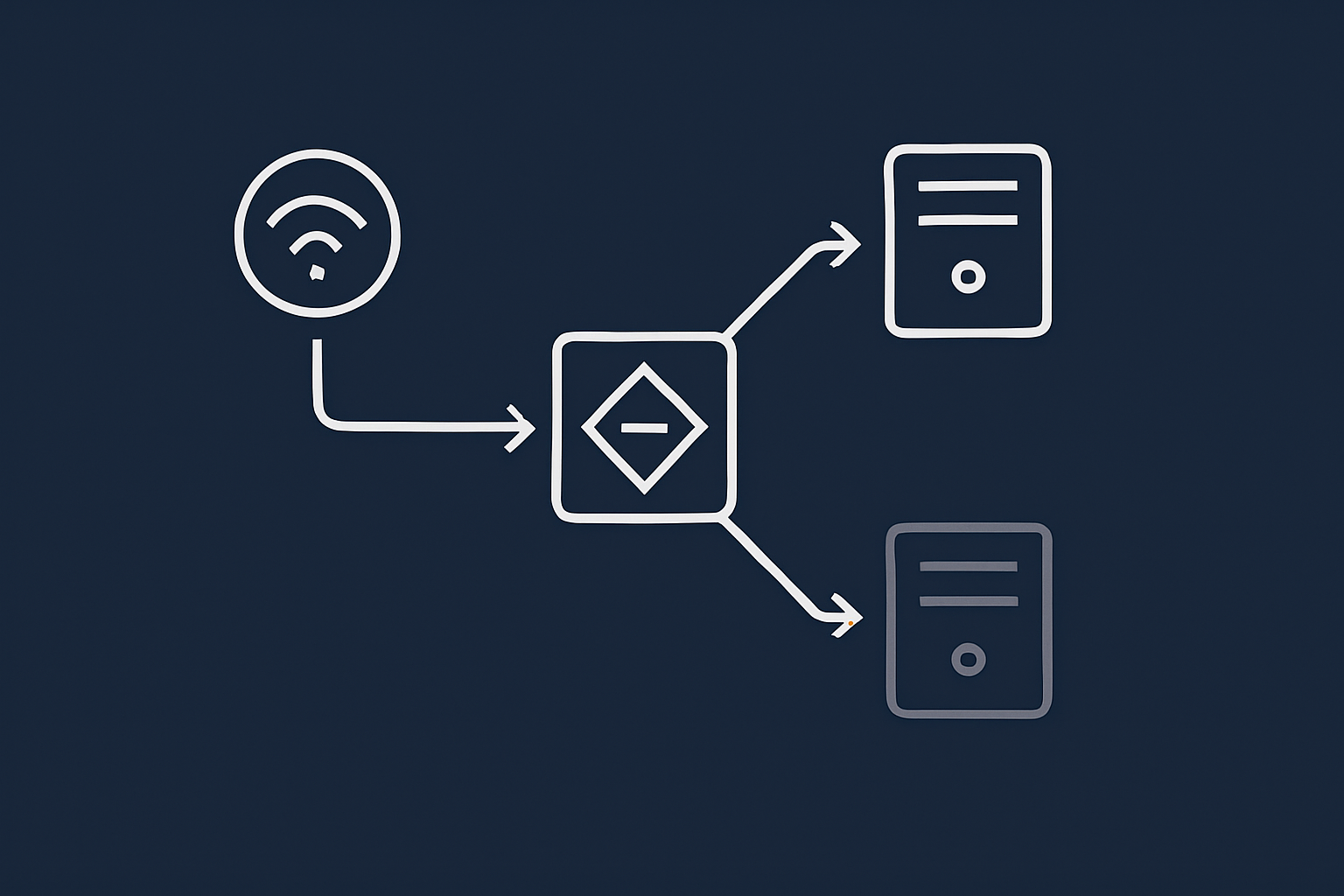
High availability means designing so that if one component fails, another takes over with minimal disruption. On private infrastructure this often looks like:
- Two or more web servers behind a load balancer
- Database replication from a primary to one or more replicas
- Failover procedures to promote a replica if the primary fails
- Redundant network and power within the data centre
This is achievable without public cloud, but it needs careful design and operational processes. You must decide how automatic you want failover to be, how you handle split brain risks in database clusters, and how you test failover safely.
For a detailed treatment of redundancy and failover patterns in non public cloud environments, see Designing for Resilience: Practical Redundancy and Failover When You Are Not on Public Cloud.
Scaling out: web node clusters, load balancers and queues
Scaling out, or horizontal scaling, means adding more servers rather than making a single one larger. Typical approaches include:
- Adding extra web nodes under the load balancer as traffic grows
- Offloading heavy background tasks to queue workers on separate servers
- Using read replicas for database read heavy workloads
In practice this can support higher concurrency, smoother handling of traffic spikes and better isolation of different workloads. For example, a busy WooCommerce store might put order processing or report generation on background workers instead of blocking front end requests.
Operational overhead: what your team or provider must manage
The trade off is operational effort. Multi server setups introduce tasks such as:
- Coordinating deployments so all nodes run the same code
- Keeping configurations and secrets in sync and secure
- Monitoring multiple systems and interpreting cross node issues
- Handling failover events, including database role changes
For organisations without an experienced in house operations team, this is a strong case for managed clusters, managed load balancers or fully managed Enterprise WordPress hosting where the provider takes on most of this complexity.
Performance, uptime and risk: comparing single and multi server setups
Performance: where the bottlenecks really are
Whether you run one server or many, the main performance bottlenecks tend to be:
- Database queries and locking
- Disk I/O for reading / writing data
- Application level inefficiencies (for example busy loops, heavy plugins)
- Network latency and content weight
Multi server architectures help when a single database or web server cannot handle the concurrent load. They do not help much if the core application is inefficient or the front end is heavy.
Acceleration layers such as the G7 Acceleration Network reduce load on back end servers by caching static and semi static content at the edge, optimising images and filtering abusive traffic before it reaches your application. This can meaningfully delay the point at which you need extra back end servers.
Uptime and failure modes: what actually goes wrong
In a single server world, many failures are total: if the server fails, the site is down. In a multi server world, failures are often partial:
- A single web node fails but others continue serving traffic
- A read replica lags behind but the primary database is still healthy
- Shared storage slows down and becomes the performance bottleneck
This is better for uptime, but incidents can be more complex to debug, as there may be several interacting systems involved. Your monitoring and alerting need to be more deliberate.
To understand typical failure points in real hosting environments, Why Websites Go Down: The Most Common Hosting Failure Points provides useful real world examples.
Backups vs redundancy in each model
It is easy to confuse backups with redundancy. They solve related but different problems:
- Backups protect you from data loss and logical errors, by letting you restore to a known point in time
- Redundancy minimises downtime when a component fails, by having another component ready to take over
On a single server:
- Backups are essential and relatively simple
- Redundancy is limited, though you can sometimes fail over to a standby server or restore quickly to a new one
In multi server setups:
- Redundancy can keep the service running when individual nodes fail
- Backups are still essential, and often more intricate, as you must consider multiple systems and consistent restore processes
A good architecture will combine both. Redundancy keeps you online through many hardware and infrastructure incidents; backups protect you when something more fundamental goes wrong.
Costs you do not see on the price list
The monthly cost of a server is only part of the picture. Hidden or indirect costs include:
- Engineering time spent maintaining the platform
- Time spent during incidents and the opportunity cost of that time
- Training and documentation to keep the system supportable
- Energy and load testing costs for more complex setups
Multi server architectures typically increase these operational costs, even if per server pricing looks attractive. A single well managed virtual dedicated server with good backups and edge acceleration can be cheaper and safer than a lightly managed, poorly understood cluster.
Practical decision framework: is it time to move beyond one server
Simple scoring approach: traffic, revenue and tolerance for pain
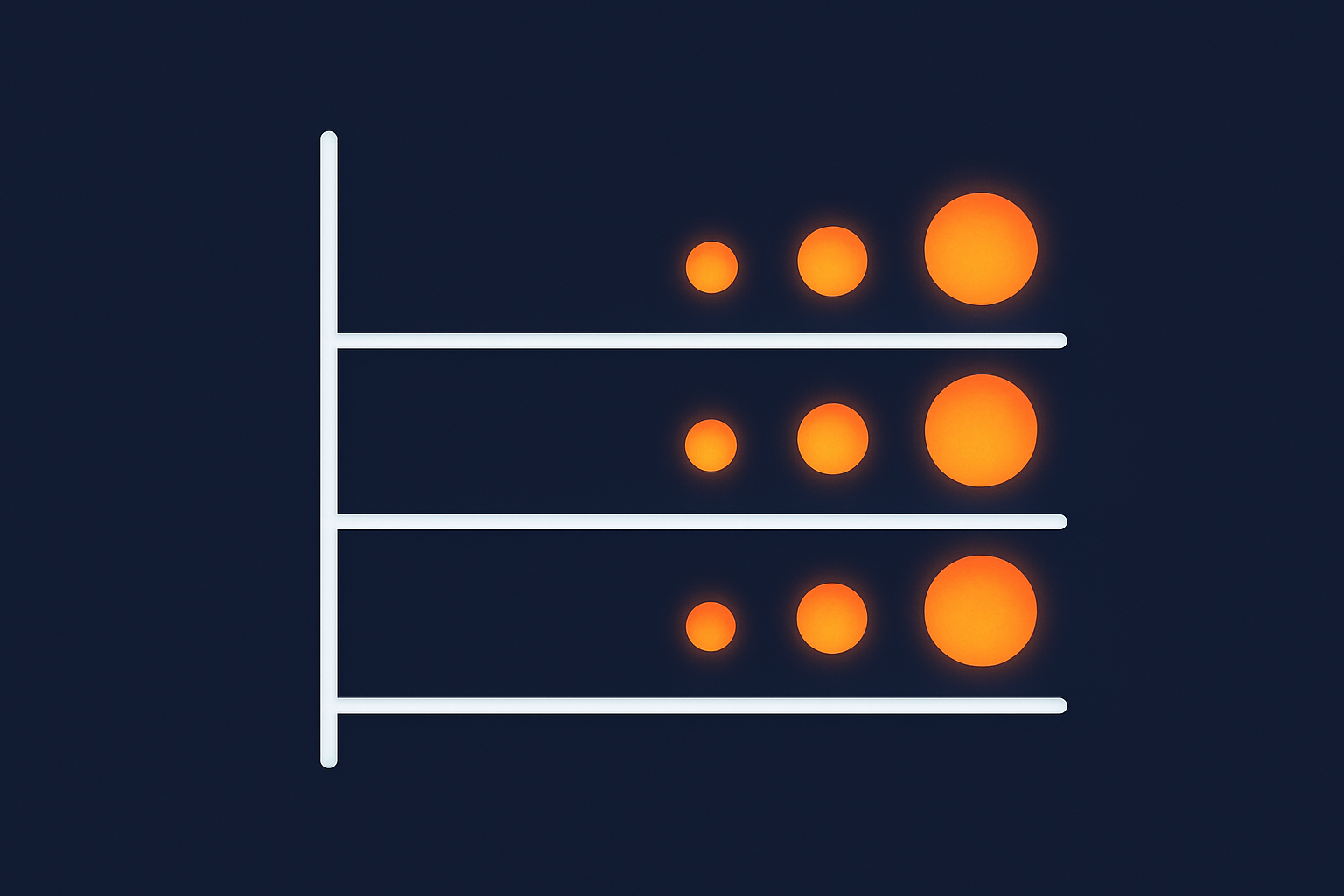
If you want a structured way to decide, consider three axes:
- Traffic: peak concurrent users and regular load
- Revenue impact: direct and indirect revenue at risk during downtime
- Downtime tolerance: both technical and political tolerance for disruption
You might roughly score each from 1 to 5:
- 1–2: modest traffic, low direct revenue, downtime is inconvenient but accepted
- 3: growing, noticeable revenue impact, outages cause real frustration
- 4–5: high traffic or high value, downtime is formally escalated and taken very seriously
If you are consistently at 4 or 5 on two or more axes, investing in multi server redundancy starts to look like a proportionate response. If you are at 1–2 on most axes, a stronger single server, better caching and improved incident procedures may give you almost all the benefit at lower cost and complexity.
Red flags that you have outgrown a single server
Practical signs include:
- Repeated episodes of performance degradation during campaigns or seasonal peaks
- Out of hours incidents that require urgent action on a single critical server
- Difficulty scheduling maintenance because there is no acceptable downtime window
- Regulatory or contractual uptime commitments you cannot meet with a single point of failure
When these appear, it is time to look at splitting roles or adding redundancy, even if you do not go all the way to a full cluster immediately.
Cases where a better single server setup is the real fix
Equally, there are many cases where the right answer is “a better single server”, not “more servers”. Some examples:
- Unoptimised images and front end assets causing long load times, fixable with an acceleration layer like the G7 Acceleration Network
- Poor database indexing or heavy plugins on WordPress causing slow queries
- Insufficient RAM or outdated storage making a single server grind during backups or cron jobs
- No application level caching in place
In these situations, improving the application stack, increasing server resources, or moving to a managed virtual dedicated server with tuning support may be a more effective and simpler step than jumping straight to multi server.
Example architectures on private infrastructure
Scenario 1: Growing brochure site or content site
Characteristics:
- Primarily content, with WordPress or similar
- Global readership but modest peak concurrent usage
- Downtime is undesirable but does not stop operations
A sensible architecture might be:
- A single well specified virtual dedicated server hosting web, application and database
- Managed backups with daily retention and more frequent database dumps
- Use of the G7 Acceleration Network to cache content close to users and optimise images
This gives strong performance, predictable costs and manageable complexity. Multi server is generally not needed at this stage.
Scenario 2: Busy WooCommerce store with UK traffic and peaks
Characteristics:
- Concentrated UK audience, with clear busy seasons and promotions
- Downtime during trading hours feels painful and is noticed by customers
- Checkout is important, but total volumes are still mid range rather than very high
Here, two viable approaches exist:
-
Enhanced single server with edge acceleration
- High spec virtual dedicated server or dedicated machine
- Careful tuning of PHP, database and object caching
- Use of the G7 Acceleration Network to reduce back end load and filter abusive traffic
- Strong backup plan plus tested recovery process
-
Small multi server setup
- One load balancer
- Two web / application servers
- One dedicated database server
- Shared storage for media
The single server approach keeps complexity manageable and will suit many stores. The small cluster becomes appealing if downtime costs are higher, or if load testing shows that checkouts are close to saturating a single machine during peaks.
Scenario 3: Enterprise WordPress or line of business application
Characteristics:
- Multiple stakeholders and formal SLAs
- Integration with other systems, possibly via APIs
- Downtime is escalated quickly and has clear financial and reputational impact
In this case a multi server design is usually justified. A typical pattern might be:
- Redundant load balancers
- Several web / application nodes
- Primary database with one or more replicas
- Separate background worker nodes, if needed
- Well documented deployment pipeline and monitoring
Here the operational burden is substantial, so a managed cluster or specialist Enterprise WordPress hosting service is worth considering. Your provider can take care of uptime, scaling and updates, while you focus on the application and content.
How managed services and edge features reduce the need for more servers
Using caching, acceleration and bad bot filtering to do more with less
Before adding servers, it is worth maximising what you can do with your existing infrastructure. A significant proportion of web traffic is:
- Serving the same content to many visitors
- Delivering images and static assets
- Handling non human traffic such as bots and scrapers
Edge services such as the G7 Acceleration Network help by:
- Caching static and cacheable dynamic content close to users
- Automatically converting images to AVIF and WebP, often reducing size by more than 60 percent
- Filtering abusive or clearly automated traffic before it reaches your servers
This reduces load on your origin servers, improves performance and can delay or avoid the need for a multi server back end.
When a managed virtual dedicated server is a safer middle ground
If your current single server is under strain, but a full multi server cluster feels like too big a leap, a managed virtual dedicated server can be a sensible middle ground.
In this model:
- You still benefit from the simplicity of a single logical environment
- Your provider manages security updates, monitoring and capacity planning
- You can often scale vertically without redesigning your application
This reduces operational risk and frees your team to focus on the site or application rather than the underlying platform.
Tying this into your wider disaster recovery and continuity plan
Architecture decisions should sit within a broader disaster recovery (DR) and business continuity plan. Elements include:
- Clear recovery time objectives (RTO) and recovery point objectives (RPO)
- Documented backup and restore processes
- Plan for what happens if an entire data centre is unavailable
- Regular, realistic test restores and failover exercises
Whether you are on a single server or a complex cluster, this planning is essential. Multi server setups often improve availability within a data centre, but you still need a coherent DR strategy for larger incidents.
Industry guidance such as the ISO 22301 standard on business continuity management can be a useful reference point for structuring these plans, although it is not specific to hosting.
Summary: a sane path from single server to resilient architecture
You do not need to jump to a complex multi server cluster the moment your site becomes more important. It is usually more sensible to:
- Clarify business priorities: uptime tolerance, revenue impact and compliance constraints
- Maximise your existing single server with tuning, caching and edge acceleration
- Strengthen backups, monitoring and incident procedures
- Only then, consider splitting roles or adding redundancy where it clearly reduces risk
Multi server architectures on private infrastructure can deliver strong resilience and scalability, but they bring additional cost and operational complexity. A well managed single server or managed virtual dedicated server will be the right answer for many businesses, at least for a while.
When the time does come to move beyond one server, planning, realistic risk assessment and a clear understanding of responsibilities between you and your hosting provider will make that transition far smoother.
If you would like to talk through which architecture fits your situation, G7Cloud can help you weigh the trade offs between single server, managed virtual dedicated servers and multi server designs, so you can choose an approach that matches your risk, budget and in house capacity.